Media is the fastest way to make an Experience feel like the place it is standing in. It is also the fastest way to make a page slow, so the rule of thumb is one strong image near the top and everything else earning its place.
The nine blocks
- ImageFree
- One photo or graphic. Fields: Image (upload or paste a URL), Width, Alignment, Alt text, caption visibility and Caption alignment, and an optional Link URL. Alt text is not optional in practice: see below.
- Photo GalleryFree
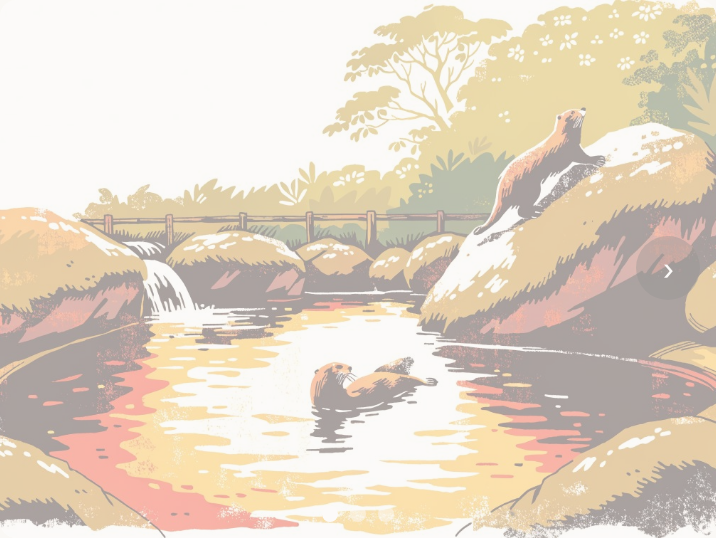
- A swipeable gallery. Field: Gallery Images, each with its own alt text. Use it when the pictures are peers: four views of the same room, six dishes, the same shoreline across four seasons.
- VideoFree
- A YouTube or Vimeo embed. Field: YouTube or Vimeo URL. Paste the ordinary watch link; you do not need the embed code.
- AudioFree
- An audio player with a transcript. Fields: Audio file (upload, or paste an audio URL) and Transcript (optional). The transcript is what makes an audio guide usable by somebody who cannot hear it or is standing in a loud room.
- Before & AfterFree
- An image comparison slider. Fields: a before image and an after image, each with its own alt text. Restoration, conservation, a refit, a rebuild.
- 3D ModelFree
- A Sketchfab embed. Field: Sketchfab model URL. The visitor spins the model on the page. This is not the same block as View in AR, which places an object in the room in front of them.
- Social LinksFree
- Your accounts, as tappable icons. Add a row per network and type the handle: cedarroomcigars, or @cedarroomcigars, or the whole link; all three work. Nineteen networks plus a Website row for anything else. Two layouts: an icon row, or labelled rows showing the handle beside each mark. This is the block for follow us.
- Social EmbedFree
- One post, shown on the page. Field: Link to a post, or paste embed code. This is not the follow us block: it puts a single post, reel or video on your Experience. Use Social Links for accounts.
- Sponsor BannerFree
- A co-branded bar. Fields: Sponsor name, Sponsor logo, Sponsor URL, Tagline. Built for the case where somebody else paid for the exhibit and their name has to be on it.
Alt text, and why we are strict about it
Every Image and every Gallery image has an Alt text field. Fill it in. NearField ships an Inclusion Bar on every Experience and sells itself partly on being usable by everybody, and an unlabelled photo is the one thing that undoes that in a single tap.
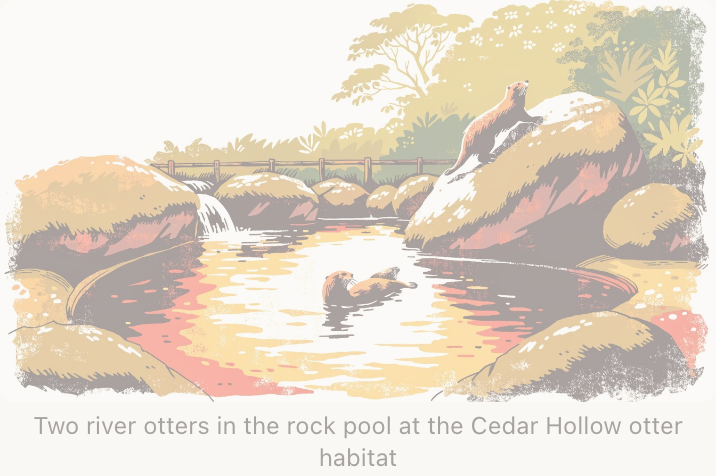
Describe what is in the frame, not what the section is about. A sea otter floating on its back, cracking a clam on its chest is alt text. Otter habitat is a caption pretending to be one.
Audio, and the transcript field
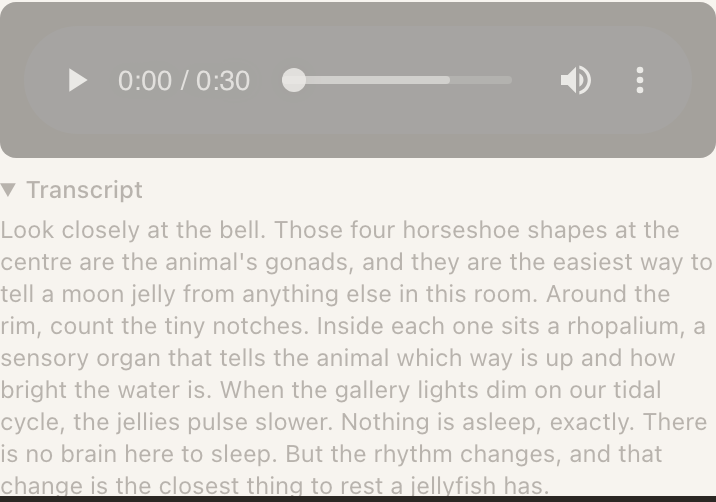
The Audio block is the backbone of a self-guided tour, and the Transcript field is what makes it work in the real world. A gallery is quiet and people whisper. An aquarium tunnel is loud. Somebody has forgotten their earphones. The transcript covers all three, and it is also the version a search engine can read.
Example
Ridgewood Museum of Natural History: the meteorite case
One Marker on the plinth, one Experience, and a two-minute recording from the curator who catalogued the fall.
- Audio with the recording, and the full transcript pasted underneath it.
- Image of the fall site in 1912, with alt text describing the crater and the two figures standing in it for scale.
- Before & After showing the specimen as it arrived and after conservation.
- Text with the two sentences the curator wanted in writing rather than in the recording.
A Video block would have needed a film crew and would play badly on gallery Wi-Fi. Audio plus a still image is the same story at a fraction of the weight, and the transcript means the visitor in the noisy school group gets it too.
Gallery, and when one Image is better
Reach for a Photo Gallery when the images are equals and the visitor might want any of them. Reach for a single Image when one picture is doing a specific job in a specific place: the hero at the top, the diagram beside the paragraph that explains it.
Example
The Bellhaven Hotel: the room Marker
The Marker is inside the wardrobe door of a suite. Guests tap it to work out how the room works, so the media has two different jobs on one page.
- One Image at the top: the room's control panel, photographed straight on, alt text naming each switch. It is a reference picture, and it needs to be there without a swipe.
- One Photo Gallery further down: the spa, the roof terrace, the breakfast room, the pool. Four peers, any of which the guest might care about, none of which they need.
Putting the four hotel photos in four Image blocks would have pushed the control panel off the screen. Putting the control panel in the gallery would have hidden the one picture the guest actually opened the page for.
3D Model is not View in AR
Two different blocks in two different groups. 3D Model embeds a Sketchfab scene the visitor spins with a finger, it is free, and it works everywhere including a laptop. View in AR puts the object into the room through the phone camera, it needs a .usdz file for iPhone and a .glb for Android, and it is Enterprise.
Social Links or Social Embed?
They sound like the same block and they are not. Social Links points at your accounts: a row of icons a visitor taps to go and follow you. Social Embed puts one specific post on the page. Nine times out of ten a venue wants the first one.
Social Links takes a handle rather than a URL, because nobody standing behind a bar knows the address of their own Snapchat account. Type cedarroomcigars and we build the link; paste the whole thing and we use it as given. Either way the editor prints the address it resolved to under the field, so you never have to publish to find out whether we understood you.
Where are uploaded images and audio stored?
In your NearField account's storage, and served from the same domain as the Experience. You do not need to host anything yourself, and you do not need an image URL from somewhere else, although the Image and Audio blocks both accept one if you already have it.
Can I put a video file straight into a Video block?
No. The Video block takes a YouTube or Vimeo URL, which is what keeps a page loading quickly on venue Wi-Fi: the video streams from a service built for it rather than out of your storage. For short audio, upload directly to the Audio block.
Does a social block keep working if I change my handle?
No. Both blocks hold what you typed, not a live lookup, so a renamed account or a deleted post stops resolving. A Social Links row will still open: it will just land on a profile that is no longer there. It is worth checking any Experience with a social block on it whenever accounts change hands.
Which networks can I add to Social Links?
Instagram, Facebook, TikTok, YouTube, X, LinkedIn, Snapchat, Threads, Pinterest, WhatsApp, Telegram, Reddit, Discord, Twitch, Bluesky, Yelp, Tripadvisor, Google and Spotify, plus a Website row that takes any link and any label you like, for a newsletter, a Linktree or your own site.
Why are the social icons not in their brand colours?
By default they take your Experience's own colours, so a row of them reads as one set rather than as nineteen logos, which is also what keeps them legible on a dark or a tinted background. Turn on Use brand colours in the block's settings if you would rather have the real ones.
I pasted my Instagram link into Social Embed and got a link card, not my feed.
That is Instagram's rule and it is working as intended. Instagram will not allow a profile to be embedded anywhere, only a single post, so pasting a profile gives you a link card rather than a blank space. If what you wanted was follow us, use a Social Links block instead; if you wanted a specific photo on the page, open that post on Instagram and paste its link.
What image width should I use?
The Width field is a percentage, and the default full width is right for nearly everything on a phone screen. Narrow an image when it is a portrait shot that would otherwise take the whole screen, or when it sits next to a caption that needs to be read with it.