Use case · Health & Wellness
QR code & NFC for medispas, studios, and salons.
Medispas, fitness studios, and salons use NearField to get the paperwork done before the appointment starts, with a digital waiver on the front desk Marker and check-ins at every class.
A new client arrives five minutes early and spends nine minutes on a clipboard, so the treatment starts late and the next one starts later. The aftercare instructions go home as a photocopy that ends up in a glovebox. Nobody rebooks at the chair because the front desk is busy checking in the class that just showed up.
Picture this.
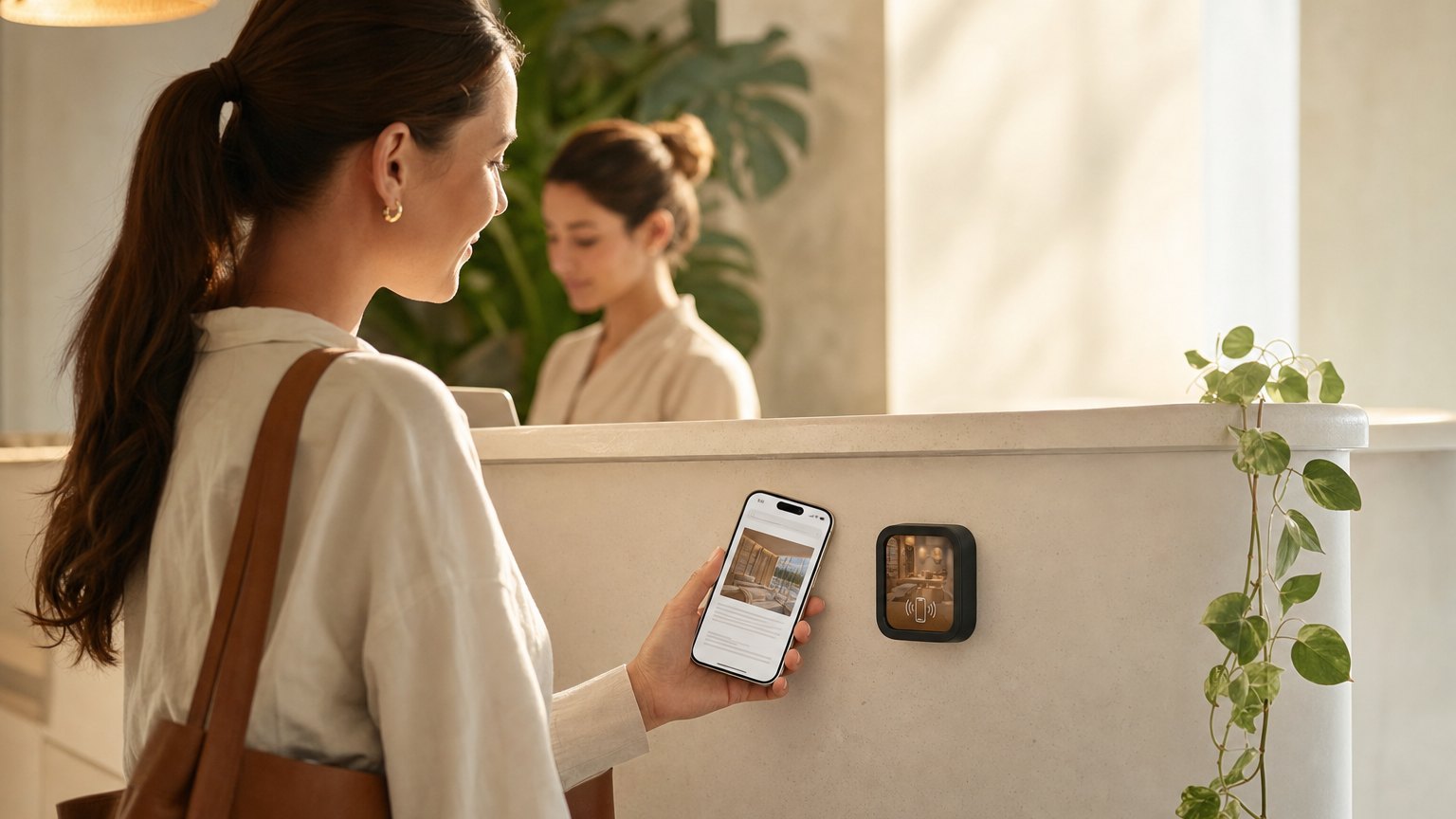
A first-time client taps the Marker at the front desk while she is still standing up. The waiver, the intake questions, and the patch test consent are signed on her own phone before she sits down, and the room runs on time.
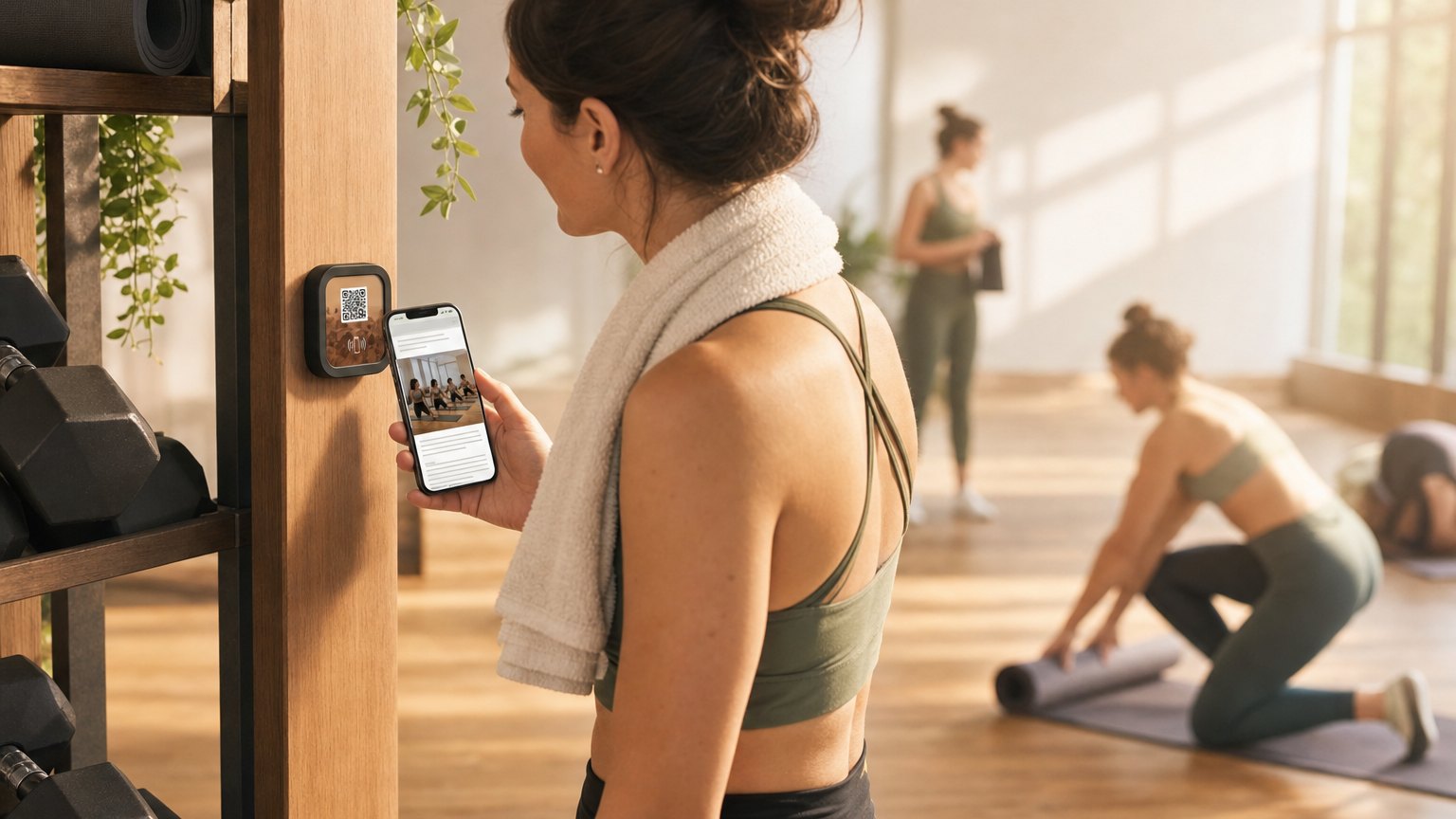
A studio puts a Marker by the door of each class. Members tap or scan on the way in, the roster fills itself, and the instructor can see at a glance who is new this week and worth introducing to the room.
A stylist finishes a color and points at the Marker on the mirror. The client scans it, sees the exact formula used, the aftercare, and a rebooking link for six weeks out, and books it from the chair.
What it costs a three-room studio
No quote, no sales call to find the price. Here is a small studio or spa, start to finish.
Software
Starter, $19/mo
10 Marker placements, Lead Capture, and Name, Email and Phone Capture: intake details at the front desk, three treatment rooms, two class doors and the retail shelf, with a CSV export of every intake.
Hardware
$194 one-time
8 NFC and QR Markers. The first three are an Intro 3-Pack and the rest are $29 each, shipping included. Relink any of them when a room changes service or a class moves, so nothing gets reprinted.
Year one, all in
$422
$19/mo for a year plus the one-time Markers. Less than a month of the paper intake forms and printed aftercare sheets it replaces.
Build it first, with every Growth block and Action and no card needed. Your 14-day trial starts when your page goes live, and on day 14 the plan your live pages need starts.
Want the signed waiver and class check-ins, or more than one location? Those are on Growth, $39/mo, with 30 placements and every NearField Memory block. See full pricing →
Built on the platform 100+ museums, attractions, and venues already run on.
Where NearField fits
Medispas & clinics
Waivers and intake signed at the door, service menus that change without a reprint, and aftercare the client still has on their phone a week later.
Fitness & yoga studios
A Marker at each studio door takes the class check-in, shows the schedule, and puts next week's sign-up one tap away while the member is still in the room.
Salons & barbershops
The color formula, the aftercare, the product used, and a rebooking link on the mirror Marker. The conversation about coming back happens at the chair, not the counter.
Wellness & recovery
Massage, chiropractic, cryo, and recovery rooms. Consent, contraindication questions, and equipment instructions on the wall of the room they are already in.
Why NearField for wellness
Paperwork before the room
The waiver, the intake, and the consent are signed while the client is still in the lobby. Treatments start on time and the front desk stops chasing signatures.
Check-ins without a queue
Members tap or scan on the way into class. The roster fills itself, nobody waits at the counter, and you can see who came back this month and who did not.
Rebooking at the chair
The rebooking link sits on the Marker the client is already looking at, next to the aftercare. Ask while they are happy, not while they are putting a coat on.
Personalize every touchpoint
NearField Memory blocks take a client's name and details once at the front desk, then carry them to the treatment room, the class door, and the retail shelf.
Sort new from returning
A Quick Choice at the desk asks 'First visit or coming back?' New clients get the full intake. Regulars get a check-in and their aftercare, and skip the form.
Sign once, not every room
A client who signed the waiver at the door is recognized at the treatment room Marker. No second form, no asking the same question twice in ten minutes.
Conditional content
A member on an unlimited plan sees the class schedule. A drop-in sees the pricing. Same Marker at the same door, different content.
Text the reminder
A Phone Capture block at check-in collects numbers with consent. Send the aftercare check, the rebooking nudge, or a spot opening up tonight by SMS.
Your Audience page shows engagement across the whole location, by Project. See which class fills, which treatment room gets the most questions, and which shelf gets ignored.
From the guides
NFC for medispas →
Where the Marker goes at the front desk, what belongs on the waiver, and how aftercare stays on the client's phone instead of a photocopy.
NFC for fitness studios →
Class check-ins at the studio door, schedules that stay current, and the sign-up that happens before the member leaves the room.
QR codes for small business →
The operator playbook: where a code earns its place at the counter, on the mirror, and on the shelf, and when to upgrade to a Marker.
Ready-made starting points: medispa, fitness studio, and spa amenities.
The appointment should start when they sit down, not when the clipboard comes back.
No card needed to build. Your 14-day trial starts when your page goes live.