Guide · Hotels & Hospitality
NFC for hotels: replace the room binder with a tap on a Marker
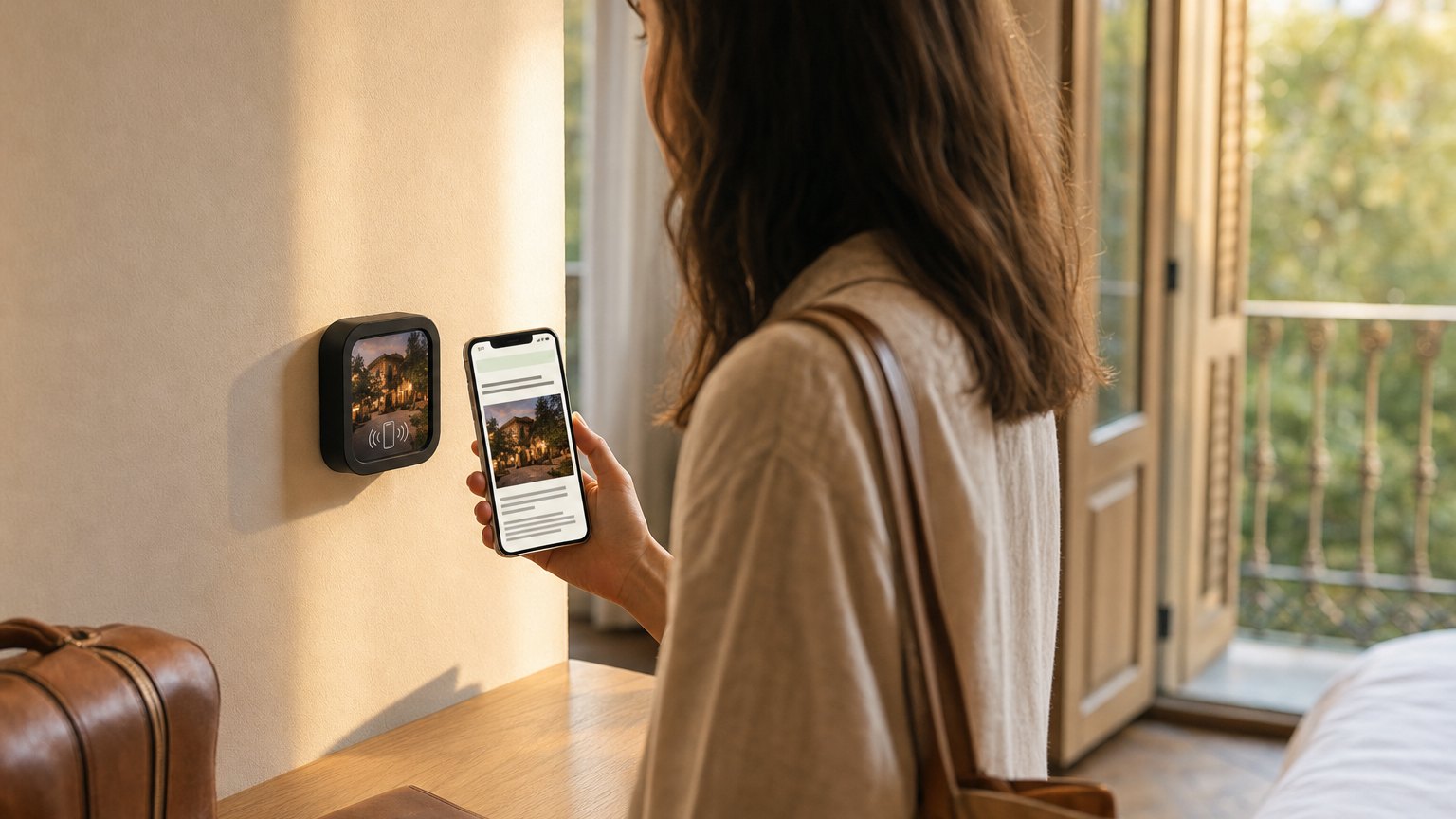
A small branded Marker on the desk in each room. A guest taps it and gets Wi-Fi, the room service menu, F&B hours, spa booking, checkout instructions, and your local recommendations, instantly, on their phone. No app download. No thick binder they'll never open.
The problem with the in-room binder
The standard hotel room binder is a liability. It's expensive to print and maintain across hundreds of rooms. It goes out of date every time the restaurant changes its hours, the spa adds a new service, or checkout policy shifts. It gets sticky. It gets damaged. Some guests throw it in a drawer and never open it.
The result is front-desk calls. "What's the Wi-Fi password?" "What time does the restaurant open?" "Can I get a late checkout?" Every one of those calls is a front-desk staff member pulled off something more valuable. Hotels with 150 rooms can receive hundreds of these calls per day across a busy weekend.
What the Marker replaces and what it improves
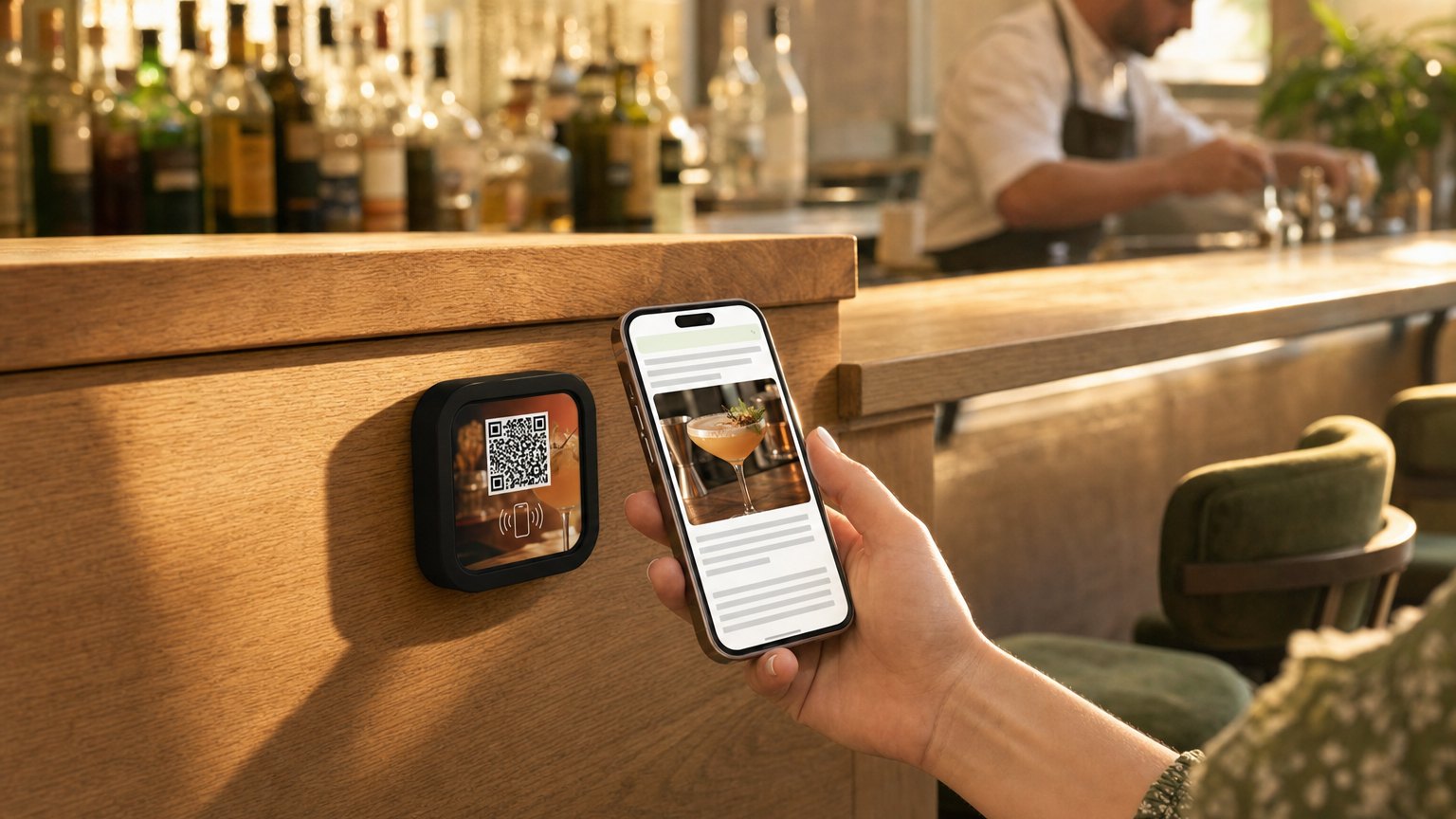
A NearField Marker on the room desk is printed with the hotel's logo and "Tap for guest guide" or similar, and links to a mobile Experience the guest opens in their phone browser. Everything in the binder is on that page, plus things the binder couldn't do:
- Wi-Fi name and password. Every guest's first question. Front of the page, on a Wi-Fi Marker the guest can copy in one tap.
- Room service menu with "order now" button. A link to your ordering system or a phone number. Guests are more likely to order when the menu is on their phone, not on a laminated card with a sticky corner.
- F&B hours and reservations. Restaurant hours, breakfast service times, pool bar hours, with a link to reserve a table.
- Spa booking. A direct link to your spa booking system. A guest who taps the Marker at 8pm to check hours can book a Saturday morning treatment in the same session.
- Late checkout request. A button that sends a request to the front desk, or links to your housekeeping platform. The Request Action sends it straight to your phone and inbox with the room number already in it, so the guest has nothing to type or send.
- Local recommendations. Curated picks from the concierge (restaurants, coffee, neighborhoods, attractions) that feel personal and reflect your property's taste.
- Checkout instructions. Key return, luggage storage, parking validation: the things guests ask at the front desk on the way out.
Ready to try it?
Build a hotel room Experience with every Growth block and Action. No card needed to build. Your 14-day trial starts when your page goes live.
Start with the hotel room templateThe front-desk call reduction effect
The result to watch for is a drop in routine front-desk calls in the first week. Wi-Fi questions, F&B hours, checkout times, pool towel policies: these are the calls that drop off first, because they're the highest-frequency and the Marker handles them instantly.
Staff time that was going to routine information queries shifts to actual guest requests: a problem with the room, a special occasion setup, a genuine service need. That's the version of hospitality hotels are trying to deliver.
Expanding beyond the guest room
The in-room Marker is the natural starting point, but the same approach works throughout the property.
Restaurant. A Marker on each table links to the current menu, specials, wine list, and a reservation button for a future visit. When the menu changes, update the Experience, not the Markers.
Lobby and check-in area. A Marker on the welcome desk links arriving guests to the property map, pool hours, and the day's F&B schedule. Reduces the check-in staff's need to explain everything verbally.
Spa and fitness center. A Marker at the entrance to each facility links to the services menu, class schedule, or booking system.
Event spaces and ballrooms. A Marker at the entrance to each space links to the event program, seating map, or sponsor information. Different events get different Experiences; same hardware.
Keeping it updated
The Marker never changes. The Experience behind it does. When the restaurant changes its hours, a team member opens your dashboard and updates a single text block. Every room in the hotel shows the new hours on the next tap.
Pick one person, a marketing coordinator, operations manager or front desk supervisor, to own the content and keep it current. The weekly update takes 10-15 minutes once the initial Experience is set up.
How to get started
- 1Sign up free and choose the Hotel Guest Directory template. Fill in Wi-Fi, F&B hours, spa link, local recommendations, and checkout instructions.
- 2Preview it on a phone. Walk it through with the GM or front desk manager: the live preview is more convincing than any pitch deck.
- 3Order a small batch for a pilot floor or wing, enough to test the impact on front-desk call volume before committing to the full property.
- 4Register the Markers in your dashboard, link all of them to the same Experience, and place one on the desk in each pilot room. Your 14-day trial starts when your page goes live.
- 5Track front-desk call volume for two weeks, against the floors that don't have Markers yet. Use that data to make the case for the full rollout.
Start with an Action
Before you build the full in-room directory, three Actions solve the calls that interrupt your front desk most often, each one live in about a minute.
Guest Wi-Fi
The single most common front-desk call, answered on the nightstand.
Try the live demoRequest
Towels, housekeeping or valet, sent straight to your phone and inbox with the room number already in it.
Try the live demoAction Hub
Checkout time, dining hours and parking on one Marker.
Try the live demoEach one goes live in under a minute, and any Action converts into the full Experience described here in one tap, and the same link and Markers keep working. See all 17 Actions.
Ready to build?
Build your hotel room Marker
The hotel room template is pre-loaded with Wi-Fi credentials, room service, F&B hours, spa booking, concierge picks, and checkout instructions. Free to build. One Marker per room.