Template · Hotels & Hospitality

    Wi-Fi, room service, and everything guests actually ask for. One Marker on the desk.

    Use this template free

    No account or card needed to build.

    A branded Marker on the room desk replaces the binder. Guests tap or scan once to get the Wi-Fi password, dining and room service hours, the pool and gym, your local picks, and checkout times. A request button handles towels or a late checkout without anyone calling the front desk.

    What's in this template

    Welcome heading with your hotel's name
    A welcome back that greets returning guests by name
    Wi-Fi name and password, copied in one tap
    Check-in and checkout times, and the front desk number
    Dining, room service, amenities, and parking, in one list
    Local recommendations from your front desk
    A request button for towels, housekeeping, or a late checkout
    A book-direct offer that collects guest emails
    A one-tap call to the front desk
    Use this template free

    No card needed to build. Your 14-day trial starts when your page goes live.
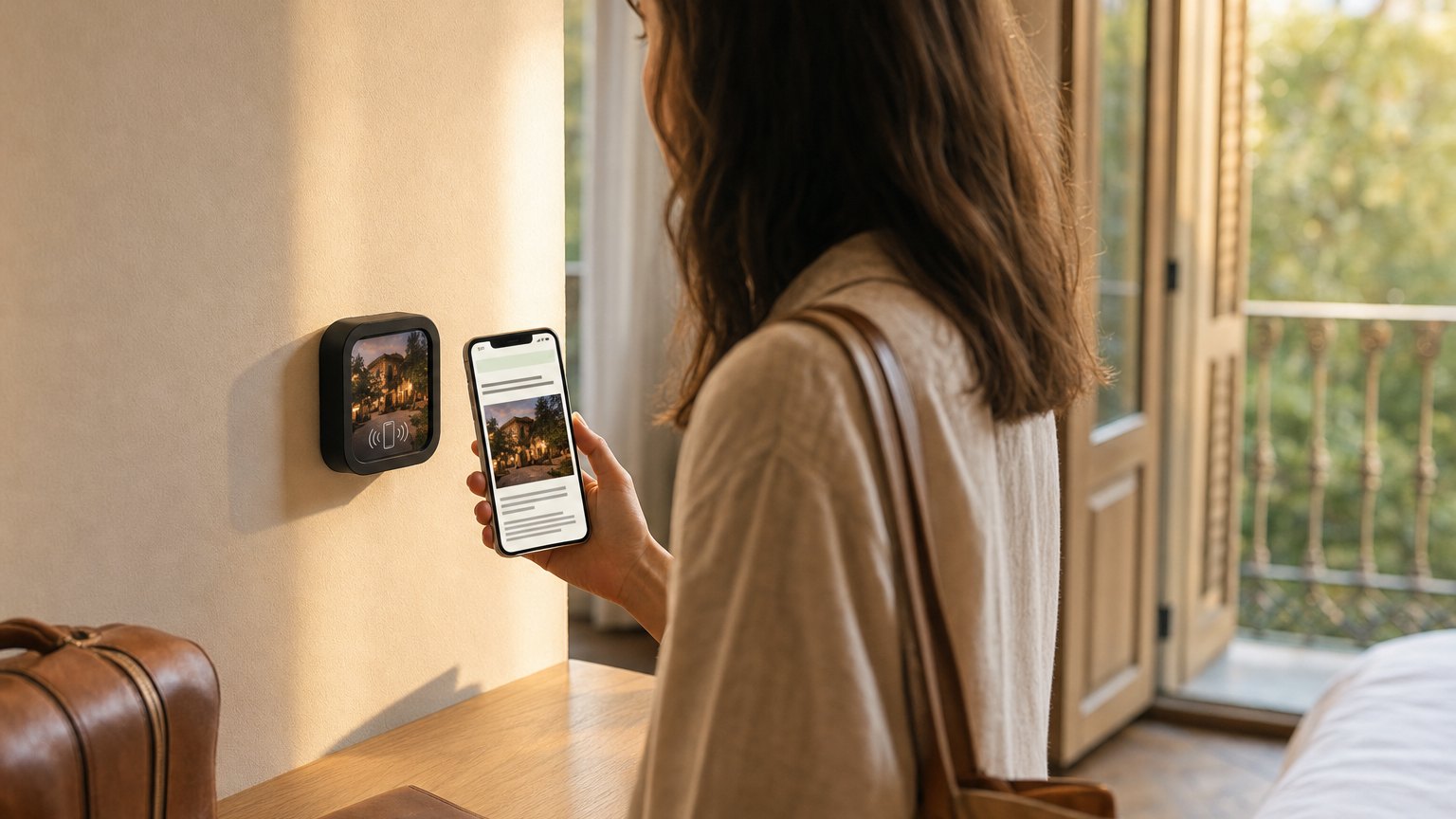
    A guest taps her phone to a NearField Marker on the wall above a hotel room desk

    The impact on front-desk volume

    Wi-Fi questions ↓

    The first thing every guest asks. Front-of-page on the Marker, before they ever pick up the phone.

    F&B hours calls ↓

    Restaurant opens when? Pool bar closes when? The accordion answers both before the guest reaches the phone.

    Checkout inquiries ↓

    Checkout time, late checkout requests, luggage storage, all one tap or scan away. Handled before they pack.

    One update, every room

    All room Markers link to the same Experience. When the restaurant changes its hours, update one text block. Every room in the hotel shows the new hours on the next tap or scan. No binder reprints, no laminated insert swaps.
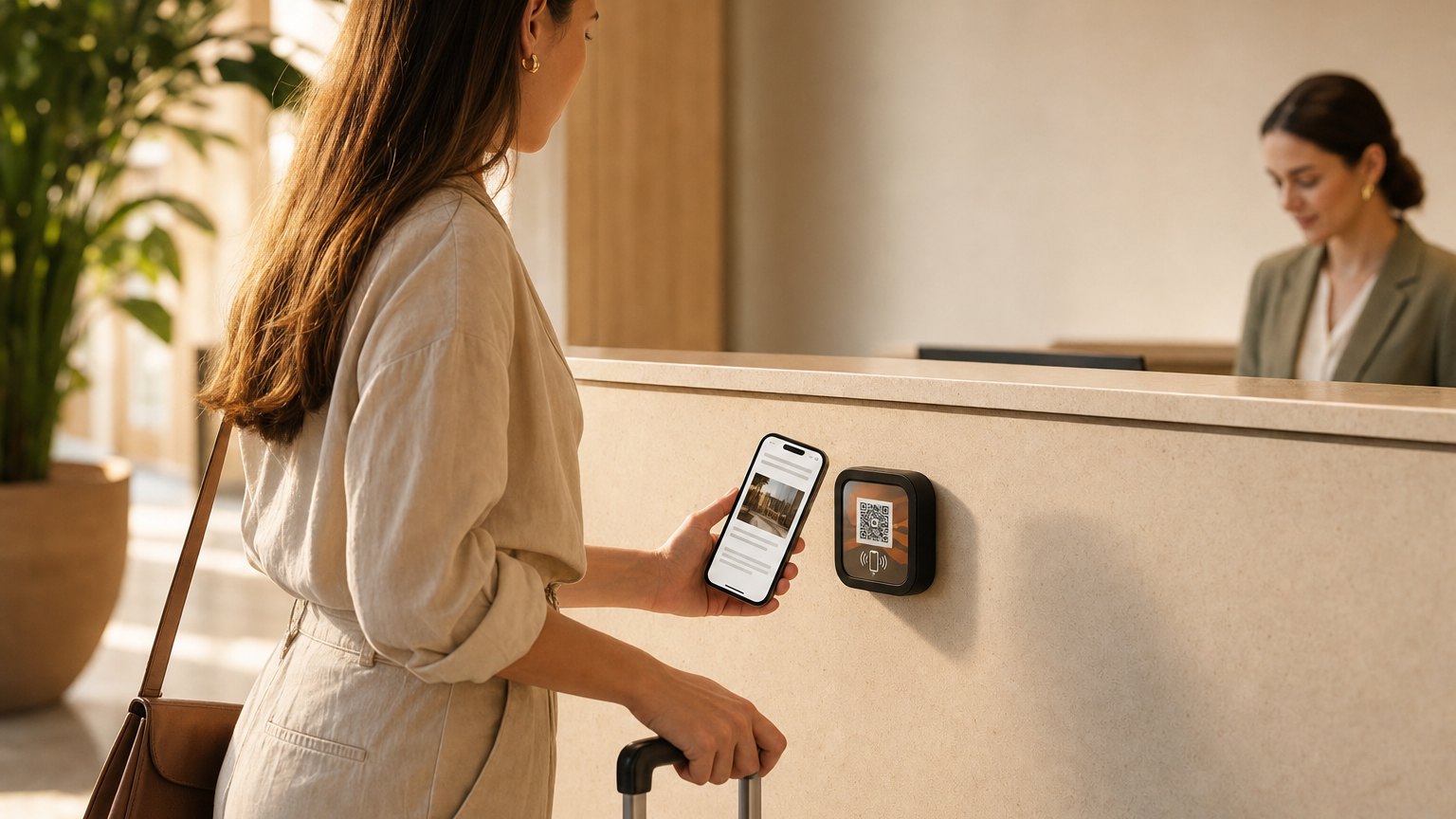
    A guest taps her phone to a NearField Marker on the front panel of a hotel reception desk
    The same Experience at check-in, so the guest has the property map before they reach the room.

    Ready to build?

    Start with this template

    Free to build. One Marker per room, $29 each. Need more than 50? Email us.

    Already know the look? Design your room Marker. The studio opens with a matching design applied.

    Or browse ready-made designs in the shop.

    Want the full guide? Read how hotels use NearField to reduce front-desk calls.
    Also: NFC for bed and breakfasts

    Ready-made Markers for this

    Pick a design, tell us where it points, and check out - no account needed to start.

    Ships in 2 business days from the US - and you can re-point any Marker later.

    Room guide - Honey NFC and QR Marker

    Room guide - Honey

    Room Key - Onyx Gold NFC and QR Marker

    Room Key - Onyx Gold

    Wi-Fi - Aurora NFC and QR Marker

    Wi-Fi - Aurora

    Reviews - Honey NFC and QR Marker

    Reviews - Honey

    For places with two or more spots

    Setting up more than one spot? The first Marker's on us.

    Tell us how many spots you have and where to send it, then build the page it opens: pick your Marker, choose what a tap or scan opens, and we draft the rest in about a minute. We make the Marker and put it in the mail. No card, no call to book.

    • •You build the page it opens, from a template for your kind of place.
    • •One real Marker, in the mail, on us, to try at your first spot before you set up the rest.
    • •We confirm the details by email before it ships.

    How many spots would get a Marker?

    Rooms, exhibits, tables, rentals, trail stops: anywhere a guest would tap or scan.

    No card, no commitment. Next, you build the page it opens. It takes about a minute.