QR code generator · Google reviews
Free Google review QR code generator
Drop your Google review link, print the QR, place it where customers feel best. The code opens Google directly, with no redirect in between and no watermark on the file. Or upgrade to a Marker that asks for the review, captures the email if they pass, and routes complaints to you privately.
100% free. Enter your name + email once to download.
Build a smart review-capture flow
Make the destination editable, track scans, and add menus, forms, or media - without reprinting the code.
What you get, and what you don't
No redirect
Your destination is encoded into the pattern itself. A scan goes straight there, with no hop through NearField in the middle.
No scan tracking
Because there is no redirect, there is nothing for us to count. We never see who scanned your code, when, or from where.
No expiry
Static codes have no switch to flip off. Yours keeps working for as long as the page, network, or contact behind it does.
No forced watermark
The center badge starts as the NearField mark. Swap in your own logo or remove it in one click, then download exactly what you see.
Free, with no account to create and no card to enter. We do ask for a name and email once, before your first download, and then never again on this device.
Upgrade - free
Print it once. Update it forever.
The QR you just downloaded is static - the destination is baked into the pattern. If your menu, link, or campaign ever changes, you reprint. Build a free NearField Experience and the same printed code becomes a dynamic redirect you control: change the destination anytime, see scan analytics, add content blocks - all without a new QR.
Free to build. No credit card. Your first Experience is on us.
Want it printed?
Order a NearField Marker.
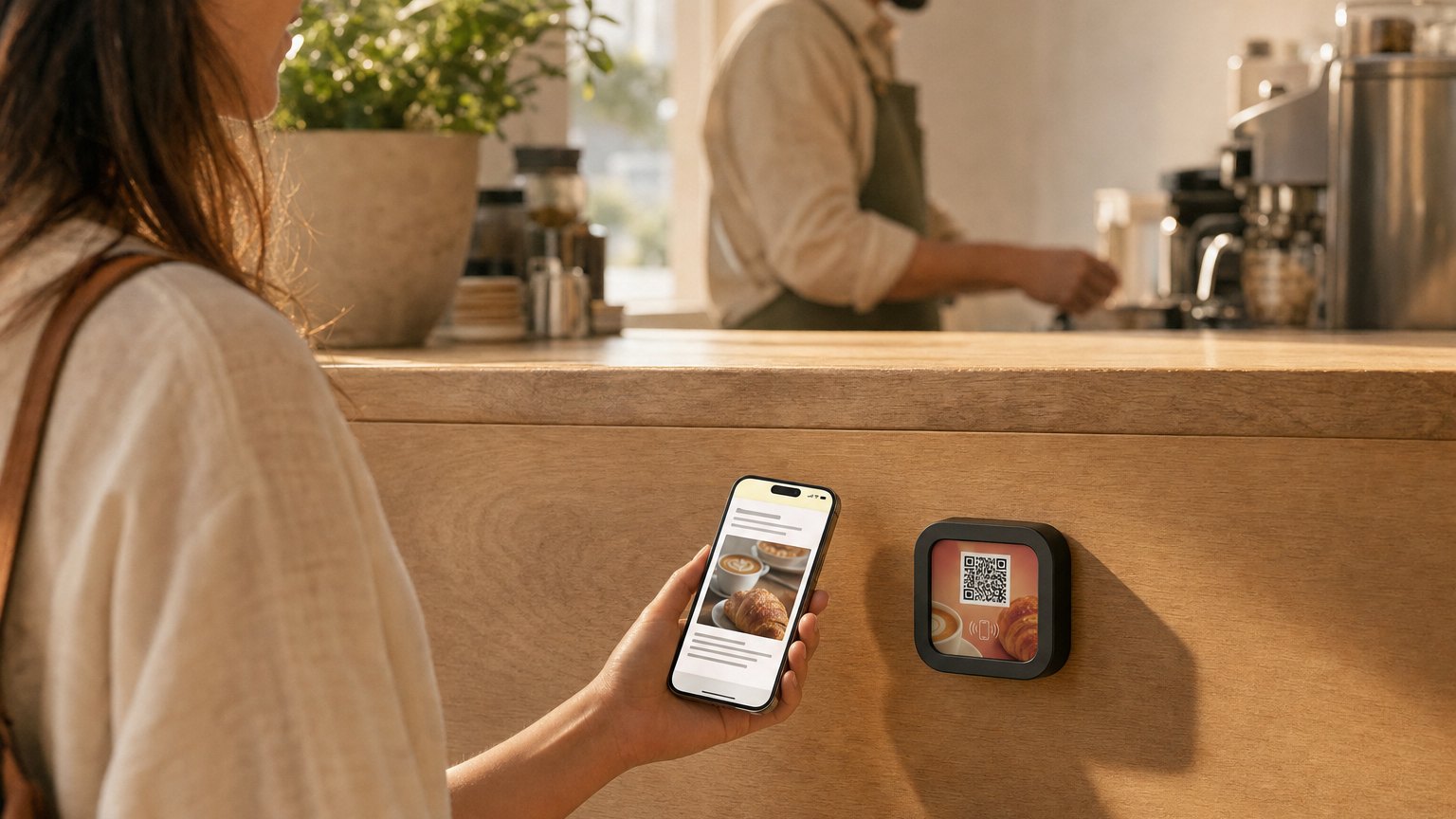
A premium Marker shipped to your door. Guests can tap (NFC) or scan (QR), and NFC reaches the people who never reach for the camera.
- · NFC tap + QR scan on one Marker
- · Free custom overlay from the Marker studio
- · Intro 3-pack - $49
Google review QR code questions
- How do I get my Google review link?
- Sign in to Google Business Profile, click 'Ask for reviews', and copy the short link Google gives you (usually g.page/r/...). Paste it into the generator above.
- Does this review QR code redirect through NearField?
- No. The destination is encoded directly into the pattern, so a scan opens it straight away with nothing in between. That is also why the code keeps working if NearField is not involved at all.
- Do you track scans on the review QR code I make here?
- No. There is no redirect to count a scan at, so we have no scan data - not a total, not a location, not a timestamp. If you want scan analytics, that is what a dynamic NearField Experience adds, and it is a deliberate, separate choice.
- Does the review QR code expire?
- No. A static code has nothing to switch off or renew. It stops working only if the page, network, or contact it points at goes away.
- Is there a watermark on the download?
- Nothing is stamped on the file that you cannot control. The center badge starts as the NearField mark, and you can replace it with your own logo or remove it in one click before you download the PNG or SVG.
- Where should I put the review QR code?
- At the moment of the strongest reaction: tableside with the check, the counter at checkout, the front desk on departure, the mirror after the cut. Proximity to the experience matters more than design.
- Why use a Marker instead of a printed sticker?
- A printed QR sticker only works on cameras. A NearField Marker adds NFC, so iPhones and Androids can simply tap. A Marker also routes through a redirect you control, which is what makes scan analytics and changing the destination possible - the opposite trade from the static code above, and a choice you make on purpose.
The smart review flow
Plain Google-review QR codes get 4 and 5 star reviews - and also the occasional public 1 star. A NearField review Experience asks "how was your visit?" first. Happy guests get the Google review link. Unhappy ones get a private feedback form that goes straight to you. Same Marker, dramatically better outcomes.
Where review Markers earn their keep
- Restaurant tables, with the check
- Hotel front desk on checkout
- Salon, spa, or barber station mirrors
- Auto-shop reception when keys are returned
- Medi-spa rooms, post-treatment
Related reading: QR codes for small business → · QR code best practices →
Related free tools
Restaurant menu QR →
Tableside menus that update live.
Wi-Fi QR code →
Guests join your network in one tap.
vCard QR code →
Save your contact details instantly.
Business card QR →
Premium digital business cards.
Dynamic QR codes →
Editable + trackable, explained.
QR codes for small business →
The complete operator playbook.