Four things NearField does.
Build the Experience, place the Marker, remember the guest, read what happened. Start wherever your question is.
01 · Build
Describe your space. Watch it build.
AI scaffolding, a real drag-and-drop builder, dozens of templates, and Marker Studio for the hardware itself.
Open the build page →02 · Reach
Everyone who walks past.
NFC and QR Markers, the Inclusion Bar in 20 languages, and nothing for a visitor to install.
Jump to section →03 · Memory
Your space remembers your guests.
A guest gives their name once at the front desk. Every other Marker in the building already knows it.
Open the Memory page →04 · Read the Field
What actually happened.
Your Audience, a report you can send ownership, a weekly digest, and CSV export.
Jump to section →01 · Build the Experience
Describe your space. Watch it build.
Tell NearField what you run, whether it's a 1920s theatre lobby, a cigar lounge or a trailhead, and it drafts the whole thing in front of you: headings, copy, and the right Actions in the right order. Then you edit it by talking to it. It's how every new account starts.
Blocks
Settings
Describe your space
A sentence about your venue becomes a full Experience, streaming in as it's written. No blank canvas to stare at.
Edit it by talking to it
Ask for a shorter hours section or a donation button and the Experience changes. Any single block can be regenerated without touching the rest.
51 content modules
21 standard blocks (text, images, video, maps, galleries, audio, hours, event lists, 3D models, social links), plus 13 NearField Memory blocks and 17 one-tap Actions.
Brand it yours
Upload your logo, set your colors, and set a shared header and footer once. Every Experience matches without rebuilding anything.
A real builder underneath
Drag to reorder, auto-save on every change, and a live phone preview beside you. The AI drafts it; you still own every block.
Marker Studio
Design the hardware to match. Describe the look, get a custom Marker face and print-ready masters. Free to preview on any plan.
02 · Place the Marker
Everyone who walks past, on the phone already in their hand.
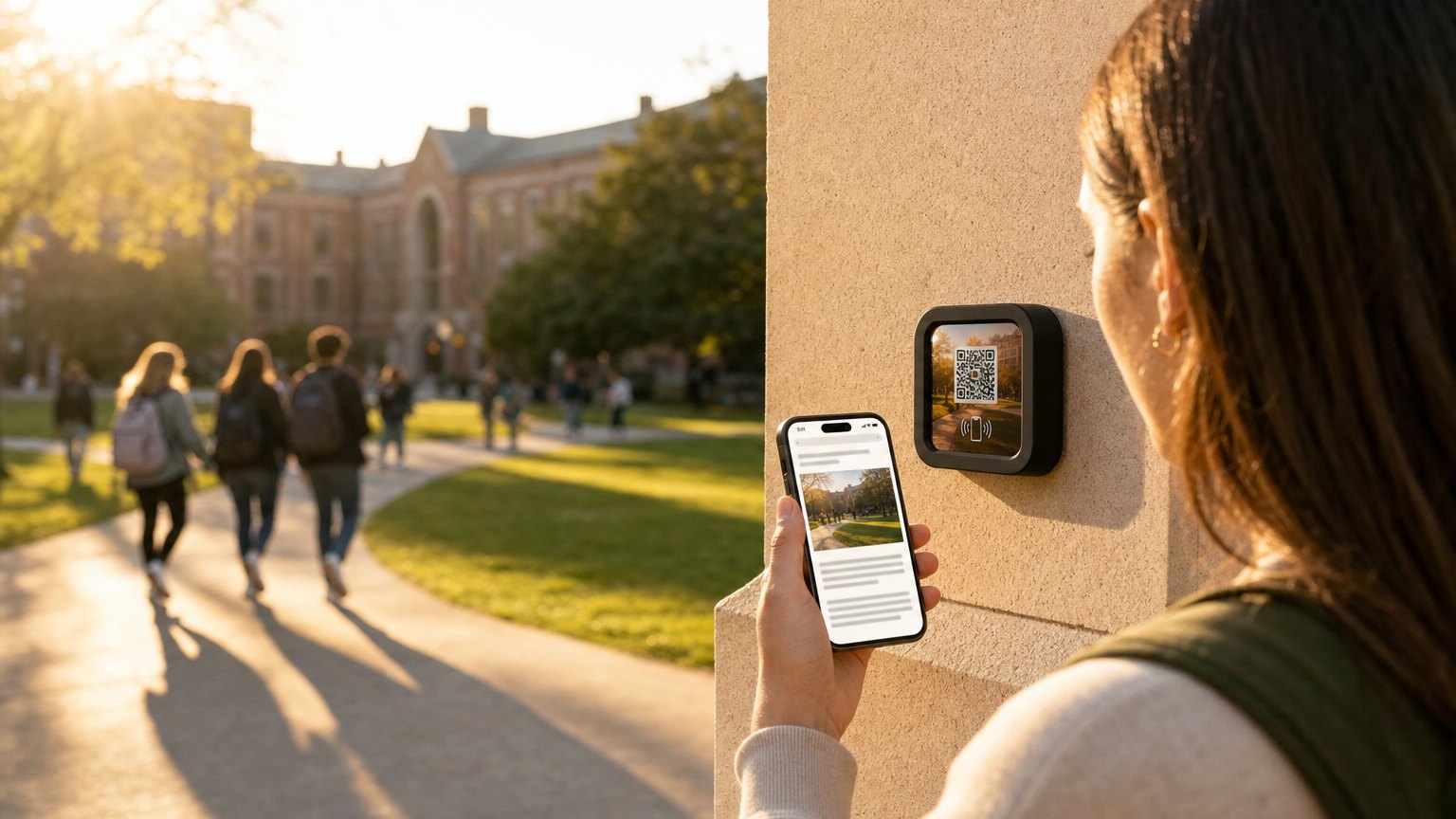
A Marker is a small, durable square with NFC and a QR code. A visitor holds their phone near it or scans the code, and your Experience opens in the browser they already use. Nothing to download, nothing to log into, nothing to ask staff for.
Durable by design
NearField Markers are compact and UV-resistant, with NFC and QR on every one. Mount them indoors or outdoors. Built to last.
Connect in seconds
Enter the 6-character PIN from the back of your Marker. Choose which Experience it opens. Done.
Rename, relink, move
Give each Marker a custom name, like 'Lobby Entrance' or 'Exhibit 3'. Relink it to a different Experience anytime. No new hardware needed.
Dynamic QR codes built in
Every Marker is a dynamic QR, so you can change the destination anytime without reprinting. Learn how dynamic QR codes work →
Free QR generator
Need a static QR right now? Use our free generator: no watermark, no expiry, PNG + SVG export →
And everyone who can't read it in English.
The Inclusion Bar sits at the bottom of every Experience, on every plan. Three controls, no setup, and nothing for the guest to ask for at the desk.
Translate
20 languages, one tap, no staff, no printed sheet
Adjust
Three text sizes and a high-contrast mode
Listen
Text-to-speech reads the page aloud, in four voices
03 · NearField Memory
Your space remembers your guests.
A guest gives their name once, at the front desk. Every other Marker in the building already knows it: the room, the bar, the spa, the exhibit at the end of the hall. No app, no login, no account to create.
Ask once and everything downstream adapts. The business traveler sees your meeting rooms and the family sees pool hours, from the same Marker on the same wall.
And what we don't do. NearField doesn't buy data, doesn't follow your guests onto anyone else's property, and doesn't build a profile that outlives your relationship. What a guest tells your space stays with your space.
See how NearField Memory works →Thirteen blocks do the asking
Geo Check-In confirms a visitor is physically on site by GPS before unlocking content. It's shipped and working today, and every check-in can push your phone. String the stops together and the Passport block turns them into a trail. Conditional Content is the one that changes what everyone else sees.
Explore More is on every plan, free included. Name, Email and Phone Capture and Welcome Back are on Starter and above; the rest unlock on Growth. While you build, all thirteen are open to you.
04 · Read the Field
See who showed up.
Every tap feeds your Audience. Which Experiences earn attention, which parts of the building are busy, and what visitors chose to tell you, rolled up by Project, so a floor or a wing reads as one number.
142
Visitors identified
68%
Known by name
389
Responses
31
Repeat visitors
Recent responses
Visitor profiles
Every person who's interacted with your Experiences, with name, email, phone and visit history, in one place. Growth plan and above.
Grouped by Project
Group Experiences into a Project, such as a hotel floor, a museum wing or a trail, and visitor data and analytics roll up automatically.
The report you send ownership
Turn your stats into a shareable link. A board, a sponsor, or an owner opens it in a browser with no account and no login.
Weekly digest
A summary of the week (taps, responses, and your busiest Experiences) emailed to you automatically. Nothing to check.
Export your data
Download responses as CSV. Filter by date, Experience, or question, then use it in whatever you already work in.
Privacy built in
PII is masked by default. Delete any visitor's data with one click. Built for GDPR compliance from day one.
Stay in control
Your dashboard puts every Experience and every Marker in one place.
Lobby Welcome
Exhibit Gallery
Gift Shop Specials
Dashboard
Every Experience and Marker in one view. Edit, preview, copy link and delete, without hunting for anything.
Real-time updates
Change your content and it's live immediately. No reprinting, no waiting, no app update cycles.
Lock an Experience
Add a PIN lock for private content, scavenger hunts, or exclusive access. Guests enter the code to reveal it.
NearField on iPhone
The native iOS app adds push notifications, biometric unlock, and Marker registration by holding your phone to the Marker.
Common questions
Ready to build?
Build with every Growth block and Action, up to 3 Experiences. Describe your space and watch the first one build itself.
No card needed to build. Your 14-day trial starts when your page goes live.