Guide · Art Galleries
NFC for art galleries: digital labels that change with the show
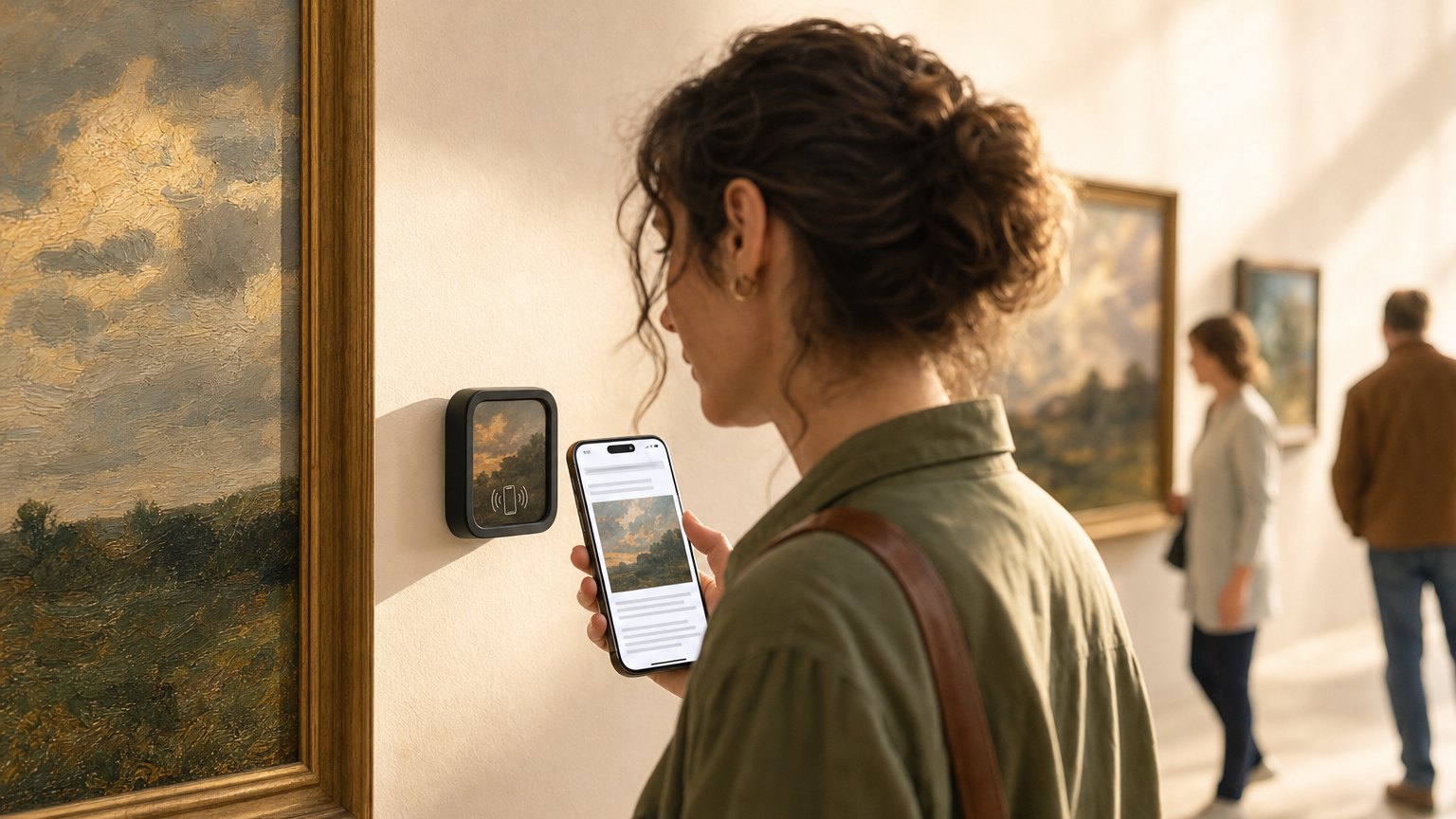
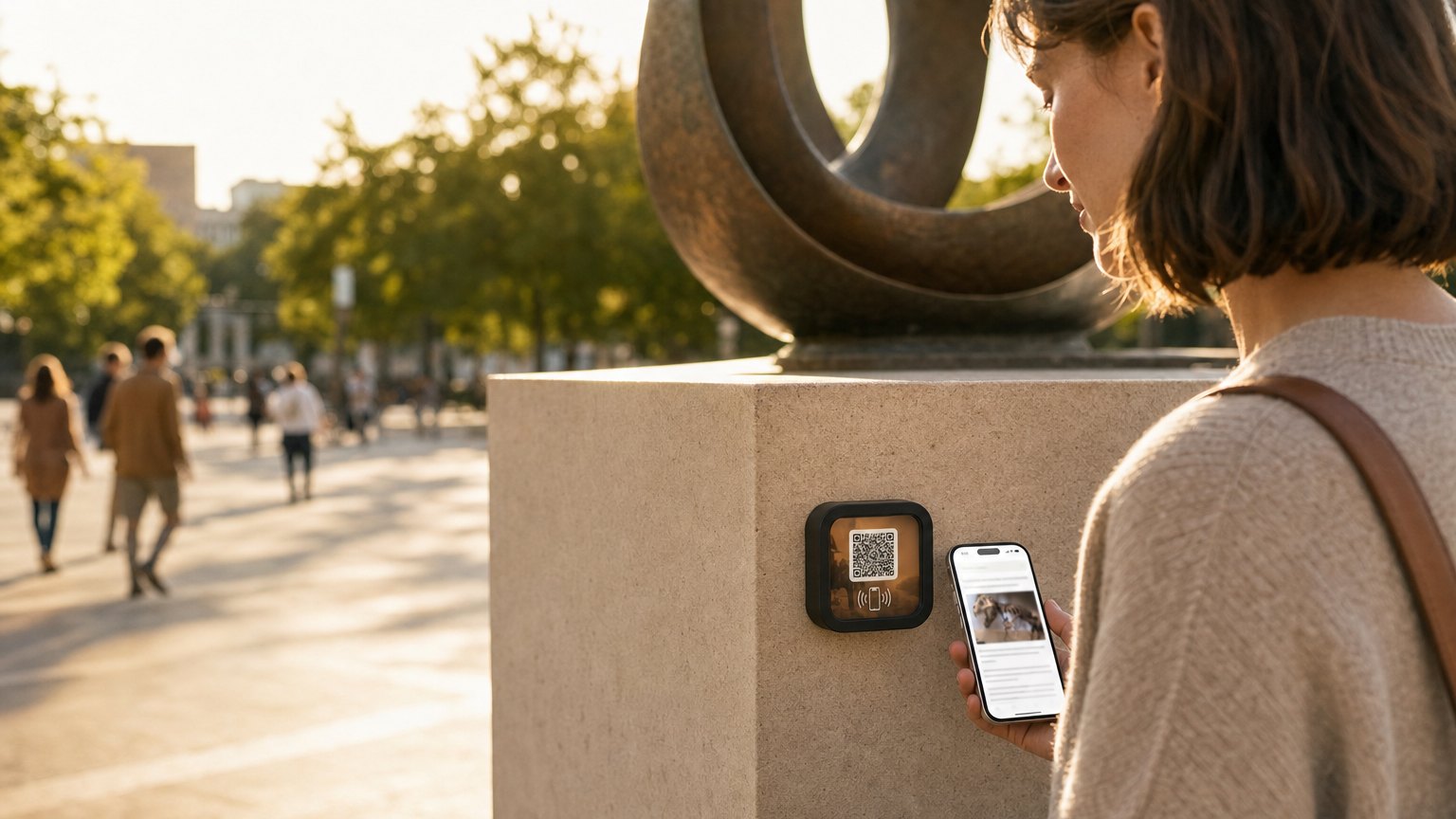
A Marker next to each piece. A visitor taps it and gets the artist's statement, the price, a link to inquire or purchase, and a way to follow the artist's work. When the show changes, you update the Experience, or relink to a new one. The hardware never moves.
What printed gallery labels can't do
A standard wall label has room for the artist's name, title, medium, year, and maybe four lines of text. That's not enough to tell the story that sells the piece, or the story that makes a visitor care deeply enough about the artist to follow their work for years.
Labels also can't be updated mid-show. If a piece sells, you peel the label and stick a "SOLD" dot on it. If the price changes, you reprint. If the artist adds a note about the work, it doesn't appear. The label is static from the moment it's printed to the moment it's thrown away.
What a NearField Marker adds to each piece
- The full artist statement. No word count limit. The artist's actual voice: what the work is about, what drove it, what they hope the viewer takes away.
- Process images. Sketches, studio photos, works-in-progress. The contrast between an idea and a finished piece is compelling to buyers and browsers alike.
- Price and availability. "Available: $2,400" or "SOLD." Update in real time, mid-opening if a piece sells in the first hour.
- Inquiry or purchase button. "Inquire about this piece" links to a contact form or email. A serious buyer can reach out from in front of the work, at the moment of maximum desire.
- Follow the artist. An Instagram or website link so visitors who aren't ready to buy can stay connected. Some of those visitors become buyers two years later.
- Print or edition availability. If the artist offers prints, a link to buy. A gallery visitor who can't afford the original can leave with something.
Ready to try it?
Build a gallery Experience with every Growth block and Action. No card needed to build. Your 14-day trial starts when your page goes live.
Build a gallery ExperienceThe show-change advantage
This is the economic argument for NearField in a gallery. A commercial gallery might rotate shows every four to six weeks. Each show requires new labels: design, print, cut, apply, peel, dispose. For a 25-piece show, this takes hours and costs money on every cycle.
With NearField, the Markers are placed once and reused indefinitely. When a new show comes in, each Marker gets relinked to the new piece's Experience in your dashboard. The gallery coordinator builds the new Experiences before hanging day, links them during install, and the show is digital-ready when the doors open.
A gallery running ten shows a year buys its Markers once. The per-show cost is your plan (25 Markers on live pages means Growth, $39/month) and the time to build the Experiences, typically two to four hours for a full show.
Working with artists
The most useful gallery Experiences are built with input from the artist, not just written about them. Before each show, send the artist a short content request:
- A written or voice-recorded statement for each piece (2-4 minutes)
- 3-5 process or studio images
- Links to their website, Instagram, and print shop if applicable
Most artists appreciate the invitation. They've never had a gallery label that could actually represent their practice, and many will mention the Markers in their own communications, which sends their audience to your gallery.
During openings vs. regular gallery hours
Openings are loud. Visitors are social. Many won't tap a Marker during an opening: they're talking. The Markers earn their keep during the quieter days of a show, when a serious visitor is standing alone in front of a piece and wants to go deeper.
Consider a small "Tap to learn more" label beneath each Marker during the first week. Visitors who haven't seen NFC before appreciate the prompt. After one show cycle, most regular visitors will know to look for the Marker.
How to get started
- 1Sign up free and use the Artist Statement & Gallery template. It comes with a heading, statement text block, image gallery, price field, and inquiry button.
- 2Build one Experience for your most interesting piece in an upcoming show. Use the artist's actual statement and process images.
- 3Order an Intro 3-Pack. Place one Marker next to the piece, one at the show entry with an overview Experience, and keep one spare.
- 4Watch the tap data during the show. The pieces that get the most taps tell you which artists or subjects your visitors find most compelling.
- 5When the show ends, build the next show's Experiences and relink. The Markers move to their new positions on hanging day.
Start with an Action
A piece-level Experience is the goal. These get a Marker on the wall this week.
Donate
Support the gallery from the piece that moved them.
Try the live demoSave Contact
The gallerist's details, saved in one tap.
Try the live demoDirections
Wayfinding to the next room or the next show.
Try the live demoEach one goes live in under a minute, and any Action converts into the full Experience described here in one tap, and the same link and Markers keep working. See all 17 Actions.
Ready to build?
Build a gallery piece Experience
The gallery piece template includes an artist statement, price block, inquiry button, process photos, and a follow link. Free to build. Repoint it to the next show without reprinting a single label.