Guide · Real Estate
NFC for real estate: open houses, listings, and lead capture
One type of hardware. Four distinct moments in the buyer journey where a NearField Marker removes friction and handles lead capture for you: at the open house, on the office window, at the yard sign, and in the model home. On a staged listing it also carries a before and after slider buyers can drag between the empty rooms and the finished ones, and the open house template has all of it laid out already.
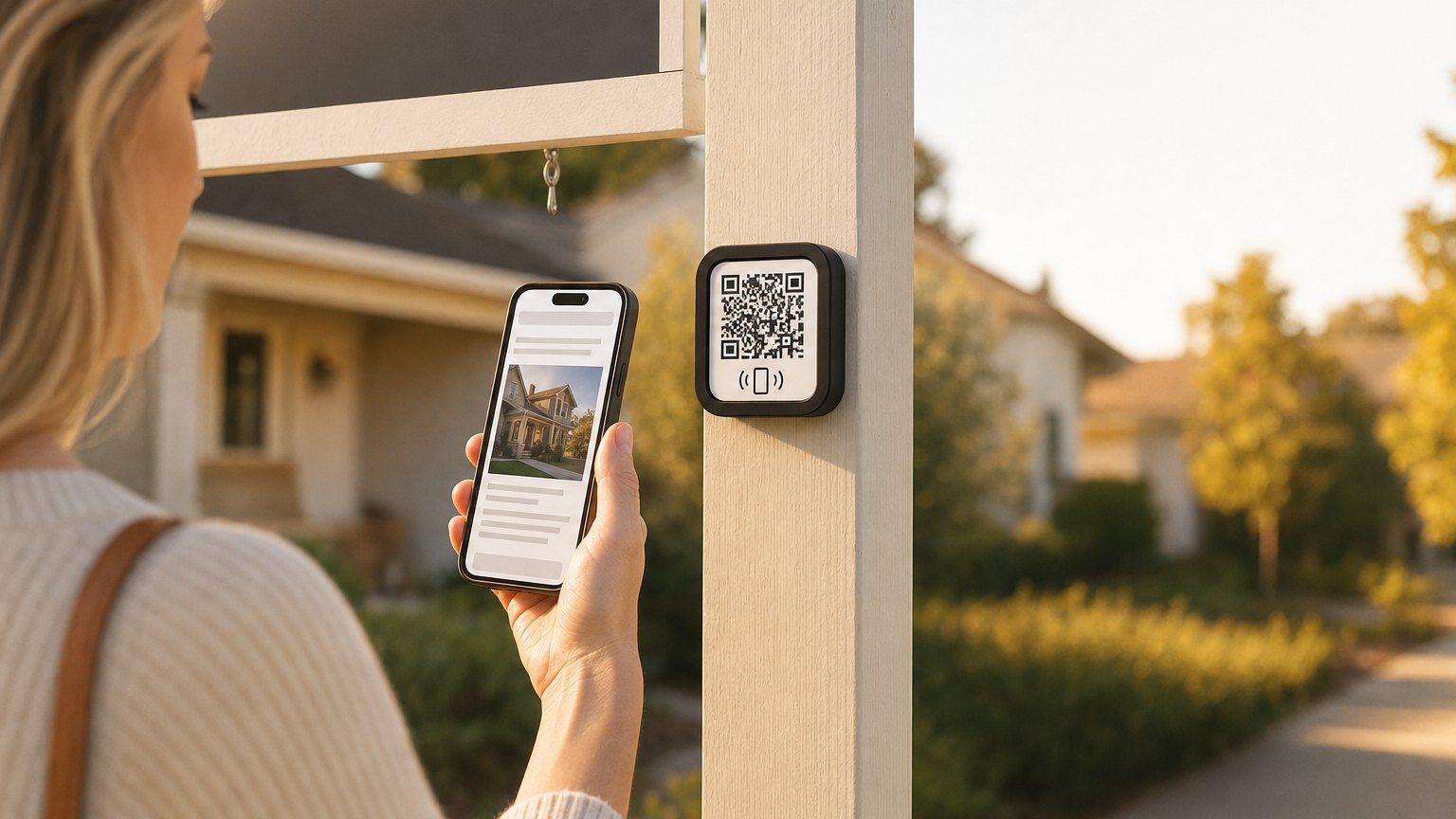
Buyers sign themselves in, and hand you better data than a clipboard
Paper sign-in sheets are the standard at open houses, and they're reliably bad. Handwriting is illegible. People give fake emails. The sheet sits on a clipboard all day and gets typed up that evening, already 12 hours behind the conversation.
A NearField Marker on the kitchen counter or entryway table changes this. A buyer walks in, sees the Marker, taps it, and gets the full listing on their phone: additional photos, floor plan PDF, neighborhood info, school district, comparable sales. At the end of the Experience, there's a short form: name, email, phone. Optional but easy to fill in. The data is in your dashboard in real time, formatted and correct.
The framing matters. Don't position the Marker as a sign-in requirement. Position it as the most useful thing in the room. Buyers who understand they're getting more information by tapping, tap willingly, and fill in the contact form because they actually want to be followed up with.
What to put on an open house Marker
- •Property address and headline price. The basics, immediately. Buyers are already in the house but want to confirm the number.
- •Additional photos. The best six to eight images keep the buyer engaged on the page and give them something to revisit later when comparing properties.
- •Floor plan or site map link. A PDF download button. Buyers who are seriously considering a property want to study the layout.
- •Key property features. Recent upgrades, HVAC age, roof age, lot size, HOA details. The things people ask the agent ten times per open house.
- •Neighborhood context. Walk score, school ratings, distance to transit, nearby amenities. Buyers from out of the area find this especially useful.
- •Name and email capture. "Want updates if this property gets an offer, or when similar listings come available?" A low-pressure ask that converts serious buyers.
- •Agent contact. Your name, photo, phone number, and a "Schedule a showing" button at the bottom.
Ready to try it?
Build an open house or listing Experience free. No card needed to build. Your 14-day trial starts when your page goes live.
Build an open house ExperienceYour office window keeps working after business hours
Real estate office windows typically display property listings on cards or boards: a photo, an address, and a price. That's all that fits on a card. And the card does nothing after business hours when the office is dark.
A NearField Marker on or below each listing card means a passerby can tap from the sidewalk and get the full listing: every photo, the floor plan, the neighborhood data, your contact information, and a scheduling button. Right there, from the pavement, at any hour.
This is especially effective in high-foot-traffic locations, a ground-floor office on a busy street, a showroom near a transit stop. The people who slow down to read the window cards are already interested. A Marker gives them somewhere to go.
When a listing sells, you pull the card from the window and relink the Marker to the next listing's Experience in under a minute. No new hardware. The Marker stays. The listing behind it changes.
Every yard sign becomes a full listing page
Most yard signs do one thing: announce a sale. A buyer drives by, slows down, and squints at the agent's phone number. Maybe they call. More likely they look up the address later and hope they can find the listing.
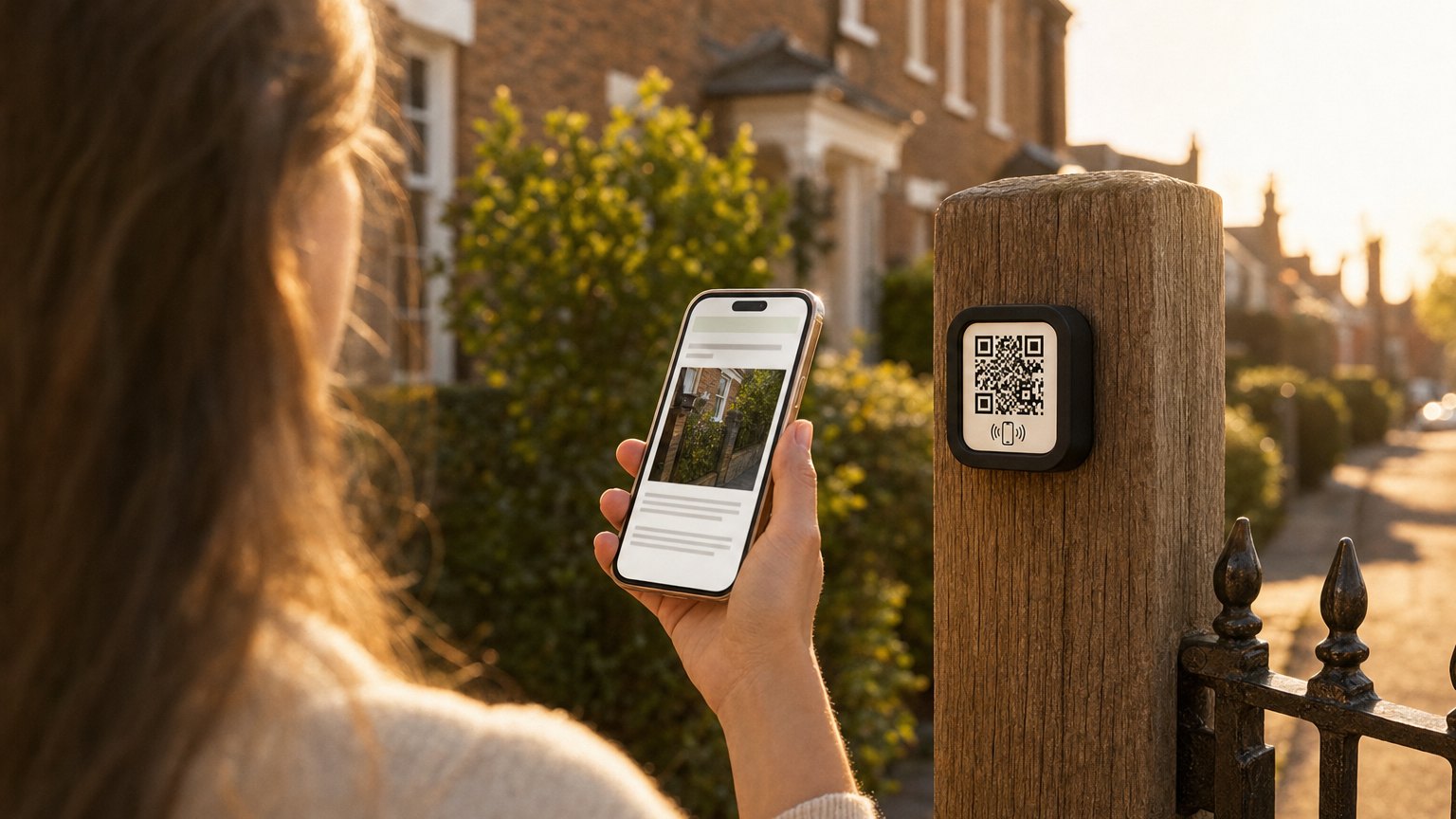
A Marker mounted to the sign post or an attached rider changes that moment. The buyer pulls over, taps, and gets the full listing on their phone in seconds: photos, price, beds and baths, key features, and your direct contact. No searching required. No forgetting the address.
A yard sign Marker is particularly valuable for drive-by traffic during off-hours. The people most likely to tap it are the people who live nearby and are actively watching for listings in the neighborhood, motivated buyers who already know the area.
Model homes sell more upgrades when every room answers its own questions
Builders and developers use Markers throughout model homes to answer the questions buyers have at every room: "What are the upgrade options for this kitchen?" "What does the standard flooring look like?" "Can I see the other available floor plans?"
A Marker on the kitchen island links to the full upgrade package. A Marker in the primary suite links to the floor plan comparison. A Marker at the sales trailer entrance gives buyers the overview, the pricing grid, and a contact form before they've even met the sales agent.
For builders with multiple communities, the same set of Markers can be relinked to each new model as communities open. The hardware moves with the sales program. The content updates from your dashboard.
The data pays for the hardware in the first showing
Every tap on a Marker shows up in NearField's Stats. For an open house Marker, you see how many people tapped, when, and, if they filled in the contact form, who. For a window display Marker, you see which listings get the most interest from passersby. For a yard sign Marker, you see drive-by traffic patterns across the listing period.
On paid plans, the platform can recognize returning visitors. Someone who tapped the same listing Marker twice in a week is worth a proactive follow-up call, and Audience shows you who it was.
How to get started
- 1Sign up free. Start with the real estate open house template. Add the property address, a photo gallery, key features, floor plan link, and a name/email capture block at the end.
- 2Preview it on your phone. Walk through the Experience as a buyer would. Make sure the capture form at the end feels like a convenience, not a gate.
- 3Order a single Marker ($29) for your next open house. Place it on the kitchen counter or island. Let buyers discover it naturally: don't announce it at the door.
- 4After the open house, check your dashboard. Compare the lead quality from the Marker versus the paper sheet. Most agents don't run the paper sheet again.
- 5When the listing closes, relink the Marker to the next property's Experience. One Marker, used across every listing you handle.
Start with an Action
A yard sign only works after hours if the phone can do something. These three make sure it can.
Lead Capture
Capture the drive-by while they're still parked outside.
Try the live demoFile
Floor plan and disclosures, on the spot.
Try the live demoBook
Let them book the showing themselves.
Try the live demoEach one goes live in under a minute, and any Action converts into the full Experience described here in one tap, and the same link and Markers keep working. See all 17 Actions.
Ready to build?
Build a real estate Experience
The open house template includes property details, a photo gallery, lead capture, and agent contact. Works at an open house, in your window display, or mounted to a yard sign. Free to build. One Marker is $29.