Template · Art Galleries
Artist statement, price, and a path to buy. Without reprinting when the show changes.
No account or card needed to build.
A Marker next to each piece. Visitors tap to get the full artist statement, process images, price, and a button to inquire or buy. When the show ends, relink the Marker to the next piece. The hardware stays. The content changes.
What's in this template
No card needed to build. Your 14-day trial starts when your page goes live.
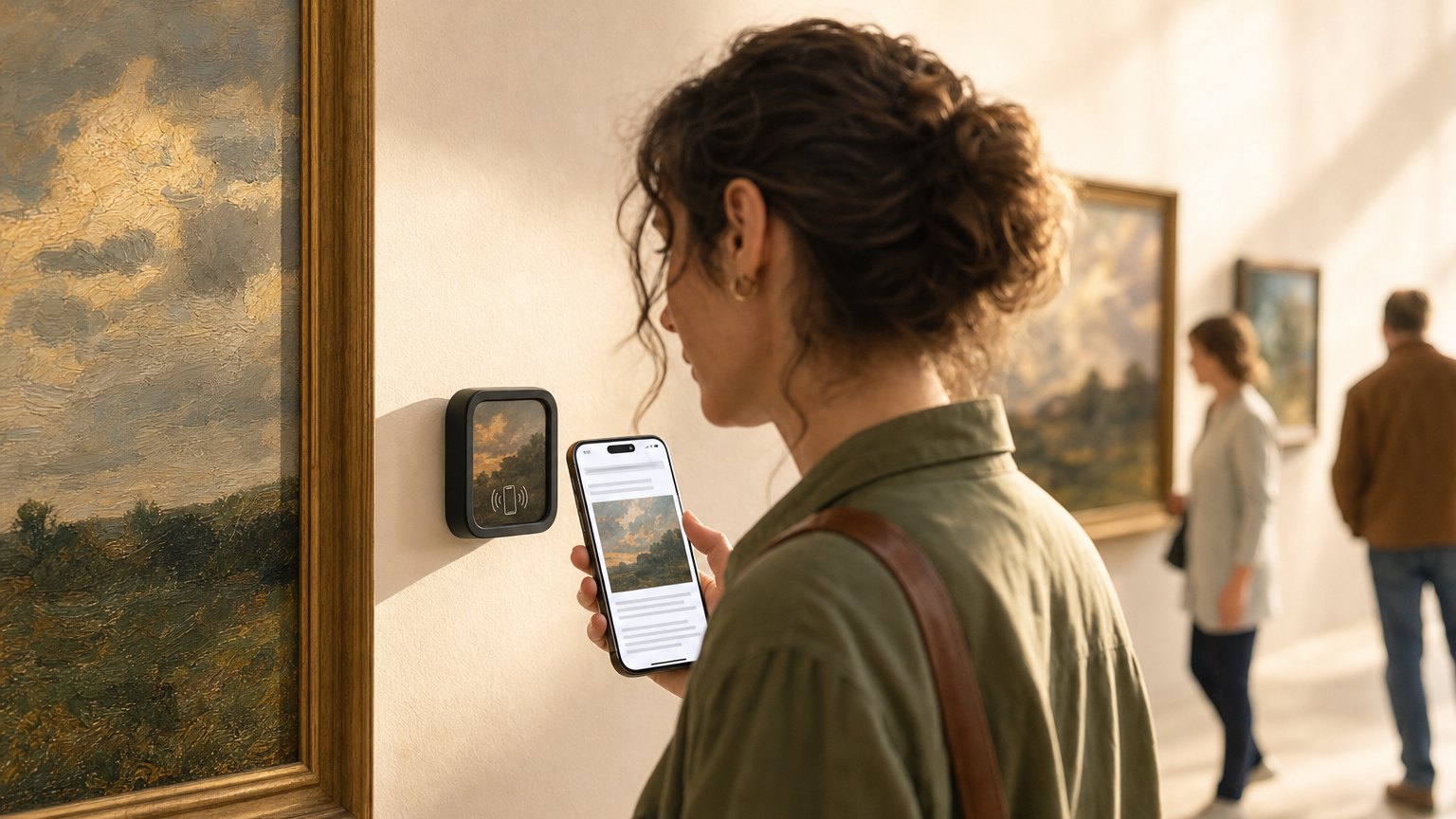
How it works across a rotating show
Build before hanging day
Create an Experience for each piece before the show opens. Artist statement, process images, price, inquiry button. Takes 20 to 30 minutes per piece if you have the content.
Link on install day
When pieces are hung, register each Marker and link it to its Experience. The gallery is digital-ready when the doors open.
Update mid-show or relink at close
Mark pieces sold instantly. When the show ends, relink each Marker to the next show's Experiences. No new hardware.
Tap data tells you which artists resonate
Every tap on a gallery Marker shows up in your Stats. The pieces that get the most taps, especially from visitors who also clicked the inquiry button, tell you which artists and subjects your audience finds most compelling. That informs which artists you invite back.
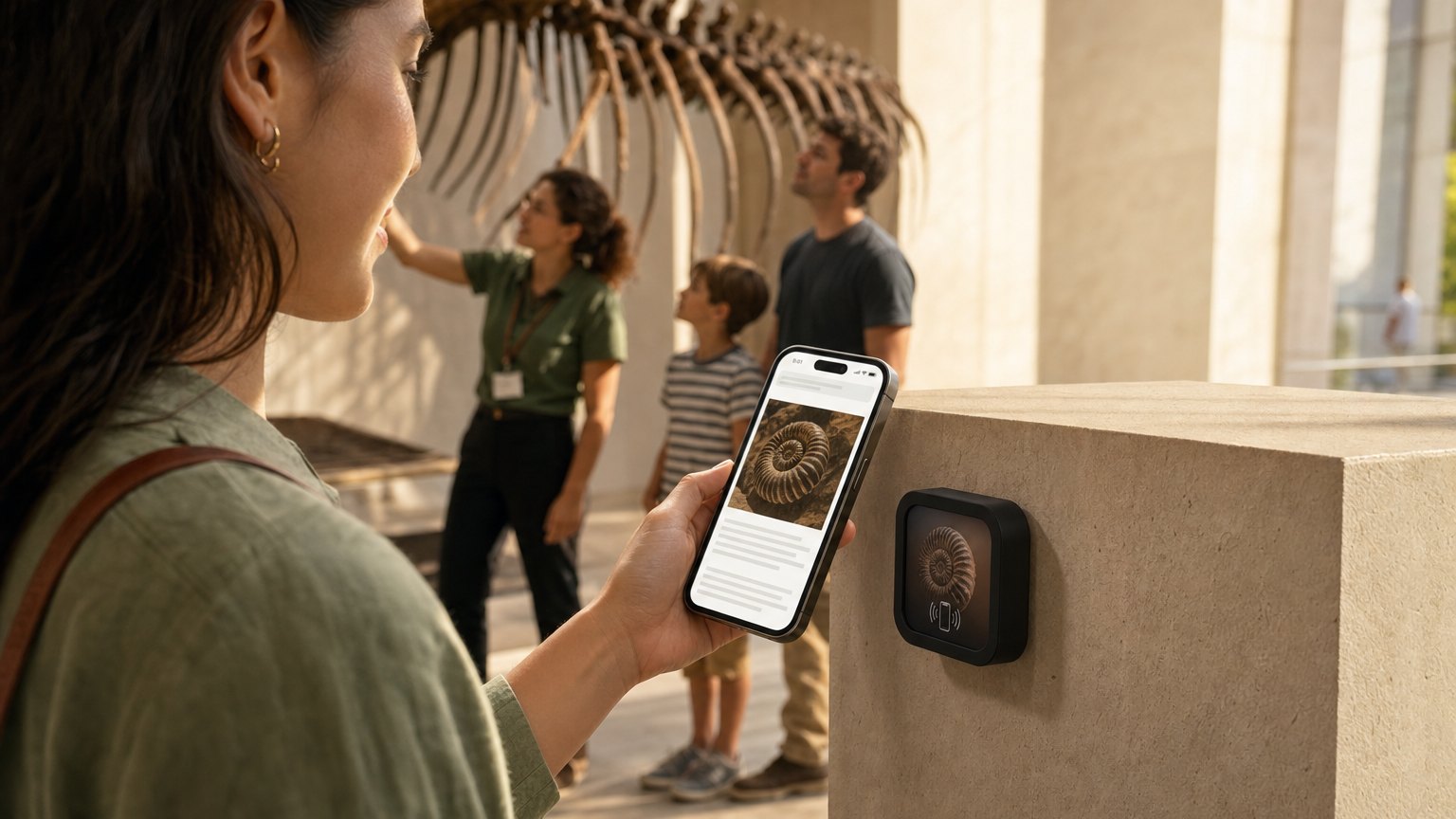
Ready to build?
Start with this template
Free to build. One Marker per piece, or an Intro 3-Pack to start.
Already know the look? Design your gallery Marker. The studio opens with a matching design applied.
Or browse ready-made designs in the shop.
Want the full guide? Read how galleries use NearField across rotating shows.