Three blocks, no plan gate on any of them, and one prerequisite that matters more than a plan: a Stripe account connected to NearField. Until that is done, the blocks render in full so you can see exactly what a visitor would see, and the button reads Payments not connected yet.
The three blocks
- DonationFree
- Accepts donations inline, on the page. Fields: a Prompt, a description, Preset amounts, whether to allow a custom amount, minimum and maximum, currency, and a thank-you message. The oldest of the three, and the one that reads as part of a longer page rather than as a one-tap Action.
- DonateFree
- A one-tap Action for donations. Fields: a heading, a description, Amount type, Suggested amounts, Allow a custom amount, an optional reference, and a button label. It can also stand alone as a whole Experience.
- PayFree
- The same Action framed as a transaction. Fields are identical to Donate, with different defaults: a fixed price rather than suggested amounts, and the reference field switched on and labelled Room number.
What connecting Stripe changes
The charge is created directly on your own Stripe account. The money settles to you, refunds and disputes stay between you and your customer, and Stripe bills you their standard processing directly rather than through us.
NearField takes a flat platform fee of 5%, or 3% on Enterprise. There is no monthly charge to switch payments on, and no plan to buy first. See pricing for how that sits against everything else.
The reference field
Donate and Pay can both ask for a reference before checkout, and it can be required. It is the field that makes reconciliation possible: a room number, a table, an invoice number, a pledge name. Pay switches it on by default; Donate leaves it off.
Example
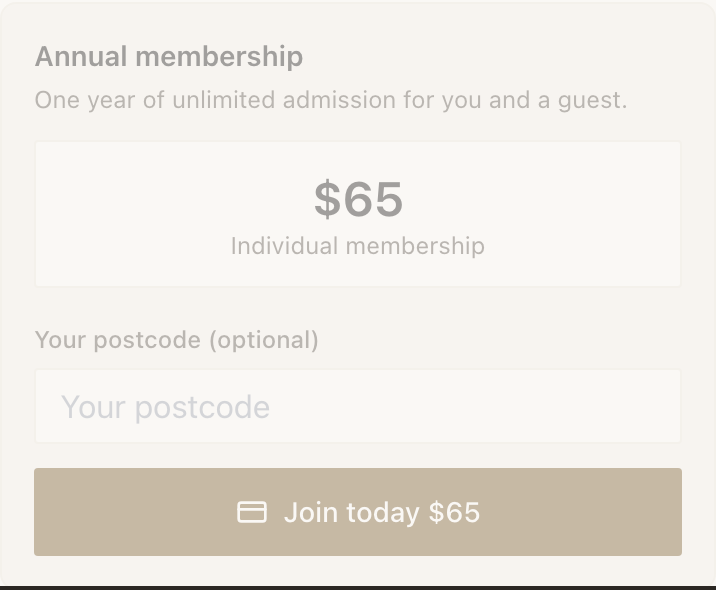
The Bellhaven Hotel: the day-pass Marker at the spa desk
Non-residents can buy a spa day pass. The desk is often unstaffed between treatments.
- A Pay block, amount type set to one fixed price, priced as a day pass.
- Ask for a reference, labelled Name for the locker, marked required.
- Button label: Buy a day pass.
The reference is what lets the spa match a payment in Stripe to a locker key an hour later. Without it, the desk has a list of amounts and no names.
Example
Harbour Point Aquarium: the rescue tank
A Marker beside the turtle rehabilitation tank, where visitors stand for a long time and read the whole sign.
- A Donate block with three suggested amounts and a custom amount allowed.
- Heading: Help us get Beacon back to the water. Description: two sentences about what the money buys.
- No reference field: nobody needs a receipt matched to a locker, and every extra field costs donations.
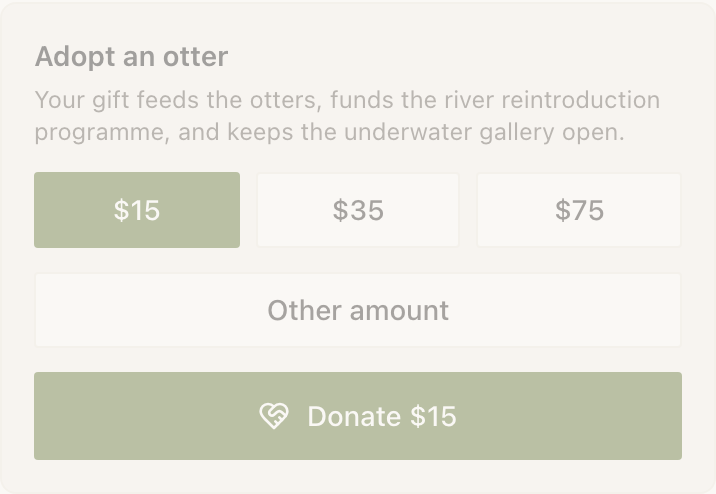
The inline Donation block would also have worked here. Donate is the better fit because this Marker exists for exactly one outcome, and Donate makes that outcome the whole page.
Reading the numbers afterwards
Stats records an attempt when a visitor starts checkout and a completion when Stripe confirms it. The gap between the two is your checkout drop-off, and it is real information rather than a bug: it is the number of people who got as far as the card screen and stopped.
Do I need a paid plan to take payments?
No. All three blocks are on the free plan. What you need is a connected Stripe account. The only plan-related difference is the platform fee, which drops from 5% to 3% on Enterprise.
Where does the money go?
Straight to your own Stripe account. NearField never holds it. That is also why refunds and chargebacks come out of your Stripe balance rather than ours, and why you deal with your customer directly when one happens.
Can I use a currency other than dollars?
Yes. All three blocks support US dollars, euros, pounds sterling, Canadian dollars and Australian dollars. Set it per block, so a venue that takes both can run two.
What happens if a visitor closes the Stripe page?
Nothing is charged, and the attempt is recorded so you can see it in Stats. The block is left ready for another try, and the visitor can start again from the same Marker.