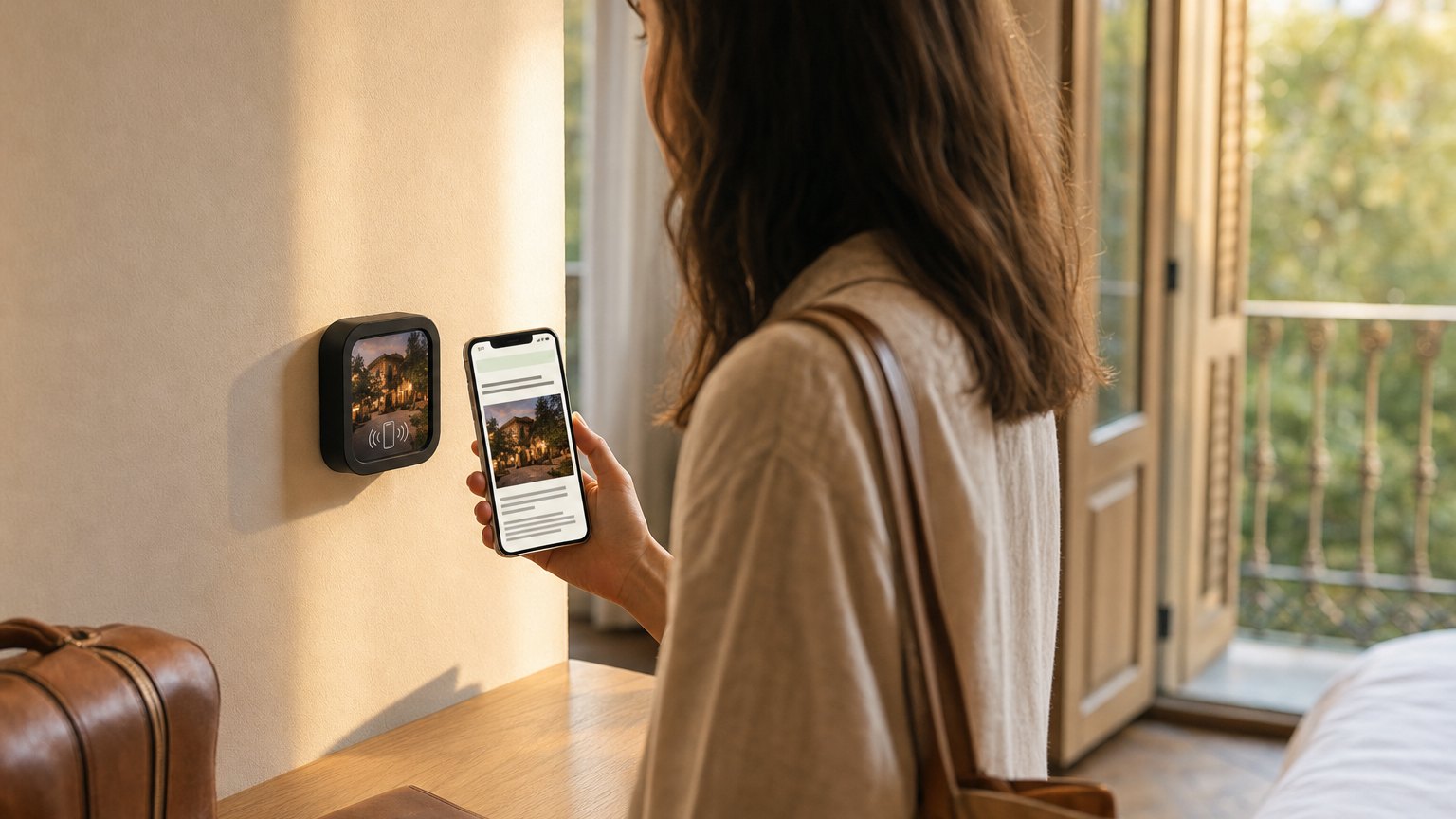
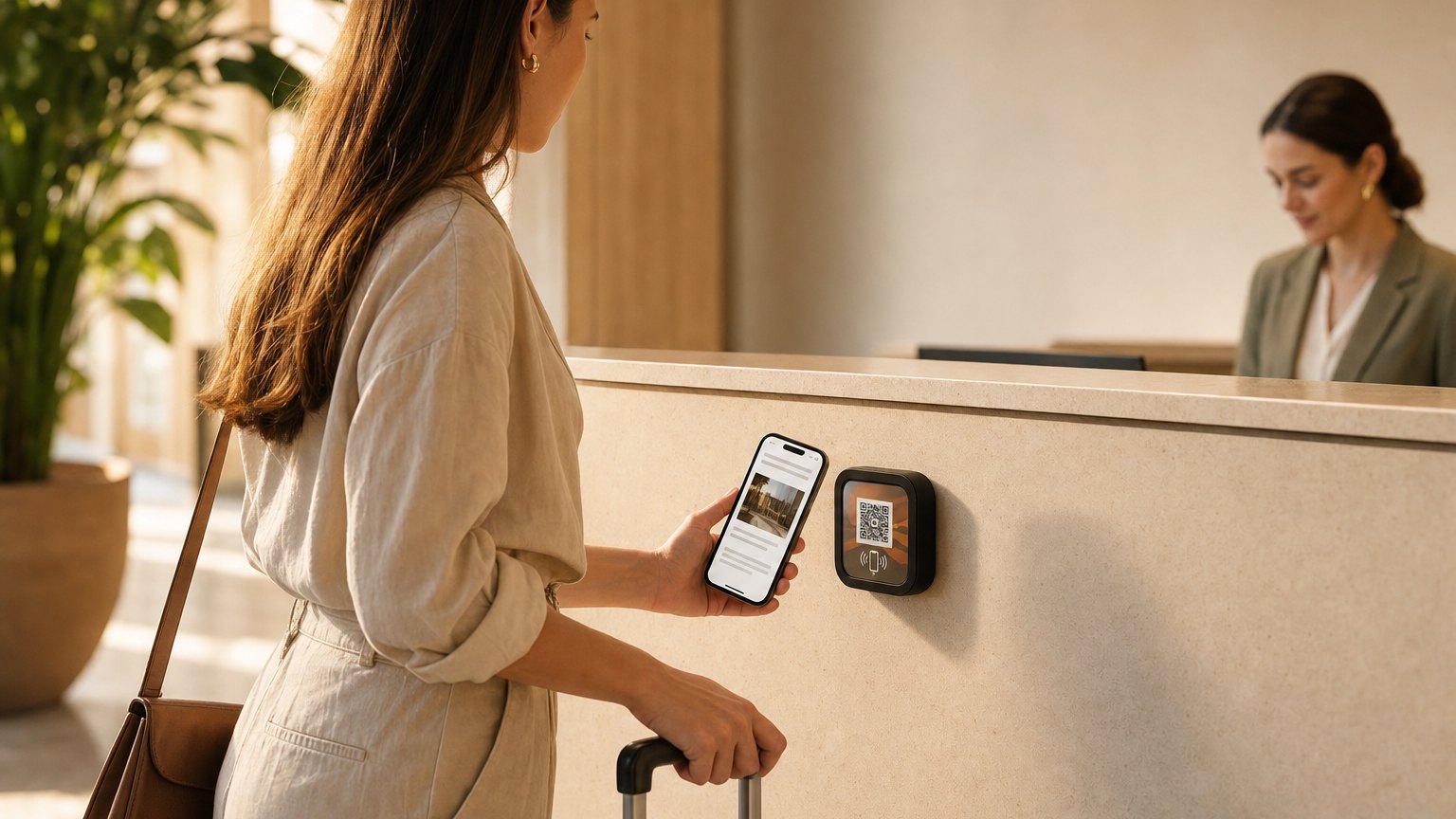
A guest gives their name once, at the front desk. Every other Marker in the building already knows it — the room, the bar, the spa, the exhibit at the end of the hall. No app. No login. No account to create.
Thirteen Memory blocks · nothing for the visitor to install · see pricing
One answer, carried the length of the building.
Memory is three things happening in order, and only the first one asks anything of the guest.
01
Ask once.
A Name Capture, Quick Choice, Rating or Custom Input block on the first Marker a visitor is likely to touch. One field, two taps, no account.
02
It travels.
The answer rides along with the visitor across every Experience you run. Nothing to sign into, nothing to install, nothing for your staff to do.
03
Everything downstream adapts.
Conditional Content shows the business traveler your meeting rooms and the family your pool hours — from the same Marker, on the same wall.
What is actually happening: the answers live in a token on the visitor's own phone, scoped to your account. Every Experience you run can read it. Nothing outside your account can.
How it works
Two taps at the desk, three floors up.
The same walk, told three times: what the guest does, what her phone keeps, and what the next Marker shows her.
At the front desk
Name Capture
What should we call you?
Sarah
Quick Choice
Business or leisure?
BusinessLeisure
On her phone
Kept on this device
name
Sarah
trip
Business
Scoped to your account. No sign-in, no app, nothing typed twice.
Room 312, an hour later
Welcome back, Sarah.
Conditional Content
Meeting rooms are on 2. Breakfast starts at 6.
A leisure guest sees pool hours in that same space, from the same Marker on the same door.
You write the greeting once
In the builder
Welcome back, name · Guest.
Sarah sees
Welcome back, Sarah.
Someone who skipped the question sees
Welcome back, Guest.
Every answer carries a fallback, so the page is never half-written for the guest who walked straight past the first Marker.
The thirteen Memory blocks
Some collect an answer, some put what's remembered to work, and Conditional Content decides what everyone else shows.
Name Capture
Ask for a name once, use it everywhere.
One field, one tap. Every Experience you run after that can greet them by name, with a fallback for anyone who skips it.
Quick Choice
One question that sorts your whole audience.
Business or leisure. First visit or fifth. Tent, RV or cabin. Two taps, and the rest of the property adapts.
Rating
Feedback where the experience happened.
Stars, thumbs or NPS, on the Marker at the exhibit — not in an email three days after they left.
Check-In
Visitors mark what they have done.
They can see which stops they have covered and which are left. Trails, gallery routes, campus tours, scavenger hunts.
Custom Input
Any value you need to carry.
Room number, site number, student ID, ticket number. Typed once, available to every Experience after it.
Conditional Content
One Marker, different content per visitor.
Show or hide any block based on what a visitor already told you. Same tile on the wall, two different pages.
Email Capture
An email address, without a clipboard.
Validated on the spot, with your own greeting and optional inline name collection. Lands in your Audience.
Phone Capture
A phone number, formatted properly.
Country code selector and validation, so what you collect is something you can actually dial.
Geo Check-In
Content that only opens where you are.
GPS confirms the visitor is standing at the place before the content unlocks. Trails, tours, and anywhere being there is the point.
Passport
Your whole space becomes a trail.
Pick the stops, set the reward. The block tracks progress across every Marker and unlocks the prize when the last stop is done — and can tell your phone the moment someone finishes.
Welcome Back
Regulars get treated like regulars.
First-timers see one message, returners another — with their visit count and anything they've told you woven in. No login, no punch card.
Quiz
Questions with a prize for knowing the answers.
Instant right-or-wrong, a score saved to their profile, and a reveal you can gate behind a good score. Museums, tours, and tasting rooms.
Explore More
Every page points to the next one.
Your other Experiences as tappable cards, each badged once it's been visited. The room guide leads to the restaurant, the exhibit to the gift shop.
Verified Profiles · Growth
Memory that survives a lost cookie.
Everything above rides in the visitor's browser — until they clear it, switch phones, or open a private tab. Verified Profiles fixes that with one text message: a visitor confirms their number with a one-time code, once, and from then on any device that verifies the same number is the same person. Their passport progress, their name, their whole timeline — reconnected.
You can also ask for verification before a block hands something over — the Wi-Fi password, a PDF, a booking link — which turns your most-wanted content into confirmed, reachable contacts in your Audience. Numbers are scoped to your space alone, masked in your dashboard by default, and deleted the moment a visitor asks to be forgotten.
The part most of this industry skips
What we don't do.
Memory is a space that remembers a guest. It is not a dossier that follows one. What a guest tells your space stays with your space.
We don't buy data.
Nothing in a visitor record came from anywhere except your own space. There is no third-party file to enrich it with.
We don't follow guests onto other properties.
The token is scoped to your account. Your Experiences can read it. Nobody else's can — including other NearField customers.
We don't keep a profile you can't end.
Any visitor's record deletes in one click, and PII is masked by default in your dashboard.
We don't make guests sign up to be remembered.
No app, no login, no email required for Memory to work. Guests stay in control of what they share, and of what they keep.
What you do get
PII masked by default
Delete any record in one click
Export your data any time
Across a whole property
What a full install looks like
One answer at the front door, and every Marker after it already knows. Here's how that plays out across three kinds of space, from the first tap to the last.
Boutique hotel · 120 rooms
One question at check-in, answered on every floor.
Asked once
At the check-in counter — Name Capture, then one Quick Choice: business or leisure?
Check-in counter
Two taps while the key card prints. Nothing to download, nothing for the guest to remember.
Every room (×120)
A Marker by the door. The Wi-Fi password copies in one tap, the greeting uses their name, and what sits underneath follows that one answer — meeting rooms and a 6am breakfast for business, pool hours and the kayak rack for leisure.
Restaurant tables
A Pay Action with a room-number reference, so the charge reconciles itself. Funds settle into your own Stripe account, not ours.
Spa and front desk
Book and Request Actions. “More towels, room 412” arrives as a text with the message already written.
Lobby
Directions, hours, and the Inclusion Bar putting all of it into the guest's own language — 20+ of them, at their text size, read aloud if they would rather listen.
Every tap rolls up under one Project. The GM gets a digest on Monday. Ownership gets a link to a live report they can open without an account.
Regional museum · 14 galleries
One admissions question, fourteen galleries deep.
Asked once
At admissions — Name Capture, then one Quick Choice: first visit, or been here before?
Admissions desk
Two taps before they have handed over the coat. First-timers and returning members are now two different audiences, and neither of them filled in a form.
Every plaque
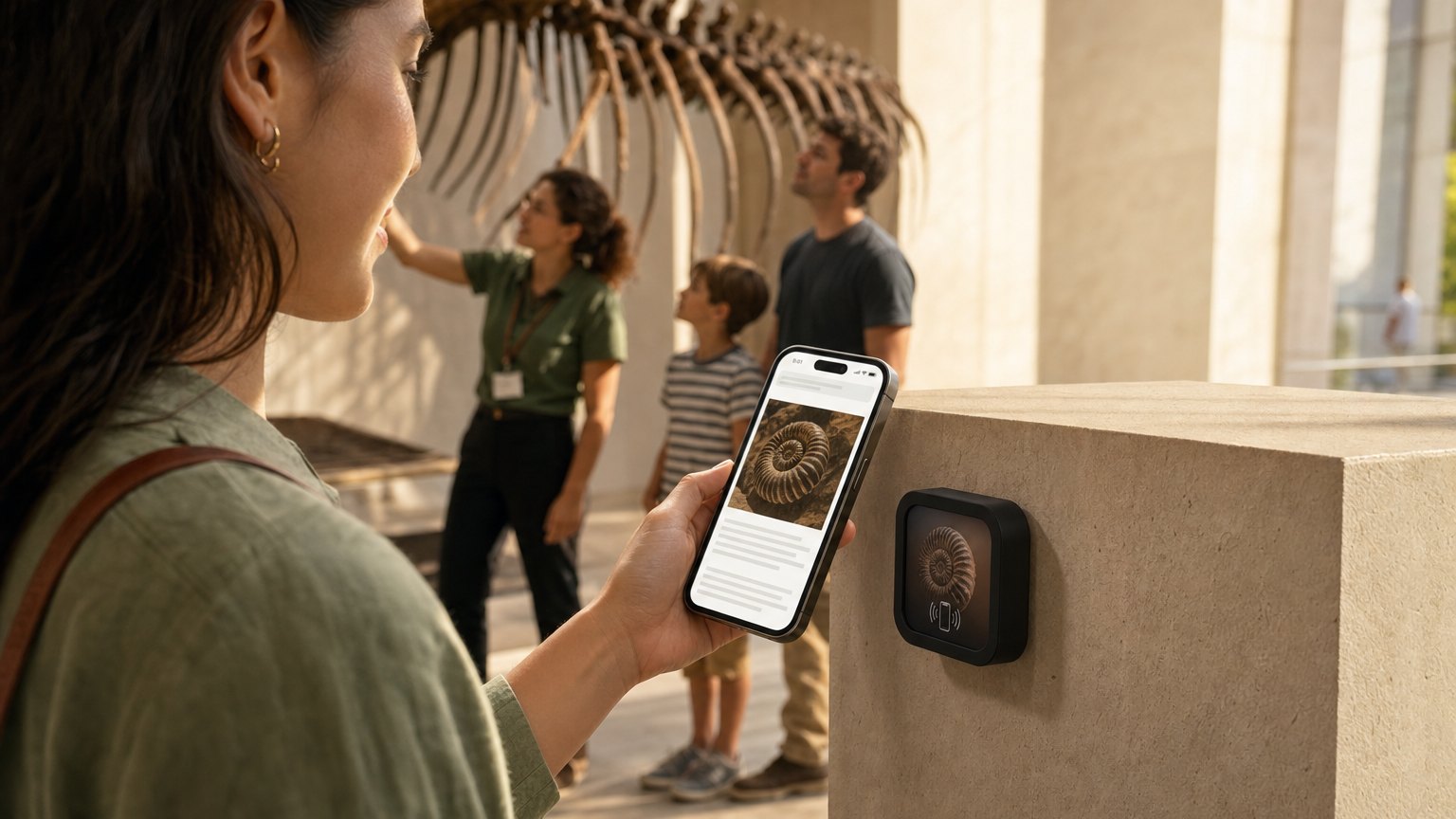
Check-In marks the stop as seen, so a visitor can tell what is left. First-timers get the 40-minute route through the highlights; returning visitors get what has changed since spring. Same plaque, same Marker.
The object too fragile to hand over
View in AR puts it on the floor in front of them, at real size, with no app to install.
Label copy, out loud
The Inclusion Bar translates every label into 20 languages, steps the text up through three sizes, and reads it aloud in four voices.
The sculpture walk outside
Geo Check-In confirms the visitor is actually at the piece before the story unlocks.
On the way out
A Rating at the exit, and a Donate Action on the exhibit that actually moved them instead of a coin bowl by the door. Lead Capture in the shop emails the membership brochure on submit.
Galleries group into Projects, so you can compare a wing against a wing. The board and your grant officer get the shareable report link — live, and no account to create.
Campground and RV resort · 300 sites
One arrival question, three hundred sites.
Asked once
At the registration window — Name Capture, a Custom Input for the site number, and one Quick Choice: RV, tent or cabin?
Registration window
Three taps before the gate arm goes up, and the office stops repeating the same four answers all afternoon.
The post at every site
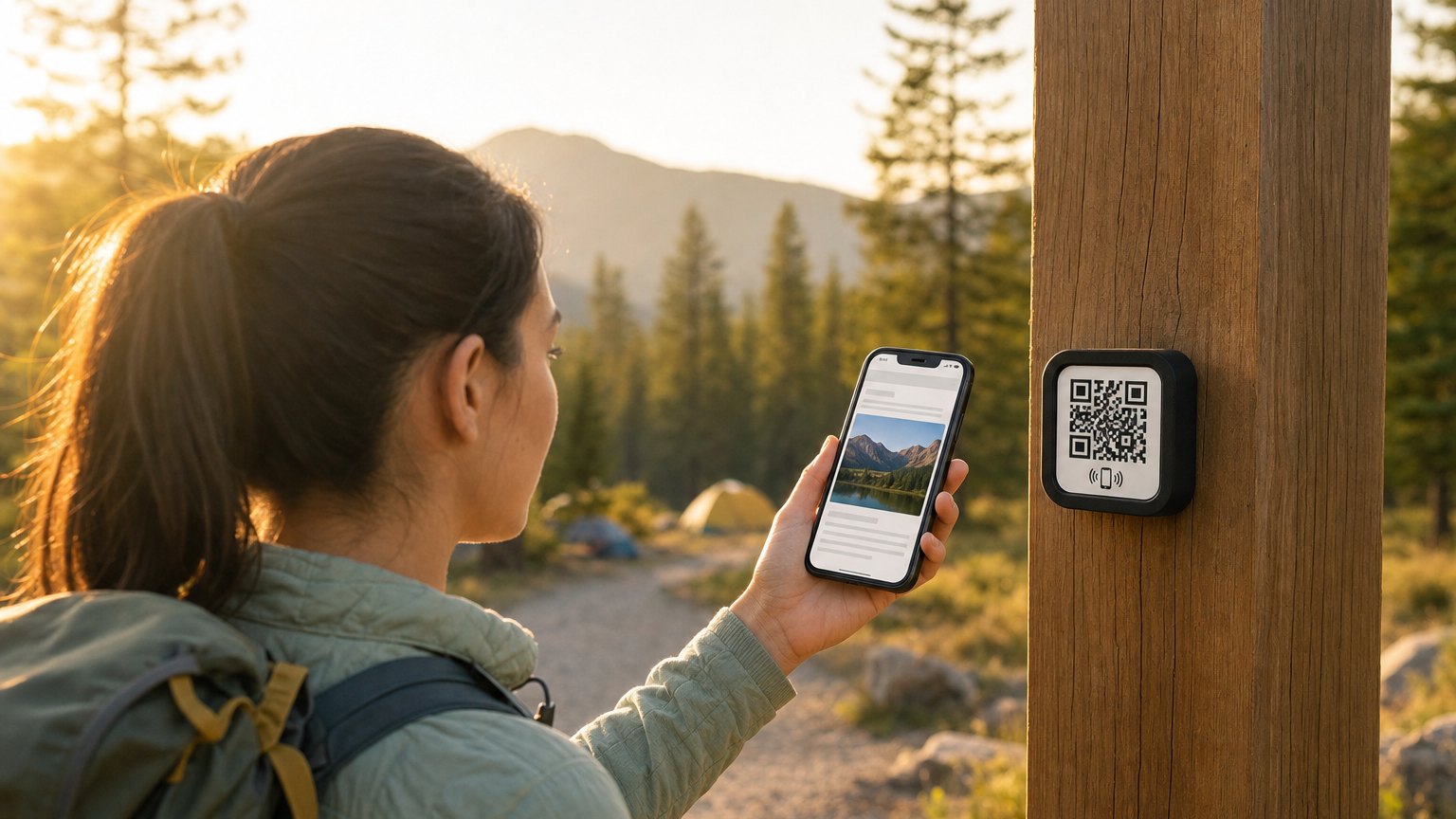
One Marker per post. RV guests get hookups and dump-station hours, tent campers get the bathhouse and where firewood is, cabin guests get check-out and the hot tub rules. Same tile, 300 posts.
Bathhouse and laundry
A Text Us Action with the message already written — “Site 214, shower 3 is out.” A Request Action for a firewood drop.
Six trailheads
Check-In at each post so a family can work the whole loop, and Geo Check-In at the overlook so the story only opens when they are standing there.
Camp store
Pay for ice, firewood and a late check-out. Funds settle into your own Stripe account.
The gate, after hours
A Safety Card: nearest hospital, gate code, who to call at 2am. Same Marker, every language the Inclusion Bar carries.
One Project per loop, so you can see which sites people actually use. The weekly digest lands Monday, and the ownership group gets a live report link without an account.
The same thread, from your side
What a guest carries around your building, you read back as one picture.
Projects roll it up
Group Experiences by floor, wing or loop. Variables and analytics roll up by Project, so you are reading a building instead of a list of tiles.
A digest on Monday
The weekly audience email says what happened in your space without anyone opening a dashboard.
A report you can send
A link to a live stats report. A board, an owner or a sponsor opens it with no account and no login.
Which plan has which part
Memory is most of the difference between the plans, so here it is plainly.
Starter
Name, Email and Phone Capture — the whole contact set.
Enough to greet a guest by name everywhere in your space, and to collect an email or a phone number while they are standing in it.
Growth
All thirteen Memory blocks, Conditional Content included.
Every answer travels across every Experience you run, and you get a profile for each visitor. This is the plan the walkthroughs above describe.
Enterprise
Everything in Growth, at whatever scale you need.
Unlimited Experiences and Markers, multi-property billing, and a lower platform fee on every payment you take.
Start with a free account and build the first Experience. Add the Memory blocks when you are ready for the second Marker to know what the first one was told.