Template · Weddings & Events
Your story, the schedule, and the guestbook. One tap at the place setting.
No account or card needed to build.
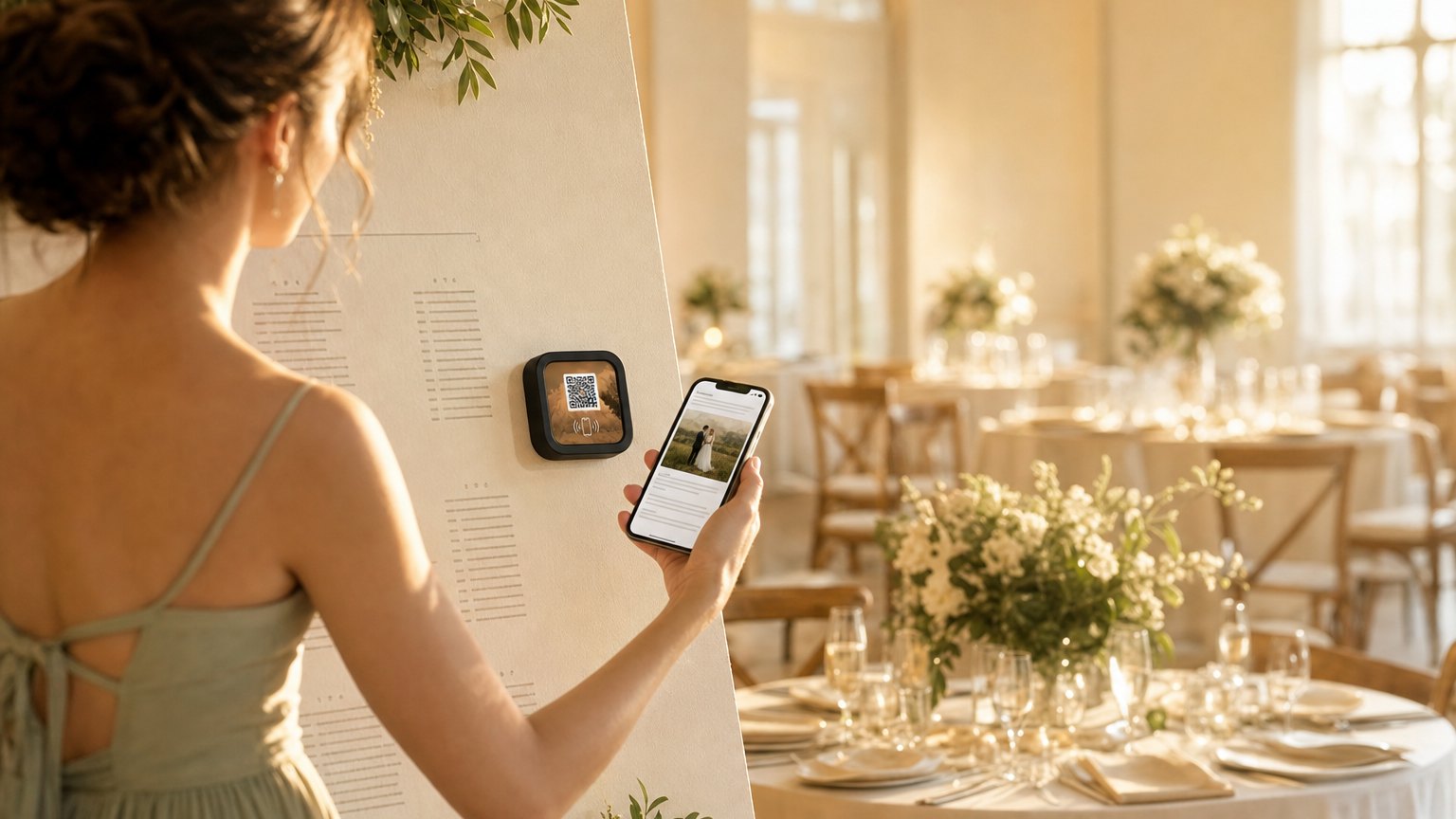
A Marker at each place setting or in the favor. Guests tap it and get the couple's story, the full event timeline, a link to share their photos, a digital guestbook, and the registry. One tap. No printed program to squint at or forget on a chair.
What's in this template
No card needed to build. Your 14-day trial starts when your page goes live. One Marker is $29.
Three placement options
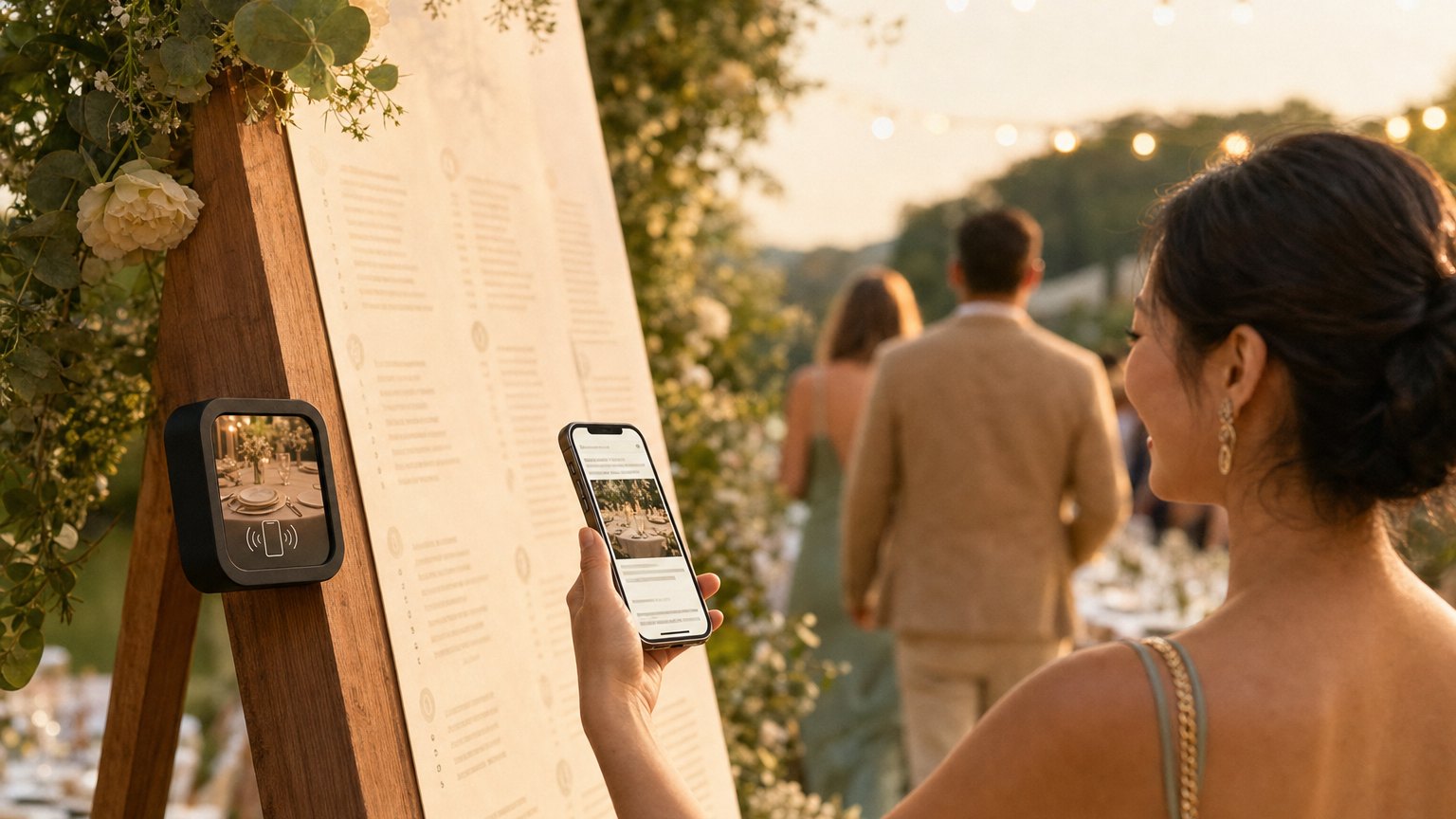
Place setting
One Marker per seat, face up. Guests see it when they sit down. Every person at the reception gets the story, the schedule, and the guestbook link in their hands before the first course.
Table center
One Marker per table in a small stand or card holder. More affordable than per-seat placement: ten tables means ten Markers instead of eighty.
As the favor
One Marker per favor bag. Guests take it home. Guestbook submissions and registry contributions often come in the day after the wedding when guests tap the favor on their nightstand.
Update it after the wedding
When the professional photos arrive, update the Experience with the gallery. Change the schedule section to a recap of the day's moments. Add a thank-you note from the couple. Guests who kept a Marker as a favor tap it again weeks later. The Marker becomes the keepsake.
Ready to build?
Start with this template
Free to build. One Marker is $29.
Already know the look? Design your wedding Marker. The studio opens with a matching design applied.
Or browse ready-made designs in the shop.
Want the full guide? Read how couples use NearField at weddings.