Guide · Houses of Worship
NFC for churches: digital bulletins, tap-to-give, and visitor welcome Markers
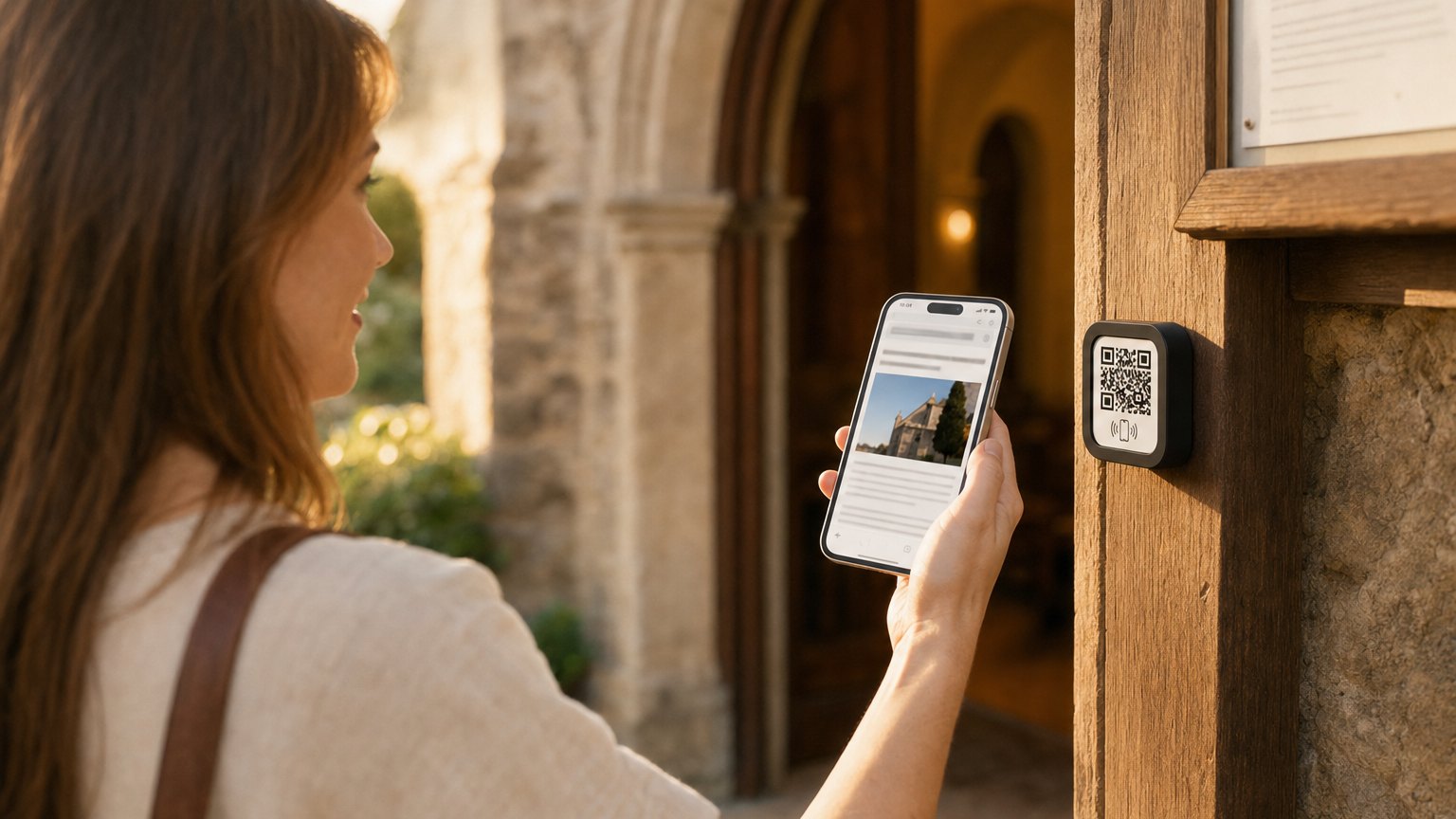
A small Marker in the pew or on the welcome desk. A congregant taps it and the order of service opens on their phone: along with a way to give, links to sermon notes, and a path for first-time visitors to connect. No app download. No paper to print.
The problems NFC solves in a church context
Printed bulletins cost money every week, go unread by most people who take them, and end up in the recycling bin. They can't play the sermon recording from last week or link to a sign-up form for the fall retreat. They require someone to stuff, fold, and stack them every Saturday night.
Online giving has improved, but it requires the congregation to find the church's app or website on their own, often in the moment, mid-service, when attention is split. A Marker in the pew with a "Give" button removes that friction entirely.
First-time visitor follow-up depends on people filling out connection cards, which many won't do. A Marker in the foyer that a visitor taps out of curiosity can capture a name and email naturally, without the social pressure of a paper card in the offering plate.
The tap-to-give angle
This is the most compelling use case for many congregations, especially those with younger members who don't carry cash or checks.
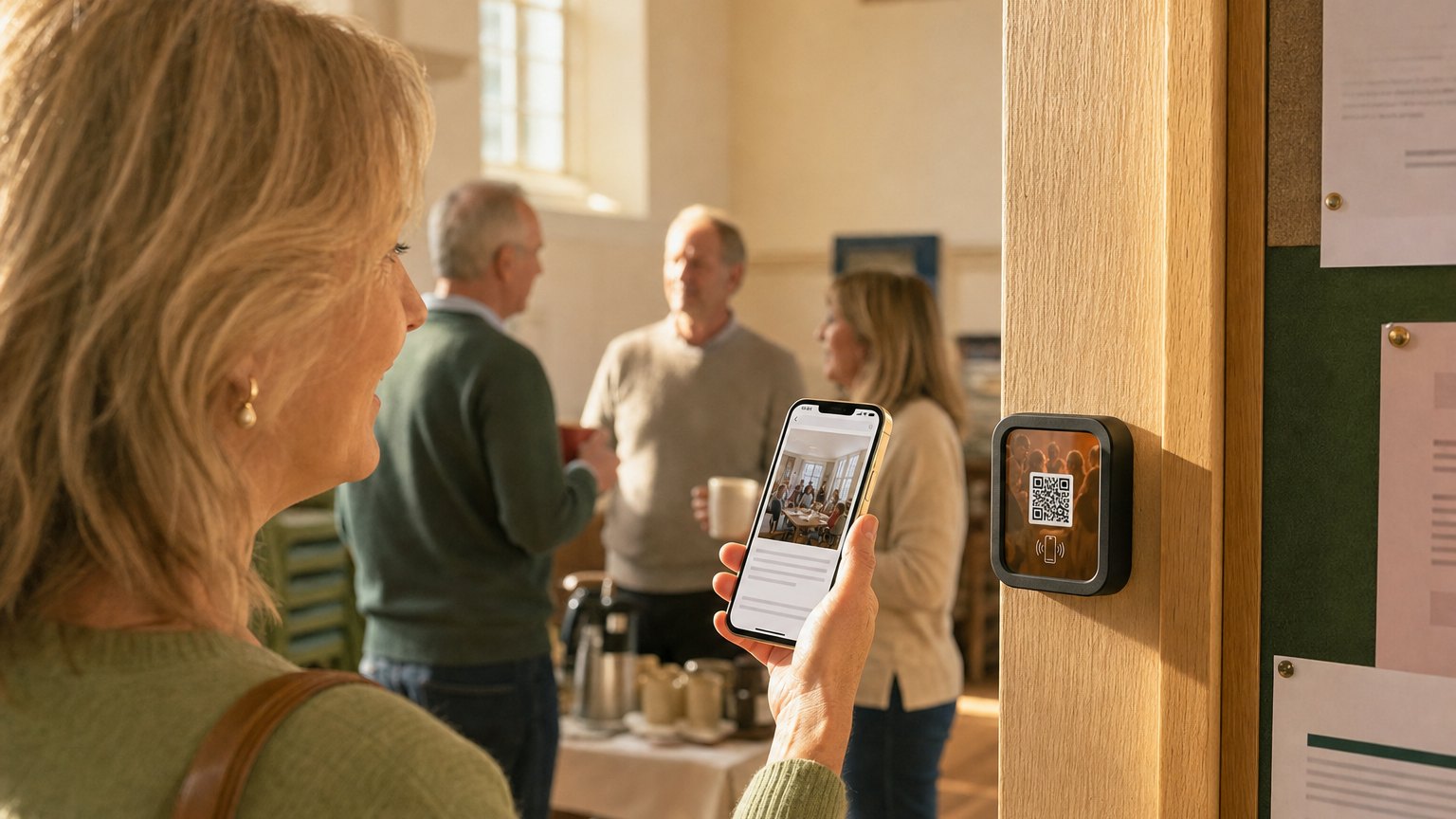
A NearField Marker in each pew row, or on the chair back in front of the congregant, can include a donation block at the bottom of the Experience. The congregant taps the Marker, scrolls to the giving section, and donates with Apple Pay, Google Pay, or a card. The offering plate doesn't have to stop for them.
NearField's donation blocks connect directly to Stripe. Contributions route to the church's account. Each gift is logged in your dashboard. No separate giving app, no third-party login for the donor.
It is the same giving setup nonprofits and donation drives use, and the donation appeal template is a good starting point if your church runs a building fund or a mission trip alongside the weekly offering.
What to put on a weekly service Marker
- Order of service. An accordion block with each section: Call to Worship, Readings, Sermon, Offering, Benediction. Collapsed by default so the page doesn't feel long, easy to open.
- Sermon title and scripture references. A text block at the top. Update it every week in under a minute.
- Sermon notes or listening guide. A link to a PDF or Google Doc with that week's notes. Tap to open. Stays on the Marker as a record for anyone who missed the service.
- Giving button. "Give today" or "Tithe online": a donation block at the end of the Experience. Simple, no friction, no redirect to an external site.
- Upcoming events and announcements. A text block or promo block showing what's happening this week. Replaces the printed insert entirely.
- Prayer request form. An email capture block or a link to a submission form. Tapping during a quiet moment feels more natural than passing a card to a stranger.
Ready to try it?
Build a church Experience with every Growth block and Action. No card needed to build, and no app for your congregation. Your 14-day trial starts when your page goes live.
Build a church Experience freeThe visitor welcome Marker
A separate Marker in the foyer or welcome desk, distinct from the in-pew one. First-time visitors are curious: they're looking at everything as they walk in, and a Marker on a table near the entrance is something they'll tap.
What a visitor welcome Marker should include:
- A warm welcome message from the pastor or welcome team
- What to expect at this service (format, length, children's programming)
- A name and email capture form: "We'd love to stay in touch", with no pressure
- Links to get more information: website, social, small groups
On NearField's paid plans, the platform can recognize a returning visitor. Someone who taps the foyer Marker for the third Sunday in a row can be shown a different message (an invitation to a membership class or a small group) rather than the first-time visitor welcome.
Seasonal use and special services
Christmas Eve and Easter services often bring three to four times the normal attendance, and the most first-time visitors. These are the moments when having a working welcome Marker matters most.
Because the Marker is just a link to an Experience you control, updating it for a special service takes five minutes. Swap the order of service, update the welcome message for guests, and change the sermon title. The Marker in every pew shows the new content immediately. No reprinting, no restuffing.
A church picnic, a vacation Bible school week, or a concert in the sanctuary is really an event, and the same Marker works the way it does for events and gatherings - the schedule, the sign-up, and a check-in at the welcome table so you know who came.
Placement options
In the pews or chairs. One Marker per row, placed at the end of each pew or zip-tied to the chair back in front. One Experience serves the whole sanctuary: every Marker in the building links to the same weekly update.
Foyer and welcome desk. A separate Marker for first-time visitors. Can link to a different Experience than the in-pew Marker, with visitor-specific content.
Small group rooms and classrooms. A Marker in each room linking to that group's resources: notes, schedule, contact. Useful for churches with active weeknight programming.
How to get started
- 1Sign up free. Use the Donation Appeal or Event Program template as a starting point. Fill in this week's order of service, scripture, and giving link.
- 2Preview it on your phone. Show the pastor or worship director. The live preview is the fastest way to get buy-in.
- 3Order an Intro 3-Pack ($49) for a pilot: one in a pew row, one at the welcome desk, one spare. Register them in your dashboard and link all three to the same Experience. Your 14-day trial starts when your page goes live.
- 4Each week, update the sermon title, scripture, and announcements. Takes under five minutes. The Markers all update automatically.
- 5When you see the first donation come through in your dashboard, that's the signal to order enough Markers for the full sanctuary.
Start with an Action
Three Actions cover what a visitor most often needs.
Donate
Giving that works for the congregant who stopped carrying cash.
Try the live demoAdd to Calendar
Service times and events, straight into their calendar.
Try the live demoAction Hub
Giving, service times and directions on one Marker.
Try the live demoEach one goes live in under a minute, and any Action converts into the full Experience described here in one tap, and the same link and Markers keep working. See all 17 Actions.
Ready to build?
Build your church digital bulletin
The church template includes an order of service, sermon notes, a tap-to-give block, and a first-time visitor welcome card. Free to build. One Marker in the foyer changes your Sunday experience.