Guide · Campgrounds & RV Parks
Campground QR codes and NFC Markers: guest info that survives the season
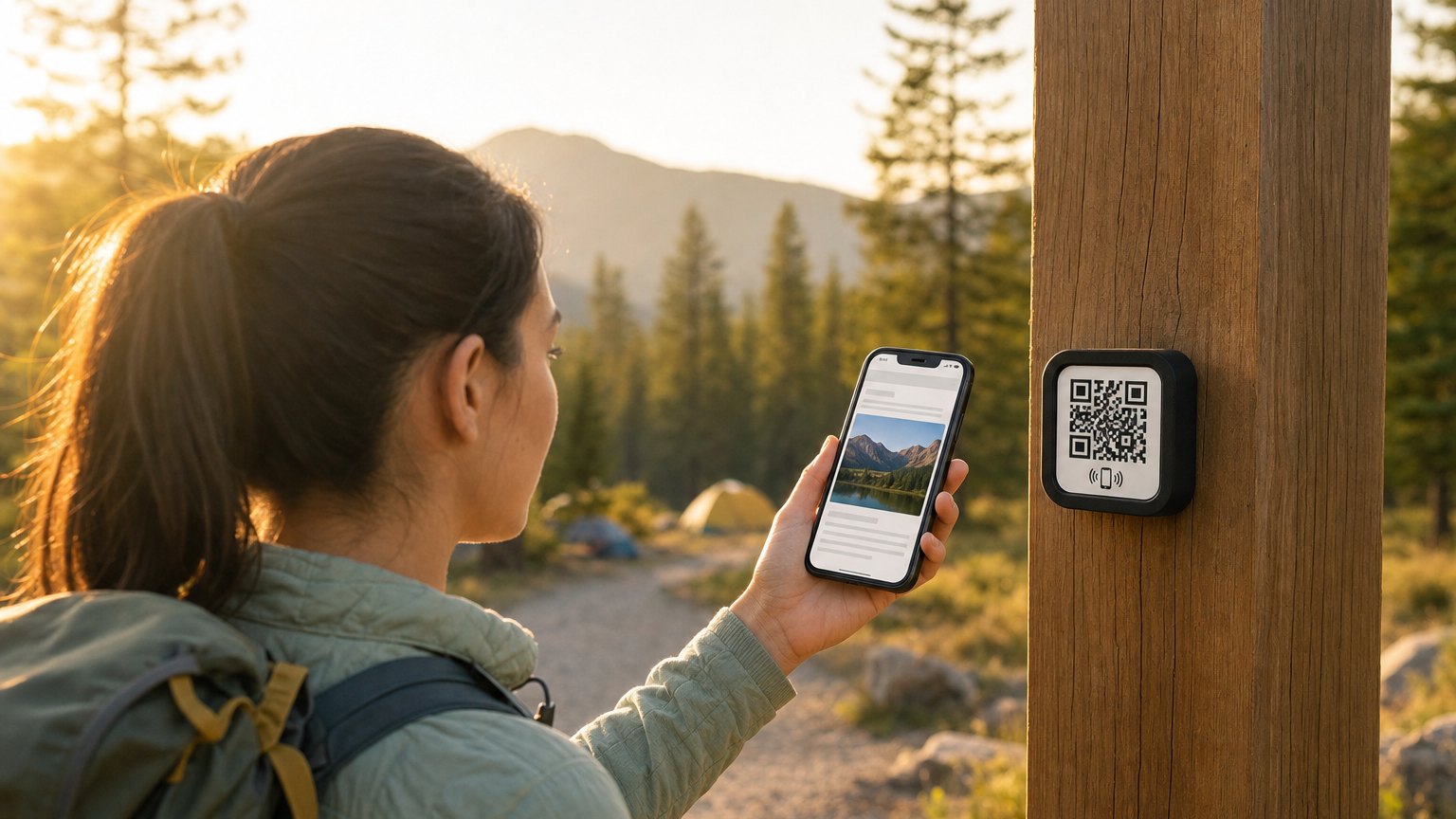
Every campground has the corkboard: the site map, the quiet hours notice, the pool schedule, the sun-bleached burn-ban sign from two seasons ago. A NearField Marker replaces the whole board with one tap, and unlike the corkboard, it's never out of date and it's readable at midnight when a guest is looking for the bathhouse.
The reprinting problem
Campground information changes constantly through a season: the camp store closes early on Sundays starting in September, the burn ban lifts, the Saturday hayride moves to 4pm, the laundry machine card system gets replaced. Every change means a new printout, a walk to each kiosk, and a stapler. Most parks give up partway through the season, which is why the corkboard is always partly wrong, and why guests keep walking to the office to ask.
A NearField Marker is printed once and never changes, and it's linked to a guest page you update from your phone. Change the store hours once in your dashboard and every Marker in the park (check-in window, bathhouse door, camp store counter, site posts) shows the new hours on the next tap.
What goes on a campground guest page
- The park map. Sites, bathhouses, dump station, trails, beach or pool. The thing every arriving guest photographs anyway: now it's already on their phone, with a check-in at each trailhead post if you want to know which trails get walked.
- Wi-Fi and quiet hours. The two most-asked questions at any office window, answered before anyone knocks.
- Firewood, ice, and camp store. Hours, prices, and a request button to ask for a firewood delivery, with the site number already in the message. Put it on the page and guests can order without walking to the office.
- Burn-ban and weather status. The single most important thing to keep current, and the hardest with paper. Update it in one place and every Marker is right.
- This week's activities. The hayride, the s'mores night, the ranger talk. An accordion guests check on Friday afternoon when they roll in.
- Local picks. The diner worth the drive, the bait shop, urgent care, the grocery run. Host recommendations beat a highway billboard.
- A review ask at the right moment. A one-tap Google review link guests see during the stay, not in an email three days after they've unpacked at home.
Where the Markers go
Start with three placements. The check-in window or office door: arriving guests tap while they wait, and after-hours arrivals get everything they need when the office is dark. The bathhouse door: the one building every guest visits, and the natural home for laundry instructions, shower-token info, and the map back to their loop. The camp store counter: where the activities schedule and the firewood order button earn their keep.
Larger parks and RV resorts add a Marker per loop on the signpost, and glamping operations put one inside each unit: where it works exactly like a vacation-rental welcome Marker: Wi-Fi, heater instructions, check-out steps, and the s'mores kit upsell.
Markers are water-resistant, not laminated paper. For year-round outdoor exposure, mount under an eave, on a covered post, or inside the kiosk frame the corkboard used to live in.
Ready to try it?
Build a campground guest Experience with every Growth block and Action. No card needed to build. Your 14-day trial starts when your page goes live.
Build a campground Experience freeNo app, no account, no cell bars required
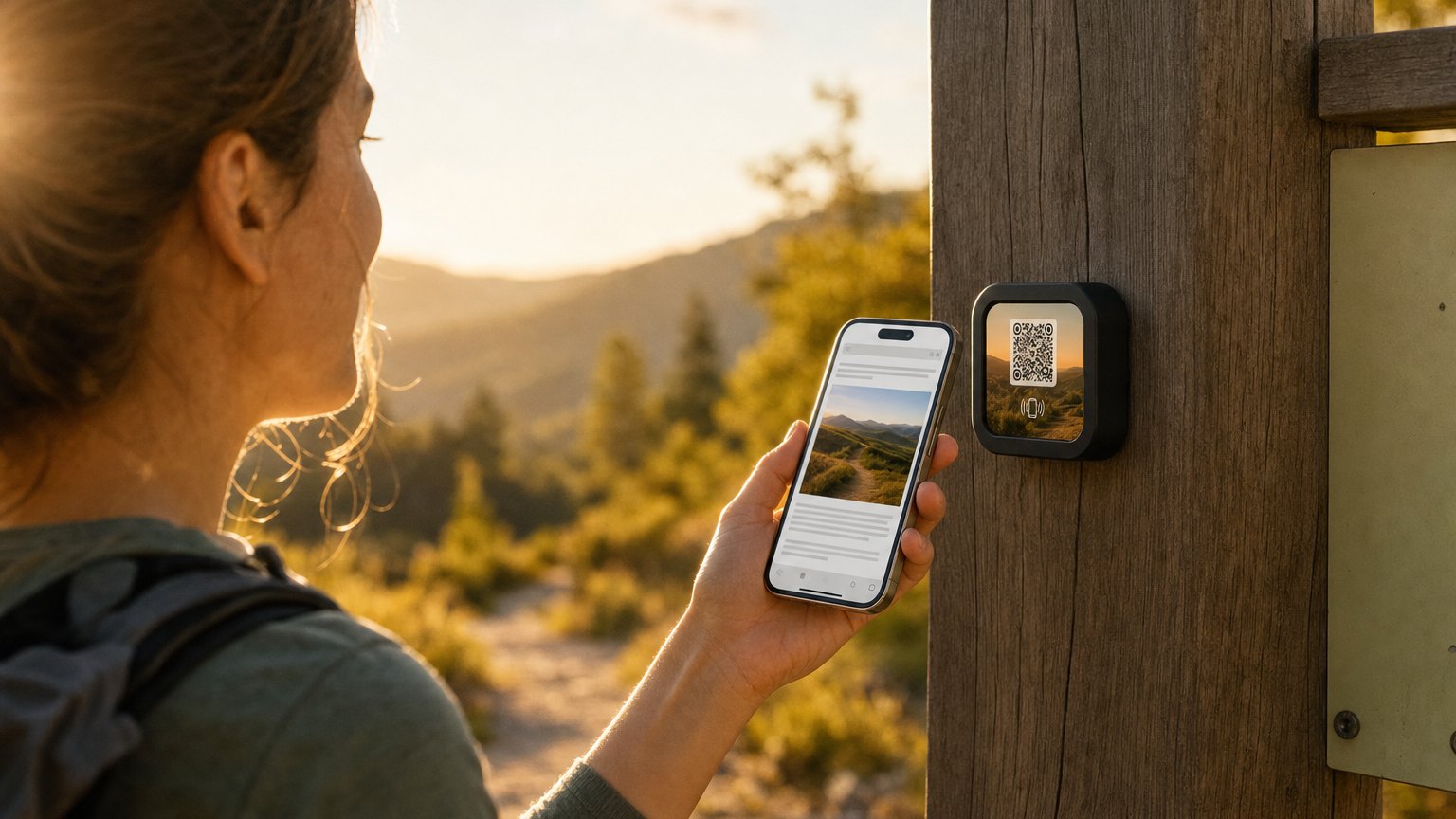
Campgrounds are exactly where app-based guest systems fail: spotty coverage, older guests, international visitors, kids carrying hand-me-down phones. A NearField Marker opens a plain web page in the phone's browser: over your park Wi-Fi or one bar of signal. NFC tap for the phones that support it (most do now), printed QR code on the same Marker for everyone else.
The Inclusion Bar on every page handles the rest: translation into 20 languages for international travelers, larger text for older eyes, and read-aloud for anyone who wants it. The park that hosts Quebecois snowbirds every January doesn't need to print a French corkboard.
Starting with a free campground QR code
Most parks try a free QR code first, and that is a sensible way to start. Our free QR code generator makes one in about a minute, with no watermark and no expiry on the code, and you can have it printed and taped inside the kiosk glass the same afternoon. Nothing about NearField requires you to skip that step.
Four codes cover most of what a camper asks in their first hour:
- The map board. One code on the big park map at the entrance, opening the same map as a phone-readable image. Guests stop photographing the board at an angle in the dark, and late arrivals can find loop D without waking the host.
- Bathhouse codes and hours. The door code, the shower-token machine, the laundry machine instructions, and the hour the cleaner comes through. This is the code guests use most and the one nobody thinks to put up.
- Quiet hours and park rules. Quiet hours, generator hours, leash rules, speed limit, and the current burn-ban status. Having it on a phone is what lets a host point at a rule instead of arguing about one.
- Firewood and ice requests. A code at the site post that sends the order straight to the camp store's phone and inbox, with the site number already filled in. Bundles sell when asking for one takes ten seconds.
Where a free code runs out is the second week of the season. A static QR points at one fixed destination forever, so the burn ban that lifts, the pool that closes for a repair, and the hayride that moves to 4pm all mean a new code, a new printout, and a walk to every kiosk. The park Wi-Fi is the clearest case of all: the password changes, and every printed code that carried it is now wrong. A Wi-Fi Marker joins the guest to the network in one tap and keeps working after you rotate the password, because the Marker points at a page you edit rather than at the password itself.
A reasonable path: print the QR codes now, watch which ones actually get used, and put Markers on the two or three placements that earn them.
What the tap data tells you
Every tap is logged with a time and place. You learn which questions actually drive office traffic (the bathhouse Marker getting tapped at 7am means people want shower info the night before, so move it higher on the page), whether anyone reads the activities schedule (if Friday-evening taps spike, your weekend programming has an audience), and when after-hours arrivals actually arrive. It's the kind of signal a corkboard has never produced.
How to set this up with NearField
- 1Sign up free and start from the campground template: map, Wi-Fi and quiet hours, store and firewood section, activities accordion, and local picks are already laid out.
- 2Fill in your park's details and upload the map you already hand out at check-in.
- 3Preview it on a phone: that's how every guest will see it.
- 4Publish and order Markers. Start with three: office, bathhouse, camp store. Your 14-day trial starts when your page goes live.
- 5When something changes mid-season, edit the page from your phone. Done: every Marker in the park is current.
Ready to build?
Retire the corkboard this season
The campground template includes the park map, Wi-Fi and quiet hours, firewood and store section, activities schedule, and local picks. Free to build. Order Markers when you're ready.