Check-In · Geo Check-In

    Someone checked in. Your phone knows.

    A tap on a Marker records who was there and when - no app for them, no clipboard for you. Switch on the notification and it arrives on your phone the moment it happens, with the place in the title and the visitor one tap away.

    Growth plan · part of NearField Memory

    On the visitor’s phone

    You’re checked in

    Today at 9:14 AM

    No account, no download. The Marker remembers them next time.

    On yours

    North Trailhead

    Mark this stop — Checked in

    Tapping it opens that visitor, with this moment already in view.

    How it works on a Marker

    A button, a timestamp, and a decision about who hears.

    The check-in itself is one block. The notification is one switch on that block. Both live in the same panel in the builder.

    01

    Add the block.

    Drop a Check-In block on the Experience the Marker points at, and write the button label - 'I'm here', 'Mark this stop', 'Start my shift'.

    02

    They tap, or it fires itself.

    One button records the moment with a timestamp. Or switch on auto check-in, and opening the page is the check-in - nothing for the visitor to press at all.

    03

    Your phone tells you.

    Switch on 'Notify me' and the push carries the Experience name and the check-in. Tapping it opens that visitor in your Audience with the moment already in view.

    • The button label, which can include the visitor's own name
    • Auto check-in, so opening the page is the check-in
    • Repeat check-ins, with the visitor's own history if you want it
    • Start blank each visit, for places people come back to daily
    • GPS confirmation with Geo Check-In, inside a radius you set
    • Notify me, per block - and mutes, per Experience

    What the notification does and does not do

    Built so it stays switched on.

    The fastest way to ruin a notification feature is to send too many. Three things stop that happening here, and none of them are settings you have to find.

    One buzz per moment.

    The same block from the same visitor raises at most one push every two minutes. A double-tap on a tile is still one notification.

    A ceiling, not a firehose.

    Sixty notifications per account per hour, and then we stop. A busy Saturday at a trailhead does not turn your phone into a pager.

    Mute one, keep the rest.

    Every Experience that notifies you appears in Account, with its own switch. Turn off the one that has become noise without losing the one that matters.

    Where it arrives

    The push goes to the NearField app on your phone. Every notification is also written to your inbox in the dashboard, whether or not push is on - so “notifications off” means “do not buzz me”, never “keep no record”. If your phone is silent, Account tells you which of the three reasons it is: the master switch, the device, or the operating system.

    When a tap is not enough

    Geo Check-In asks the phone where it is and compares it to the coordinates you picked, inside a radius you set in metres or feet. Use it where being there is the point - a trail overlook, a site inspection, a stop on a walking tour - and use the plain Check-In everywhere the tap itself is proof enough.

    One example, all the way through

    A county park system, six trailheads.

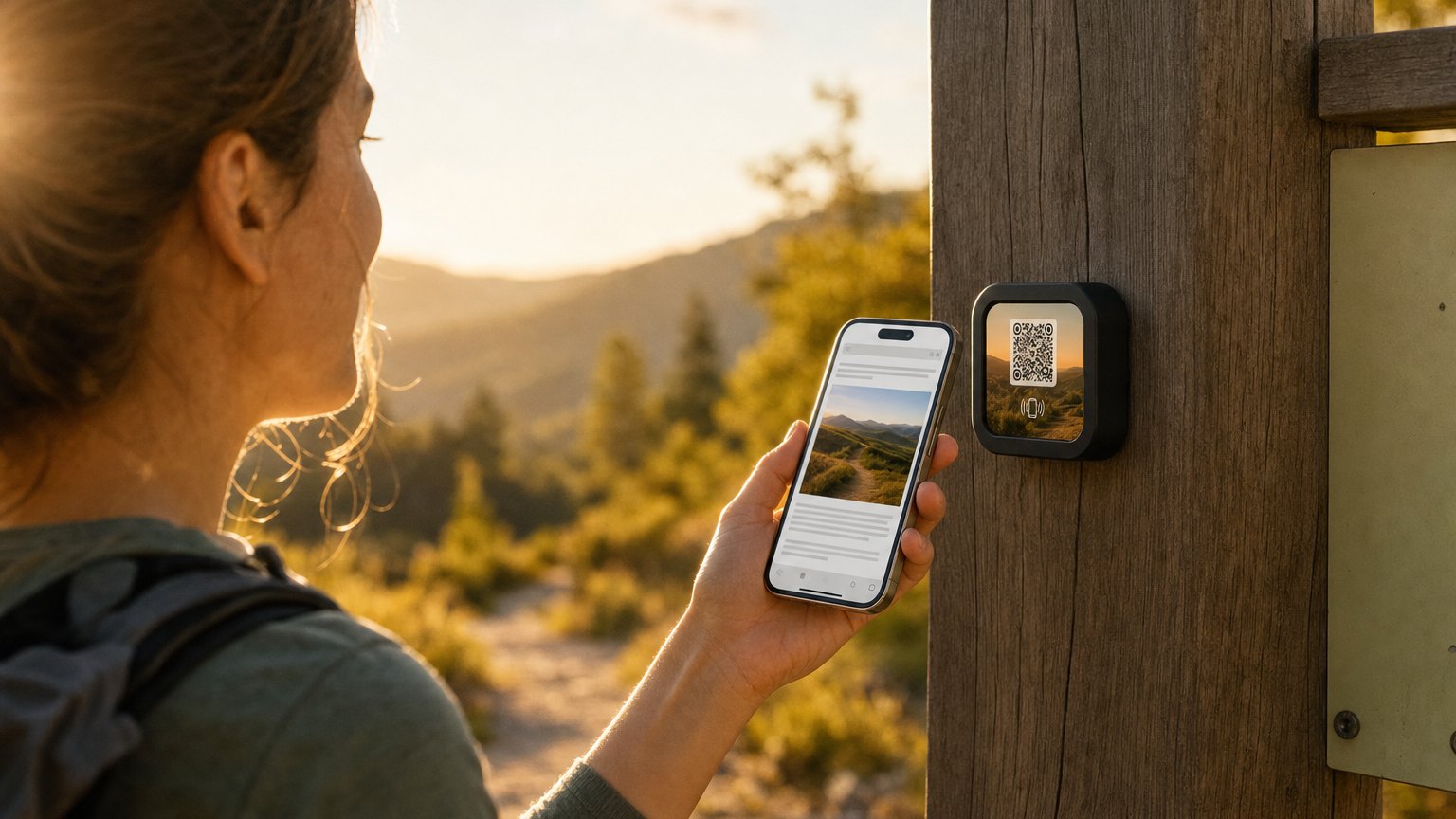
    A NearField Marker on a wooden post at a trailhead

    Parks and trails · 6 trailheads

    Who walked what, without a ranger standing at the gate.

    Every trailhead post
    A Check-In block under the trail conditions. Auto check-in on, so a hiker who taps for the conditions has already registered the visit without pressing anything.
    The overlook
    Geo Check-In instead, with a tight radius. The story of the ridge only opens when somebody is standing on it, and the check-in means what it says.
    The ranger's phone
    Notify me on for the two remote trails and muted for the busy one by the car park. The quiet trails are where knowing somebody is out there matters.
    Monday
    The check-ins are on each visitor's timeline in your Audience, and the trailheads roll up under one Project - so you are reading a park, not six separate tiles.

    Add a Passport block on the visitor centre Marker and the same six check-ins become a trail challenge, with a reward at the last stop. Nothing else changes.

    The same pattern covers gallery routes, campus tours, conference sessions, gym attendance, volunteer shifts and site inspections. If the check-ins add up to a route, the Passport block is what turns them into one.

    Put it on a wall

    A check-in needs somewhere to happen.

    One Marker per place people arrive: a post, a doorway, a desk, an exhibit. Point several of them at the same Experience, or give each one its own so the numbers stay separate.

    A single Marker is $29, and the Intro 3-Pack is $49 for three. Every Marker carries NFC and a printed QR on the same tile, so nobody is stuck. Ships in 2 business days - sold and shipped from the US.

    Questions people ask about check-ins

    Where does the notification actually arrive?
    As a push on the NearField app on your phone, and as a row in your notification inbox in the dashboard. The inbox row is written whether or not push is switched on, so a web-only account still has a record - it just does not buzz.
    Will this turn into a pager?
    There are two limits built in. The same block from the same visitor raises at most one push every two minutes, so a double-tap does not double-buzz. And there is a ceiling of sixty notifications per account per hour, past which we stop rather than become noise. You can also mute a single Experience without turning everything off.
    Can a visitor check in more than once?
    Yes, if you allow it. Switch on 'let visitors answer again' and each visit records a new check-in; add 'show them their history' and they can see their own past check-ins with times; add 'start blank each visit' and the block is ready for a fresh one every time the page opens instead of showing the last.
    How do I make sure they are really there?
    Use Geo Check-In instead. It confirms the visitor's location against the coordinates you set, inside a radius you choose in metres or feet, before the check-in counts. A tap on a link from the car park will not pass it.

    Put one check-in somewhere and watch it arrive.

    Start free, build the Experience, and switch on the notification when you want to stop checking a dashboard to find out.

    No credit card required.