Request Action

    “More towels, room 412.”

    A guest taps the Marker, taps what they need, and the message arrives already written - with the room number in it. No phone call to the front desk, no app to download, and nothing for staff to decipher.

    Growth plan · one of the NearField Actions

    What do you need?

    Towels
    Housekeeping
    Late check-out

    Room number

    412
    Send request

    In their messaging app

    Request: Towels (Room number: 412)

    Already addressed and already written. They press send.

    On your phone

    Guest Room

    What do you need? — Towels

    This one arrives whether or not they press send.

    How it works on a Marker

    A list, a destination, and a room number.

    The Request Action needs one thing to work: somewhere for the request to go. The rest is the list of what people can ask for.

    01

    Write the list.

    What can people ask for? Towels, a late check-out, a service appointment, firewood, a demo. Each one is a button on the tile.

    02

    Say where it goes.

    A phone number or an email address - the front desk, the shop, the on-call phone. Add the reference field so every request arrives with its room or table on it.

    03

    They tap what they need.

    The message is written for them and handed to their own messaging app. Switch on the app notification too, and it reaches your phone the instant they tap.

    • The heading, and the list of things people can request
    • Text message or email, and the number or address it goes to
    • Whether to ask for a room, table, site or bay number - and what to call it
    • The wording that prefixes every message, so staff can filter on it
    • The button label
    • An app notification the moment someone taps, alongside the handoff

    The honest part

    Two ways it reaches you, and they fail differently.

    Most tools that promise “requests routed to staff” are doing the first of these and describing it as the second. Here is what each one really is.

    The handoff

    The button opens the guest’s own messaging or mail app with your number in the To field and the request already typed. It comes from their number, so staff can reply to the guest directly and the thread lives where they expect it. The catch, and we would rather say it: it only reaches you if the guest presses send.

    The app notification

    Switched on in the same editor, this fires the moment the guest taps - it does not wait on them sending anything. It arrives on the NearField app on your phone and is recorded in your notification inbox either way, and tapping it opens that visitor with the request in view. Use both: the handoff gives staff a thread, the push gives you certainty.

    Requests are subject to the same limits as every other NearField notification: one push per block per visitor every two minutes, a ceiling of sixty an hour, and a mute switch per Experience. How notifications behave.

    One example, all the way through

    A hotel with no room phones.

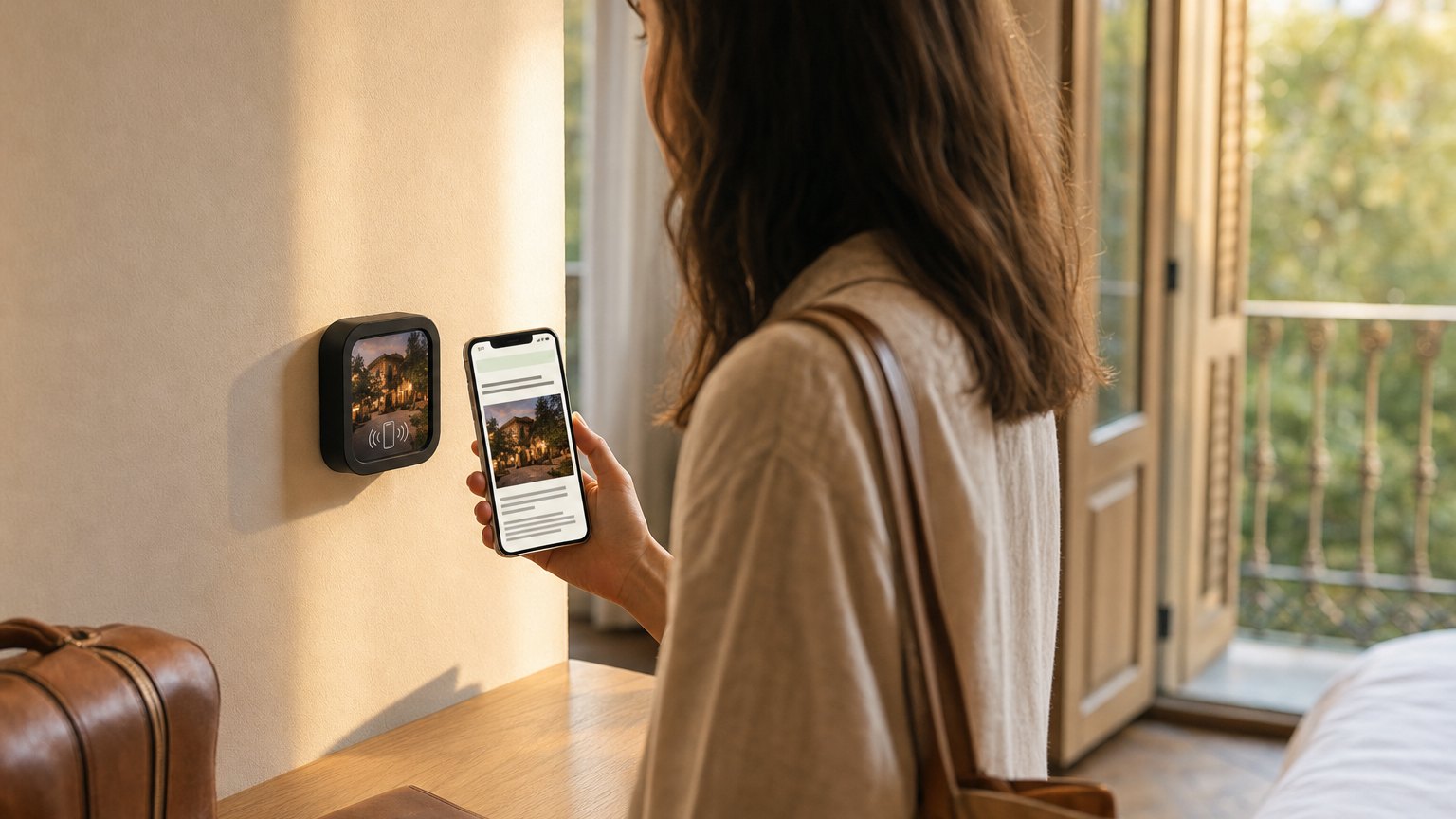
    A NearField Marker beside the door of a hotel room

    Boutique hotel · 84 rooms

    One Experience, eighty-four doors, every request labelled.

    Every room door
    One Marker per door, all pointed at the same Guest Room Experience. The Request Action lists towels, housekeeping, a late check-out and an extra pillow.
    The room number
    The reference field, labelled 'Room number'. Staff get 'Request: Towels (Room number: 412)' instead of a message they have to answer with 'which room?'
    The front desk phone
    The destination is the desk mobile. Requests arrive as ordinary texts from the guest's own number, so the reply goes straight back to them.
    The duty manager
    The app notification on as well, so somebody knows a request happened even if the guest got distracted before pressing send.

    When housekeeping changes the offer for the season, you edit one Experience and all eighty-four doors are current on the next tap. Nothing gets reprinted and nothing gets re-tapped.

    The same Action handles a campground firewood drop, a dealership test drive, a spa treatment enquiry, a beverage cart at the ninth tee, or a maintenance report from a bathhouse. See the hotel guide or the campground guide for what else belongs on that tile.

    Put it on a wall

    One tile per place a request starts.

    A door, a table, a site post, a bathhouse wall. Point as many as you like at the same Experience - the reference field is what tells them apart, so you are not building eighty-four pages.

    A single Marker is $29, and the Intro 3-Pack is $49 for three. Every Marker carries NFC and a printed QR on the same tile, so nobody is stuck. Ships in 2 business days - sold and shipped from the US.

    Questions people ask about requests

    How does the request actually reach staff?
    Two ways, and you can use both. The button opens the visitor's own messaging or mail app with the whole request already written out, addressed to the number or address you set. And if you switch on the app notification, the request lands on your phone the moment they tap - that one does not depend on the visitor pressing send.
    Do guests have to type anything?
    Only the room or table number, if you ask for one. Everything else is a list you write: towels, housekeeping, valet, a test drive, a beverage cart. They tap what they need and the message writes itself.
    Can I use one Marker for a whole floor?
    Yes. Any number of Markers can point at the same Experience, so one request page can serve every room. The reference field is what keeps them apart - staff get 'Request: Towels (Room number: 412)' rather than a message with no address on it.
    Does it need an app on the guest's phone?
    No. A Marker opens a mobile page on tap or scan, and the request is on that page. The only app involved is the messaging app the guest already has.

    Write the list and try it on your own phone.

    Start free, build the Experience, and preview the request flow before a single Marker goes on a door.

    No credit card required.