Guide · Vacation Rentals
The Airbnb welcome book guests actually open: one tap on the counter
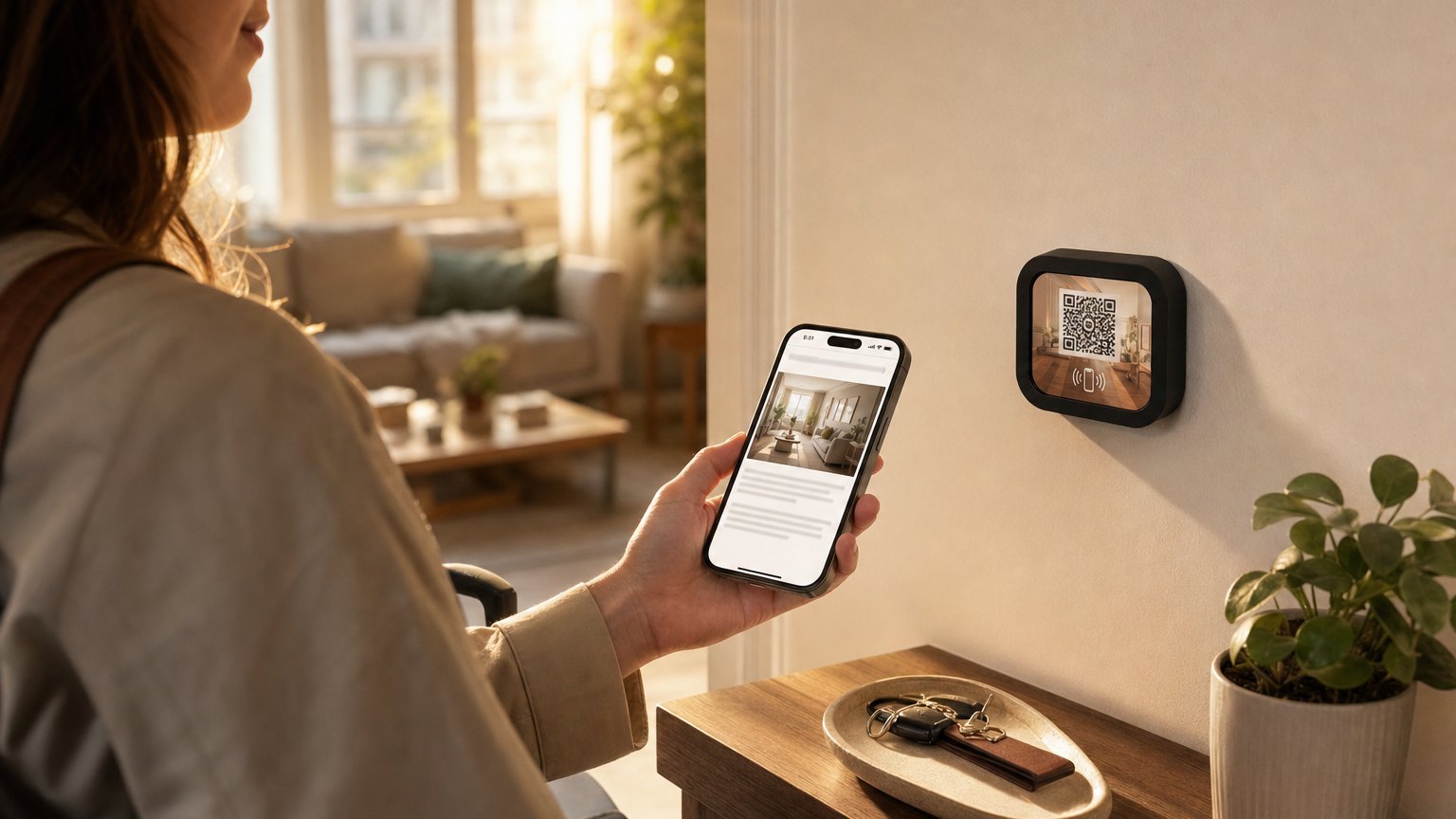
Every host builds a welcome book (the binder, the laminated pages, the Canva PDF), and most guests never open it. A welcome Marker does the same job at the moment it's needed: a small branded Marker on the kitchen counter that a guest taps when they arrive. The Wi-Fi password, house rules, check-out instructions, and your favorite local spots open in their browser. No printing, no laminating, no long messages in the Airbnb app.
Welcome book vs welcome Marker
The traditional welcome book fails in two ways. The physical binder goes out of date the day you print it and gets shuffled to a shelf by the third turnover. The digital version, the PDF or guidebook link sent through the booking app, arrives days before anyone needs it and disappears into the message thread. Both put the answer somewhere other than where the question happens.
A welcome Marker keeps the book's content and fixes the delivery: it lives on the counter, it opens in one tap, and it's as current as your last edit. You update it from your phone between guests; nothing gets reprinted.
What guests experience
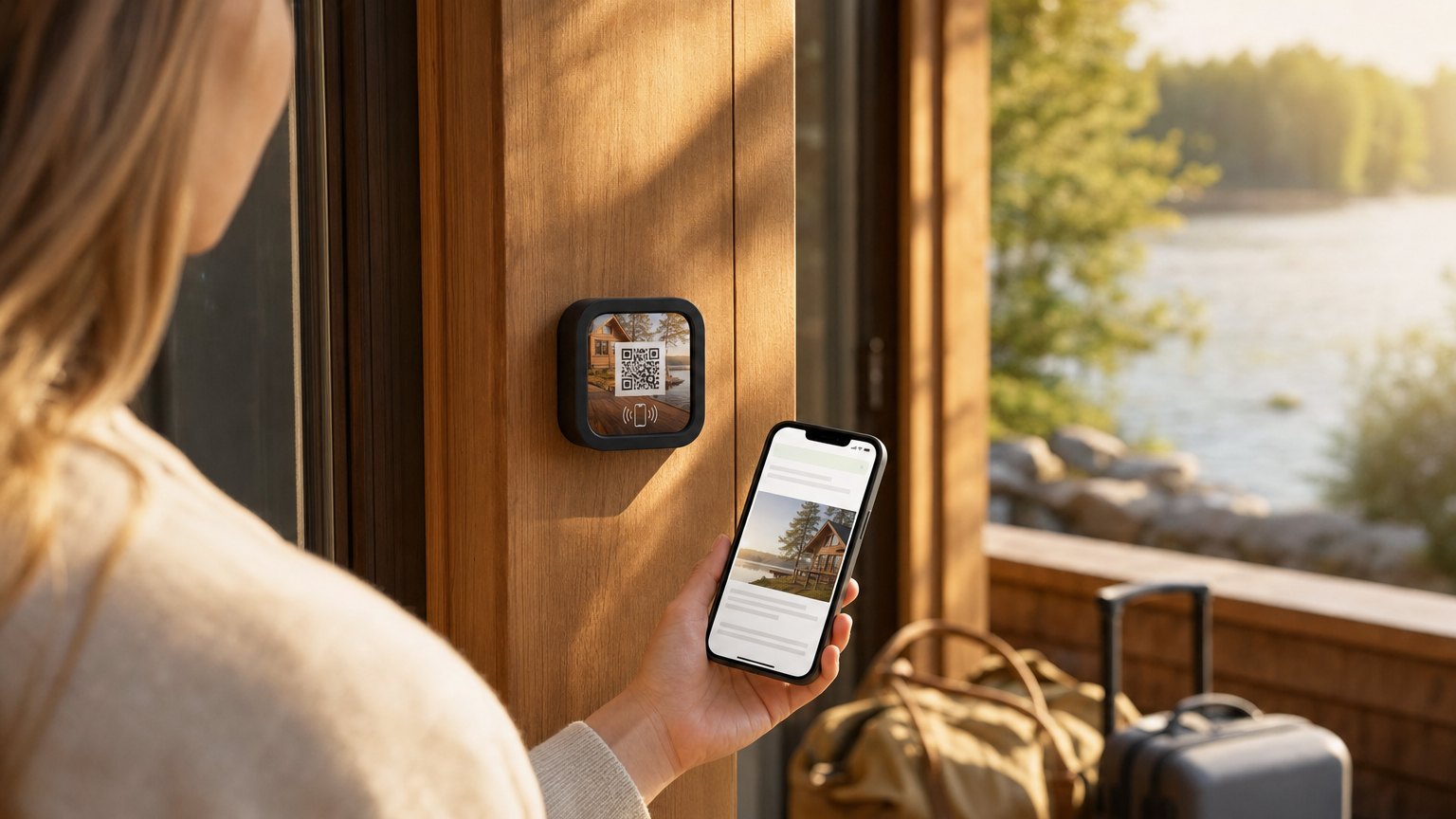
A guest arrives. They find the Marker on the counter (or wherever you put it), tap it with their phone, and a clean mobile page loads in their browser. No app to download. No account to create. Just the information they need, right now.
Most guests figure it out in under ten seconds. The Marker also has a QR code printed on it as a fallback for anyone who can't use NFC: it takes them to the exact same page.
What to put on yours
The best welcome Markers are short enough to read quickly and complete enough to replace the usual stack of notes and sticky pads. Here's what works well:
- A warm welcome line. One or two sentences with your name, the property name, and a genuine "we're glad you're here." It sets the tone.
- Wi-Fi name and password. This is the first thing every guest looks for. Put it high on the page.
- Check-in and check-out instructions. Key return, parking, lockbox code: anything they need to actually leave the property correctly.
- House rules accordion. Noise hours, no smoking, trash pickup day, whether the backyard is available. Collapsed by default so it doesn't dominate the page, but easy to find.
- Local recommendations. The coffee shop three blocks away, the beach access path, the grocery store. Guests trust a host recommendation over any list they'll find elsewhere.
- An emergency contact button. Your phone number or a mailto link for anything that comes up during the stay.
Where to put it
The kitchen counter is the most reliable spot: guests almost always end up there within the first few minutes of arriving. A side table near the front door also works well. Anywhere a guest naturally stops to orient themselves.
For a larger property, one Marker per common area is useful: kitchen, main bathroom, game room, patio. Each Marker can link to the same Experience, or you can create different pages for each area: the patio Marker links to pool hours, the kitchen Marker links to the espresso machine instructions.
Ready to try it?
Build your rental's welcome page in minutes, with every Growth block and Action. No card needed to build. Your 14-day trial starts when your page goes live.
Start with the vacation rental templateHow to mount it
Every NearField Marker order includes a Command-strip-style adhesive mount. For a rental that gets regular guest turnover, mounting to a small stand or frame is more practical than sticking it directly to the counter: it survives the cleaning crew better.
For outdoor areas or weatherproof applications (patio, pool deck), the Marker is water-resistant but we recommend a simple weatherproof frame or placing it under a covered surface.
Updating between guests
The Marker never changes. The Experience behind it does. When you need to update check-out instructions, add a seasonal recommendation, or swap the local restaurant list, you open your dashboard and edit the text block. Every guest who taps after that sees the new version.
A useful pattern: one core Experience that stays consistent (Wi-Fi, house rules, emergency contact) plus a single "this week's recommendations" text block you update each Sunday before the new guests arrive.
What you can skip
You don't need to include check-in instructions on the Marker: your guests already have those from the booking app. The Marker is for what they need once they've arrived and settled in: Wi-Fi, house rules, and recommendations. Keep it focused. A welcome Marker that tries to do too much ends up not being read at all.
How to set this up with NearField
- 1Sign up free and choose the Vacation Rental Guide template. It comes with a welcome header, Wi-Fi block, check-out instructions, house rules accordion, and a local recommendations section.
- 2Fill in your details: property name, your name, the Wi-Fi password, house rules, your favorite nearby spots.
- 3Preview it on a phone. Make sure everything reads clearly on a small screen: that's what your guests will see.
- 4Publish and order one Marker. When it arrives, register it in your dashboard and link it to your Experience. Your 14-day trial starts when your page goes live.
- 5Put the Marker on the counter before your next guests arrive. The setup is done: updates from here on take minutes.
Start with an Action
The welcome book is the destination. These three answer the messages you actually get.
Guest Wi-Fi
The password, without the midnight message.
Try the live demoAction Hub
Checkout, bins, parking and the Wi-Fi on one Marker.
Try the live demoText Us
A pre-written message to you with the question already framed.
Try the live demoEach one goes live in under a minute, and any Action converts into the full Experience described here in one tap, and the same link and Markers keep working. See all 17 Actions.
Ready to build?
Build your Airbnb welcome Marker today
The vacation rental template is pre-loaded with a Wi-Fi block, check-out instructions, house rules accordion, and a local recommendations section. Free to build. Order a Marker when you're ready.