Guide · Vacation Rentals & Property Managers
NFC for vacation rentals: from one beach house to a forty-unit portfolio
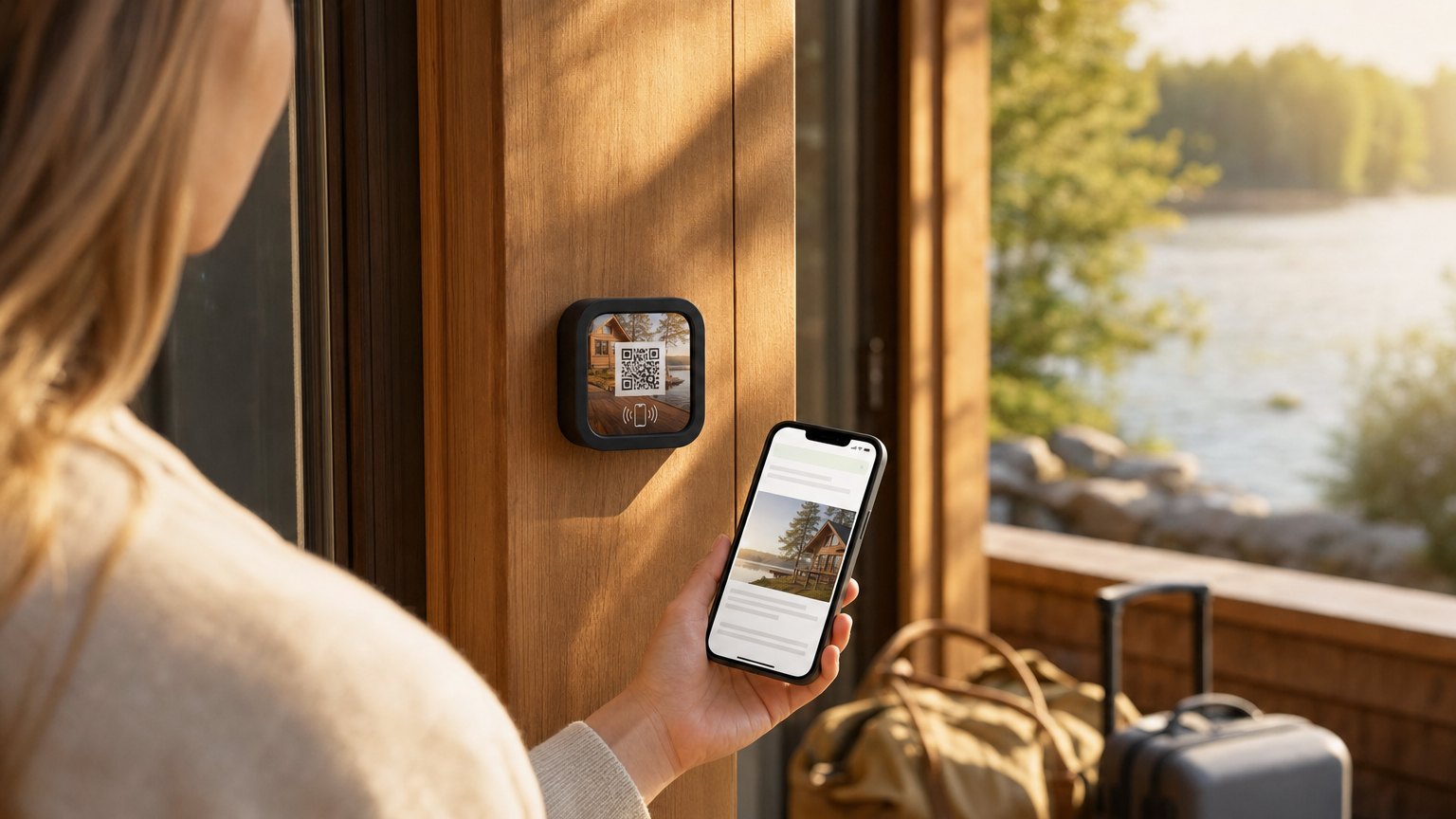
Whether you host one cottage on Airbnb or manage forty units across VRBO and direct bookings, the questions are the same: what's the Wi-Fi, how does the grill work, when is check-out, where should we eat. A NearField Marker on each kitchen counter answers all of it in one tap - starting with the Wi-Fi password: and it takes a request for a late check-out or a replacement propane tank with the unit already named in the message. A manager updates every unit from one account.
Why the emailed guidebook isn't enough
Most managers already send guests something: a PDF, a guidebook link, a long check-in message. The problem isn't the content; it's the moment. The link arrives days before the stay, buried in a booking thread, on whichever platform the guest booked through. When they're standing in the kitchen at 9pm trying to find the Wi-Fi password, nobody is scrolling back through the VRBO inbox.
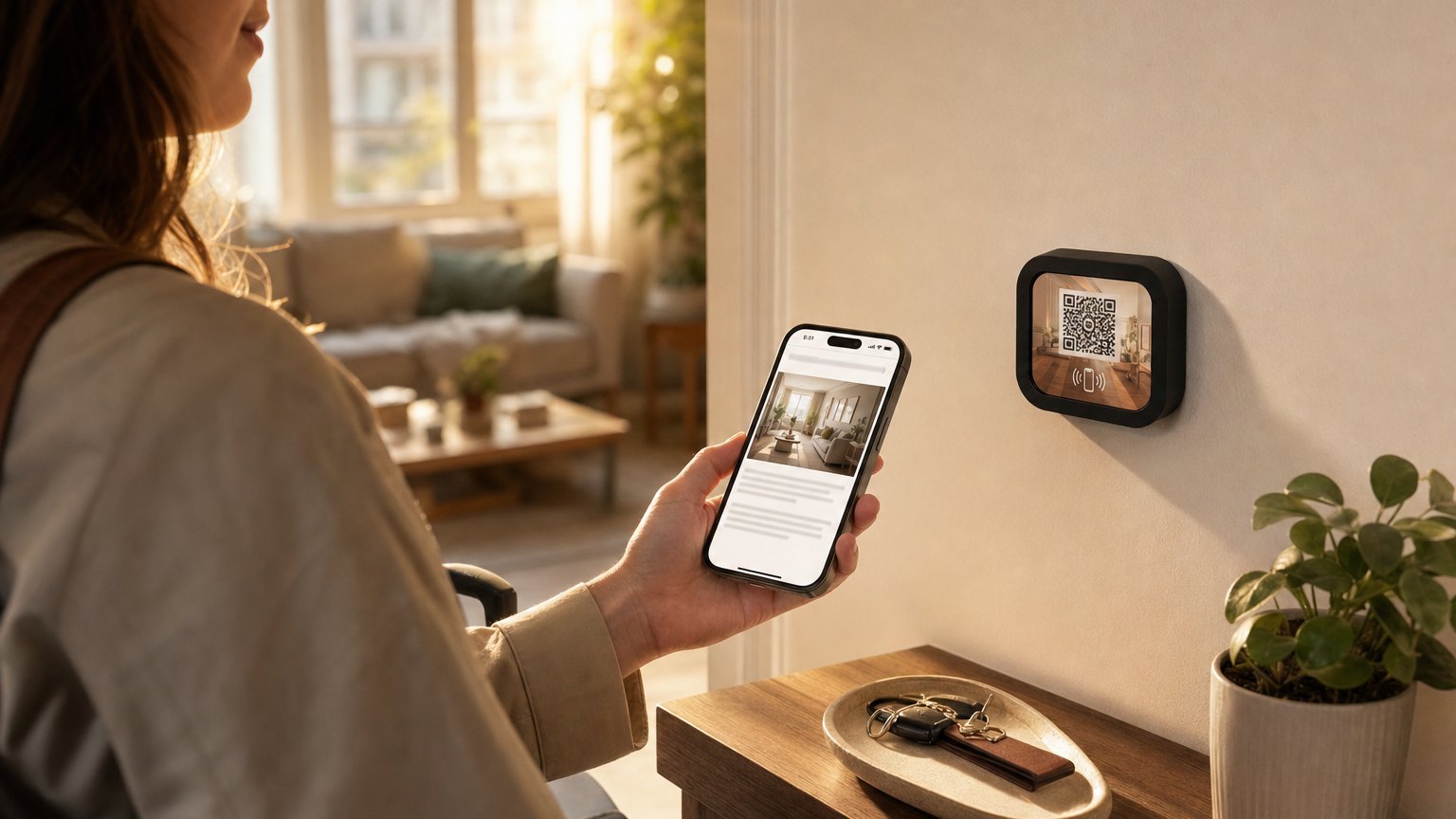
The Marker fixes the moment. It sits where the question happens (the kitchen counter, the entry table) and the answer is one tap away. Hosts who run both report the same pattern: the emailed guidebook gets opened by maybe a third of guests; the counter Marker gets tapped by nearly all of them, usually within the first half hour.
The portfolio setup: shared base, per-unit details
For a property manager, the structure matters more than the content. Set it up as one shared foundation (your brand, your contact and emergency process, your standard policies, your review ask) plus a per-unit page carrying what's actually different: the Wi-Fi network, the door and parking notes, the hot tub instructions, the quirk every unit has ("the master shower handle turns the other way").
When your cancellation policy or office number changes, you edit it once. When unit 14 gets a new smart lock, you edit unit 14. Forty units, one account, no laminated binders to recall and reprint across town.
This is also the honest answer to "we already use a guidebook app": NearField is the physical layer. Keep the digital guidebook if it's working, and put the Marker on the counter so guests actually reach it.
What goes on a unit's page
- •Wi-Fi first. Network and password at the top. It's the first tap of every stay.
- •Appliance and amenity instructions. The grill, the hot tub, the thermostat, the beach gear closet. Every instruction on the page is a damage claim and a midnight message you don't get.
- •House rules and check-out steps. Collapsed in an accordion until needed; explicit on trash day and key return.
- •Local recommendations. Your picks, not a tourist site's. This is the section guests mention in reviews.
- •Contact and emergency. One button to the right person, your office line during hours, the after-hours process after.
- •The review ask. A one-tap review link guests see on the last morning, while the good stay is still the current memory.
Ready to try it?
Build a guest Experience for your first unit free. No card needed to build. Your 14-day trial starts when your page goes live.
Build your first unit's page freeFewer repeat questions, better reviews
The economics for a manager are time economics. Every Wi-Fi question, grill question, and "where's the nearest grocery" message is a staff interruption multiplied across the portfolio every single turnover. Hosts running counter Markers consistently see those messages drop, not to zero, but enough that guest communication shifts toward the conversations that matter.
The second effect shows up in reviews. Guests who never had to hunt for anything describe the stay as "thoughtful" and "easy", and the local-picks section gives them something concrete to praise. For direct-booking managers, the Marker also carries your brand into the unit: your logo, your colors, your rebooking link, not a platform's.
The accessibility detail that wins international guests
Coastal and city markets host guests from everywhere. The Inclusion Bar on every NearField page translates the house manual into 20 languages on demand, enlarges text, and reads aloud, so the German family in unit 9 gets the same smooth arrival as everyone else, without you maintaining translated binders.
How to set this up with NearField
- 1Sign up free and start from the vacation rental template: welcome header, Wi-Fi block, house rules accordion, appliance instructions, local picks, and the review link are already laid out.
- 2Build your first unit completely. Get the structure right once: it becomes the model for every other unit.
- 3Duplicate per unit and change only what's different: Wi-Fi, door notes, quirks.
- 4Order a Marker per unit, link each Marker to its unit's page, and have the cleaning crew place them on the counter stand.
- 5Update from your phone between turnovers: seasonal picks, new policies, a new smart lock. Every unit stays current.
Start with an Action
Guests message hosts at midnight about the same few things. These three handle them.
Guest Wi-Fi
The password, without the 11pm text.
Try the live demoAction Hub
House rules, checkout and the good coffee place on one Marker.
Try the live demoText Us
A pre-written message to you, so you get a question you can answer.
Try the live demoEach one goes live in under a minute, and any Action converts into the full Experience described here in one tap, and the same link and Markers keep working. See all 17 Actions.
Ready to build?
One account for every unit
The vacation rental template covers Wi-Fi, house rules, appliance instructions, local picks, and the review ask. Build the first unit free; roll it out to the portfolio when it's right.