Guide · Zoos & Aquariums
NFC for zoos, aquariums, and nature centers: animal profiles and conservation stories
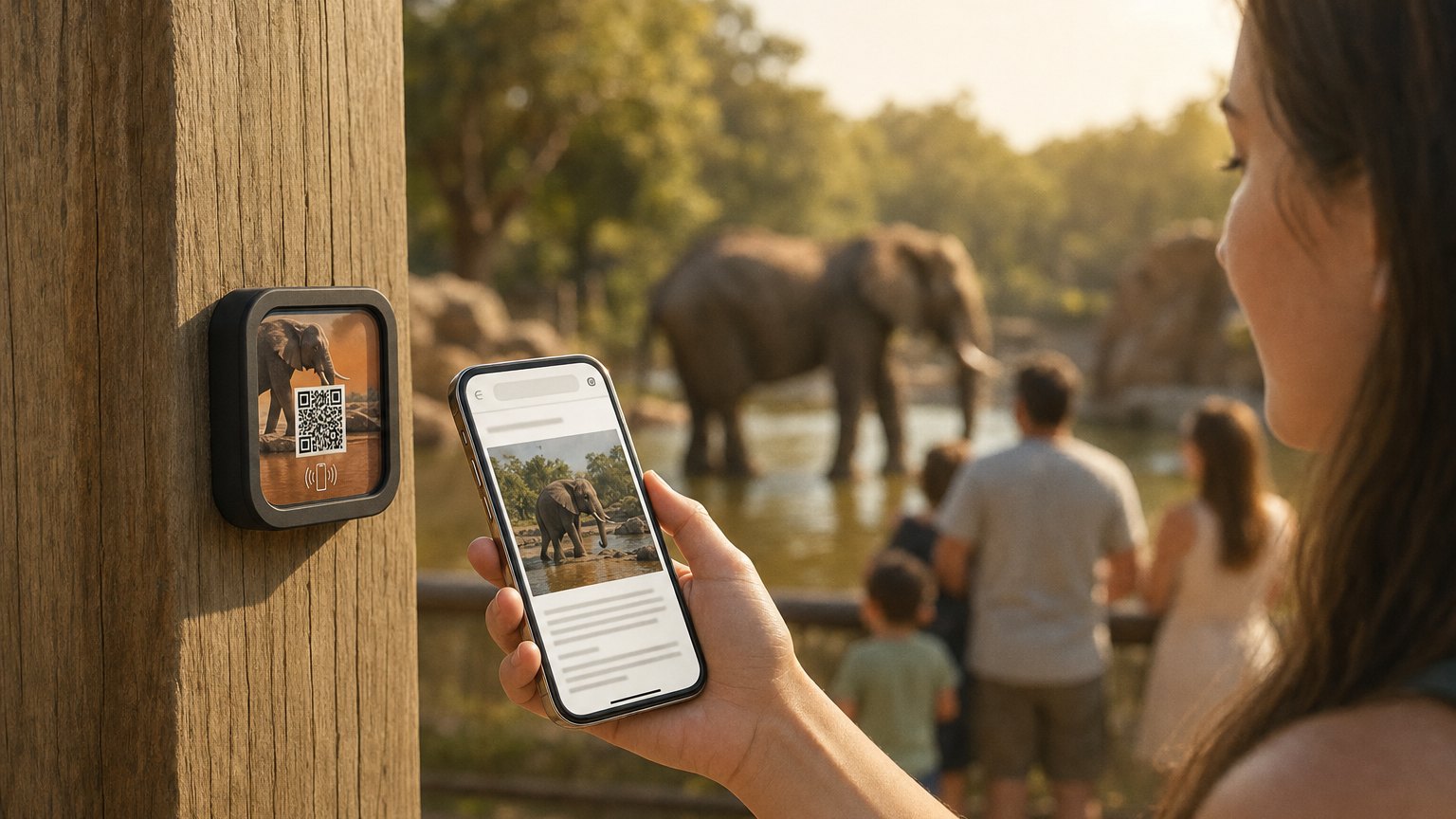
A family stops at a habitat. The kids want to know the animal's name, what it eats, and where it comes from. The parents want the conservation story. A printed sign gives you a hundred words and a single photo. A NearField Marker gives you as much space as the story needs: updated any time, in any language, without a new sign order. Add a passport trail across the habitats and the same Markers give the family a reason to finish the loop, with a check-in at each stop so you can see which habitats the route actually reaches.
Why printed signage falls short in living collections
Zoos and aquariums are unusual among interpretive institutions in that the exhibits are alive, changing, and unpredictable. An animal is on loan from another institution for six months. A new arrival joins the troop. A long-term resident passes away. A conservation program succeeds and the animal is reintroduced to the wild. These are the stories your visitors most want to hear, and they're exactly the stories that printed signs can't tell, because the signs were ordered months ago and can't be updated without a full reprint cycle.
NearField Markers decouple the physical object from the content. The Marker next to the habitat is permanent hardware. What a visitor gets when they tap it is a live page that you update from a browser: today, this afternoon, right now if something changes. When the okapi calf is born, you add the photos before the afternoon crowd arrives. When the feeding time changes, you update the schedule before someone misses it.
This responsiveness is the core operational advantage. But the visitor experience benefit is equally real: you can tell a richer story, include video, and serve multilingual visitors without maintaining separate physical signs for each language. The NearField Inclusion Bar lets any visitor translate the Experience content into their language with a single tap.
Animal profile Markers: the full story next to the habitat
The most common deployment is a Marker next to each animal's habitat or tank. A visitor holds their phone near the Marker and gets the animal's individual profile: name, species, age, where they came from, what they eat, their individual personality if the keepers know it, and the conservation status of the species in the wild.
A well-built animal profile Experience includes a heading block with the animal's name and species, a text block with the individual story (sourced from keeper notes), a gallery with photos the keepers have taken over time, an accordion block for species facts (diet, range, lifespan, IUCN status), and a donation button linking to the species conservation fund.
The gallery is the element that consistently surprises visitors. A photo of the animal as a juvenile, a picture of the same species in the wild, a keeper handling a routine health check: these images build a relationship between the visitor and the individual animal that a printed species name and weight table cannot. Tap-through rates on donation buttons placed after a gallery are measurably higher than on generic donation signage placed at exhibit entrances.
Conservation and breeding program stories
Conservation programs are the part of zoo and aquarium work that many visitors don't fully understand, and that your institution most wants them to understand, because it's the best argument for the institution's existence beyond entertainment.
A Marker at a species survival program habitat can tell the full program story: how many individuals remain in the wild, what the coordinated breeding program has achieved, which animals at your institution have been reintroduced and where, what the next phase of the program looks like, and how a donation converts to a specific conservation action.
This content doesn't fit on a habitat sign. It barely fits in a printed brochure. A NearField Experience has no word limit, and the reader is already engaged: they chose to tap the Marker because they were interested. The conversion from read to donation is highest at this moment, standing in front of the animal, with the full story on screen.
For institutions with active field programs (camera traps in the wild, researchers on the ground, real-time population data), the Experience becomes a window into the work. Link to the camera trap livestream. Embed the population counter. Show the map of reintroduction sites. The Marker next to the habitat becomes a live connection to the conservation effort, not a static fact sheet.
Ready to try it?
Build your first animal or exhibit Experience free, with nothing for visitors to download. No card needed to build. Your 14-day trial starts when your page goes live.
Build your first animal profile ExperienceFeeding schedules and keeper talk programs
Feeding times and keeper talks are the highest-engagement moments in a zoo or aquarium visit. Visitors who arrive at the right place at the right time have a significantly better experience than those who wander past after the event ended. Getting visitors to those moments requires that they know about them.
A Marker at each habitat entry can include the feeding schedule block at the top of the Experience, with today's times and locations. When the schedule changes seasonally, you update it once in your dashboard and every Marker across the exhibit reflects it. No reprinted schedule boards, no paper handouts at the entrance that visitors put in their pockets and forget.
For keeper talks specifically, the Experience can serve as the follow-up to the in-person moment. After a keeper talk ends, visitors who want to go deeper can tap the nearest Marker to get the full species information, the conservation story, and the donation link. The Marker converts a passive audience member into an engaged supporter.
Aquarium tank Markers and species identification
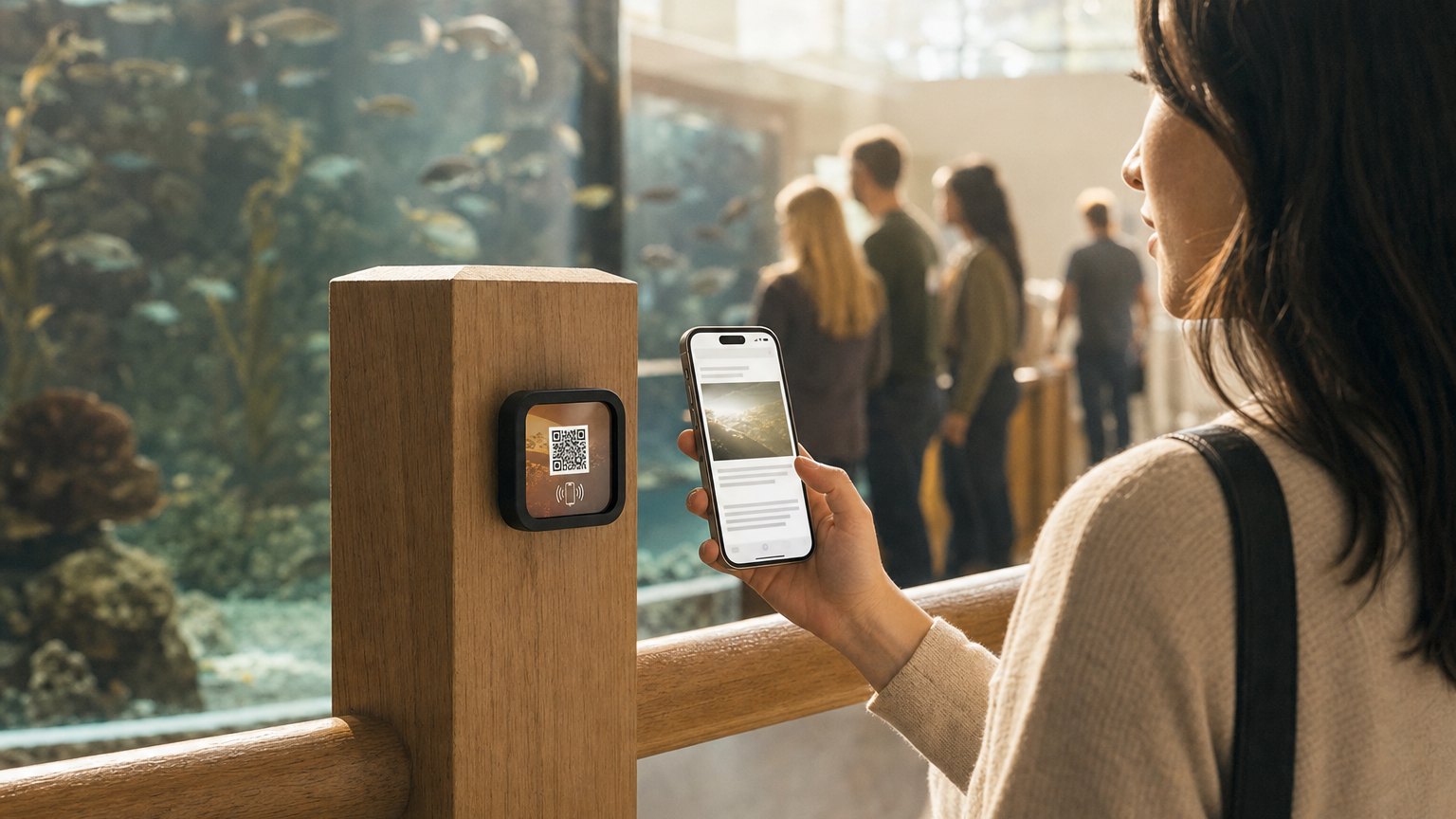
Aquarium visitors frequently can't identify what they're looking at. Large tanks with multiple species compounds this. A printed sign can list the species in the tank, but it can't help a visitor figure out which one is the sea horse and which one is the pipefish.
A Marker at each tank section can deliver a visual guide (a gallery of photographs, each labeled) alongside species descriptions, depth and temperature data, and behavioral notes from keepers. For touch pools, the Experience can include a handling guide so visitors know what they can touch, how to handle it, and what they're feeling.
Aquariums with rotating species (temporary exhibits, seasonal arrivals) benefit especially from the updateability. When a new species joins the tank, the Experience is updated. When a jellyfish bloom exhibit ends and the tank is restocked, the content changes the same day. The Marker never requires replacement.
Membership and adoption program prompts
The most effective time to prompt a membership conversion or an animal adoption is when a visitor is already emotionally engaged, standing in front of an animal they've just learned about, having just read a conservation story that made them want to help.
A button block at the bottom of each animal profile Experience links directly to the relevant adoption or sponsorship page. "Adopt Maya the elephant" placed at the end of Maya's individual story, complete with keeper photos and conservation context, converts at a materially higher rate than a generic adoption prompt at the gift shop checkout.
Membership prompts work on the same principle. A visitor who has just tapped four or five Markers and read the stories of the animals they care about is a warm prospect for membership. An Experience block that surfaces the membership tiers and benefits at that moment, with a direct link to the membership signup, is the right CTA in the right place.
Start with an Action
Enclosure signage is the full build. These three pay for the Marker on their own.
Donate
Conservation giving at the enclosure, not the gift shop.
Try the live demoDirections
Wayfinding across a big site.
Try the live demoAdd to Calendar
Feeding times and keeper talks, in their calendar.
Try the live demoEach one goes live in under a minute, and any Action converts into the full Experience described here in one tap, and the same link and Markers keep working. See all 17 Actions.
Ready to build?
Build your first animal profile Experience
The zoo and aquarium template comes pre-loaded with a species heading, gallery, conservation story, feeding schedule, and a donation prompt. An Intro 3-Pack ($49) covers your three highest-traffic habitats.