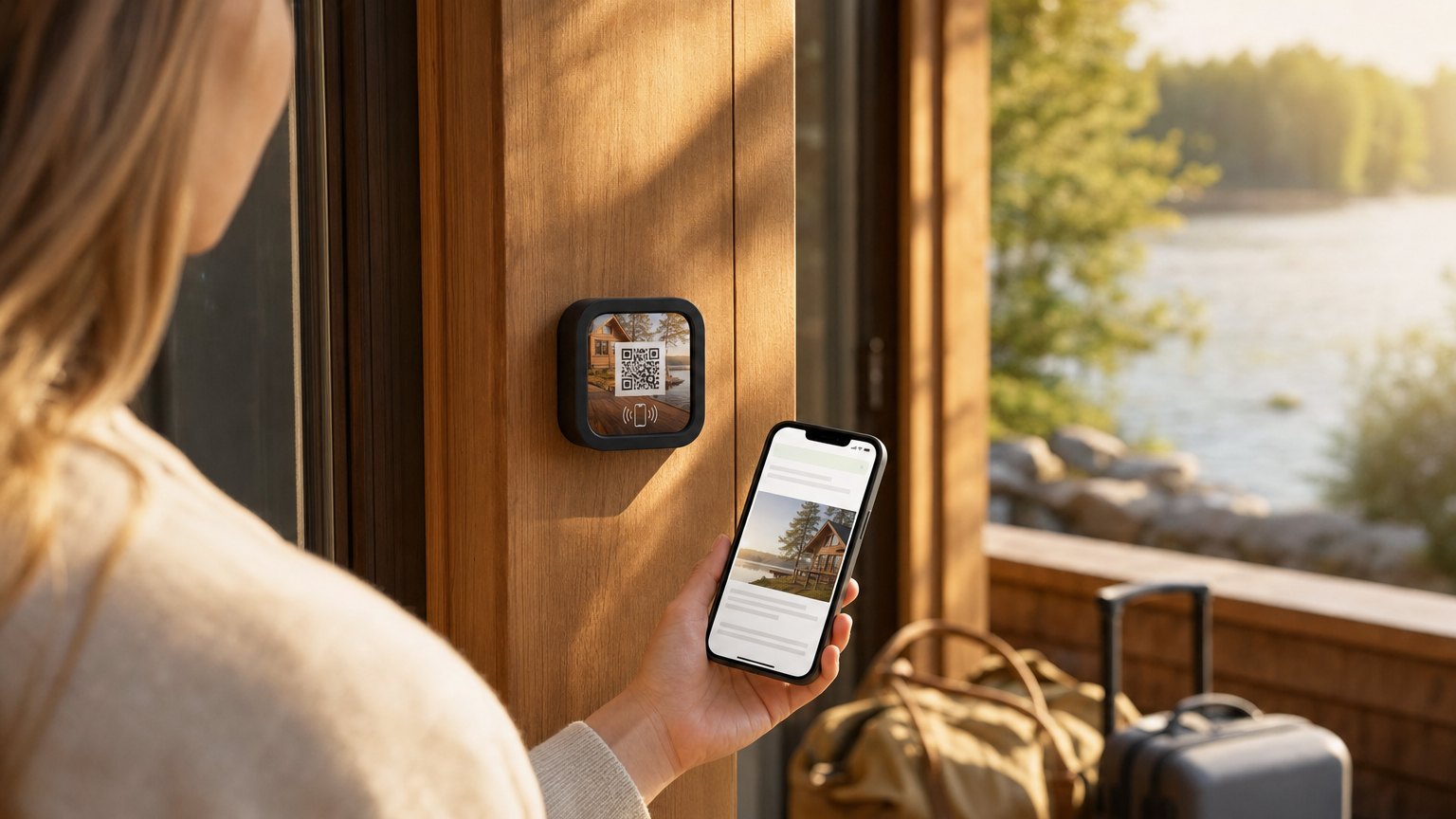
Guest Wi-Fi Action

    The Wi-Fi password, on the wall, on a tap.

    Guests tap the Marker, see the network name, and copy the password with one more tap. No sticky note behind the television, no shouting a passphrase across a counter - and when you rotate the password, you change one field, not every printed card in the building.

    Free plan · works on every iPhone and Android, no app

    Guest Wi-Fi

    Network

    Harborview-Guest

    Password — tap to copy

    seagrass-41

    Copy password

    Then open Settings → Wi-Fi, tap Harborview-Guest, and paste.

    Connecting a laptop or tablet?

    How it works on a Marker

    One required field, and it is the network name.

    Guest Wi-Fi is on the free plan, so this is the Action most people build first. It is also the one that stops the most interruptions per week.

    01

    Type the network name.

    That is the only required field. Add the password and pick the security type, or mark it an open network and the tile says so instead.

    02

    Guests tap the tile.

    The network name is set large enough to read at arm's length in a dim hallway. The password sits under it, and tapping it copies it.

    03

    The password changes, the tile does not.

    When you rotate the password, you edit one field in your dashboard. Every Marker pointed at that Experience is current on the next tap.

    • Network name, password, and security type
    • A label for the tile - 'Guest Wi-Fi', 'Lobby network', whatever you call it
    • An open network, which shows a plain 'no password needed' instead
    • A note under the block for house rules or a time limit
    • A companion QR for laptops and tablets that cannot tap
    • An optional phone verification before the password appears

    Which one do you actually want

    A printed Wi-Fi QR, or a Marker you can edit.

    Both are worth having, and they solve different problems. We would rather point you at the free one than sell you the wrong thing.

    A free Wi-Fi QR code

    The password is encoded inside the image, so a camera can join the network without any page loading at all. Perfect for a one-off event, a rental you are listing this week, or a card you are printing once. Change the password and every printed copy is dead.

    Use the free Wi-Fi QR generator

    A Wi-Fi Marker

    The tile points at a page you own. Rotate the password quarterly, add the check-out time underneath it, put the thermostat instructions below that - the tile on the wall never changes. It carries NFC and a printed QR, so a guest can tap or scan, whichever their phone does first.

    NFC and QR, side by side

    Why we do not auto-join the network

    Some platforms promise a one-tap join on iPhone. That is done with a signed Apple configuration profile, which needs a certificate renewed every year, shows a red “Unverified” banner the moment it lapses, and fails inside the in-app browsers guests actually arrive in - Instagram, Facebook, a booking confirmation email. We show the password and copy it in one tap instead. It behaves the same on every phone and there is nothing to break.

    One example, all the way through

    A short-term rental, between guests.

    A NearField Marker on the kitchen counter of a vacation rental

    Vacation rental · one unit

    One tile on the counter, and the Wi-Fi question stops arriving at 11pm.

    Kitchen counter
    A Marker where the laminated card used to sit. Network name at the top, password one tap below it, check-out time underneath.
    The password rotation
    You change it after the summer season. One field in the dashboard, and the tile is current for the next guest - no reprint, no reminder note to yourself.
    The guest with a laptop
    The companion QR reveals under 'Connecting a laptop or tablet?', so a work-from-here guest joins the second device without typing the passphrase twice.
    Everything else on the tile
    Trash day, the parking spot number, the beach key, and the review ask - because a guest who tapped for Wi-Fi is already looking at the page.

    It is the same tile a property manager can copy across ten units: one Experience, ten Markers pointed at it, and each unit's own details handled by the blocks you add. The Wi-Fi is just the reason they open it.

    The same tile works at a cafe counter, a hotel room door, an airport lounge, a co-working desk or a taproom. See the vacation rental guide or the welcome tile template for what to put around it.

    Put it on a wall

    The Wi-Fi tile is usually the first one people buy.

    Start with one on the counter, or one per room. Every Marker carries NFC and a printed QR on the same tile, and you can re-point any of them at a different Experience later without taking it off the wall.

    A single Marker is $29, and the Intro 3-Pack is $49 for three. Every Marker carries NFC and a printed QR on the same tile, so nobody is stuck. Ships in 2 business days - sold and shipped from the US.

    Questions people ask about guest Wi-Fi

    Does tapping the Marker connect the phone automatically?
    It shows the network name and copies the password in one tap, then tells the guest to open Settings and paste. We deliberately do not ship signed Apple configuration profiles: they need an annually renewed certificate, show an 'Unverified' warning without one, and break inside every in-app browser. The simple version behaves identically on iPhone and Android and cannot fail.
    How is this different from a free Wi-Fi QR code?
    A static Wi-Fi QR encodes the password into the image, so changing the password means reprinting every code. A Wi-Fi Marker points at a page you edit from your dashboard - new password, same tile on the wall. If you just want a printable code today, our free Wi-Fi QR generator is right there and costs nothing.
    What about laptops and tablets that cannot tap?
    Switch on the companion QR. The tile shows a 'Connecting a laptop or tablet?' link, and revealing it draws a Wi-Fi QR another device's camera can scan to join.
    Can I ask for something in return for the password?
    On the Growth plan you can ask a visitor to confirm their phone number with a one-time code before the Wi-Fi block hands anything over. It is one text and one code, once, and it turns the thing everybody wants into a confirmed contact in your Audience.

    Build the Wi-Fi tile in about a minute.

    Free account, free plan, and Guest Wi-Fi is included on it. Add the Marker when you want it on a wall.

    No credit card required.