Guide · Technology
NFC vs QR code: what's the difference, and when does it matter?
Both NFC tags and QR codes link a physical object to a web page. They're not competing technologies. They solve slightly different problems. Understanding the difference helps you choose the right tool and set realistic expectations for how your visitors will interact with it.
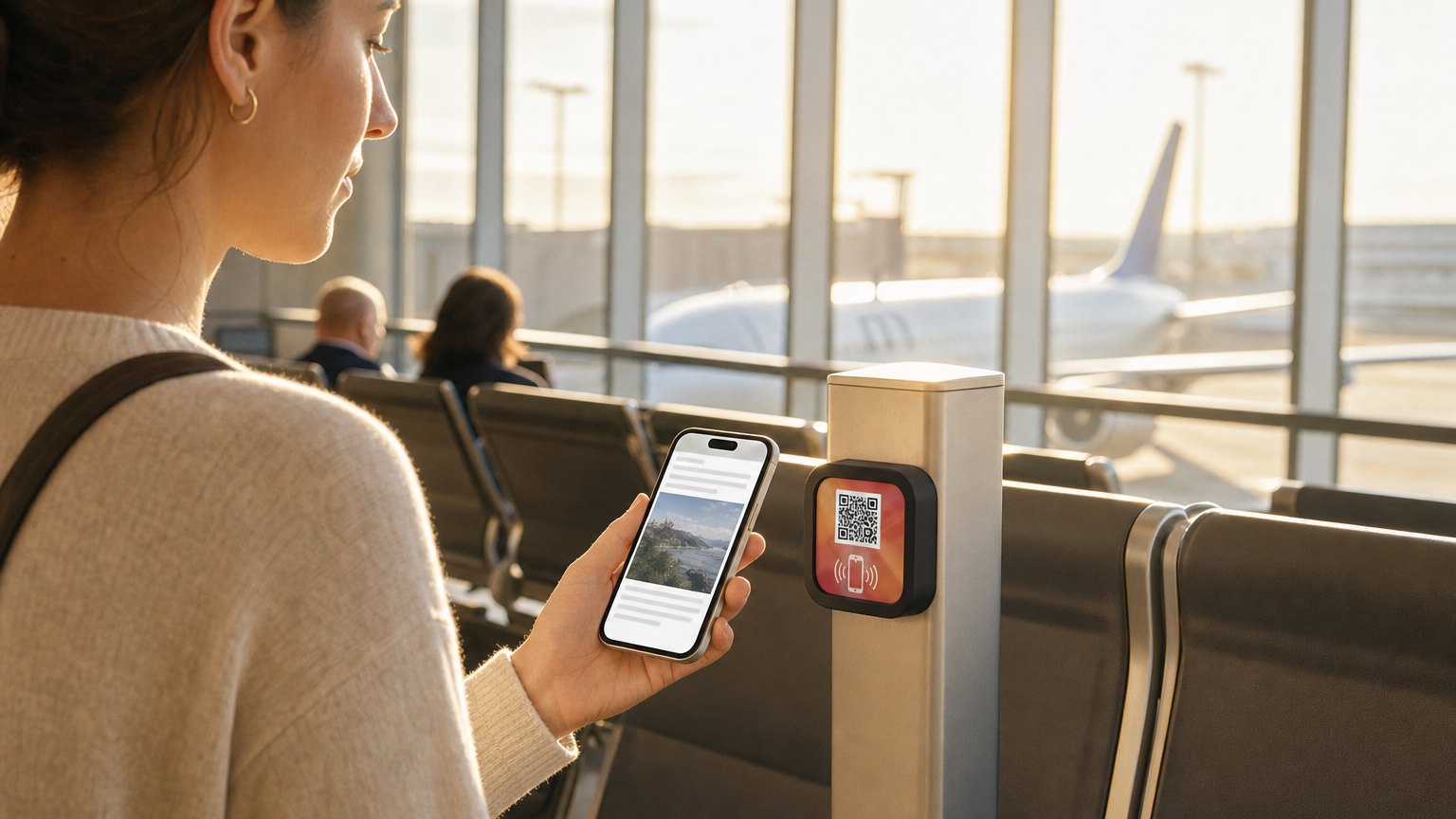
How each one works
QR codes are printed patterns read by a camera. Your phone's camera app recognizes the pattern and opens the associated URL in the browser. No hardware on the physical side, just a printed square. The phone does all the work.
NFC (Near Field Communication) is a short-range radio protocol. An NFC tag is a tiny chip embedded in a sticker, a card, or a NearField Marker. When you hold your phone within a centimeter or two, the phone reads the chip without needing to open the camera. The URL opens directly in the browser: one motion, no aiming required.
Every iPhone since the XS (2018) reads NFC automatically. Most Android phones manufactured in the last five years do too. The majority of smartphones in use today can tap NFC without downloading anything.
When QR is the right choice
QR codes make sense when:
- The surface can't hold a chip. Packaging, labels, posters, magazines: anything printed flat and disposable. No hardware needed, just ink.
- The audience is at a distance. A QR code on a billboard can be scanned from 10 feet away. NFC requires the phone to be essentially touching the tag.
- Cost is the constraint. Printing a QR code costs nothing extra. An NFC chip costs a few dollars. For mass production (product labels, business cards, event badges), QR is cheaper at scale.
- The audience already knows how to scan. QR codes are familiar enough now that most adults know what to do with them.
When NFC is better
NFC has a meaningful advantage when:
- The surface gets tapped repeatedly. A table Marker in a restaurant, a museum label, a pew card: the same surface gets used dozens or hundreds of times. NFC is faster per tap (no camera, no focus, no aim) and more satisfying to use.
- Low lighting or challenging angles. QR codes need enough light and a clear line of sight. NFC works in any lighting and at any angle as long as the phone is close.
- The Marker is part of the brand. An NFC Marker is a physical object with its own design: logo, color, texture. A QR sticker looks like a sticker. For properties that care about the physical presentation of their space, NFC Markers fit better.
- First-time users with less confidence. Older visitors, international guests, or anyone who hesitates with technology often find a physical tap more intuitive than pointing a camera and waiting for it to focus.
The friction comparison in practice
| Step | QR code | NFC tap |
|---|---|---|
| Open phone | Unlock, open camera app | Unlock, nothing else needed |
| Aim | Point at code, wait for focus | Hold near the Marker, no aiming |
| Lighting | Needs adequate light | Works in any light |
| Distance | 10 to 50cm, depends on camera | 1 to 2cm contact |
| Time | 3 to 5 seconds | Under 1 second |
| Feedback | Visual confirmation in viewfinder | Phone vibrates, page opens |
What NearField does with both
Every NearField Marker includes both an NFC chip and a printed QR code. The two open the same Experience. This is a deliberate design decision: NFC handles the majority of taps quickly and frictionlessly, and the QR code is the fallback for the small percentage of visitors whose phones don't support NFC or who prefer to scan.
You don't have to choose. Your visitors use whichever method their phone supports or they're most comfortable with. The Experience they get is identical.
Every design in the gallery ships that way - chip inside, code on the face. Order a ready-made Marker from the shop →
But what about dynamic QR codes?
Most of this comparison is about the delivery: tap versus scan. There's a second question underneath it: can you change where the code points after it's printed? A static QR code is baked to one URL forever. A dynamic QR code points to a short redirect you control, so you can edit the destination and track scans without reprinting. Dynamic QR is what most "QR platform" companies sell.
Here's the part those platforms don't say out loud: NearField's QR codes are dynamic too. Every Marker's printed QR routes through a redirect you edit from your dashboard, the same as a dynamic-QR vendor. The difference isn't the code, it's the object. A dynamic QR sticker is still a sticker. A NearField Marker is branded and durable, with the dynamic QR and an NFC chip in the same object.
So the honest dividing line isn't "static vs dynamic." It's QR for paper, NFC for places. If you're putting a code on a chip bag, a flyer, or a magazine ad (something printed in volume and thrown away), a dynamic QR code is exactly right, and you don't need a Marker. If you're putting it somewhere guests come back to and touch for years (a room, a table, an exhibit, a tasting bar), the Marker earns its place.
On the horizon: verified presence (roadmap)
One thing no QR code solves, static or dynamic, is proof that the person is actually there. A QR code can be screenshotted and used from a couch; a copied URL works from anywhere. For most content that doesn't matter. For ordering, access, loyalty redemption, or VIP check-in, it does.
We're building Verified Presence Markers on cryptographic NFC hardware where every tap produces a single-use signature, so a screenshot or copied link simply fails. It's on our roadmap, not shipping yet, but it's the kind of thing only a physical Marker can offer. No dynamic-QR platform has a clean answer for it.
The practical takeaway
For a durable, permanent surface that will be tapped regularly (a table, a museum label, a hotel room desk, a pew card), NFC is the better primary experience. The QR code is there as a fallback.
For printed, disposable, or large-format contexts (a flyer, a billboard, a postcard in a hotel room, a magazine ad), QR alone is fine. The content behind the code is what matters, not the delivery mechanism.
If you're deciding between a printed QR sticker and a NearField Marker for a specific location, ask: how often will this surface be tapped? If the answer is once a week, a QR sticker is fine. If the answer is dozens of times a day, NFC earns its keep quickly.
QR for paper. NFC for places.
Build the right one, right now
Need a static QR today? Use our free generator. Need editable, trackable codes on something physical? Build an Experience and add Markers when you're ready.