NearField is two halves that only make sense together. The first half is a page you build in a browser: no code, no hosting, no app store. The second half is a small physical Marker you stick on a wall, a table, a plinth or a door, which opens that page when somebody holds their phone near it.
An Experience is the page
An Experience is a mobile page you assemble out of content blocks: a heading, some text, a photo gallery, opening hours, a map, a Wi-Fi password, a rating question. There are 51 block types, and the picker groups them by the job they do rather than by what they are made of, so you look for “opening hours” and not for “structured data component”.
Every published Experience lives at a permanent address of the form getnearfield.com/view/abc123defg. That link works anywhere a link works: an email, a text message, a printed poster, a social bio. A Marker is simply the most physical way to hand it to somebody.
Live example · Ridgewood Museum of Natural History
Open full sizeA Marker is the physical half
A Marker is a durable square that carries two things at once: an NFC chip that a phone reads when it touches the Marker, and a printed QR code for the phones and people who prefer a camera. On the back is a six-character PIN, which is how you prove the Marker is yours.
The single most important fact about a Marker is that it does not know which Experience it opens. It carries its own address, permanently. What that address points at is a setting in your account, and you can change it as often as you like. A Marker installed in a lobby in March can be pointing at completely different content in August without anyone touching the wall.
The loop
Build, preview, publish, make it physical, then read what happened and change the page. New customers often read NearField as a printing company that throws in a web page. It is the other way round: the page is the product, and the Marker is how people reach it.
The loop
Build
Stack content blocks into an Experience. Free, and no card.
Preview
Open it on your own phone before anyone else sees it.
Publish
It gets a public link that works anywhere you can paste a URL.
Make it physical
Point a Marker at it and put the Marker where the question gets asked.
Then it starts again. Stats tell you which Markers get used and which questions visitors keep asking, you change the Experience, and the Marker on the wall is already pointing at the new version. Nothing gets reprinted.
What the visitor needs
Nothing. No app, no account, no install, no sign-up. A visitor taps and a web page opens in the browser they already have. There is no NearField header, no NearField footer and no “powered by” mark on a published Experience: the page belongs to you.
Three things you can make
The Create menu offers three, and all three go live on a Marker in exactly the same way.
| What | What it is | When to reach for it |
|---|---|---|
| An Experience | A full page of blocks you build and arrange. | A menu, a guest directory, an exhibit story, a trail stop. |
| An Action | One tap, one outcome: a single block on its own page. | Guest Wi-Fi, a phone call, directions, a payment, a file. |
| A Redirect | Two fields. Sends visitors straight to a link you already have. | An existing booking page or ticketing site you do not want to rebuild. |
Example
Cedar Hollow Zoo & Aquarium
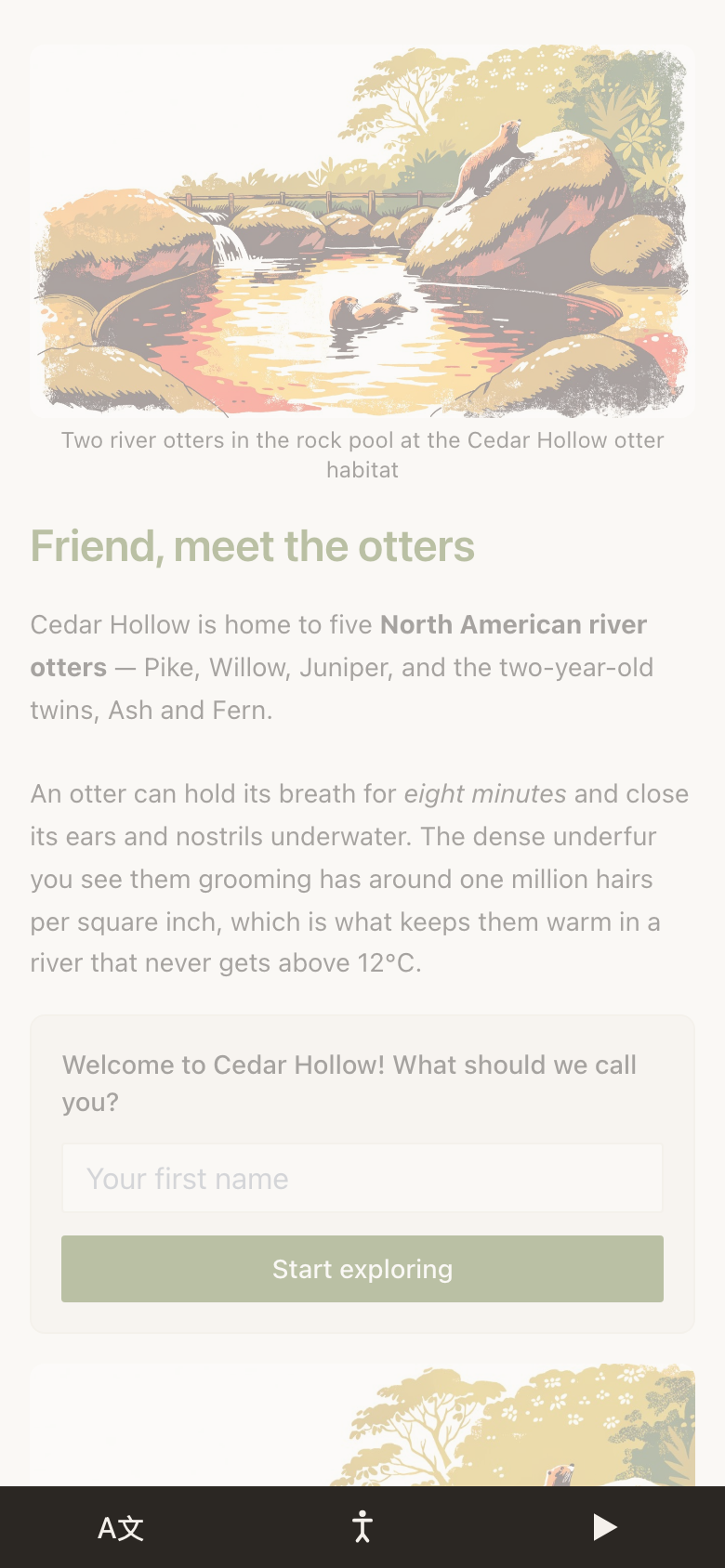
Cedar Hollow builds one Experience per habitat: a photo, two paragraphs about the animals, today's feeding times, and a question asking whether the visitor has seen the otters yet. Each habitat gets a Marker on its rail. When the feeding schedule changes for winter, they edit the Experience once and every Marker on the trail is already pointing at the new version.
Where the numbers come from
Every tap, scan, answer and completed Action is counted against the Marker and the Experience it happened on. That is what closes the loop: you find out that the Marker by the ticket desk gets used four times as often as the one in the gift shop, and you move the gift-shop content somewhere it will be read. Start with what counts as a visit.
Do I have to buy anything to try this?
No. Building, previewing and publishing an Experience costs nothing and needs no card, and you can build with every Growth block and Action. Markers are hardware you buy when you want the physical half. What you can do free explains when the 14-day trial starts and what it leads to.
Is an Experience a website?
It is one page, designed for a phone held in one hand, at a moment when somebody is standing in front of something. It is not a replacement for your website, and it links to your website happily.
What happens to the Marker if I delete the Experience it points at?
The Marker keeps working and lands on a short “this Marker hasn't been set up yet” page. Point it at something else from the Markers area and it is live again.
Can two Markers open the same Experience?
Yes, and it is common. Ten Markers around a building can all open one directory, and the stats still tell you which of the ten actually gets used.
The fastest way to understand this is to build one. It takes about ten minutes and costs nothing.
Build your first Experience