The free plan is not a demo. While you build, you can use every Growth block and Action on up to 3 Experiences, publish a real page at a real public link, and give it your logo, your colours and the full Inclusion Bar. No card needed.
Building, the trial, and what Free keeps
- While you build: every block and Action up to Growth, on up to 3 Experiences. The picker marks them Included while you build. Only View in AR and Book, the two Enterprise Actions, stay locked.
- The 14-day trial starts when your page goes live: when you activate a Marker on it, or when what's live needs a paid plan. A single page that only uses free blocks can stay live with no trial at all.
- On day 14 the lowest plan your live pages need starts, from $19/month, and we email you 3 days before. If they only use free blocks, nothing is charged.
- After the trial, a free account keeps 1 live Experience and up to 3 in total, plus everything in the list below.
The whole story, with every date and choice, is in how the free trial works.
The numbers after the trial
| Free | Starter | Growth | Enterprise | |
|---|---|---|---|---|
| Price per month | $0 | $19 | $39 | From $299 |
| Live pages you can run | 1 | 3 | 10 | 999, sold as unlimited |
| Markers you can place | 3 | 10 | 30 | 999, sold as unlimited |
What free actually includes
- The whole builder, with no reduced mode and no watermark.
- 29 of the 51 content blocks, including every layout, photo, video, audio, hours, map and menu block.
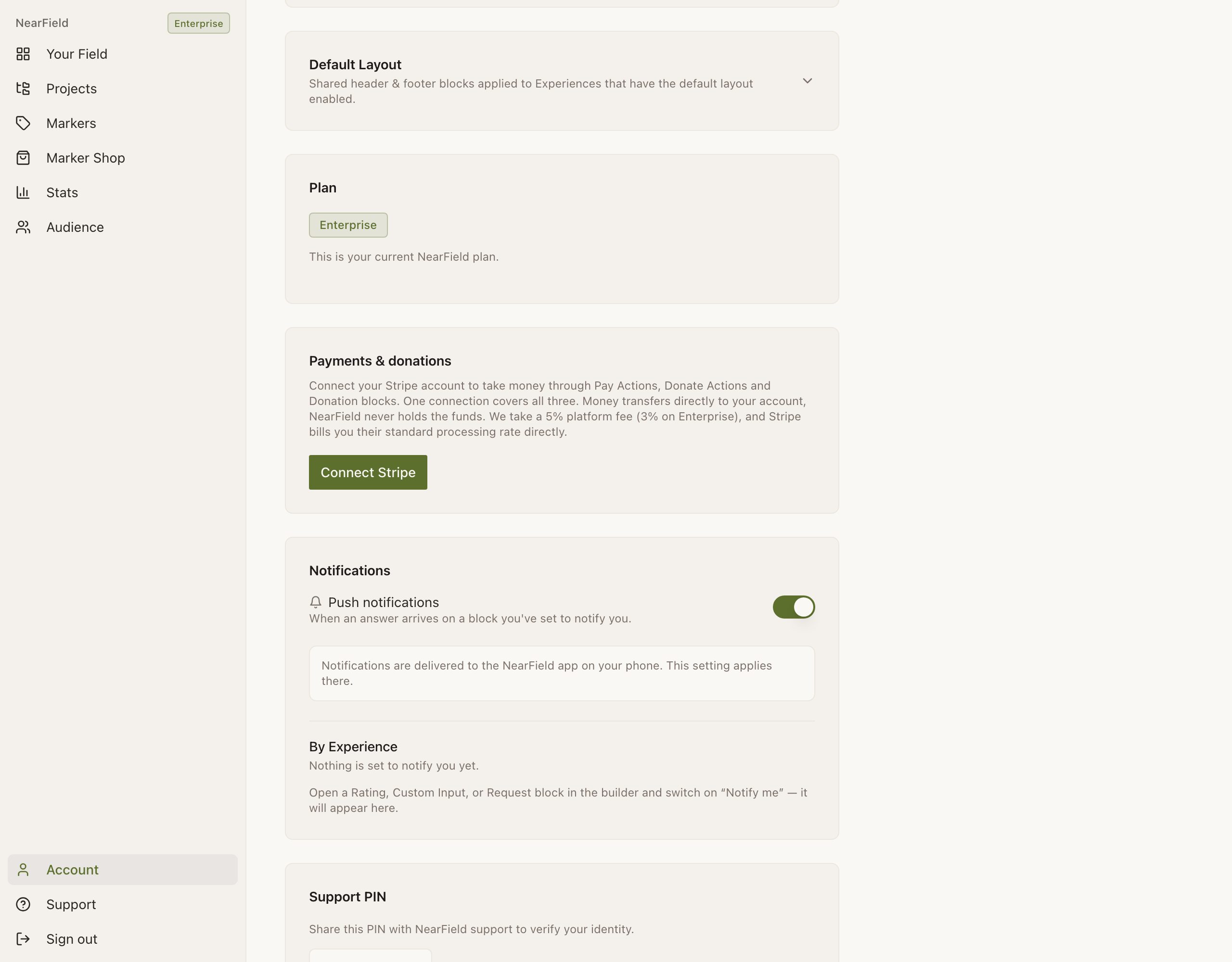
- Seven of the 17 Actions: Guest Wi-Fi, Call, Directions, File, Action Hub, Donate and Pay.
- AI build: five drafts and twenty AI edits per rolling 30 days. That allowance stays the same during the trial.
- Your logo, your primary and secondary colours, and a custom page background.
- A shared header and footer across every Experience on the account.
- The full Inclusion Bar: 20 languages, read-aloud, text sizing and high contrast.
- Live preview, the one-hour phone preview link, and publishing.
- The Stats page spine, with two ranked insights. During the trial, Stats and Audience show what Growth shows.
- Marker Studio, at twenty design generations per day while signed in.
What Starter adds
Starter is where the physical half grows up: ten Marker placements instead of three, three live Experiences, and the first of the blocks that ask a visitor something.
- Name, Email and Phone Capture, the first Memory blocks, plus Welcome Back.
- Lead Capture, Text Us and Save Contact Actions.
- The Audience page, with CSV export.
- Week-on-week comparisons and the Experience health score in Stats.
- Four ranked insights instead of two.
- Unlimited AI drafts and edits.
What Growth adds
Growth is the tier for a whole floor, a wing or a trail: thirty Markers, ten Experiences, and every block that remembers something.
- All remaining Memory blocks: Quick Choice, Rating, Custom Input, Check-In, Geo Check-In, Quiz, Passport.
- Conditional, the block that shows one thing to a first-time visitor and another to somebody returning.
- Review & Feedback, Add to Calendar, Request, Safety Card and Waiver Actions.
- Verified Profiles: a visitor confirms a phone number once and is recognised afterwards, even on a new phone.
- Individual visitor profiles, answer distributions, segments and the Moments feed.
- The shareable Stats report, for somebody who does not have an account.
- Audience across all history, with no row cap on screen.
- Seven ranked insights.
What Enterprise adds
- View in AR and Book Actions.
- A 3% platform fee on Donate and Pay instead of 5%.
- Per-property billing: each Project becomes a property, one included and more at $99 a month.
- Dedicated onboarding, and support by phone.
Which blocks need which plan
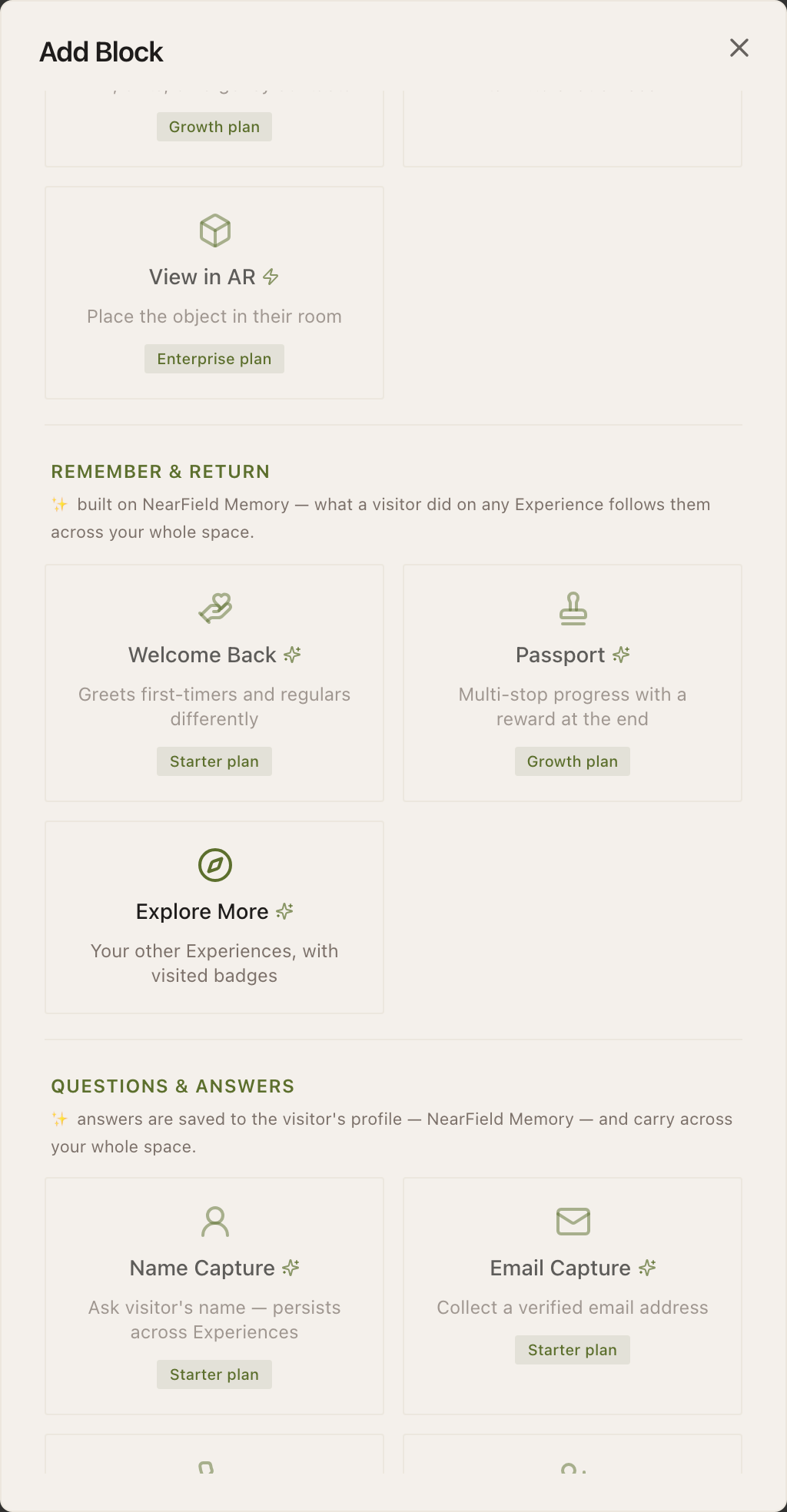
The library below is generated from the product itself, so it cannot drift. Use the Free only filter to see exactly what visitors see on a free account outside the trial.
The block library · 51 blocks
Showing 51 of 51
- Heading
Title or section header
- Text
Body text with formatting
- Accordion
Expandable sections: menus, FAQs, house rules
- Promo Box
Colored callout for today's special
- Button
Clickable link button
- Divider
Horizontal separator line
- Image
Upload a photo or graphic
- Photo Gallery
Swipeable image gallery
- Video
Embed a YouTube or Vimeo video
- Audio
Audio player with transcript
- Before & After
Image comparison slider
- 3D Model
Sketchfab embed
- Social Links
Your accounts, as tappable icons
- Social Embed
One post from Instagram, TikTok, X…
- Sponsor Banner
Co-branded sponsor bar
- Hours
Weekly hours with live Open now / Closed
- Event List
What's on. Dated items hide themselves after
- Guest Wi-Fi
Network name and password, one tap to copy
- Map
Embedded Google Map
- Directions
Opens the right maps app for their phone
- Call
One tap to phone you
- Text UsStarter
Opens a text with your message pre-written
- Save ContactStarter
Add your details to their phone
- File
Hand over a PDF - menu, spec sheet, schedule
- Add to CalendarGrowth
Drop an event into their calendar
- BookEnterprise
Send them to your booking system
- Action Hub
Two to five outcomes in one block
- Safety CardGrowth
AED, exits, emergency contacts
- Live Chat
tawk.to chat embed
- View in AREnterprise
Place the object in their room
- Welcome BackStarter
Greets first-timers and regulars differently
- PassportGrowth
Multi-stop progress with a reward at the end
- Explore More
Your other Experiences, with visited badges
- Name CaptureStarter
Ask visitor's name, kept across Experiences
- Email CaptureStarter
Collect a verified email address
- Phone CaptureStarter
Collect a phone number with country flags
- Lead CaptureStarter
Collect a name, email, or phone number
- Quick ChoiceGrowth
Multiple-choice question that saves an answer
- RatingGrowth
Stars, thumbs, or NPS with analytics
- Review & FeedbackGrowth
Google review link plus a private feedback path
- Custom InputGrowth
Capture any value: room number, table, ID
- Check-InGrowth
Timestamp visitor presence at a location
- Geo Check-InGrowth
Verify visitor is at a location
- RequestGrowth
Towels, valet, a test drive - routed to staff
- WaiverGrowth
Read, type a name, agree. Remembered for the season
- QuizGrowth
Scored questions with a reveal for good scores
- Feedback Form
Embed a Google Form
- Donation
Accept donations inline via Stripe
- Donate
One-tap donations through Stripe
- Pay
Take a payment or a tip
- ConditionalGrowth
Show/hide content based on visitor data
Two limits that are softer than they look
- Buying Markers
- Hardware checkout has no plan check at all. Anybody can order Markers, including somebody who has never signed in. Checkout saves the card for your plan. Three Markers, an Intro 3-Pack, need no monthly plan on their own.
- Downgrading
- Nothing is unpublished when you move to a smaller plan, and no content is deleted. Your pages stay live and your Markers keep working. Blocks the new plan doesn't include are hidden from visitors, and publishing more pages than it covers waits until you are back under its limits.
Can I try a paid feature before paying?
Yes. A free account builds with every Growth block and Action, and the 14-day trial shows them to visitors once your page is live. Only View in AR and Book stay locked.
Is there a free trial of Growth?
Yes, 14 days, once per account. It starts when your page goes live, not when you sign up, and on day 14 the plan your live pages need starts, from $19/month. See how the free trial works.
What does “999” mean on Enterprise?
It is the literal ceiling in the code, sold as unlimited. If you have a genuine plan to exceed it, talk to us first rather than finding out at the top.
Do Projects cost anything?
Not on Free, Starter or Growth: make as many as you like. Only Enterprise meters them, because there each Project is a billable property.
Change or cancel anytime in your dashboard, and a downgrade never deletes anything.
Compare the plans