The two faces
| Tap or scan | Scan to open | |
|---|---|---|
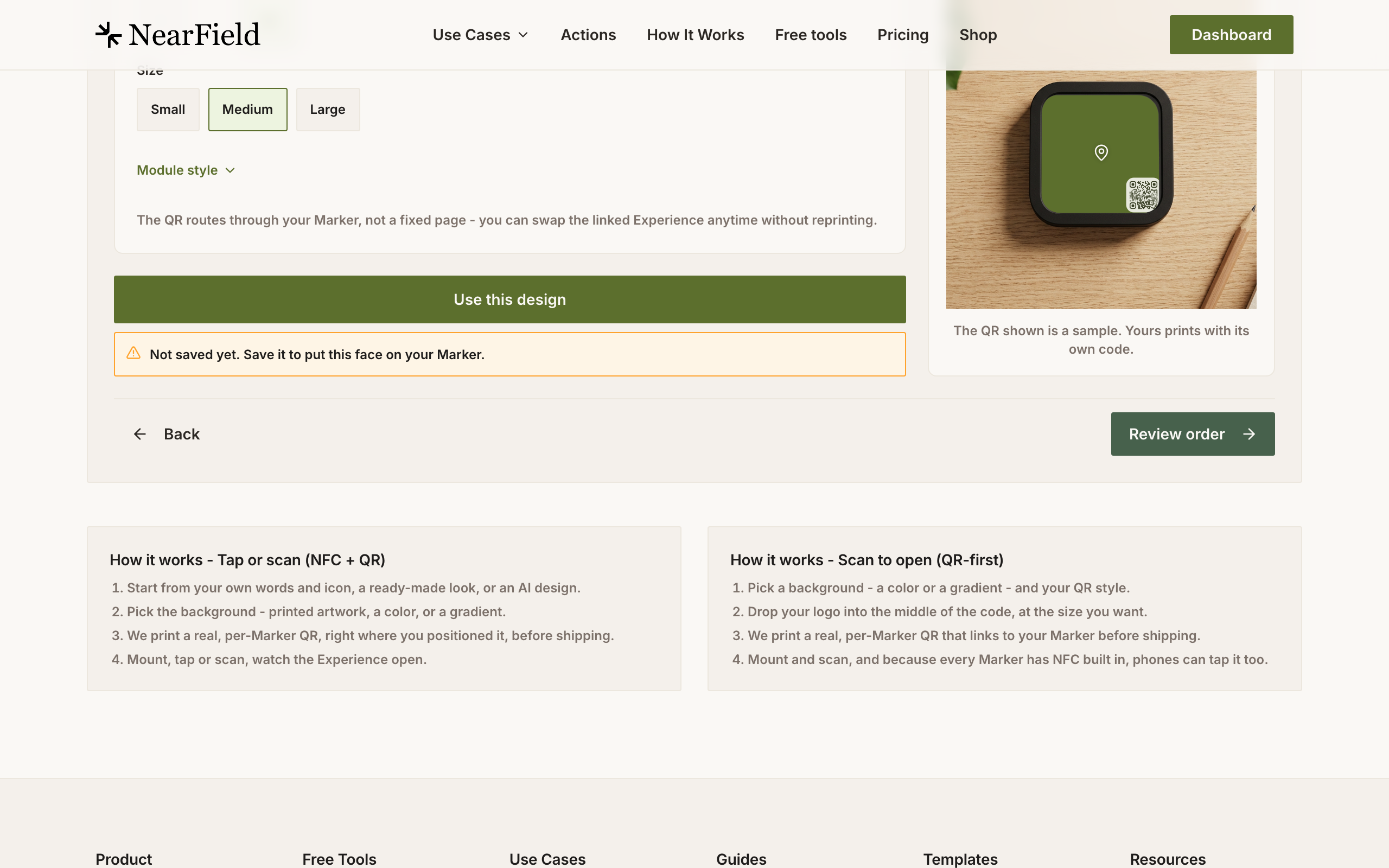
| The face is | Your design, with a QR in a corner | A branded QR code, filling the face |
| NFC | Yes | Yes, it is the same Marker |
| What it says to a visitor | Something is here worth touching | Scan this |
| Comfortable scan distance | Under a foot | Up to about two feet |
| Best where | The Marker is within reach and can look like signage | The visitor cannot get close, or will not touch anything |
The thing people get wrong is assuming a QR-first Marker has no chip. It does. Every Marker taps. The QR-first design simply spends the whole face on making the scan route obvious.
How far away can it be read
NFC is a contact technology: a centimetre or two, and the antenna on most phones is at the top of the back. That distance is not negotiable, which makes reach the first question in any placement.
A QR code is readable from roughly ten times its printed width. On a three inch Marker that works out at about eight to ten inches for a corner code at medium or large, and close to two feet when the code is the whole face. If visitors will be behind a barrier, above a case, or across a counter, that difference decides the design for you.
Choosing
- Choose scan-to-open when the Marker is out of reach, when there is no staff to explain anything, when the audience is mixed and unfamiliar, or when a poster or a window has to carry the same code from a distance.
- Choose tap-or-scan when the Marker is within arm's reach, when it has to sit alongside existing signage and look designed rather than technical, or when your own mark is doing the work of telling people it is worth touching.
- Choose either, then be consistent. A building where every Marker looks the same teaches visitors faster than a building where each one is optimised on its own.
Example
One venue, both faces
Harbour Point Aquarium uses tap-or-scan faces on the tank surrounds, where visitors are already leaning in and can touch the Marker. In the two-storey shark hall, where the viewing gallery is behind a barrier, it uses scan-to-open Markers at twice the size of the code, readable from where visitors actually stand. Same chip, same Experiences, different distance problem.
Turning the QR off entirely
Marker Studio lets you remove the printed code and hand the whole face to your design. The studio warns you when you do, and the warning is worth reading twice: a face with no code can only be opened by a tap. Any visitor whose phone cannot tap, or who does not know they can, has no route in at all.
There are good reasons to do it: a staffed counter, a members' room, a display where the Marker is a deliberate object rather than an instruction. Outside those, keep the code.
Does a QR-first Marker cost more?
No. Every Marker is $29, or $49 for three, whatever is on the face.
Can I put my logo inside the code?
Yes, on QR-first designs. The code is generated with the highest error correction so the middle can be covered and still scan. A square mark reads best.
Rounded or classic modules: does it matter?
Not to a scanner. Rounded is the NearField house style; classic suits a design that is already square and technical.
Can I change the face later?
No. The face is printed once. What it opens is what stays changeable, so order the face for the room and let the Experience carry everything that will date.