Three ways in
- Continue with Google
- Opens a secure browser sheet, then returns you to the app. Available on the phone and on the web.
- Continue with Apple
- Uses the native Apple sheet. This one is app only. It does not appear on the website, so if you created your account this way, sign in on the phone.
- Email and password
- The same address and password as the website. Forgot password sends a reset link to your email.
How the biometric lock behaves
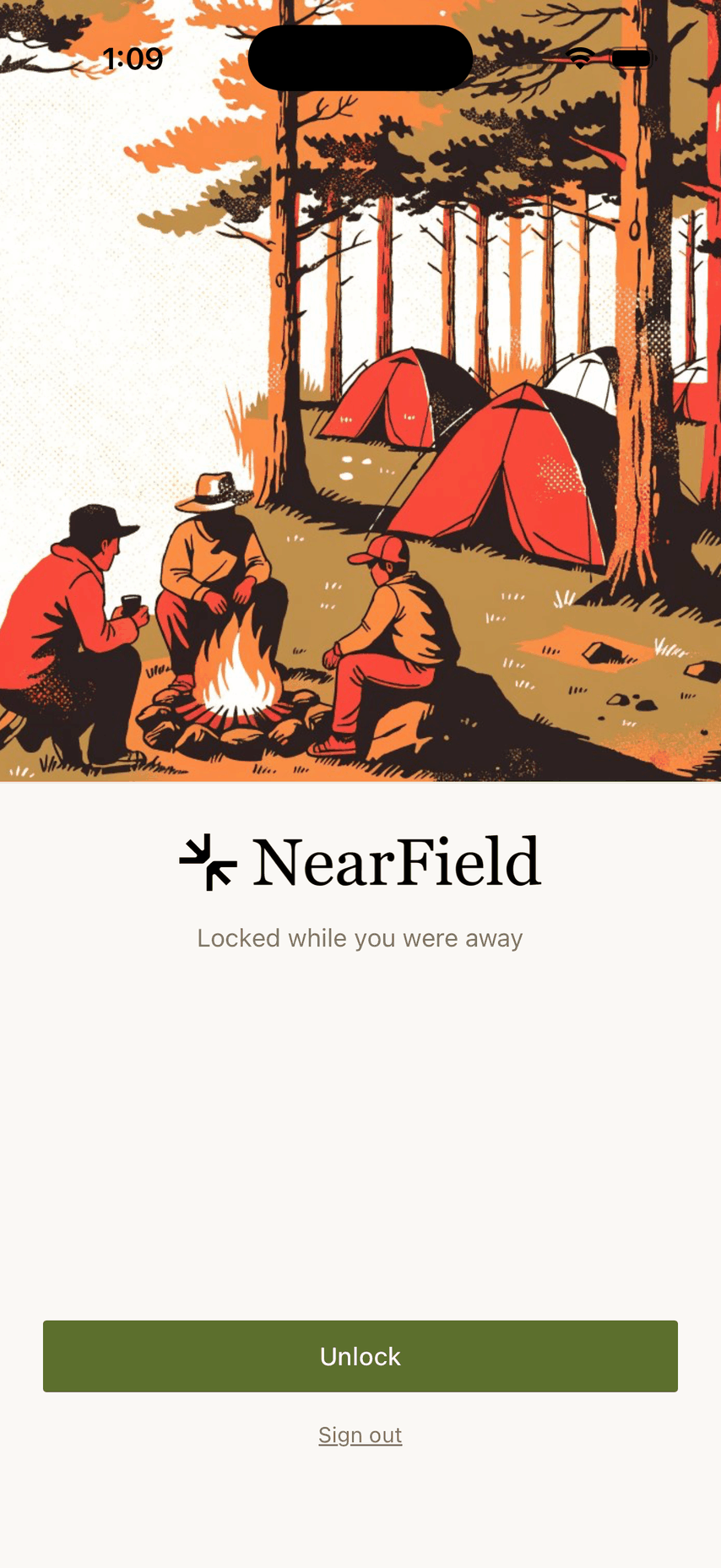
There is no switch for this in NearField. The lock follows your phone: if Face ID or Touch ID is set up on the device and you are signed in, the app asks on a cold launch.
| Situation | What happens |
|---|---|
| Signed out | No lock: the sign-in screen is not worth protecting |
| No biometrics enrolled on the phone | No lock, and no prompt to set one up |
| Signed in, biometrics enrolled, cold launch | Unlock required |
| You switched apps for under three minutes | No prompt: short trips do not re-lock |
| You were away longer than three minutes | Unlock required on return |
The three-minute window is what makes the lock liveable. Picking a photo, paying through Stripe, signing in with Google or opening a share sheet all take you out of the app briefly, and none of them make you unlock on the way back.
The lock screen shows an illustration, the status line Locked while you were away, an Unlock button and a Sign out link. The unlock draws over the app rather than closing it, so you come back exactly where you were, mid-edit, open panel and all.
If the unlock misbehaves
- 1
Press Unlock again
Face ID occasionally fails on a first read in poor light. The prompt offers Use passcode as a fallback.
- 2
Use your device passcode
The passcode fallback is part of the same prompt, so a phone that cannot see your face is never a dead end.
- 3
Sign out from the lock screen
The Sign out link is there so nobody can be locked out of their own account. Sign in again and you are back in, unlocked.
- 4
Force-quit and reopen
The gate is built to fail open. If the phone's biometric service hangs, the app gives up waiting after a few seconds and lets you through rather than showing a blank screen.
Example
The Bellhaven Hotel, a phone behind the desk
The front desk keeps an iPhone on the NearField app so any duty manager can re-point the lobby Marker at the day's event. Face ID is enrolled to two managers.
Between shifts the phone sits idle, so every pickup asks for a face. During a shift (checking a notification, taking a photo of the specials board, coming back from the share sheet) it never asks once.
Can I turn the lock off?
Not from inside NearField. It follows whether the phone has a biometric enrolled, so the only way to remove it is to change that in iOS Settings, which affects every app and is rarely what you want.
Why did it ask right after I came back from Stripe?
Payment can take longer than three minutes. Anything beyond that window counts as being away, and the app asks on return.
I signed in with Apple and now cannot log in on my laptop.
Continue with Apple is only offered in the app. On the website, use No password? Email me a sign-in link with the same email address, or Forgot password to set a password you can sign in with.
Does the lock protect my visitors' data?
It protects the app on that device, which is where your Audience is reachable. It is not a substitute for a passcode on the phone itself.