Two kinds of update
| Over the air | App Store | |
|---|---|---|
| Carries | Screens, copy, layout, fixes to how the builder behaves | Anything touching the phone: permissions, the camera, NFC, push, icons |
| How you get it | Automatically, applied the next time you open the app | The normal App Store update, by you or by automatic updates |
| How long it takes | Seconds, because it is already downloaded | As long as an App Store download takes |
| How you can tell | The bundle number on the Account screen changes | The version number on the Account screen changes |
This split is why an improvement can appear on your phone without you doing anything, and why another one stubbornly does not until you update.
Checking what you are running
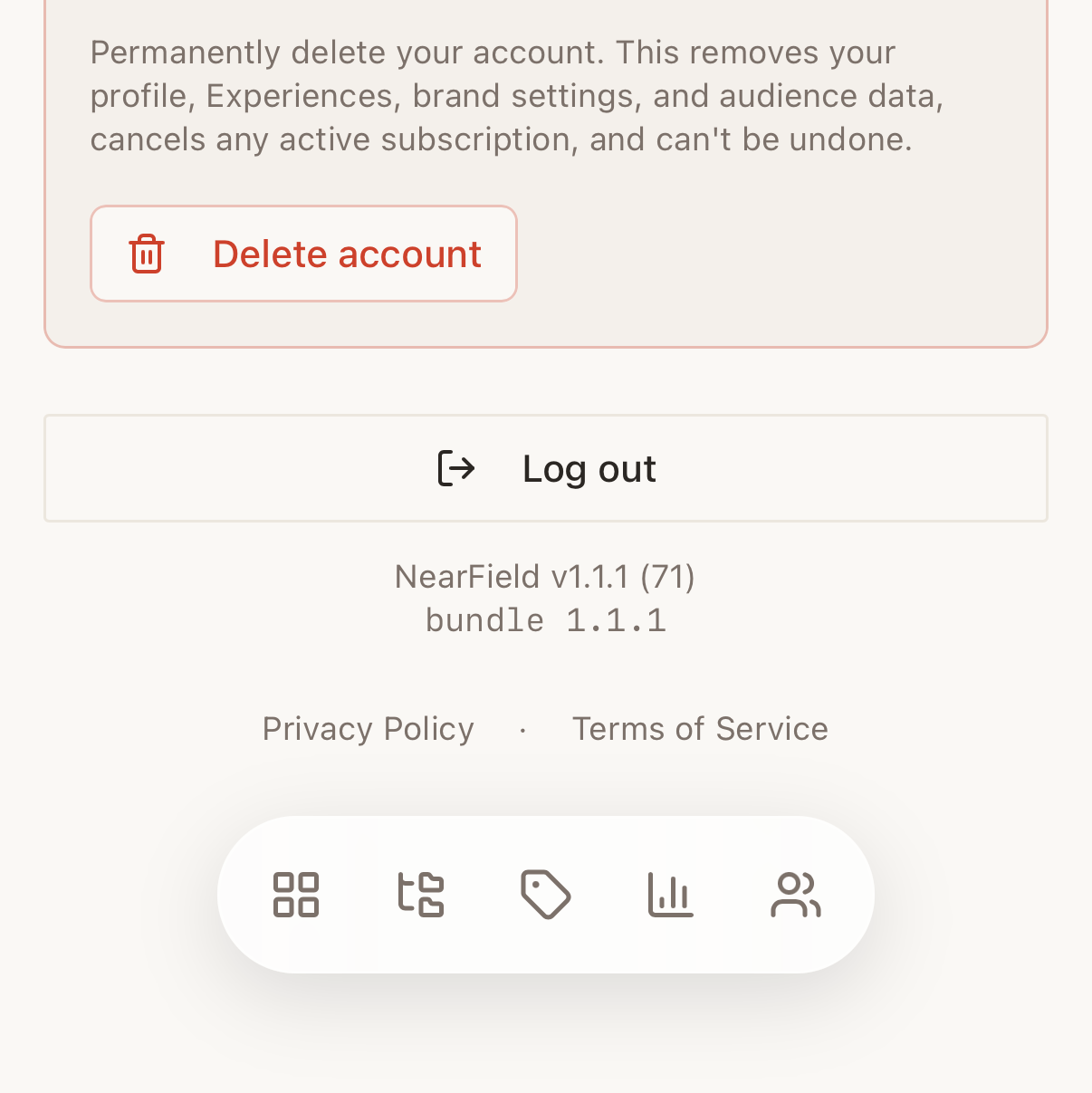
- 1
Open Account
Tap the account icon in the header.
- 2
Scroll to the bottom
Below the legal links, the footer prints the version and build.
- 3
Read both numbers
The version and build are the App Store app. The bundle line underneath is the over-the-air content it is currently running.
- 4
Quote both when you contact us
The pair together identifies exactly what you have, which is usually the first question support would otherwise have to ask.
What only an App Store update can change
The over-the-air route can change any screen in the app. What it cannot touch is anything the phone itself has to agree to, which is a short and specific list:
- Permissions: what the app is allowed to ask for, and the wording of the request iOS shows you.
- Hardware access: the NFC reader, the camera, the photo library, biometrics.
- Push notification delivery: the plumbing, not the settings. Which Experiences notify you is an ordinary setting and changes immediately.
- The app icon and its name on your home screen.
Everything else (a new block in the builder, a redesigned Stats page, a fixed layout, new copy) arrives over the air. That is why the app can gain features between App Store updates, and why it does not drift out of step with the website for long.
When something new is not showing up
- 1
Close the app fully and reopen it
An over-the-air update is applied at launch. Switching away and back is not a launch: swipe the app away from the app switcher first.
- 2
Check the App Store
If NearField has an update waiting, take it. Anything native only arrives that way.
- 3
Try the same thing in a browser
Sign in at getnearfield.com on a laptop. If the feature is there but not on the phone, you are waiting on an app update rather than looking at a bug.
- 4
Sign out and back in
The app caches a day of data. Signing out clears it, which resolves stale figures that no update will fix.
Can I stay on an older version?
Over-the-air content always moves forward with the account, so the builder stays in step with the website. The App Store part is yours to update when it suits you.
Does an update log me out?
No. Your session survives both kinds of update. You may be asked to unlock with Face ID afterwards, because a fresh launch is a cold launch.
Why does the web have a feature the app does not?
Some things are deliberately web-only: see what the app does not do. Others are simply waiting on the next App Store build.