NearField Builder is free on the App Store. It is an operator tool: the app you use to run your Experiences, not the thing your visitors open. A visitor never needs it: they tap a Marker and your page opens in whatever browser their phone already has.
A NearField account is required. There is nothing to see in the app before you sign in.
The loop
Build
Stack content blocks into an Experience. Free, and no card.
Preview
Open it on your own phone before anyone else sees it.
Publish
It gets a public link that works anywhere you can paste a URL.
Make it physical
Point a Marker at it and put the Marker where the question gets asked.
Then it starts again. Stats tell you which Markers get used and which questions visitors keep asking, you change the Experience, and the Marker on the wall is already pointing at the new version. Nothing gets reprinted.
The five tabs
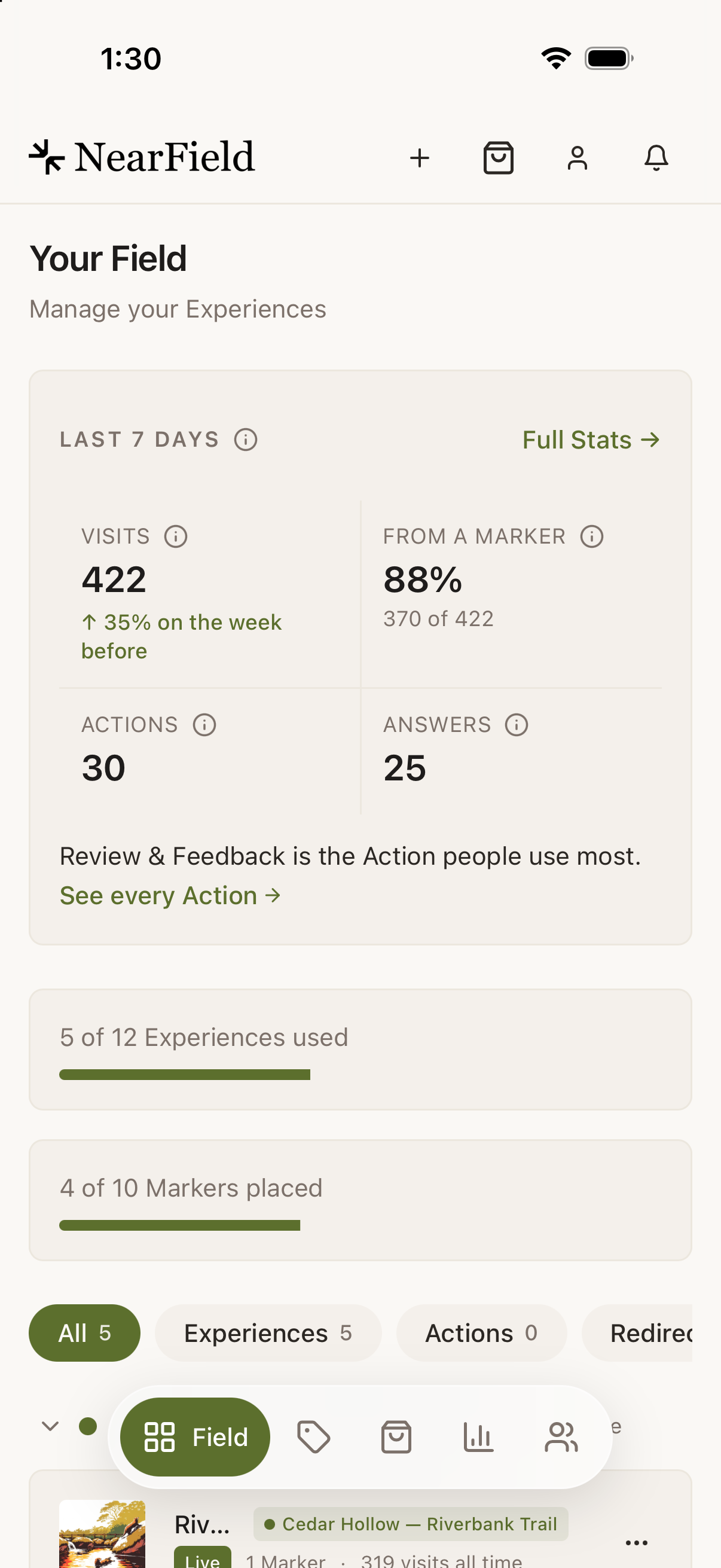
The tab bar is a floating pill at the bottom of the screen. The active tab expands into an Ivy pill with its label sliding out from behind the icon.
| Tab | What it holds |
|---|---|
| Dashboard | Your Experiences, the create buttons, usage meters and the Last 7 days strip |
| Markers | Every Marker on the account, registering a new one, and its link |
| Shop | The Marker catalogue, your cart and checkout. Order Markers for any Experience you have built |
| Stats | The account overview and every Experience report |
| Audience | Overview, Timeline and People |
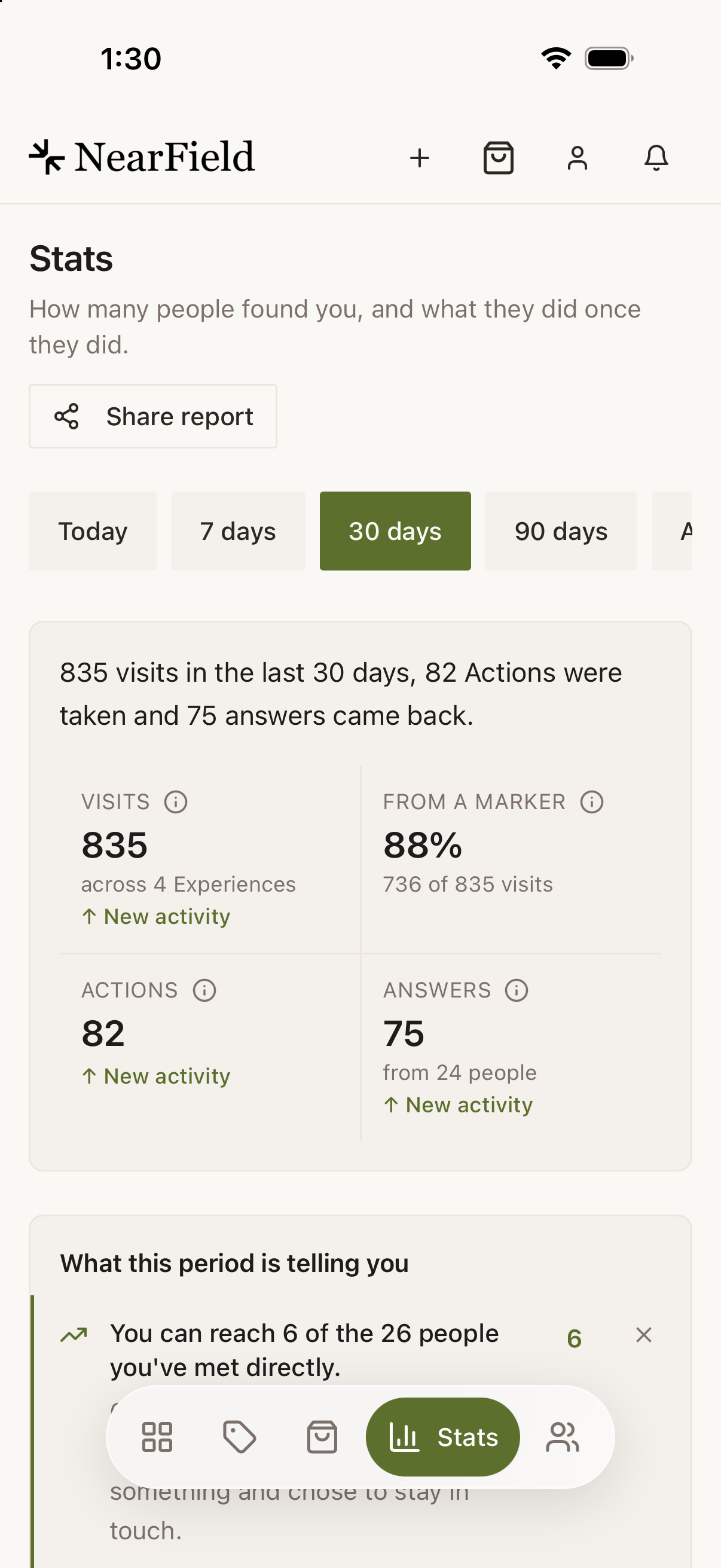
Above them, the header carries Create, Scan, cart, account and the notification bell. The bell sits rightmost, in the thumb corner, because it is the one icon whose state changes while you are not looking.
What the app adds
- Scan a Marker
- Hold the phone against a Marker and the app opens its menu: edit what it points at, re-point it, or see how it is doing. See scanning a Marker.
- Push notifications
- An answer, a lead or a milestone reaches your lock screen. The web has the bell and inbox; only the app can interrupt you.
- Face ID
- Your dashboard is behind a biometric unlock on a phone that has one enrolled, which matters because your Audience holds other people's contact details.
- Camera and photo library
- Add an image to a block by taking the photo there and then, instead of mailing it to yourself first.
- The system share sheet
- Sharing a link uses the real iOS sheet rather than copying to a clipboard.
- Opens with last-known data
- The app keeps a day of cached data, so it opens showing your dashboard rather than a spinner on a weak connection.
Getting started
- 1
Install NearField Builder from the App Store
It is free, and shows on your home screen as NearField.
- 2
Sign in
Continue with Google, Continue with Apple, or an email address and password. See signing in and Face ID.
- 3
Let it ask about notifications
Say yes if you want to hear about answers and leads. If you skipped the prompt you can turn it on later from Account → Notifications.
- 4
Try the Scan button
If you already have a Marker, hold the phone to it. That single gesture (tap the Marker, land on the thing it opens, change it) is the reason the app exists.
Is there an Android app?
Not today. The web builder works in a phone browser on any device. You lose NFC scanning, push notifications and Face ID, and keep everything else.
Does the app cost anything?
The app is free to download. What it can do depends on your plan, exactly as the web builder does, and the 14-day trial runs the same way: going live from the app starts it, and Your plan is in the app too.
Do my visitors need the app?
No, and they never will. Markers open a web page. The app is for the person who builds and runs the Experience.
Will the app work offline?
It opens with the last data it cached, so you can read your dashboard on a bad connection. Editing, publishing and scanning all need a connection.