Your installed cards keep working. `42kites.com` is not being taken down. That is a commitment, not a transition period: cards were sold on the promise that they would keep resolving, and hardware screwed to a wall in 2023 has to outlive a rebrand.
Why it keeps working
What a tap does
A phone touches the Marker
Or the camera reads its QR code. No app, no account, nothing to install.
The Marker's own address opens
/m/{marker}?src=nfc
This never changes. It is printed into the chip and the code at the factory.
NearField looks up what it points at
This is the part you control, and the part you can change at any time.
Your Experience renders
/view/{experience}
Counted as a visit, with the tap or scan recorded against that Marker.
Both the chip and the printed code on a legacy card carry 42kites.com/smartlink/{code}. That address now forwards to the same card on NearField, which looks up what it points at right now and sends the visitor there. Two hops instead of one, and nobody notices the extra one.
The code itself did not change. A card's code is the same code it left the factory with. It is what identifies the Marker in your account, and it is what you would quote to us if a card ever stopped reading.
What this means in practice
- No reprinting. Not for the rebrand, not ever, unless you want a different design.
- No re-registering. Your cards are already on your NearField account, already linked to the Experiences they were linked to.
- No PIN hunting. You do not need the code on the back again. It matters only when you activate a card for the first time.
- Re-pointing still works. Change what a card opens whenever you like, from your dashboard or from the app.
- Old and new mix freely. A legacy card and one ordered next week can point at the same Experience, and both are counted the same way.
What a visitor sees
The same page they always saw. Someone arriving through a legacy address may briefly see a short banner reading 42Kites is now NearField, with a link to a note explaining the move. It sits above your content, does not block anything, and does not appear on cards ordered from NearField.
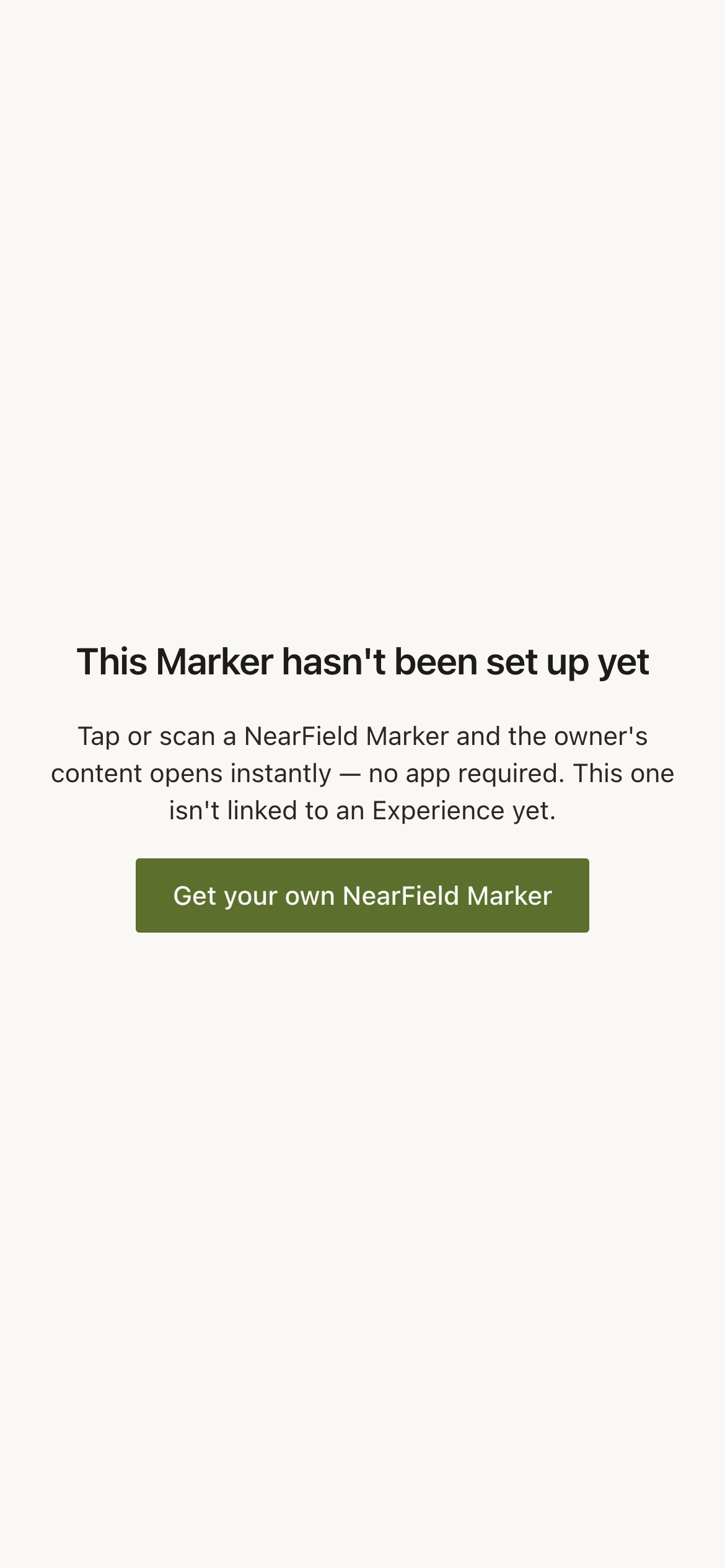
If a specific card does not open
- 1
Check the phone before the card
Screen unlocked, held against the card for a couple of seconds, right part of the phone, no metal plate in the case. That is most failed taps.
- 2
Read the status in your dashboard
Open Markers and find it. Linked means it should be opening something. Unplaced: ready to link means it points at nothing, which happens if it was disconnected on 42Kites and never reconnected.
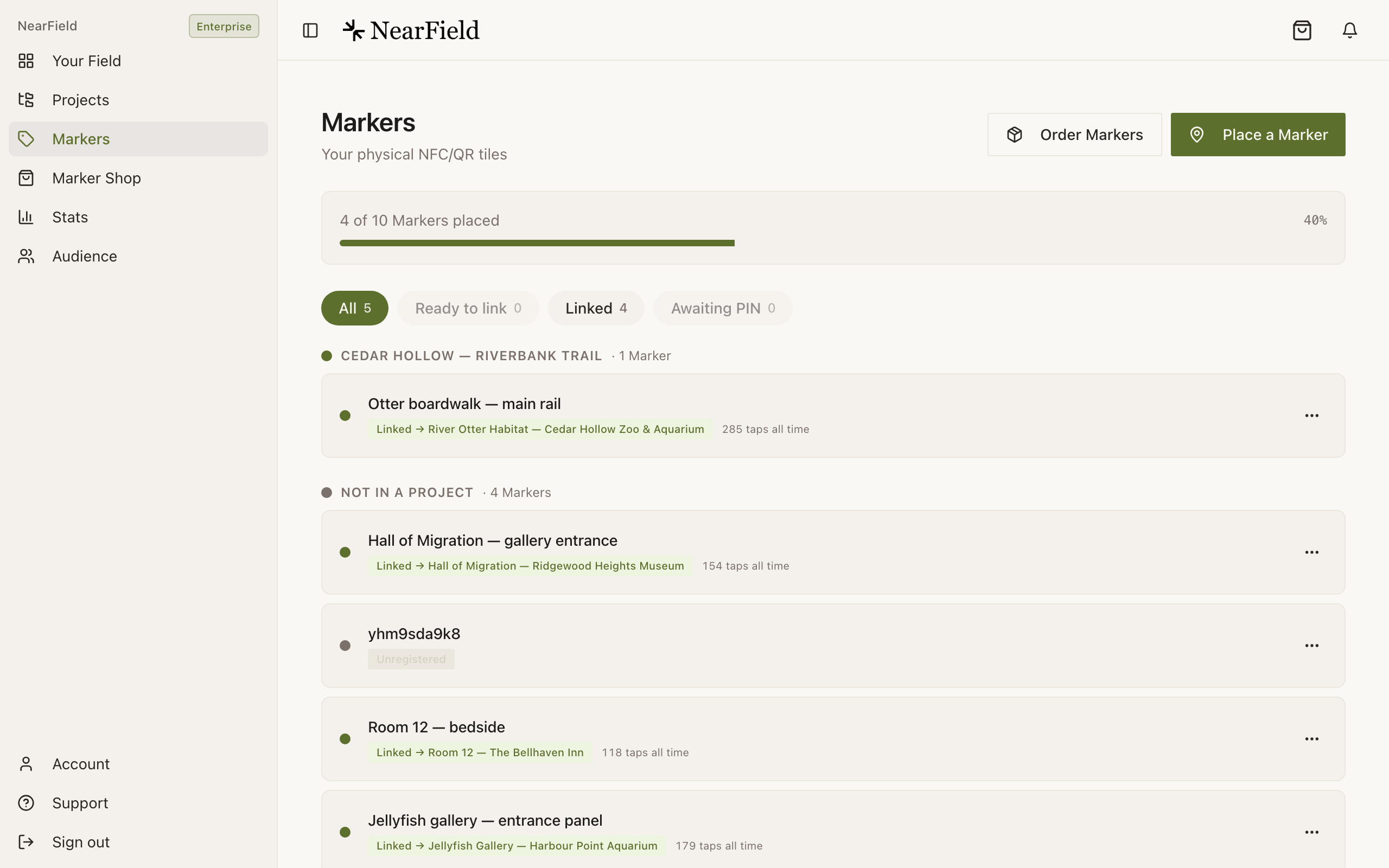
A green pill naming an Experience means the card is pointed somewhere. A grey one means the tap will reach us and find nothing. - 3
Relink it if it needs relinking
Use the row's actions menu. It takes effect on the next tap, with nothing reprinted.
- 4
Send us the code if it still does nothing
Quote the six-character code from the back and the Support PIN from your Account page, and we will trace what that card resolves to from our side.
Example
Ridgewood Museum of Natural History: 140 cards, none touched
Ridgewood installed 140 SmartLink Cards across three floors between 2023 and 2025. Nothing about them changed on 1 September. The team signed in, checked two cards on the ground floor, and carried on. The first new NearField Marker they ordered was for a gallery that opened in October.
Will 42kites.com ever be switched off?
No. Cards are hardware on walls, and the addresses printed into them have to keep resolving for as long as those cards exist.
Do the holders still fit?
Yes. Nothing about the physical card changed, so any holder or mount you already have still holds it.
Are taps on legacy cards counted?
Yes. They arrive through the same path as any other tap and appear in your stats attributed to that card.
Should I replace my legacy cards with NearField ones?
Only if you want a new face on them. There is no functional reason to, and a card that has been outdoors for two years is doing exactly what it was bought to do.