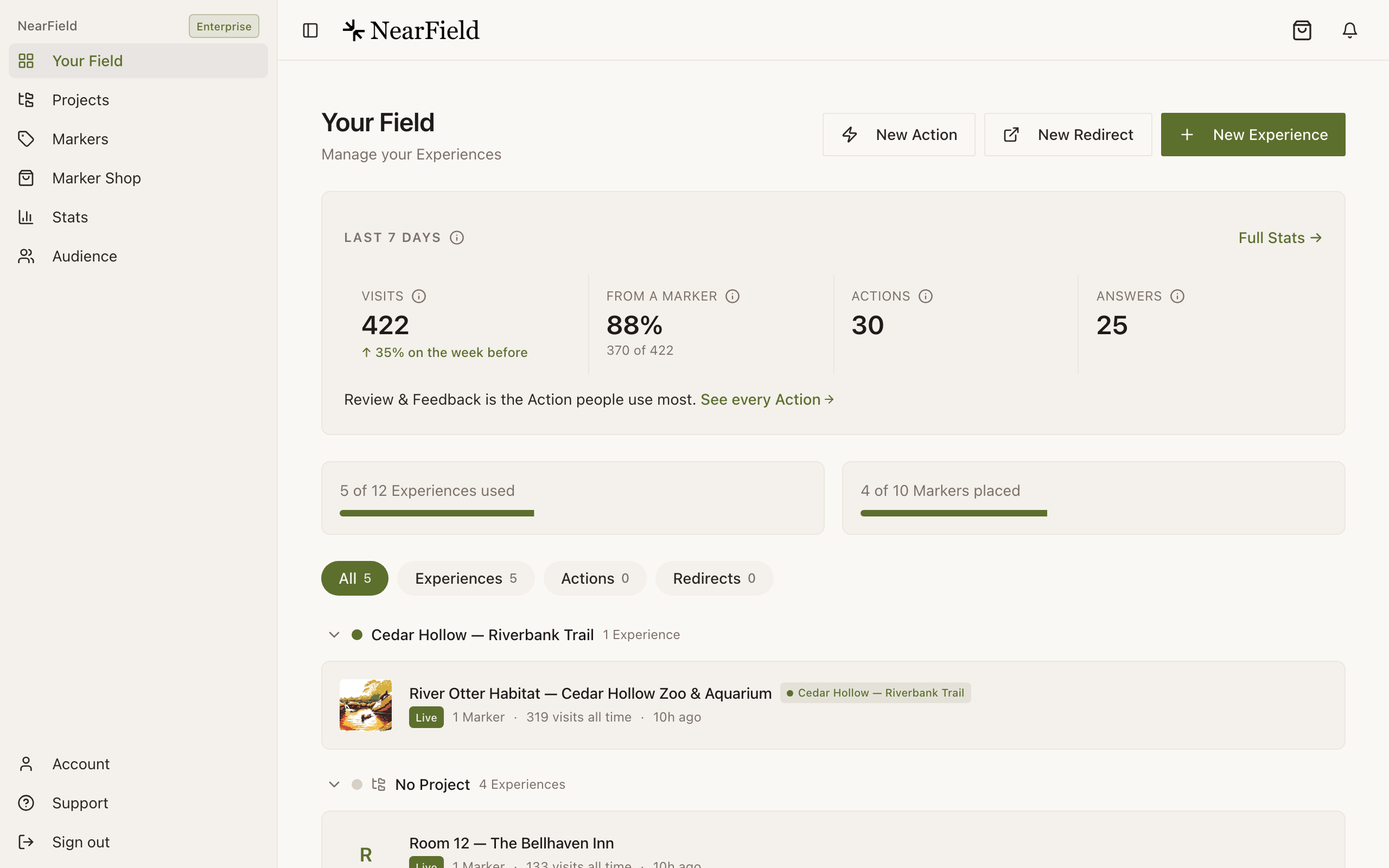
Sign in and you land on your dashboard. Every Experience you had is in that list, with a Live or Draft badge beside it. Open one and the builder shows your content as blocks in the same order you left them.
The loop your Experiences now sit in
The loop
Build
Stack content blocks into an Experience. Free, and no card.
Preview
Open it on your own phone before anyone else sees it.
Publish
It gets a public link that works anywhere you can paste a URL.
Make it physical
Point a Marker at it and put the Marker where the question gets asked.
Then it starts again. Stats tell you which Markers get used and which questions visitors keep asking, you change the Experience, and the Marker on the wall is already pointing at the new version. Nothing gets reprinted.
The checklist
- 1
Check your colours
42Kites accounts often ran a near-black page with light text. NearField's page colour is a warm off-white by default, and text, cards and dividers adjust to whatever background you set. Look at Brand Defaults on Account and the Brand tab in the builder, and decide deliberately rather than inheriting.
- 2
Check anything embedded from another service
Live chat, embedded forms, 3D models and social embeds all still exist as blocks. What can break is a service that only trusts requests from
42kites.com. - 3
Check your shared header and footer
These are edited once, on Account, and appear on every Experience with Use default header & footer switched on in its Settings tab. Confirm your logo and footer line are there, and that the Experiences you expect are using them.
- 4
Check locked Experiences
A PIN lock is now Require PIN to view in the builder's Settings tab, with an optional challenge message shown above the PIN box. Confirm the PIN and the message are what you expect, and that a locked Experience is one you meant to lock.
- 5
Check images and alt text
Open each Experience on a phone. Alt text is worth filling in where it is missing. It is what a screen reader announces, and it is also what gets translated for a visitor reading in another language.
- 6
Check your counts against your plan
Your plan sets how many Experiences you can create and how many cards can be linked. Your dashboard shows the count. Nothing was unpublished in the move.
Things that look missing and are not
- The sort numbers are gone
- Deliberately. Order is now the order in the list, and you change it by dragging the handle, using Move up and Move down in the block menu, or with the keyboard. Nothing to type, nothing to leave headroom for.
- The Experience name looks internal
- It still is. Visitors never see it. Name Experiences so you can find them in a list of forty.
- You cannot find a page called My SmartLink Cards
- It is Markers, grouped by status rather than by Experience, with filter chips for Linked, Ready to link and Awaiting PIN.
- A draft you never published
- Drafts came across as drafts. They have never been visible to a visitor and still are not.
What to do with a spare hour
Open your busiest Experience and press Add Block. The picker is grouped by what you are trying to do rather than by module type, and it is searchable. Most of what people miss after the move turns out to be a block they did not know existed: an Hours block that says Open now, an Accordion that turns a wall of text into a menu, a Passport that counts stops on a trail.
Example
Cedar Hollow Zoo & Aquarium: an afternoon well spent
Cedar Hollow had 22 Experiences, one per habitat, each a heading, three paragraphs and a photo. After the move they added an Hours block to the four with feeding times and turned the long conservation text on each page into an Accordion. No new cards, no reprinting, one afternoon.
An Experience is missing entirely.
Check the filter chips at the top of your dashboard first. The list can be filtered to Actions or Redirects. If it is genuinely absent, tell us its name and we will look.
My colours came across but look wrong.
Set them deliberately rather than clearing them. Background is set once for the account and can be overridden per Experience in the Brand tab.
Do I need to publish everything again?
No. Anything that was live is live. Publishing happens once per Experience, and edits after that are live as soon as they save.