Guide · Museums & Galleries
How small museums and galleries use NFC to replace audio guides
Large institutions can afford to build apps and maintain fleets of audio devices. Smaller museums, galleries, zoos, and cultural organizations usually can't, which means visitors get a small printed card next to each piece, or nothing at all. NFC Markers are a practical alternative that most institutions can afford and deploy without a tech team - and the same set of Markers can double as a visitor passport that rewards people for seeing the whole collection.
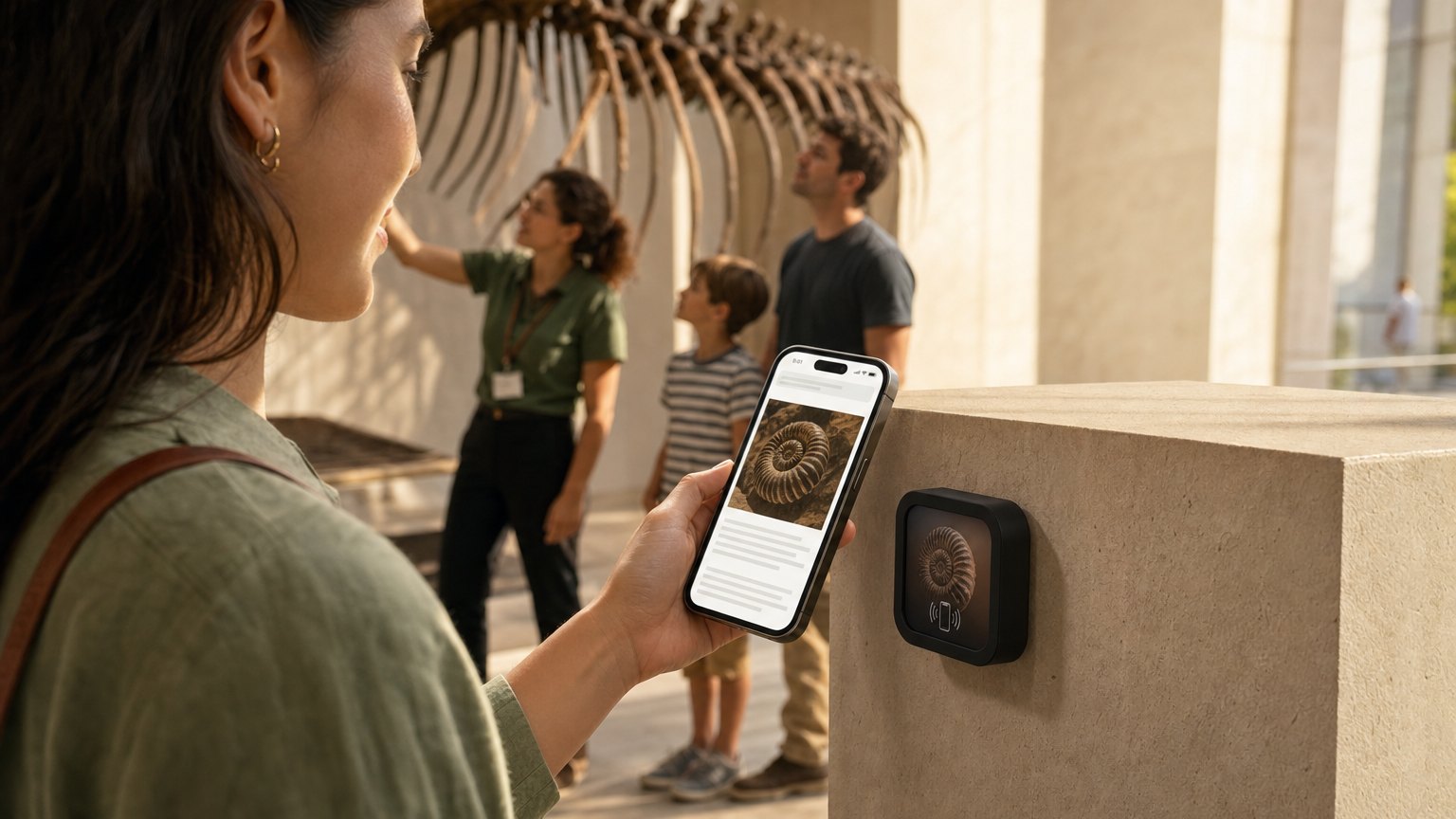
The problem with how most small museums handle interpretation
Printed labels are the default, and they have real limits. Word counts stay short because you're paying by the inch. Photographs can't move. Curator voices can't be heard. Translations are expensive enough that most institutions offer one language, maybe two. And when an exhibit ends, the labels go in the recycling bin.
Rented audio guide devices solve some of this but create their own problems: maintenance costs, cleaning between visitors, batteries dying mid-tour, guests returning devices at the wrong counter. The experience feels dated, and the overhead is real.
QR codes were supposed to fix this. They worked tolerably well for a few years, but visitors have learned to ignore QR stickers on walls, and the experience of pointing a camera, waiting, and opening a link has gotten slower as people's patience for friction has shortened.
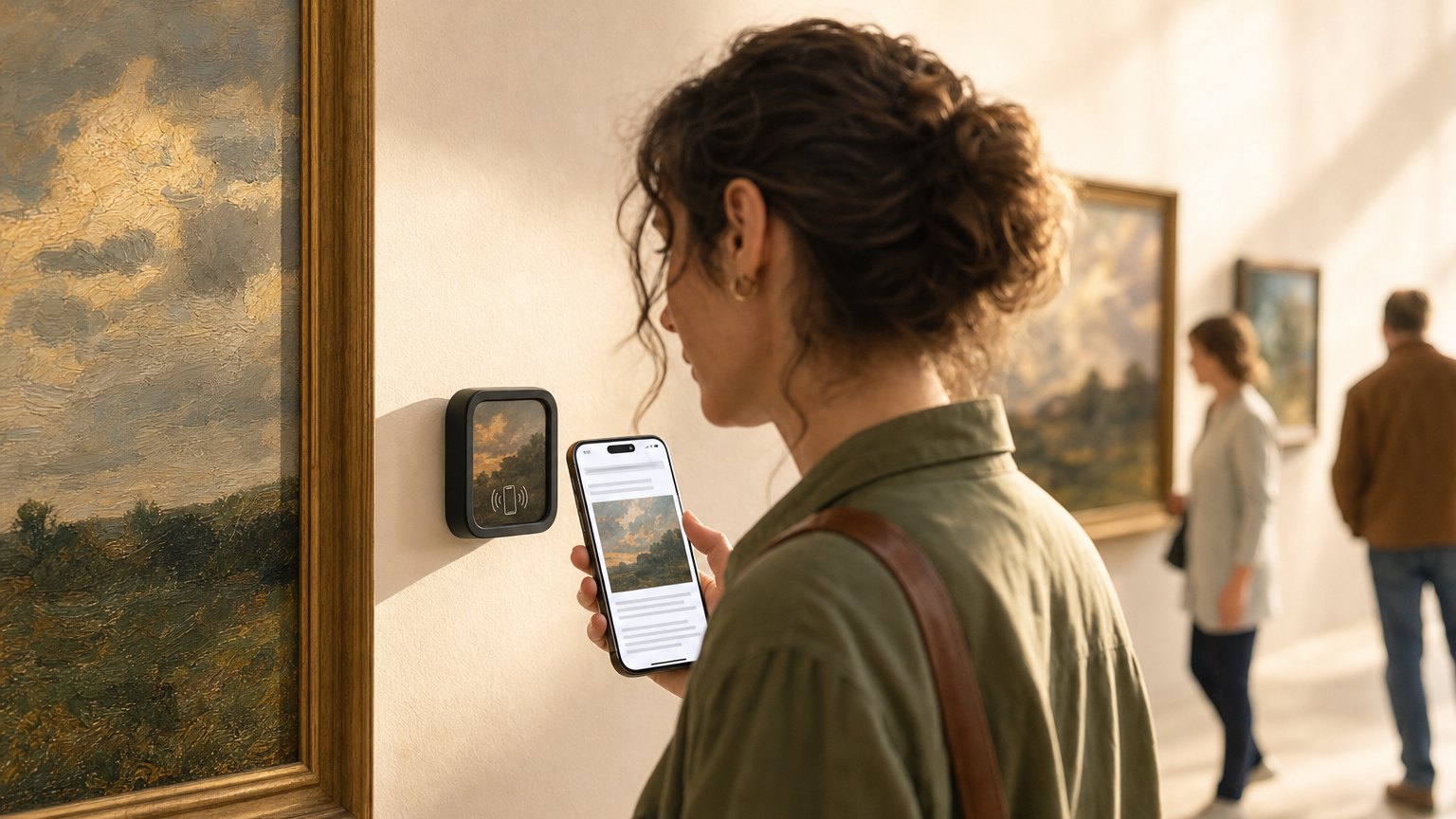
What NFC exhibit labels do differently
A NearField Marker next to each piece is a small, durable Marker with your branding. A visitor holds their phone near it (no camera, no scanning, no pausing) and a mobile page opens with whatever you've put there.
What you put there is up to you. The page (called an Experience) is built in your dashboard with a block editor. You can include:
- •Audio narration. Upload an MP3 of the curator, the artist, or a trained narrator. The visitor hears it in the gallery without a device to return.
- •Video. An artist statement recorded on a phone, a conservation documentary clip, behind-the-scenes footage of a restoration.
- •The longer story. The provenance, the technique, the historical context, everything that doesn't fit on a 40-word label.
- •Multiple languages. The Inclusion Bar on every NearField Experience lets visitors translate the text content into their language with one tap, without you having to maintain separate translated versions.
- •A donation or membership prompt. A button at the bottom of the Experience that goes to your donation page, membership signup, or planned giving form.
How to deploy: you don't need one per piece
You have options on how densely to cover an exhibit. There's no requirement to put a Marker next to every piece.
Key pieces only. Many galleries start by placing Markers next to the 5-10 pieces that have the most interesting stories to tell. This is a low-cost entry point and lets you see how visitors respond before expanding.
Entry Marker. A single Marker at the gallery entrance that opens an overview Experience: the story of the exhibit, the curator's introduction, a map of the space. Visitors who want more can tap the per-piece Markers; visitors who just want to browse don't have to.
Full coverage. One Marker per piece. This is the full audio tour replacement, and it's typically what institutions move to after a successful initial deployment.
Ready to try it?
Build your first exhibit Experience free, with nothing for visitors to download. No card needed to build. Your 14-day trial starts when your page goes live.
Build your first exhibit ExperienceWhen the exhibit ends
This is the part that makes the economics work. When a temporary exhibit closes, you don't throw away the Markers. You go into your dashboard and relink each Marker to the Experience for the new exhibit. Same hardware, new content. The next show goes up without new Markers.
A gallery that runs four temporary exhibits a year would buy its set of Markers once and reuse them. The cost per exhibit after the initial hardware purchase is just your plan, and the time to build the new Experience, which usually runs one to three hours for a full exhibit.
The membership angle (paid plans)
On NearField's paid plans, the platform can recognize a returning visitor, someone who tapped a Marker at your institution before. This opens up a different kind of interpretation strategy.
First-time visitors see the full introductory content. Returning visitors can see a different version: a deeper dive, a behind-the-scenes addition, or a targeted invitation to become a member. Someone who's visited twice and is standing in front of their favorite piece is in a different relationship with your institution than someone who walked in off the street. You can reflect that.
The membership prompt becomes most effective in this moment, not a generic banner, but a contextual note for someone who's already demonstrated they care.
What it costs to get started
Building and previewing Experiences is free, with no card needed. A single Marker is $29 plus $10 shipping. An Intro 3-Pack (three Markers) is $49 with shipping included, a reasonable starting point for a pilot deployment.
For a five-piece installation, key pieces in a gallery, five Markers come to $107: an Intro 3-Pack plus two more at $29, with shipping included. Five placed Markers need a paid plan, so after your 14-day trial the installation runs on Starter at $19/month, which also recognizes returning visitors and shows the last 7 days of visitor data. Growth, at $39/month, keeps the full visitor history.
How to get started
- 1Sign up free. Pick the Exhibit Info or Audio Tour Stop template. Fill in the story, upload an image or audio file, and add a donation or membership button at the bottom.
- 2Preview on your phone. Show it to the curator or director: the live preview is much more convincing than a screenshot.
- 3Order an Intro 3-Pack. When the Markers arrive, register each one in your dashboard and link it to the appropriate Experience.
- 4Mount them next to the pieces. The included adhesive mounts are archivally safe and removable. For temporary exhibits, mounting to a small stand is cleaner than mounting to the wall directly.
- 5Watch the tap counts. When you see which pieces get the most engagement, use that to inform the next exhibit's interpretation priorities.
Start with an Action
A full interpretive Experience is the destination, but these three earn their Marker on day one.
Donate
A donation box on the plaque a visitor is already moved by.
Try the live demoDirections
Wayfinding between galleries, in the maps app they already use.
Try the live demoAdd to Calendar
Exhibition closing dates, straight into their calendar.
Try the live demoEach one goes live in under a minute, and any Action converts into the full Experience described here in one tap, and the same link and Markers keep working. See all 17 Actions.
Ready to build?
Build your first exhibit Experience
The museum exhibit template comes pre-loaded with an exhibit title, object information, curator audio upload, and a donation or membership prompt. Free to build, and your 14-day trial starts when your page goes live.