Guide · Education
NFC for schools and universities: campus tours, orientation Markers, and classroom stations
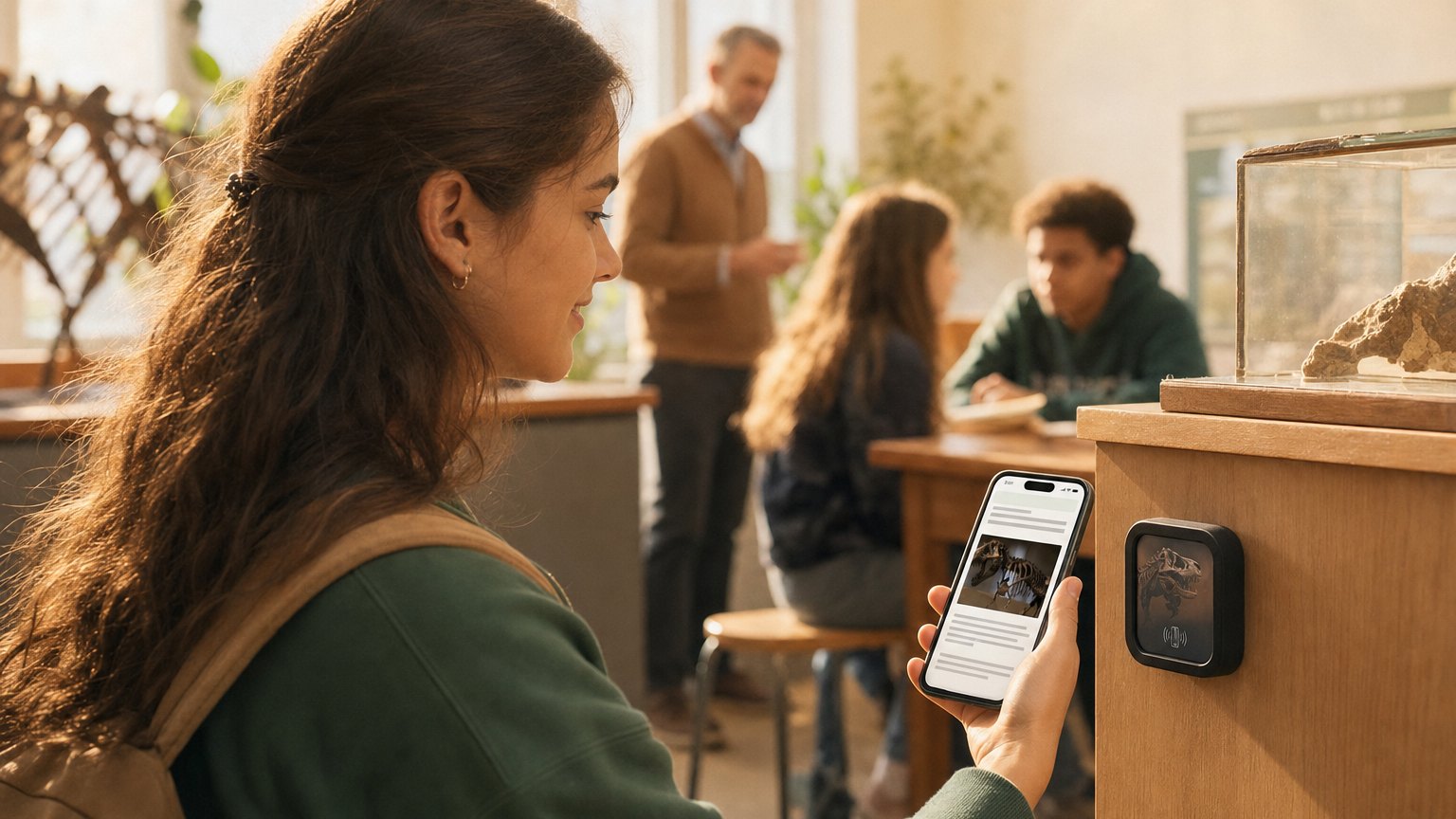
A student holds their phone near a small Marker on a desk, a door frame, or a piece of lab equipment, and the right information opens instantly. No app download, no login, no printed handout to lose. NearField Markers turn physical locations across a campus or training facility into live, updatable touchpoints that work whether staff is present or not.
What NFC actually does in an educational setting
NFC (near-field communication) is a short-range wireless standard built into virtually every smartphone made in the last several years. When a phone comes within a few centimeters of a passive NFC tag (what NearField calls a Marker), it reads a URL and opens a page in the phone's browser. No camera, no QR scan, no app. The visitor just holds their phone near the Marker and the content appears.
In an educational setting, that means a physical location (a building entrance, a workstation, a desk cluster, a library reference section) can instantly show information relevant to that spot. The content lives in your dashboard as an Experience: a mobile-optimized page built from content blocks. You update it there, and every tap anywhere on campus immediately gets the new version.
The range of institutions that benefit is wide. A K-12 school can use Markers in makerspace and science lab stations. A university can deploy them across buildings for prospective student tours and in classrooms for assignment distribution. A corporate training center can place them next to each workstation or piece of equipment on the training floor. The underlying technology and the platform are identical across all three: what changes is the content on the Experience.
The key distinction from printed materials is that the Marker never expires. When the semester changes, update the Experience. When the course assignment changes, update the Experience. The Marker on the desk stays put. The cost of the Marker is a one-time hardware purchase; the cost of a content change is the two minutes it takes to edit a block and save.
Campus tour stops and prospective student Markers
Prospective students and their families often visit campuses outside of scheduled tour hours, on evenings, weekends, and holidays when admissions staff are not present. A campus with NearField Markers at each building entrance, department lobby, or key outdoor landmark can deliver a meaningful self-guided experience around the clock.
Each stop can be its own Experience. The engineering building Marker might include a department overview, highlights of the research programs, a short video from the department chair, a list of recent graduate outcomes, and a contact form that goes directly to the admissions team. The Marker at the student union might show student organization listings, dining hours, and a link to the enrollment checklist. The tour happens even when no one is running it.
This is especially valuable for graduate programs and professional schools, where prospective students are often working adults visiting on their own schedule. A law school, a nursing program, or a business school can give every visitor a well-produced introduction to their program, including faculty spotlights, alumni testimonials, and program outcome data, without coordinating a human tour guide.
The admissions angle compounds this. A contact form block on the Experience lets a prospective student submit their name and email at the moment of highest interest: standing in the building they're considering. Compared to asking them to fill something out later from home, the conversion rate on that form is meaningfully higher.
New student orientation: Wi-Fi, key dates, and campus map
The orientation packet is a document that most new students read once and then lose. It contains information they'll need for months, the Wi-Fi password for the dorm, the academic calendar, the financial aid deadline, who to call when the heat in the room stops working, but it's static, it can't be searched easily, and it's out of date the moment anything changes.
A Marker at the dorm entrance, at the library front desk, at the student services counter, and at the health center provides the same information in a format that's always current. A student who forgot the Wi-Fi password doesn't have to track down the packet: they tap the Marker on the wall and it's there. A student who needs to find the financial aid office taps the library Marker and gets the campus map link.
Between cohorts, the Experience can be updated in minutes. New Wi-Fi credentials, updated key dates, a new academic calendar link, a corrected phone number for the registrar, all live immediately across every Marker on campus that links to that Experience. No reprinting, no redistribution, no version mismatch between the packet a student received and what's currently true.
For international students in particular, the NearField Inclusion Bar adds meaningful value. It appears on every Experience and lets the reader translate the content into their language with a single tap, without requiring the institution to maintain separate translated versions of every document. A Japanese student who taps the orientation Marker at the housing office gets the same content as everyone else, rendered in Japanese on their phone.
Ready to try it?
Build a campus Experience with every Growth block and Action. No card needed to build. Your 14-day trial starts when your page goes live.
Build a campus Experience freeClassroom assignment Markers: the rubric is on the desk
Every semester, instructors send the same follow-up emails: "Can you resend the rubric?" "I can't find the submission link." "When is this due again?" These questions are answerable, the information exists, but the friction of finding it is enough that students ask rather than look. A NearField Marker at each desk cluster, on the board, or at the instructor's station removes that friction entirely.
A student sits down, taps the Marker on the desk, and the full assignment brief is open on their phone. The rubric is there. The submission link is there. The due date is in the heading. If the instructor updated the instructions this morning, the student sees the current version, not a PDF they downloaded three weeks ago.
The Experience for a classroom assignment station might include a heading block with the course name and assignment title, a text block with the full brief, an accordion block for the rubric (collapsed by default, expandable), a button block linking to the submission portal, and a contact block for the instructor's office hours. It takes about twenty minutes to build well the first time, and less than five to update between classes.
For lab courses with multiple stations running different experiments simultaneously, each station can have its own Marker linked to its own Experience. Station A gets the titration protocol; Station B gets the microscopy procedure. The instructor manages all of them from your dashboard and can update any one in real time if an error is found mid-class or a step needs clarification after the first group attempts it.
Training stations: safety first, then procedure
In any setting where students or employees work with equipment (a university fabrication lab, a culinary school kitchen, a vocational program shop, a corporate training floor), there are two kinds of information that need to be available at the point of work: what to do, and what not to do. Both of these are often in a binder that's across the room, in a manual that's been photocopied so many times it's unreadable, or in the head of a supervisor who isn't always available.
A NearField Marker mounted directly next to a piece of equipment delivers that information to the operator's own phone in a readable, structured format. The safety checklist comes first. Then the step-by-step procedure. Then a video: a screen recording of the software, or a short clip of the correct hand position on a tool, or a walkthrough of a process that's hard to convey in text. Then a list of common mistakes and how to avoid them.
The benefit for supervisors is real. When a new trainee can tap the Marker and work through the procedure on their own, the supervisor is interrupted less. Questions move from "how do I start this machine?" to "I followed the procedure and something unexpected happened": a much more useful category of question that's worth the supervisor's time.
For corporate training programs specifically, the Marker next to a workstation can also serve as a check-in point. A button on the Experience links to a completion survey or competency verification form. The trainer sees who tapped, when, and whether they submitted the form, without having to stand over every trainee in the room. When the procedure changes, updating the Experience updates every station immediately.
Library resource guides: point them to the right database
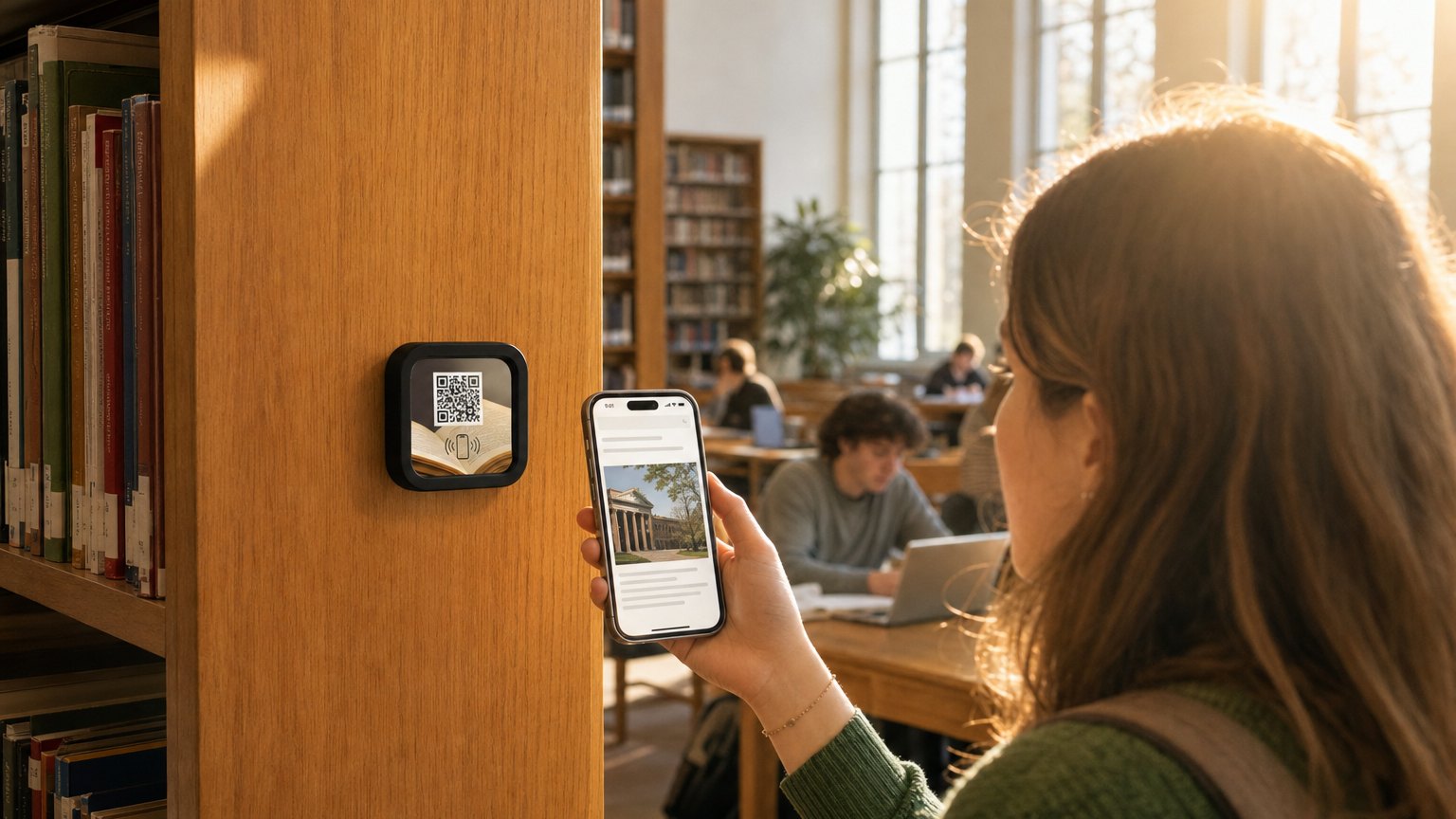
Printed subject guides are a well-intentioned library staple that almost nobody picks up, and that go out of date within months of printing. A Marker at the reference desk, at the entrance to a subject section, or at a research carrel replaces the printed guide with something a student will actually use, because it's on their phone, and because it's current.
A library resource Experience for a subject like business or healthcare might include the primary databases for that field (EBSCO, PubMed, LexisNexis, depending on the subject), a getting-started guide for each database, a citation style guide relevant to that discipline, and a link to book a one-on-one appointment with the subject librarian. That last element is often the highest-value thing a library can offer a struggling researcher: a direct path to a person who can help. A tap-to-schedule link on a Marker makes it much easier to find.
Reference desk Markers serve a related purpose. A student who approaches the desk when it's unstaffed can tap the Marker and find answers to the most common questions (how to request an interlibrary loan, how to access databases from off campus, where the printers are, what the late return policy is) without waiting for someone to return from a break. When library hours or policies change, the Experience is updated once and is immediately accurate.
Libraries with special collections or archives can also use Markers to contextualize holdings. A Marker at the entrance to a special collection room can deliver the provenance of the collection, guidelines for handling materials, and a link to the finding aid: the kind of orientation that currently requires staff time every time a new researcher arrives.
Ready to build?
Build your first campus Experience
The university template is pre-loaded with orientation content, campus tour stops, faculty profiles, and library resource guides, all tapable and updatable without reprinting.