Passport block

    A digital passport for the whole trail.

    Pick the stops, set the reward, and every Marker in your space becomes part of one route. Visitors tap their way through, see how far they have got, and unlock the prize when the last stop is done. No app, no punch card, nobody stamping anything.

    Growth plan · part of NearField Memory

    Mural Walk Passport

    4 of 5
    • Central Ave underpass
    • The old bakery wall
    • Harbor stairwell
    • Fire station gable
    • Rail yard fence

    One stop to go

    Finish the walk and show this at the visitor center.

    How it works on a Marker

    Three settings, then the trail runs itself.

    A Marker points at an Experience. A passport stop is one of those Experiences. That is the whole model - there is no separate trail to build alongside your pages.

    01

    Pick the stops.

    Each stop is one of your published Experiences - usually one per Marker. Tick them in the order you want them walked.

    02

    Put the block on the pages.

    Add the Passport block to the first Marker people meet, and to any stop where seeing the progress bar helps. Same block, same list, everywhere.

    03

    The trail keeps itself.

    A stop ticks the moment its Marker is opened. Visitors see what they have covered and what is left, and unfinished stops link straight to the next page.

    What you set in the builder

    Two ways to earn a stop, and one reward at the end.

    The looser rule is the default: a stop ticks when its Marker is opened, which needs no extra block and works on any page you already have. The stricter rule is one checkbox away, for the trails where standing at the thing is the point.

    • Which of your Experiences are stops, and in what order
    • Whether opening a stop counts, or only a check-in at it
    • The reward message, which can greet the visitor by name
    • An optional redemption code shown only on completion
    • A push to your phone the moment someone finishes the trail
    • Whether a visitor verifies their phone first, so progress survives a new device

    What it does not do

    There is no printed stamp graphic and no public leaderboard. The Passport block draws a progress bar, a checklist of your stops, and a reward panel that opens when the last one is ticked. Unfinished stops are tappable links, so a visitor standing in your lobby can see the two they missed and go find them.

    One example, all the way through

    A downtown mural walk, eleven walls.

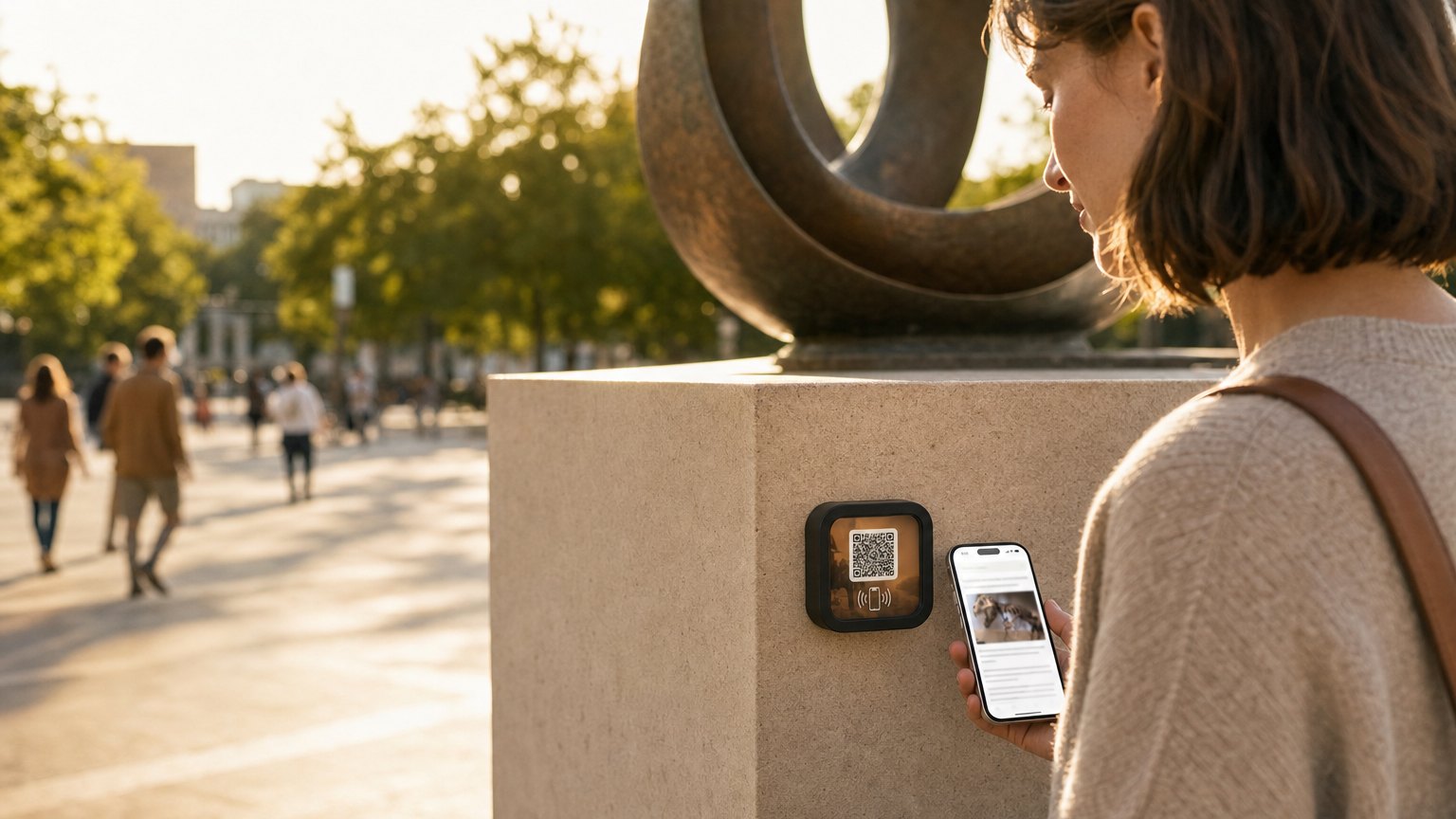
    A NearField Marker mounted beside a downtown mural

    Arts district · 11 murals

    One route, eleven Markers, one code at the end.

    Visitor center
    The Passport block on the welcome Marker, listing all eleven walls. A visitor sees the whole route before they start, and every wall they have not reached yet is a link.
    Each mural
    A Marker beside the wall opens the artist's story, the making-of photos, and the shop link. Opening it ticks that stop - the artist page is the stop, so there is nothing extra to build.
    The two walls behind a gate
    Require a check-in at each stop, and add a Check-In block to those pages, so the tick means someone actually walked down there.
    The last wall
    The reward panel opens: your message, and a code like WALK25 for the coffee shop that sponsors the trail.

    Your phone buzzes each time somebody finishes. The stops are ordinary Experiences, so adding a twelfth mural next spring is one new Marker and one more tick on the list - no reprinting, and no visitor loses the ten they already have.

    The same shape works for a brewery ale trail, a campus tour, a park system, a county museum pass, or a scavenger hunt at a conference. See the mural Marker guide for how the individual stop pages get built.

    Put it on a wall

    A trail needs tiles on walls.

    One Marker per stop, and one at the start where the passport lives. Order the number of stops you have and point each one at the Experience it belongs to - re-point any of them later without touching the wall.

    A single Marker is $29, and the Intro 3-Pack is $49 for three. Every Marker carries NFC and a printed QR on the same tile, so nobody is stuck. Ships in 2 business days - sold and shipped from the US.

    Questions people ask about passports

    Do visitors need an app or an account to collect stops?
    No. Progress rides in the visitor's own browser, scoped to your account, so there is nothing to download and nothing to sign into. A visitor can start at stop one and finish three weeks later on the same phone.
    What counts as visiting a stop?
    By default, opening that stop's Experience counts - the visitor taps the Marker and the stop ticks. If being physically present matters more than a tap, switch on 'require a check-in at each stop' and only a Check-In block on that page counts.
    What happens when someone finishes?
    The reward section unlocks on the page: your reward message, and a redemption code if you set one. Completion is recorded once on the visitor's timeline, and with 'Notify me' switched on your phone gets a push that says they completed every stop.
    What if a visitor clears their browser halfway through?
    On the Growth plan you can ask visitors to verify their phone number once. After that, any device that verifies the same number is the same person, and their progress reconnects. Without verification, a cleared browser starts over.

    Build the first stop today.

    Start free, build the Experiences your stops need, and add the Passport block when the route is ready. The trail is just your own pages, listed in order.

    No credit card required.