Guide · Conferences & Trade Shows
NFC for conferences and trade shows: badges, booths, and lead capture
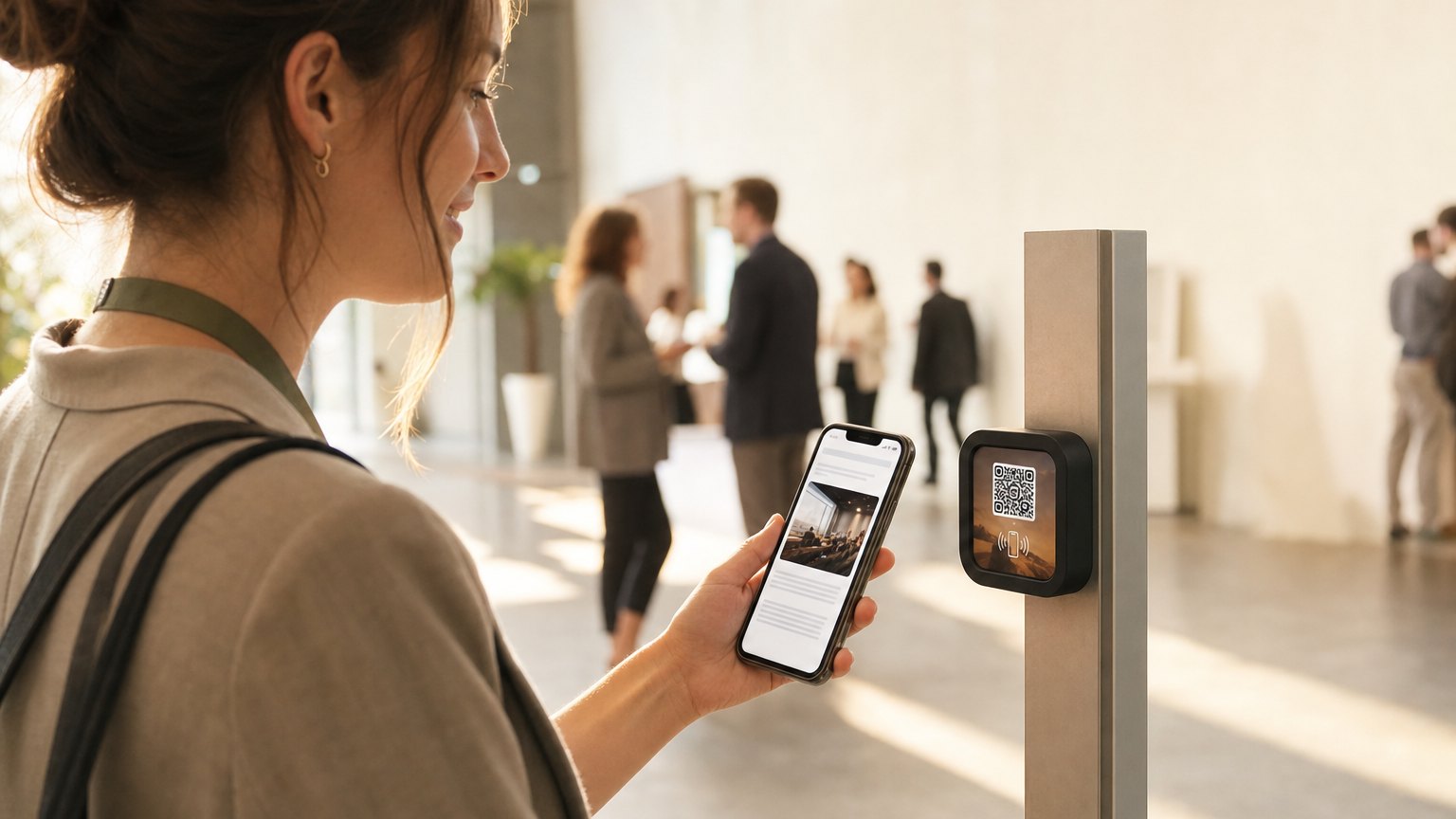
A Marker on a conference badge or a trade show booth table. Attendees tap it to pull up a digital profile, connect on LinkedIn, or request a follow-up. Exhibitors capture leads without a scanner app or a stack of business cards that never get entered anywhere. A Marker at each session door does the check-in at the same time, so room counts stop being a guess, and a passport across the exhibit hall gives the back-corner booths the same traffic as the ones by the door.
Two use cases, one hardware format
NFC at events shows up in two distinct ways, and it's worth separating them because the content on each is different.
The attendee badge. A Marker embedded in or attached to a conference badge. When another attendee, or an exhibitor, taps your badge, they get your name, title, company, a LinkedIn connect link, and your contact info. No card swap, no phone unlocking, no typing.
The exhibitor booth. A Marker on the booth table or display. When a visitor taps it, they get the company pitch, a product demo request button, a downloadable one-pager, and a lead capture form. The booth rep doesn't have to be available for the tap to work.
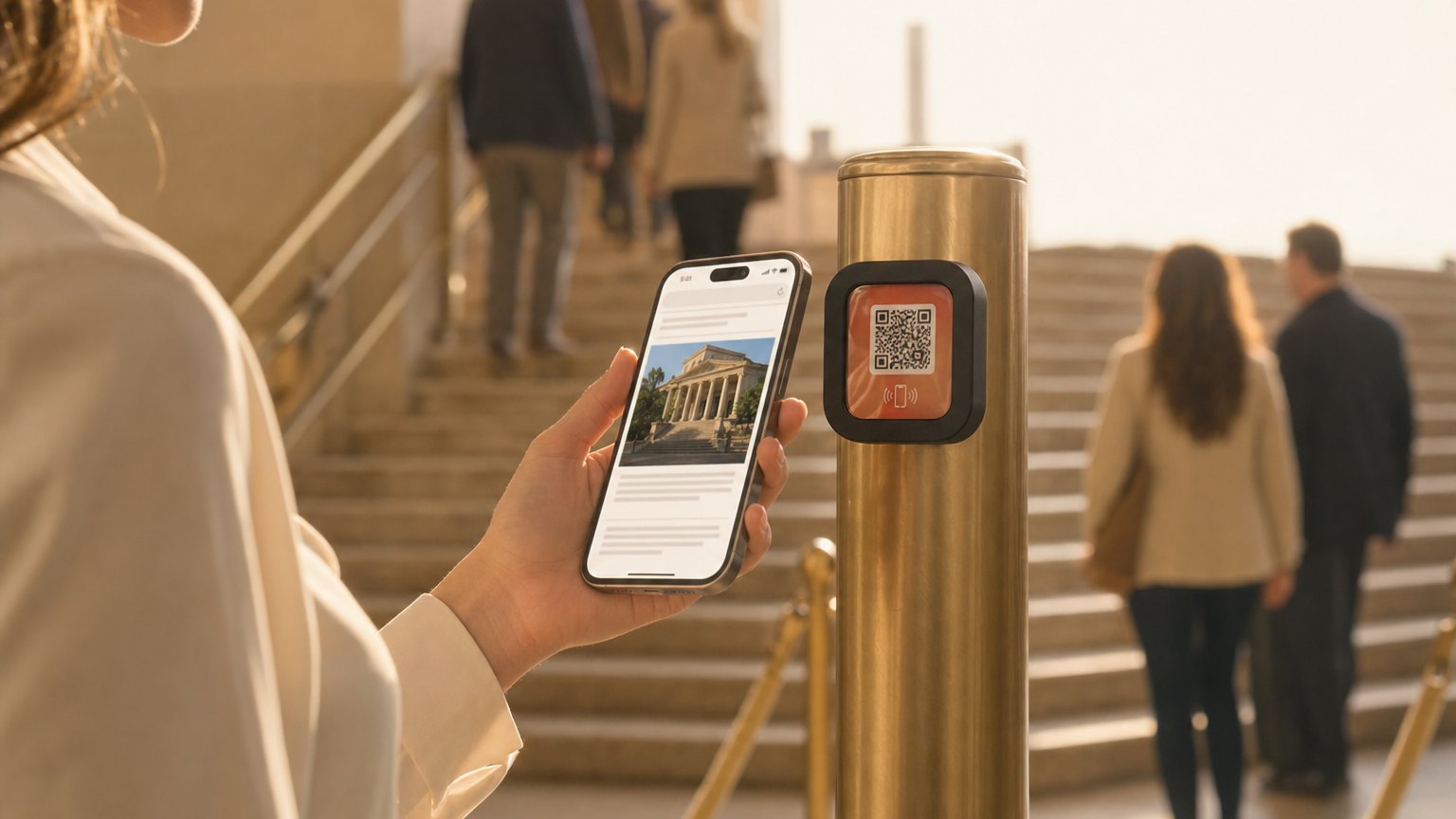
What to put on a conference badge Marker
- Name, title, and company. The basics, formatted cleanly. Better than squinting at a lanyard.
- LinkedIn connect link. A direct link to your LinkedIn profile, not the homepage. The person who taps your badge can connect immediately, before the conversation ends and they forget your last name.
- One-line bio or focus area. "Here for the fintech track" or "Looking for DevOps tooling vendors." Tells the tapper why a follow-up conversation makes sense.
- Email or calendar booking link. A Calendly link or a mailto so the next step is frictionless. The card goes in a pocket and gets lost; the tap goes into their browser history.
- Current session or talk link. If you're presenting, link to your slide deck or session notes. People who didn't make it to your talk can still follow up on the content.
Ready to try it?
Build a conference or trade show Experience with every Growth block and Action. No card needed to build. Your 14-day trial starts when your page goes live.
Build an event ExperienceWhat to put on a trade show booth Marker
- Company name, tagline, and 2-3 sentence pitch. What you do and who it's for, in plain English. A visitor who taps while your rep is busy with someone else shouldn't bounce: they should get the pitch.
- Product demo request button. A Calendly link to book a 30-minute demo, or a form to request one after the show. The best leads at a trade show are the ones who tap the booth and immediately book time.
- Leave-behind materials. A link to your one-pager, pricing deck, or case studies. Better than a stack of printouts that get left on the floor of the convention center.
- Lead capture form. Name, company, email, and one qualifying question. Shorter is better: a three-field form gets filled in; a ten-field form gets abandoned.
- Show-specific offer. "Conference discount: mention this Marker at checkout." A reason to act now rather than later.
For event organizers
If you're running the conference rather than exhibiting at it, NearField Markers work at the event level too.
Session room entrances. A Marker at the door to each room links to the session schedule, speaker bios, and slide decks as they're uploaded throughout the day. Attendees who arrive late or leave early can catch up.
Registration and welcome desk. A Marker at check-in links to the venue map, Wi-Fi credentials, sponsor information, and the event app download. Reduces the verbal explanation burden on check-in staff.
Sponsor tables and activations. Sponsor tables with a NearField Marker give sponsors a measurable engagement metric (tap count) alongside booth foot traffic. More valuable than a logo placement on a banner.
Reusing Markers across events
A trade show Marker you use at one conference can be relinked for the next one in your dashboard. Update the company pitch, swap in the show-specific offer, change the demo booking link. The hardware travels with you.
For exhibitors who do five or ten shows per year, this is the clearest ROI: one Marker purchase, ten events worth of lead capture. The content changes; the physical Marker doesn't.
How to get started
- 1Sign up free and choose the Conference & Trade Show template. Decide whether you're building a badge Experience, a booth Experience, or both, each needs its own page.
- 2For a badge: add your name, title, LinkedIn link, and a Calendly or mailto button. Preview it and make sure the LinkedIn URL opens correctly on mobile.
- 3For a booth: write the company pitch, add the demo booking link, link your one-pager, and set up a three-field lead capture form.
- 4Order the Markers. A single Marker for a personal badge is $29. A booth Marker is one Marker. An Intro 3-Pack covers a small exhibitor setup with one spare.
- 5After the show, check your dashboard for tap counts and lead capture form submissions. Those are the leads worth following up on first: they showed enough interest to tap and fill something in.
Ready to build?
Build a conference or trade show Experience
Badge or booth: the template works for both. Pre-loaded with LinkedIn connect, lead capture, and a demo booking link. Free to build. Order Markers when your next event is confirmed.