Lead Capture Action

    Capture the lead where the interest is.

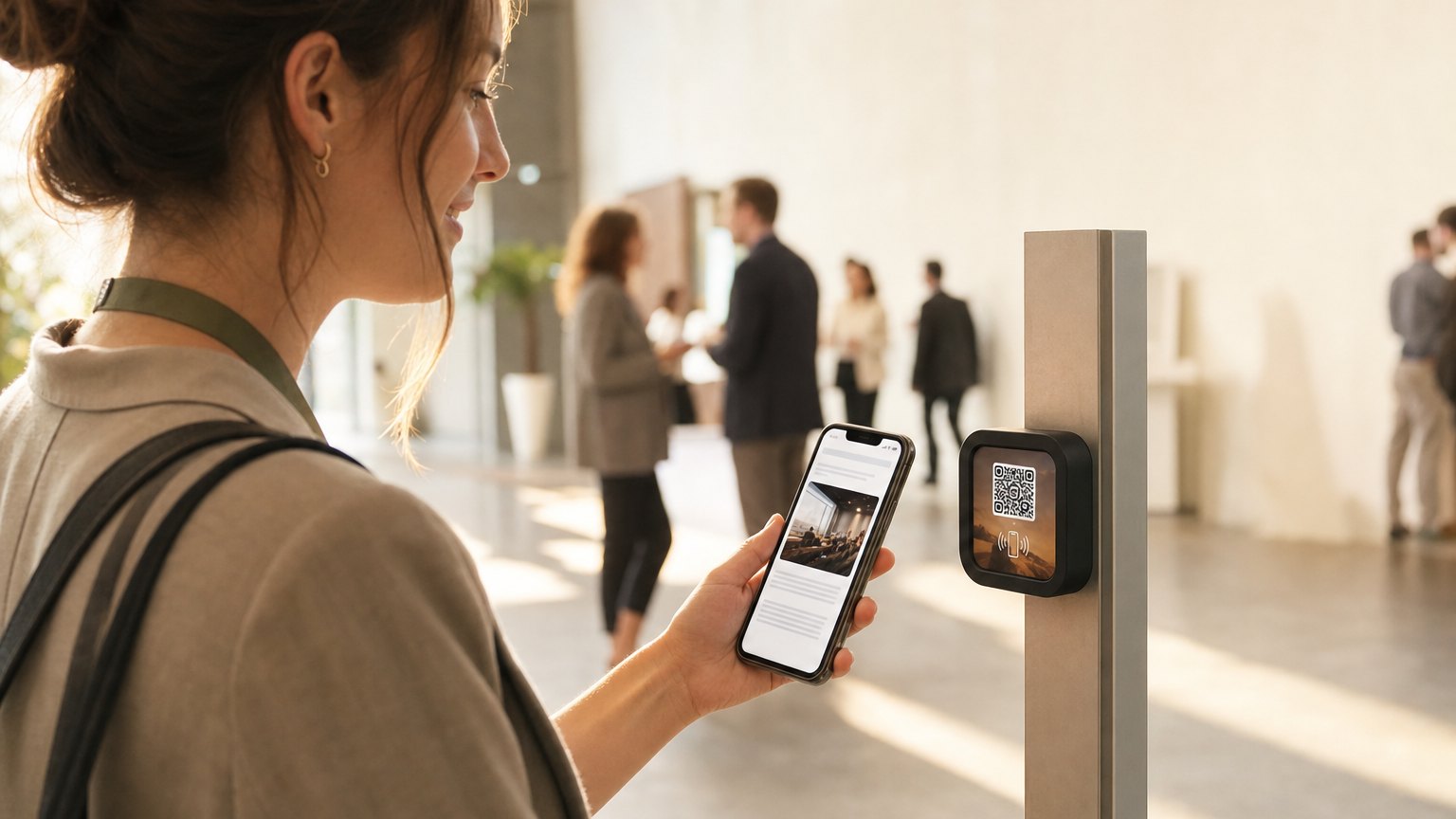
    Not in an email three days later. At the booth, in the showroom, next to the piece they were staring at. A tap opens the form on their own phone, the brochure goes out on submit, and the lead lands in your Audience with the Marker that caught it.

    Starter plan · one of the NearField Actions

    Send me the spec sheet

    Your name
    you@example.com
    Mobile number
    Send

    Thanks - the spec sheet is on its way.

    Sent to dana@example.com. It can take a minute - the link below works right now.

    Texted too. Reply STOP to that message any time to opt out.

    Download the spec sheet

    How it works on a Marker

    Three fields, one file, one push.

    A Lead Capture Action can be the whole Experience on its own tile, or one block partway down a longer page. Same behaviour either way.

    01

    Pick the fields.

    Name, email, phone - switch on the ones you need. Email is validated on the spot, so you are not collecting typos.

    02

    Say what they get.

    A prompt, a button label and a thank-you message. Add a file if there is something to hand over, and choose whether it goes by email, by text, or both.

    03

    The lead lands with its context.

    The submission is recorded against the visitor, attributed to the Marker they were standing at, and pushed to your phone if you asked for it.

    • Which of name, email and phone you ask for
    • Your own consent wording under the fields
    • A file delivered on submit, by email, by text, or both
    • The name the message is sent as, when an Action stands for a second brand
    • One submission per person, matched by email, phone, or either
    • A push to your phone carrying the whole submission

    After they hit send

    The parts most forms get wrong.

    The file arrives twice over.

    The email or text goes out, and the success screen still shows a download button. Mail is slow and sometimes filtered; a person standing in your showroom should not have to wait to find out.

    One push, not five.

    A lead notification carries the whole form as a single message. Name, email and phone arriving as three separate buzzes is how people learn to ignore notifications.

    The gate is checked on our side.

    'One per person' is matched against every past submission, not against a cookie. Someone returning on a new phone with the same email is still a repeat, and they see your message rather than a second copy of the offer.

    About the text messages

    When you deliver by text, NearField sends it on your behalf and names you in the message, with the link and “Reply STOP to opt out”. The exact consent sentence the visitor ticked is recorded verbatim as the proof - not a key into a template that could be edited afterwards - and STOP is honoured for you. That record is what keeps the number in good standing with the carriers, which is worth more to you than any single brochure.

    One example, all the way through

    A trade show booth, three days long.

    A NearField Marker on the counter of a trade show booth

    Trade show · one booth

    No rented badge scanner, no stack of business cards to type up on Monday.

    The demo table
    A Marker beside the unit being demonstrated. Lead Capture asks for a name and an email and hands over the spec sheet by email on submit.
    The giveaway
    A second Action with 'one submission per person' switched on, matched by email. The prize draw stays honest without anyone policing it.
    Your phone in your pocket
    Each submission arrives as one push with the name and the address in it. Tapping it opens that visitor in your Audience, so you can see what else they looked at on the stand.
    Monday morning
    Export the Audience to CSV. Every lead carries the Marker it came from, so the demo table and the giveaway are two separate numbers rather than one pile.

    The Markers come home and get re-pointed at your showroom Experience for the rest of the year. The tiles are not printed with the show on them, so nothing is thrown away when the show ends.

    The same Action does open house sign-ins, gym trial passes, gallery price lists, dealership brochures and newsletter sign-ups on a counter. See the conference and trade show guide or the real estate guide for the versions of it those rooms need.

    Put it on a wall

    Put the form where the interest is.

    A Marker at the demo unit, one at the counter, one on the sign outside. Each can point at its own Experience, so you can tell which spot is actually producing leads.

    A single Marker is $29, and the Intro 3-Pack is $49 for three. Every Marker carries NFC and a printed QR on the same tile, so nobody is stuck. Ships in 2 business days - sold and shipped from the US.

    Questions people ask about lead capture

    Where do the leads end up?
    In your Audience, on that visitor's own record, with the Marker that captured them attached. You can read the whole timeline, mask or unmask the contact details, and export to CSV whenever you want.
    Can it email or text someone a file when they submit?
    Yes - the classic 'email me the brochure' trade. Point the Action at a PDF and choose email, text, or both. NearField sends the text on your behalf, names you in it, includes 'Reply STOP to opt out', records what each visitor agreed to, and honours STOP for you. The success screen also carries a download button, so nobody is stuck waiting on a mail server.
    Can I stop the same person claiming an offer twice?
    Switch on 'one submission per person' and pick whether repeat visitors are matched by email, phone, or either. The matching happens on our side against every past submission, so someone coming back on a fresh phone is still caught by the address they reuse. They see your 'already claimed' message instead of the file - and you still get the fact that they came back.
    Do I have to watch a dashboard to know a lead arrived?
    No. Switch on the app notification and each submission arrives as one push carrying the whole form - not one buzz per field. Tapping it opens that visitor in your Audience with the submission in view.

    Build the form, then decide where it hangs.

    Start free and build the Experience. Lead Capture is on the Starter plan, and you can preview the whole flow before you spend anything.

    No credit card required.