Template · Conferences & Trade Shows

    Digital badge or booth Marker. LinkedIn, lead capture, and demo booking, in one tap.

    Two builds in one template: a conference badge that replaces business card swaps, and a trade show booth Marker that captures leads even when the rep is busy. Same hardware: build the Experience that matches your event role.

    Badge Experience includes

    Name, title, and company block
    LinkedIn connect button (direct profile link)
    One-line focus or availability note
    Email or calendar booking link (Calendly)
    Link to current session, talk, or slide deck
    A save-my-contact card that goes straight into their phone

    Booth Experience includes

    Company name, tagline, and 2 to 3 sentence pitch
    Product demo request button (Calendly or form)
    Leave-behind materials link (one-pager, pricing deck)
    Three-field lead capture form (name, company, email)
    Show-specific offer or discount code

    No card needed to build. Your 14-day trial starts when your page goes live. One Marker per badge or booth, $29 each.
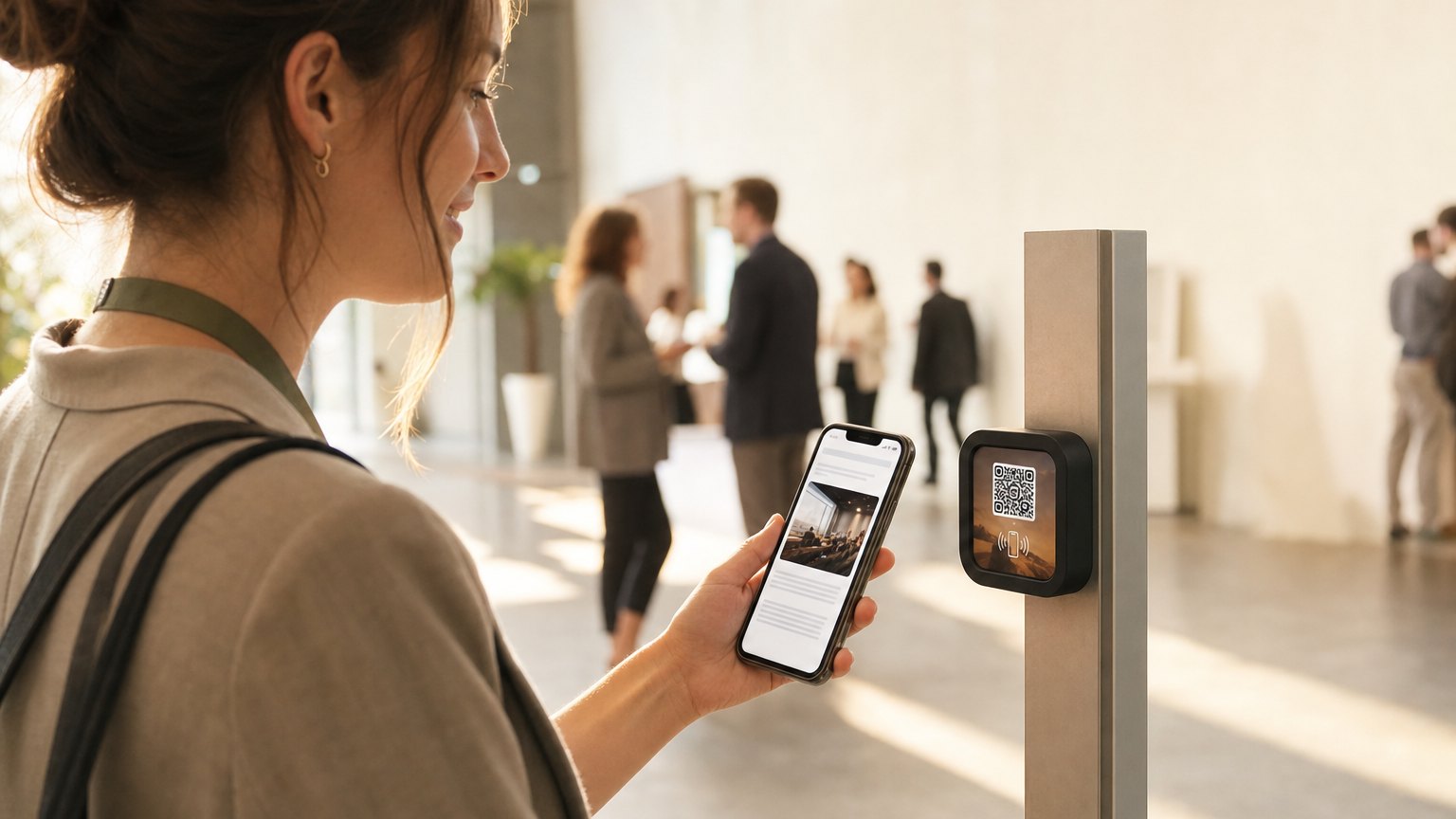
    An attendee taps her phone to a NearField Marker at a conference booth

    How it works at the event

    1

    Build before you arrive

    Set up the badge or booth Experience at home. Badge: your LinkedIn link, Calendly, and session notes. Booth: company pitch, demo booking link, lead capture form, and show offer.

    2

    Tap at the event

    Hand your badge to someone or set the Marker on the table. They tap it, get the Experience, and can connect, book, or submit a form in the same session. No app install.

    3

    Relink for the next event

    After the show, update the booth Experience for the next conference. New show, new offer, new content. The Marker travels with you.

    Tap data shows your warmest leads

    Every tap on a booth Marker shows up in your Stats. Visitors who tapped and submitted the lead capture form are the highest-intent contacts. Visitors who only tapped, without filling in the form, are worth a follow-up too, especially if you met them at the booth. Use the tap count to understand which event configurations drive the most engagement.
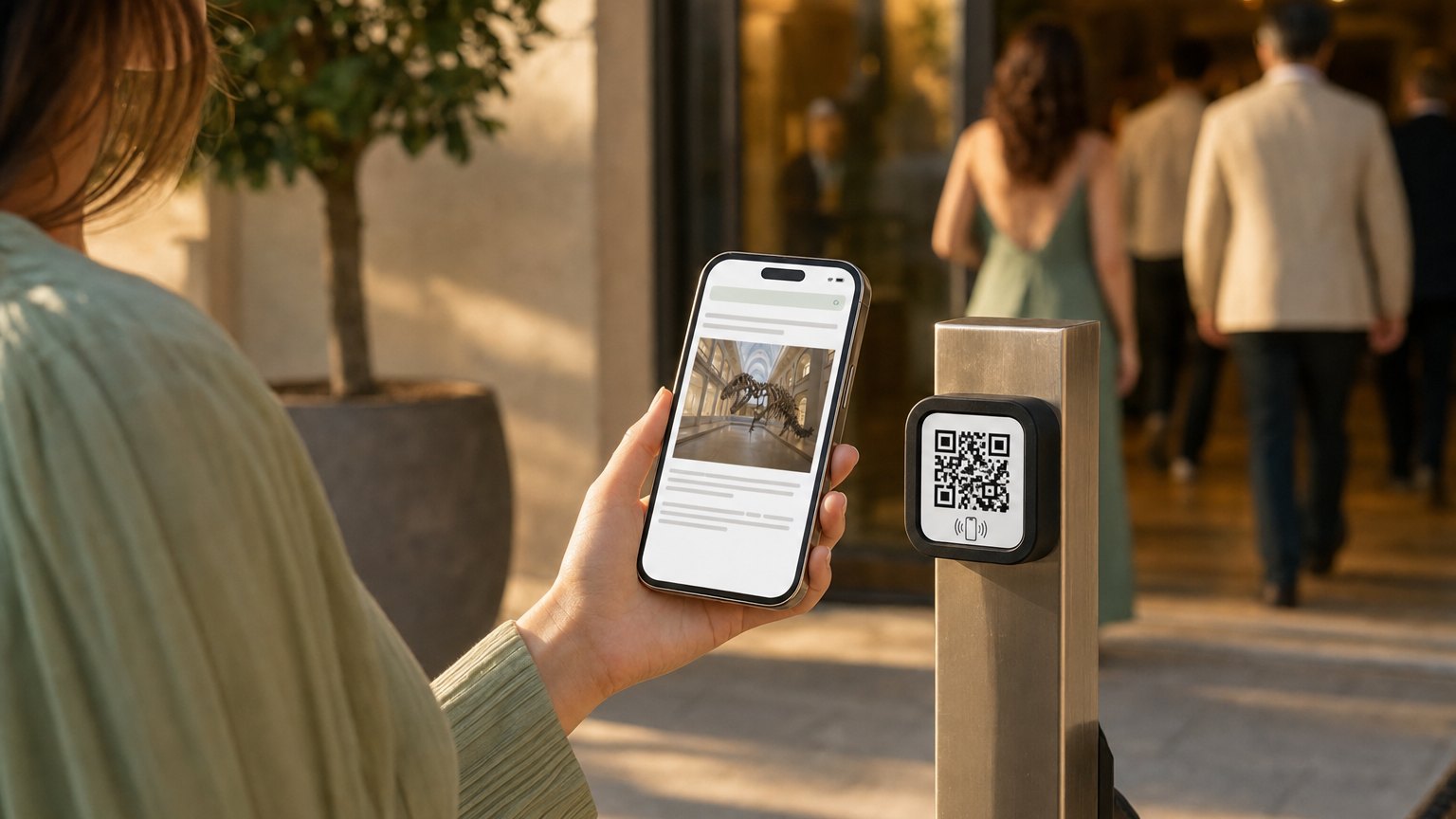
    A guest taps her phone to a NearField Marker at an event entrance
    At the room entrance: the running order, the speaker bios, and the room change posted ten minutes ago.

    Ready to build?

    Start with this template

    Free to build. One Marker per badge or booth, $29 each, or an Intro 3-Pack to cover a small team.

    Want the full guide? Read how NFC works at conferences and trade shows.

    Ready-made Markers for this

    Pick a design, tell us where it points, and check out - no account needed to start.

    Ships in 2 business days from the US - and you can re-point any Marker later.

    Check in - Mint NFC and QR Marker

    Check in - Mint

    Photos - Coral NFC and QR Marker

    Photos - Coral

    Tap to begin - Sky NFC and QR Marker

    Tap to begin - Sky

    QR Schedule - Coral

    A preloaded Marker, on us

    Hold one in your hand. The first one's on us.

    Tell us about your space and we'll preload a NearField Marker with your version and put it in the mail. No card, no call to book. The first tap does the convincing.

    • •We build a version for your space, not a generic demo.
    • •One real Marker, in the mail, on us.
    • •We reply within one business day to confirm before it ships.

    No card, no commitment. We send one preloaded Marker so you can feel the tap in your own space.