Guide · Retail & Pop-Ups
NFC for retail stores and pop-ups: product stories that sell
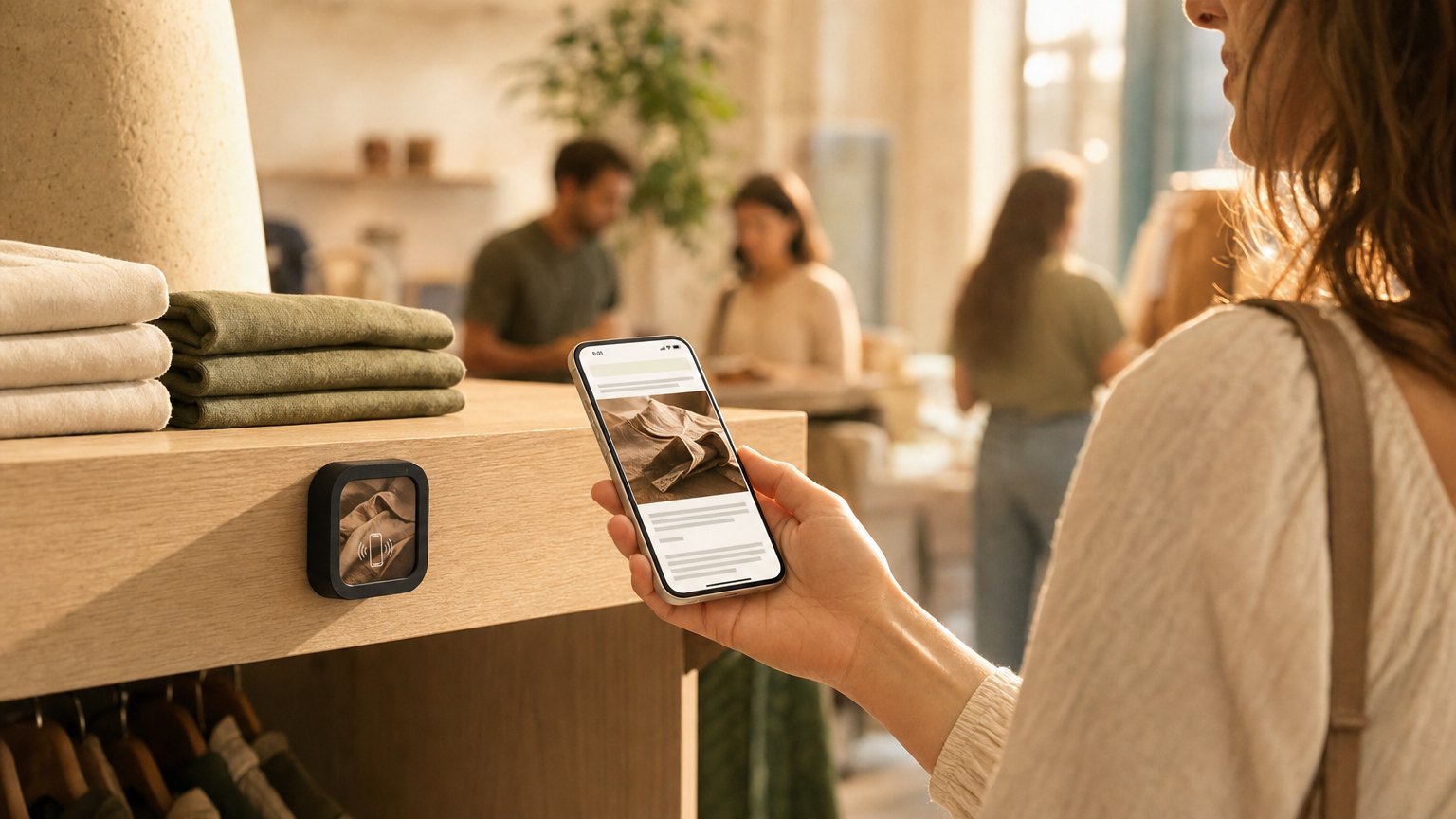
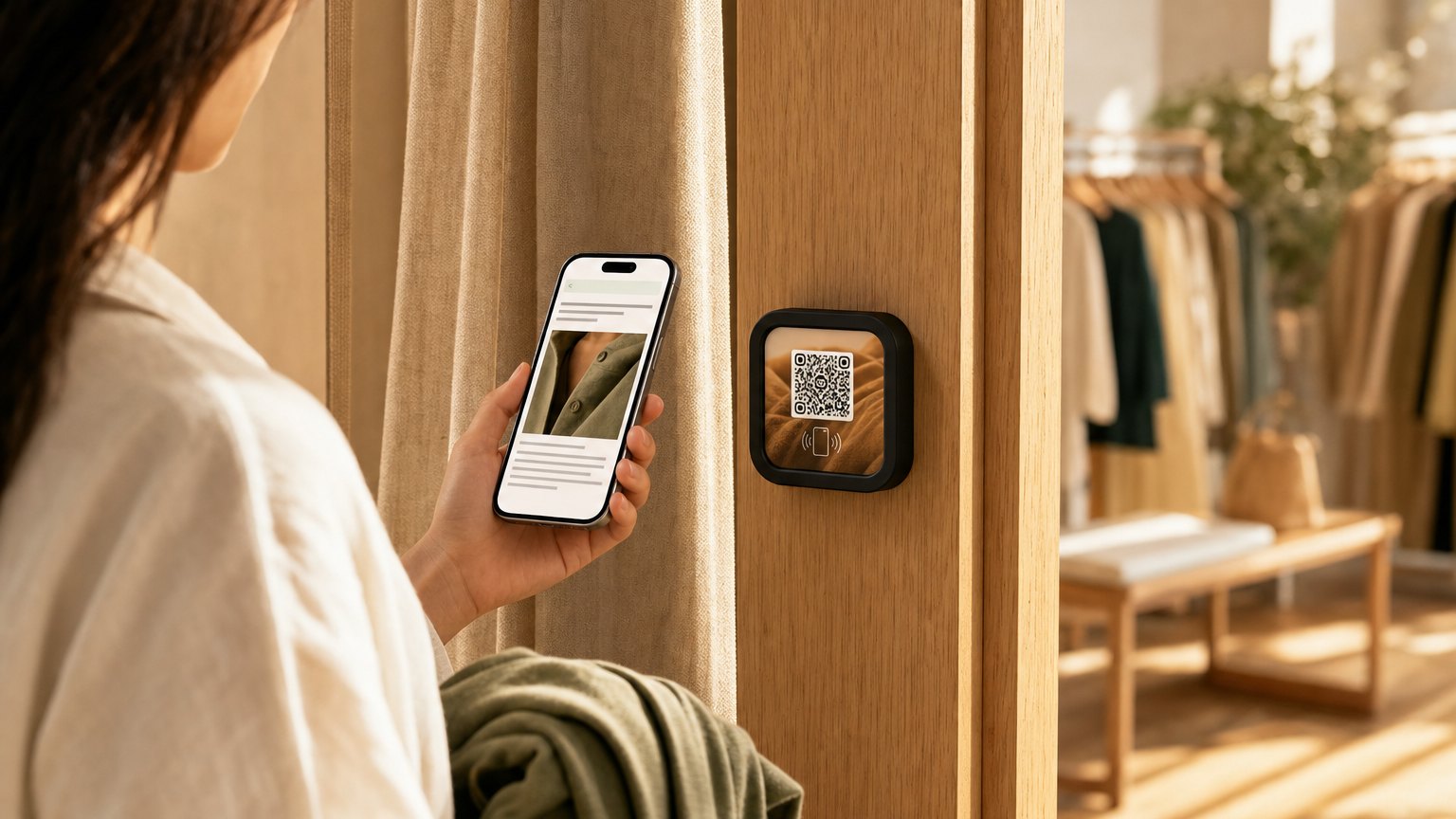
A Marker next to a featured product. A shopper taps it and gets the sourcing story, care instructions, available sizes and colorways, and a direct link to buy online. The product speaks for itself. No staff required for the explanation.
When the product has a story worth telling
For commoditized products, a price tag is enough. But for independent retailers (craft shops, design stores, specialty goods, artisan-made objects), the story behind the product is part of what justifies the price and creates loyalty.
The problem is that telling the story requires a staff member who knows it, who's available at the moment the customer is curious, and who can articulate it in two minutes or less before the customer moves on. That's a lot to ask during a busy Saturday. A NearField Marker next to the product tells the story reliably, every time, without tying up a staff member.
What to put on a product Marker
- •The sourcing or origin story. Where the material came from, who made it, what process was used. A ceramicist in Florida, a weavery in Oaxaca, a small-batch distillery in Vermont. The story that makes the customer feel good about spending the money.
- •Care and use instructions. How to wash it, maintain it, store it. Reduces post-purchase anxiety and follow-up returns. Especially useful for anything made of natural materials.
- •Available sizes, colors, and variations. If the shelf only has two colorways but five are available to order, the Marker tells customers that. A lost sale becomes a waiting list.
- •A "buy online" or "see the full collection" button. For shoppers who want to take time to decide, a link to the product page keeps the conversation going after they leave the store.
- •A promotion or bundle offer. "Buy two and save 15%" or "Pairs well with the [related product]." A Marker is an upsell opportunity that doesn't require a staff member to deliver it.
Ready to try it?
Build a retail Experience free. Works in-store or at a pop-up.
Build a retail ExperienceThe pop-up use case
Pop-ups face a specific challenge: the physical environment is temporary, minimal, and often shared. There's rarely room for elaborate signage, and you can't assume the space will have enough staff to explain every product to every browser.
A set of NearField Markers at a pop-up means every product tells its own story without your presence. A Marker on a shelf or a small card stand next to the product: tap to get the full pitch. For a market booth or a pop-up in a larger store, this is the difference between a browsing experience and a buying experience.
After the pop-up ends, the Markers come with you. Relink them to the next location's Experience. Same hardware, new context.
Featured product vs. full-catalog approach
Most stores start with one or two Markers on their highest-margin or most-explained products. This is the right place to start: the products where a story genuinely moves the needle on conversion, not the ones where price is the only deciding factor.
Once you've seen how customers interact with the first Markers, it's easy to expand. The incremental cost is low: another Marker and another 20 minutes to build an Experience. Many stores end up with a Marker on every featured product and a single "new arrivals" Marker at the entrance that updates every week.
Seasonal and promotional updates
When a product goes on sale, add a promo block to the Experience. When the holiday gift guide comes out, update the "pairs well with" section. When the featured product sells out, update the Marker to show the next featured item or point to the waitlist.
The Marker doesn't change. The content behind it does. This is the same advantage every NearField customer has: the hardware is an investment, the content is infinitely editable.
How to get started
- 1Sign up free and pick the Featured Products or New Arrival Spotlight template. Add the sourcing story, care instructions, available variations, and a buy link.
- 2Preview it on your phone. Walk it through as a shopper would. The sourcing story should feel like a recommendation from someone who cares, not a product description from a catalog.
- 3Order a single Marker for your most-explained product. Place it on a small stand next to the item with a "Tap for the story" prompt.
- 4Watch which shoppers tap it and what they do next. Most stores see higher conversion on the tapped product than the adjacent shelf items within the first week.
- 5Add Markers to the next two or three highest-priority products. Build from there.
Start with an Action
Three Actions for the shelf edge and the fitting room.
Lead Capture
Build the list at the counter, no email-at-checkout awkwardness.
Try the live demoFile
Size guides, care instructions and lookbooks.
Try the live demoReview & Feedback
A Google review from the customer who just left happy.
Try the live demoEach one goes live in under a minute, and any Action converts into the full Experience described here in one tap, and the same link and Markers keep working. See all 17 Actions.
Ready to build?
Build a retail store Experience
The retail template includes a product sourcing story, care instructions, available variations, a buy link, and an email signup for restocks. Free to build, and your 14-day trial starts when your page goes live.