Guide · Weddings & Events
NFC for weddings: favor Markers, seating, and a digital guestbook
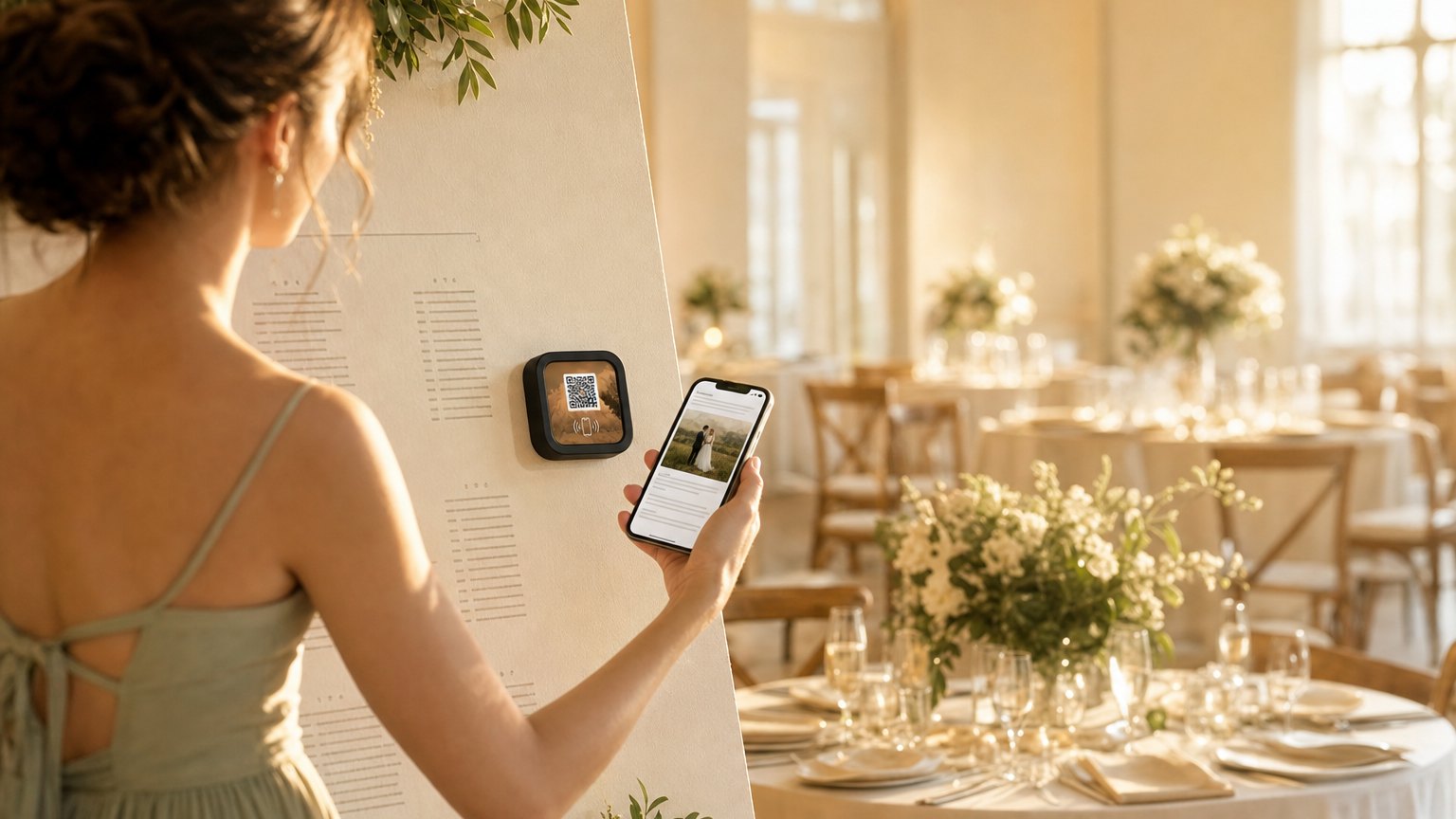
A small Marker at each place setting or on the favor. Guests tap it and get the couple's story, the event schedule, a link to share photos, a digital guestbook, and the registry. One tap replaces a paper program, a printed favor card, and a website URL no one will type in.
The paper program problem
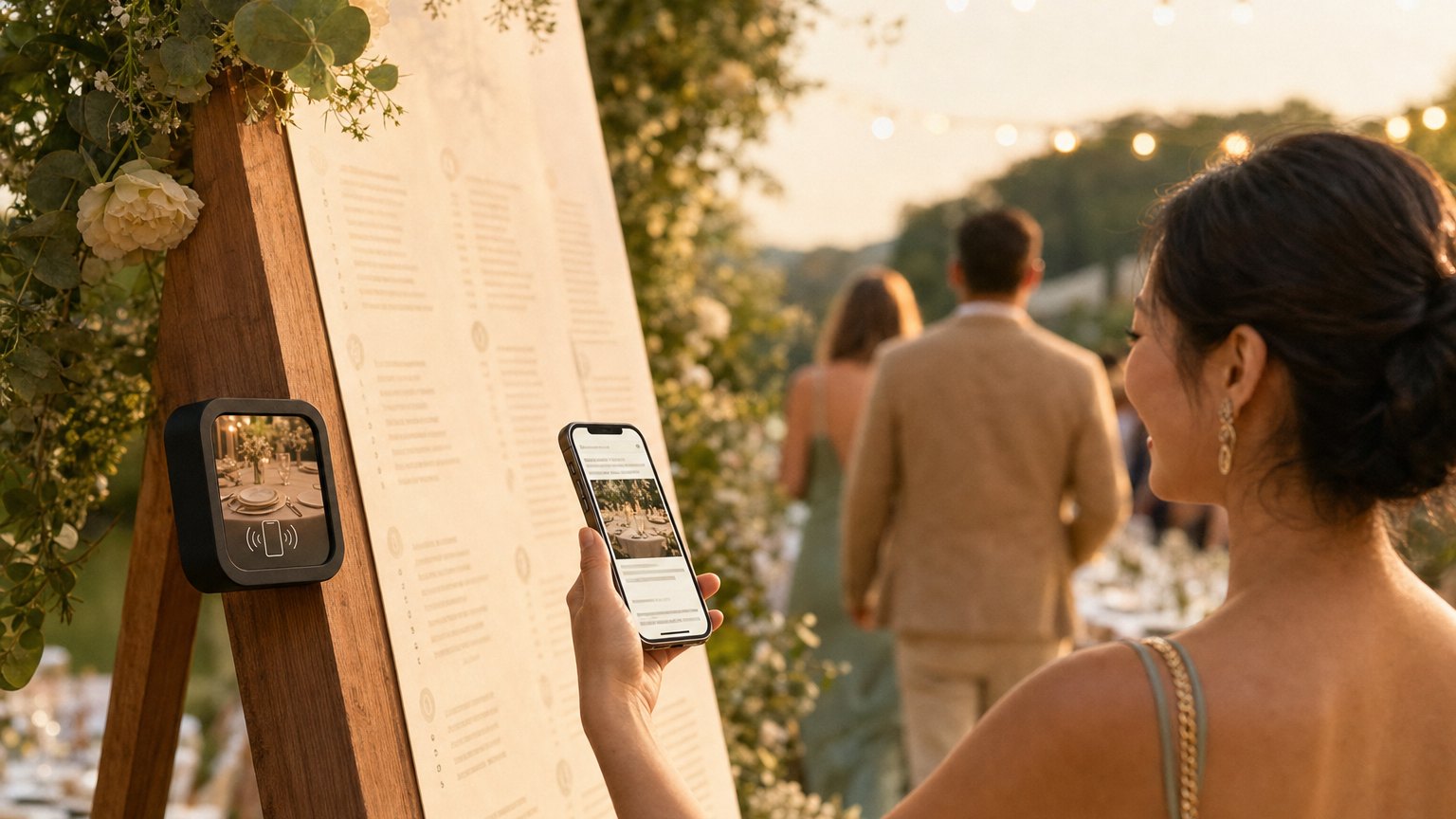
Wedding programs get set down after the ceremony and left on chairs. Printed favor cards sit in a bag and get thrown away. The wedding website URL on the invitation is typed in by maybe 40% of guests before the day, and almost nobody after.
A NearField Marker at the reception (on each place setting, in the center of each table, or included with the favor) gives guests a physical object that links to everything. The story, the timeline, the photos, the guestbook. Tapped once, saved in their phone's browser history, available all night.
What to put on a wedding Marker
The Marker can hold as much or as little as you want. The most-used sections:
- •The couple's story. How you met, how he proposed, the moment she said yes. Two or three paragraphs that guests who only know one half of the couple haven't heard. This is the section guests actually read at the table.
- •Event schedule. Ceremony time and location, cocktail hour, reception room open, first dance, dinner service, cake, last dance. Guests stop asking the coordinator when things happen.
- •Photo sharing link. A Google Photos shared album or a dedicated hashtag page. Guests are taking photos anyway: the Marker gives them somewhere to put them and a place to see everyone else's.
- •Digital guestbook. A Google Form or Typeform link. "Leave a message for the couple" gets more responses when the link is a tap away than when it's a QR code to squint at or a website to type in.
- •Registry or honeymoon fund link. One button. Guests who want to give something after the wedding, or contribute in the moment, tap it and go straight to the registry or the honeymoon fund page.
- •Song request. A simple form or a Spotify playlist contribution link. Gets used during cocktail hour. Keeps guests entertained and gives the DJ a reading of the room.
Ready to try it?
Build a wedding Experience free. No card needed to build. Your 14-day trial starts when your page goes live.
Build a wedding ExperiencePlacement options
The Marker can go several places, each with its own feel:
Place settings. One Marker at each seat, set face-up. Guests see it when they sit down. Works especially well for intimate receptions where every seat is someone you know.
Table centers. One Marker per table, standing in a small frame or card holder in the center arrangement. Less expensive than per-seat placement: one Marker per table instead of one per guest.
As the favor. A branded Marker tucked into the favor bag or box. Guests take it home, and when they look at it on the nightstand the next morning, they tap it again. The guestbook submissions often come in the day after.
Ceremony programs. If you're doing a printed program at all, a Marker attached or tucked inside replaces the reception information insert. The program covers the ceremony; the Marker covers everything after.
The day-after update
The Markers keep working after the wedding. Update the Experience the next day to add the professional photos when they arrive from the photographer. Change the "schedule" section to a photo gallery of the day's moments. Add a thank-you note from the couple.
Guests who took a Marker home as a favor tap it again weeks later when they're looking through their memories. The experience isn't just for the day: it's the keepsake.
How many Markers do you need?
It depends on your placement strategy:
- •One per table: 10-20 Markers for most receptions. The Intro 3-Pack covers a small wedding; a larger order covers the full room.
- •One per seat: 50-150 Markers for a mid-size wedding. All Markers link to the same Experience, so you can order, register, and link them all at once from your dashboard.
- •Favor-only: One per guest who receives a favor. If you're limiting favors, this is the most cost-effective placement.
How to get started
- 1Sign up free and choose the Wedding template. Write the couple's story, add the event schedule, and link the photo album, guestbook, and registry.
- 2Preview it on your phone and share the preview link with your partner or planner. Make sure the schedule is accurate and the links work.
- 3Decide on placement: per seat, per table, or as a favor. Order accordingly. The first three Markers are $49, then $29 each, and one order covers up to 50.
- 4Register all Markers in your dashboard and link them to your Experience. This takes about 10 minutes once the Markers arrive.
- 5After the wedding, update the Experience with the professional photos and a thank-you note. Guests who kept a Marker as a favor will tap it again.
Ready to build?
Build a wedding Experience
Couple's story, event schedule, photo sharing, guestbook, and registry, in one tap at the place setting. Free to build. Order Markers when your guest count is confirmed.