Guide · Fitness & Gyms
NFC for fitness studios and gyms: class schedules, booking links, and new member offers
A walk-in stands at the door of your studio. They want to know what's on today, who's teaching the 6pm class, and whether there are open spots. A printed schedule on the door, if it's current, answers the first two. A NearField Marker answers all three and books the class before they walk in.
The printed schedule problem
Most fitness studios run on a weekly class schedule that changes constantly: sub instructors, cancelled classes, special events, holiday schedules. The printed version on the door or front desk is out of date within days of being posted. Members learn not to trust it. Prospects have no reliable way to check what's actually on before making the trip.
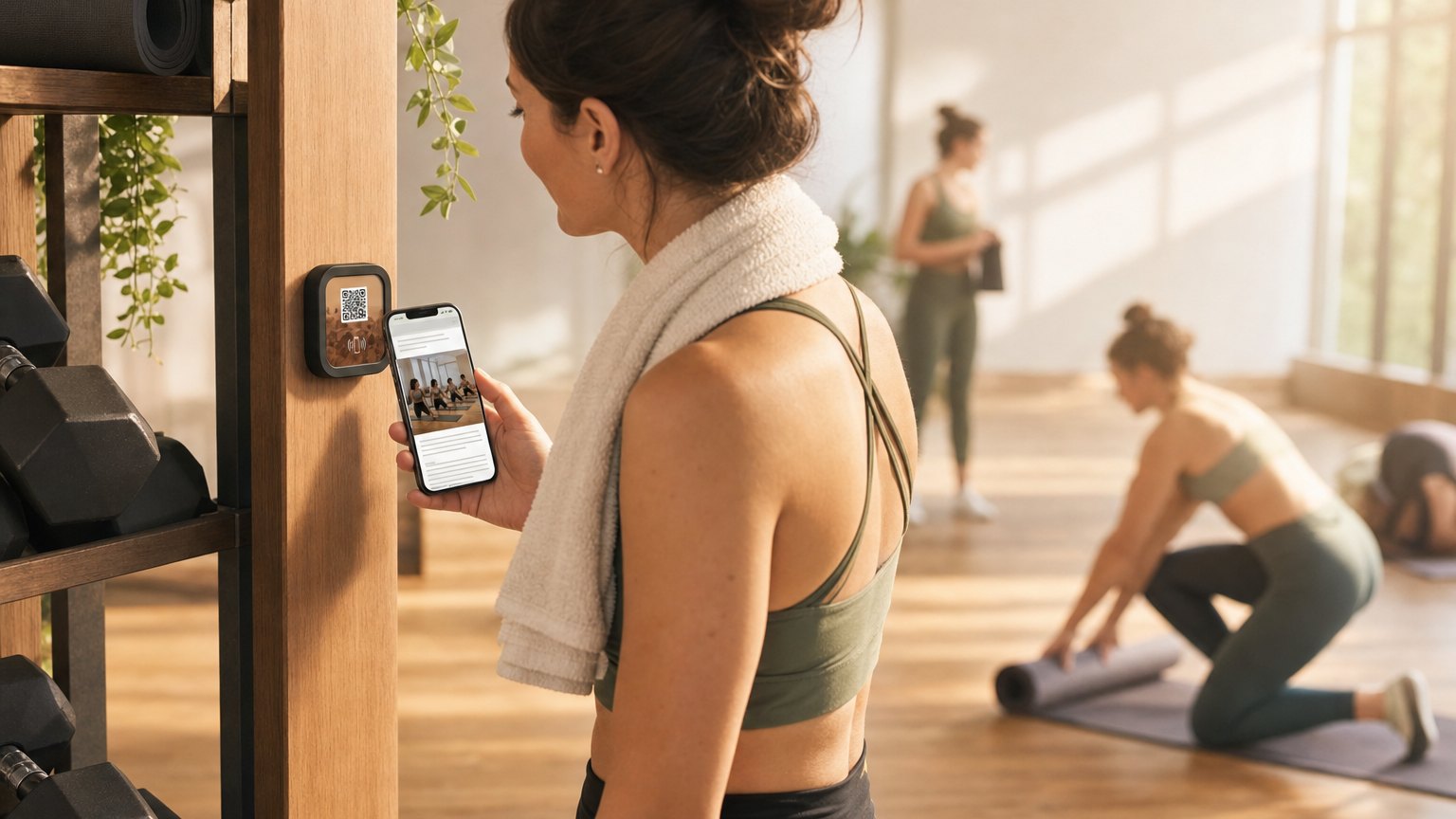
The alternative, directing people to the app or website, works for members who are already engaged. For the walk-in browsing the schedule from outside, or the prospect who just followed the sign-up offer on Instagram, the friction of finding the right page, downloading the app, or searching the site is enough to lose them before they've committed to anything. The same Marker is where a walk-in signs the liability waiver once for the whole season.
A NearField Marker at the entrance solves this at the moment of highest intent. The person standing outside your door, deciding whether to walk in, taps the Marker and gets the current schedule, the instructor lineup, and a direct booking link. The decision point and the conversion path are the same tap.
Entrance Marker: the schedule that's always current
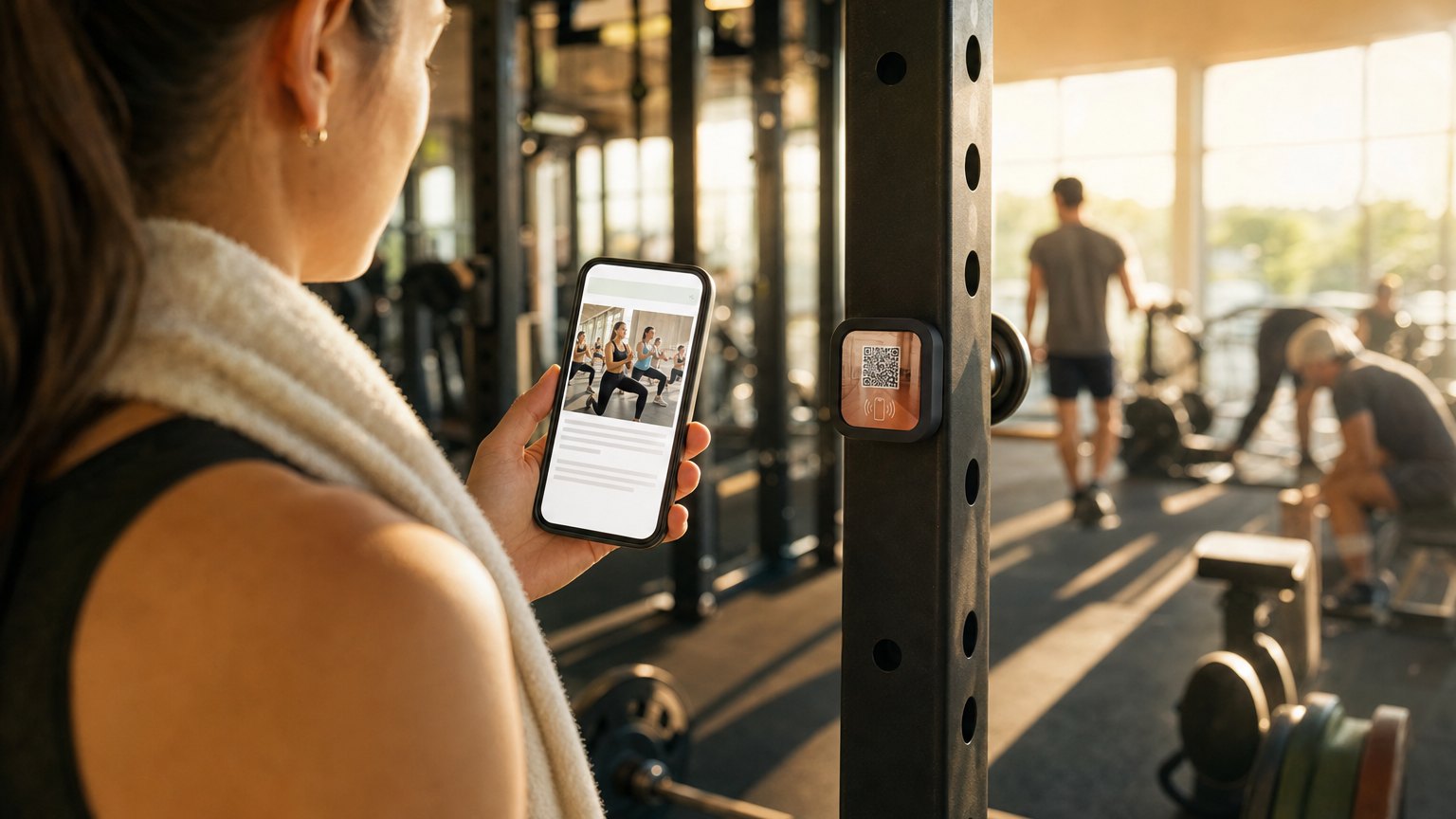
The highest-value placement for a fitness studio Marker is the front entrance: ideally at or near eye level, visible before the door opens. The Experience it links to is updated each week: the class schedule with day, time, instructor, and remaining spots, followed by a booking button that goes directly to your scheduling software (Mindbody, Pike13, or a custom booking link).
Updating the schedule takes five to ten minutes on Monday morning. Every tap after that returns the current week. When a class is cancelled mid-week, update the Experience immediately, no staff member needed at the door to explain the chalkboard correction.
Below the schedule, the Experience can show a new member offer: an intro class at a discounted rate, a free first week, or a trial membership rate that expires at the end of the month. This converts browsers and walk-ins at the moment they're most likely to act, without requiring a staff conversation.
Instructor and trainer profiles
People choose fitness studios in large part because of specific instructors. The trainer who teaches the Thursday evening HIIT class has regulars who follow her schedule, and new members who picked the studio because they found her on Instagram. A NearField Experience with instructor profiles (certifications, specialty areas, class philosophy, and booking links for private sessions) turns that instructor affinity into direct session bookings.
A Marker near each instructor's photo or on the front desk can link to an individual trainer's profile page. When a trainer leaves or joins, update the Experience. When a trainer's certification or specialty changes, update the Experience. The printed bio on the wall stays the same for years; the NearField profile is always current.
Ready to try it?
Build your first studio Experience with every Growth block and Action. No card needed to build. Your 14-day trial starts when your page goes live.
Build a class schedule Experience freeMember retention: the Marker in the locker room
A second Marker in the locker room or member lounge serves a different audience: existing members who are already committed but at risk of lapsing. The Experience here can include the loyalty program balance, upcoming member workshops or events, the referral offer ("Bring a friend, get a month free"), and the class booking link for next week.
Members who tap this Marker during their post-workout cooldown are in a peak engagement moment: they just had a good session, they feel good, they're thinking about the next one. This is the highest-value moment to show the membership renewal offer, the upgrade path, or the special event registration. Not in an email they might not open, but in the space they're in while they're still in the studio mindset.
Specialty studios: yoga, cycling, martial arts, pilates
Boutique fitness studios with a specific discipline have a stronger story to tell than a general gym. A yoga studio's Experience can include the lineage of the practice, the studio's philosophy, a guide to different class levels (gentle, flow, power, hot), and a primer for first-timers on what to bring and what to expect.
For a cycling studio, the pre-class Experience can include shoe rental instructions, bike setup guidance, and a note on arrival time. For a martial arts school, the Experience can cover belt progression, class structure, and parent FAQs for children's programs. These onboarding details are the content that gets asked at the front desk repeatedly: put them on a Marker and staff conversations shift toward more valuable interactions.
The multilingual accessibility of the Inclusion Bar matters here. A yoga studio near a multilingual neighborhood can offer the same onboarding experience to every prospective member, regardless of which language they're most comfortable reading. A single Experience, translated on demand, without maintaining separate printed materials for each language.
Using tap data to optimize class scheduling
Every tap on a NearField Marker is logged with a timestamp. For a fitness studio, this creates a signal worth paying attention to: the times when the most people are checking the schedule from outside, without having walked in yet. If Saturday morning taps spike between 7am and 9am, that's when the most schedule-browsing happens, and it's an argument for scheduling the most bookable classes during that window.
Taps followed by booking button clicks tell you which classes generate the most intent. Taps from the locker room Marker compared to taps from the entrance Marker tell you which content drives more conversions: schedule information or member retention offers. These are signals that a printed flyer and a chalk schedule board cannot provide.
Start with an Action
Three Actions that convert the walk-in and cover the boring-but-essential.
Lead Capture
Free-trial signup at the desk, no clipboard.
Try the live demoBook
Straight into Mindbody, Square or Calendly.
Try the live demoSafety Card
AED, exits and who to call: the one nobody regrets placing.
Try the live demoEach one goes live in under a minute, and any Action converts into the full Experience described here in one tap, and the same link and Markers keep working. See all 17 Actions.
Ready to build?
Build your class schedule Experience
The fitness studio template includes the class schedule, booking link, instructor lineup, membership tiers, and a new member offer. Free to build. One Marker at the entrance; update it weekly.