Guide · Health & Wellness
NFC for medispas, day spas, and wellness clinics: the waiting room that sells
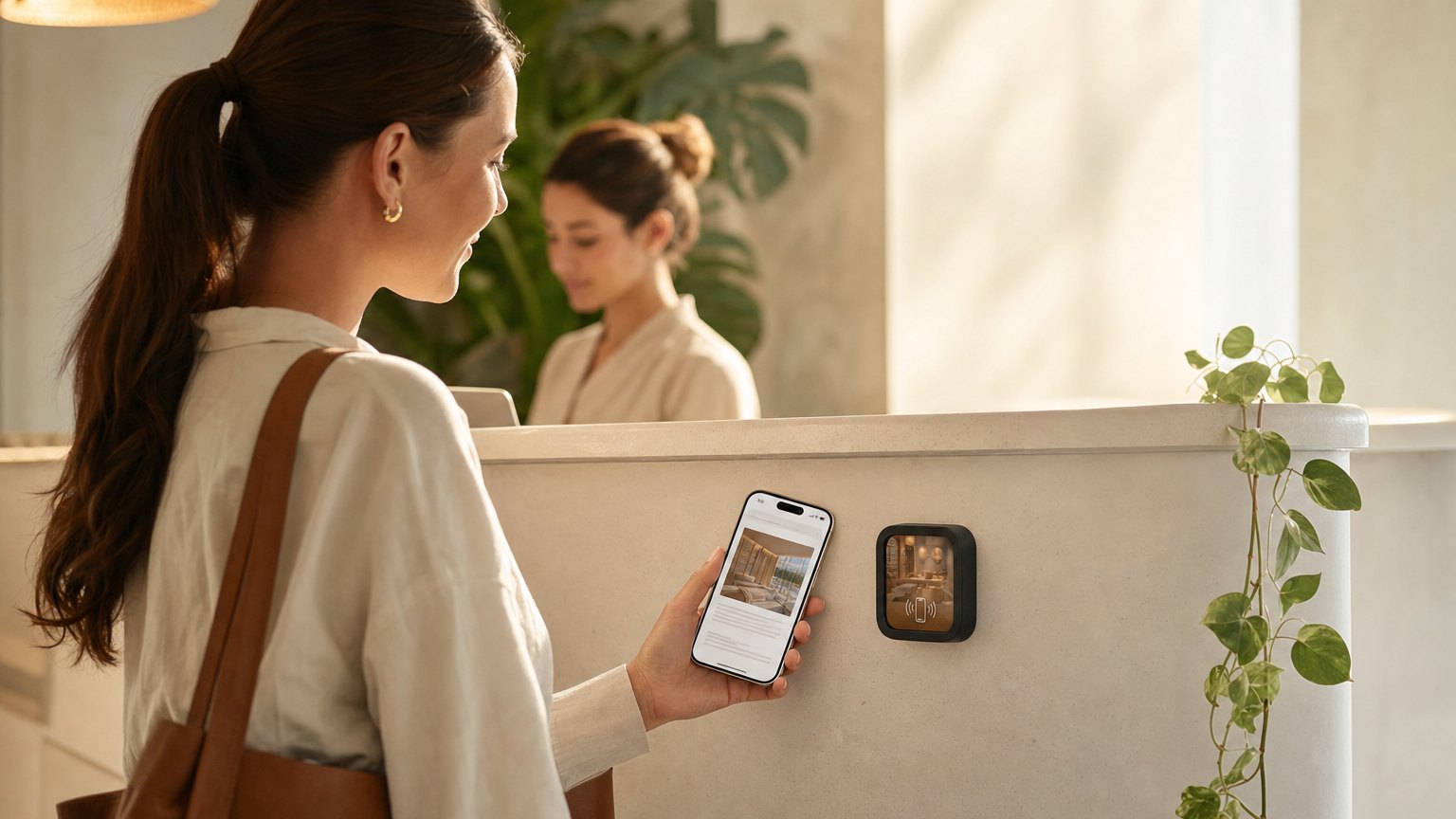
A Marker at the reception desk. Clients waiting for their appointment tap it and get your full services menu, answers to their questions, your new client offer, and a one-tap path to book, all before the provider walks in. The waiting room stops being dead time and starts doing the work.
The waiting room already has your most interested audience
A client in your waiting room is there by choice. They've already decided they're interested in what you offer. The 10-20 minutes they spend before their appointment is an underused opportunity to introduce services they don't know about, answer the questions they're too nervous to ask, or deliver the new client offer that's been sitting in a pamphlet stack they never picked up.
A NearField Marker at reception turns that wait into active engagement. Not an iPad form they resent, not a menu board they squint at across the room: their own phone, showing the content you designed, exactly when they're most receptive to it. It is also where a before and after slider does its best work, and where the treatment waiver gets signed without a clipboard.
What to put on a reception desk Marker
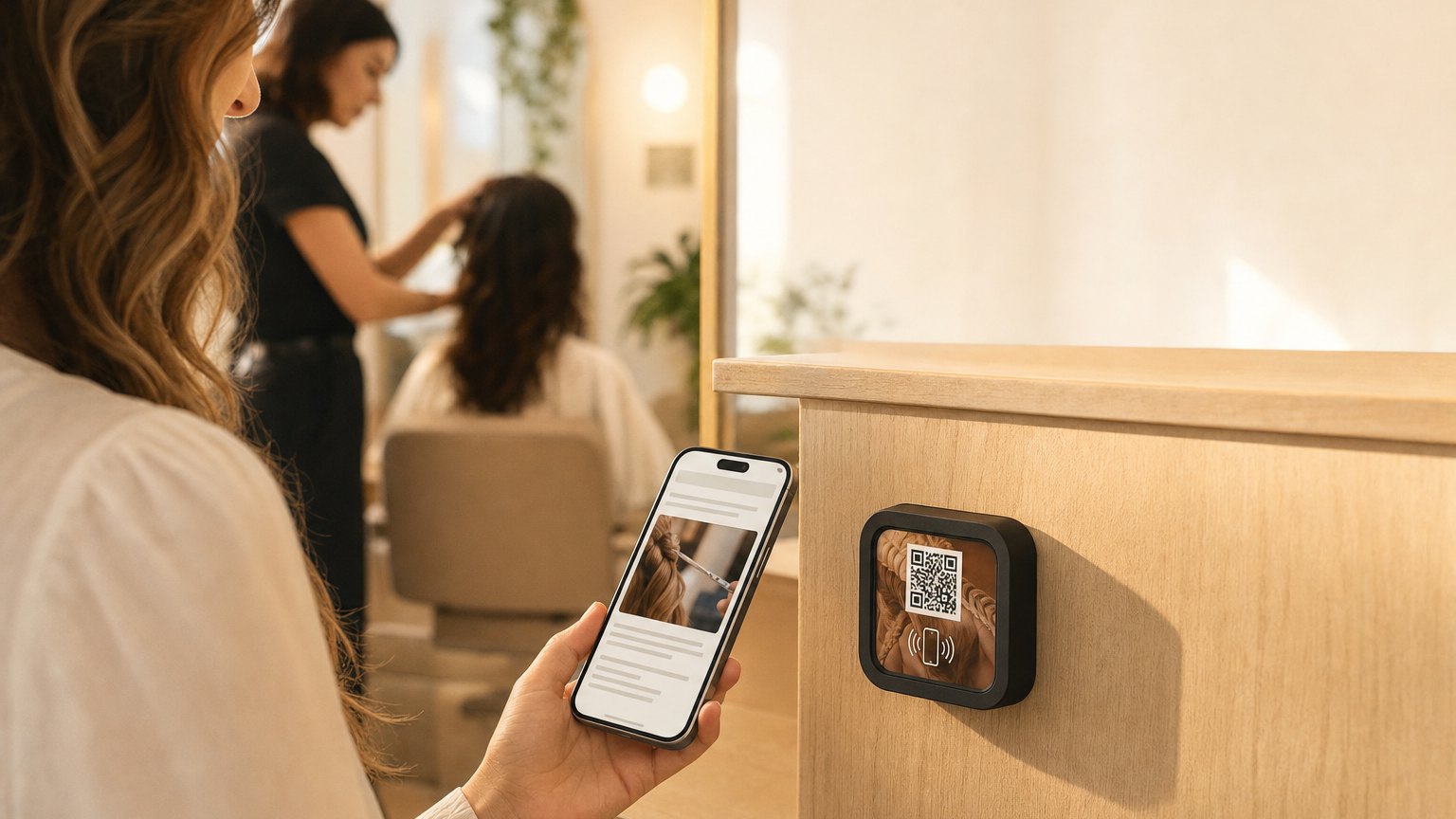
- •The services menu, organized by category. An accordion by treatment type (facials, injectables, laser, body) lets clients browse without being overwhelmed. Each section can include a brief description and price range.
- •A new client offer. A percentage off the first service, or a complimentary add-on. Presented in the waiting room, before the appointment starts, this converts first-time visits into ongoing relationships.
- •FAQ about popular procedures. "What does a chemical peel feel like?" "How long do results last?" These are questions clients are embarrassed to ask. Answering them proactively builds trust before the provider enters the room.
- •A book now or request consultation button. For clients browsing additional services while they wait, a direct booking link reduces the friction from "interested" to "scheduled."
- •Email capture for appointment reminders and offers. Collect emails while clients are actively engaged. A post-visit follow-up with a relevant offer has higher open rates than cold outreach, you earned the attention.
Ready to try it?
Build a medispa or clinic Experience free. One Marker at reception changes the first impression.
Build a wellness clinic ExperienceThe treatment room Marker
A second Marker in the treatment room serves a different purpose. The client is no longer browsing, they're post-service, or waiting between steps in a treatment. This is the moment for:
- •Aftercare instructions specific to the treatment they just received
- •Add-on services they can request before they leave ("Want to add a lip treatment to today's appointment?")
- •A rating prompt for the experience
- •A re-booking link so they schedule the next appointment before leaving
Aftercare in particular is high-value: clients leave with their phone, not the printed instructions they'll lose. A Marker in the treatment room that delivers aftercare on their phone means they actually have it. They can tap again the next morning to re-read it.
For doctor's offices and clinical waiting rooms
The same setup works in a clinical context with different content priorities. A dermatology practice, primary care clinic, or specialty practice can use a waiting room Marker for:
- •What to expect at today's type of appointment
- •Common questions about the practice's policies and specialties
- •Patient portal access and how to use it
- •Referral information and other services offered by the practice
- •Post-visit care instructions by condition or procedure type
A Marker in the exam room can deliver prep instructions for common procedures, which reduces callbacks to the front desk and the anxiety patients feel going in without enough information.
Personalization at check-in
With NearField's name capture block, the receptionist can ask clients to tap the Marker at check-in and enter their first name. From that point, every block in the Experience uses their name. "Welcome back, Sarah. While you wait, here's what's new this month." This is a simple personalization that few practices do, and that clients notice.
Pair this with a quick choice block ("What brings you in today?" with service categories), and the Experience can show relevant content conditionally. A client who selects "Injectables" sees the Botox and filler FAQ. A client who selects "Skin" sees the facial menu and chemical peel information. One Marker, relevant content for each visitor.
How to get started
- 1Sign up free and start with the MediSpa & Wellness template. Fill in your services menu accordion, new client offer, FAQ, and a book-now button.
- 2Preview on your phone as if you're a first-time client sitting in your waiting room. Does it answer the questions you get at the front desk every day? If not, add an accordion section for those.
- 3Order a Marker and place it at your reception desk with a small "Tap while you wait" prompt. A card stand or small acrylic holder works well.
- 4Track which services clients browse in your analytics. If you see high engagement on a service that's rarely booked, add more information and a clearer booking CTA to that section.
Ready to build?
Build a medispa or clinic Experience
The template includes a services menu accordion, new client offer, FAQ, booking CTA, and email capture. Free to build, and your 14-day trial starts when your page goes live.


Ready to build?
Build a medi-spa Experience
The medi-spa template covers the treatment menu, pre- and post-care instructions, membership pricing, and a booking link. Update a protocol once and every treatment room shows it on the next tap.