Template · Fitness & Gyms
This week's class schedule, your booking link, and a new member offer. On the door when they walk in.
No account or card needed to build.
A Marker at the entrance or front desk. Walk-ins tap it and see what's on today, who's teaching, and how to book, without waiting for a staff member. Members tap it to grab the new schedule every week. Prospects tap it, get a reason to sign up, and sign the liability waiver on their own phone before their first class.
What's in this template
No card needed to build. Your 14-day trial starts when your page goes live. One Marker is $29.
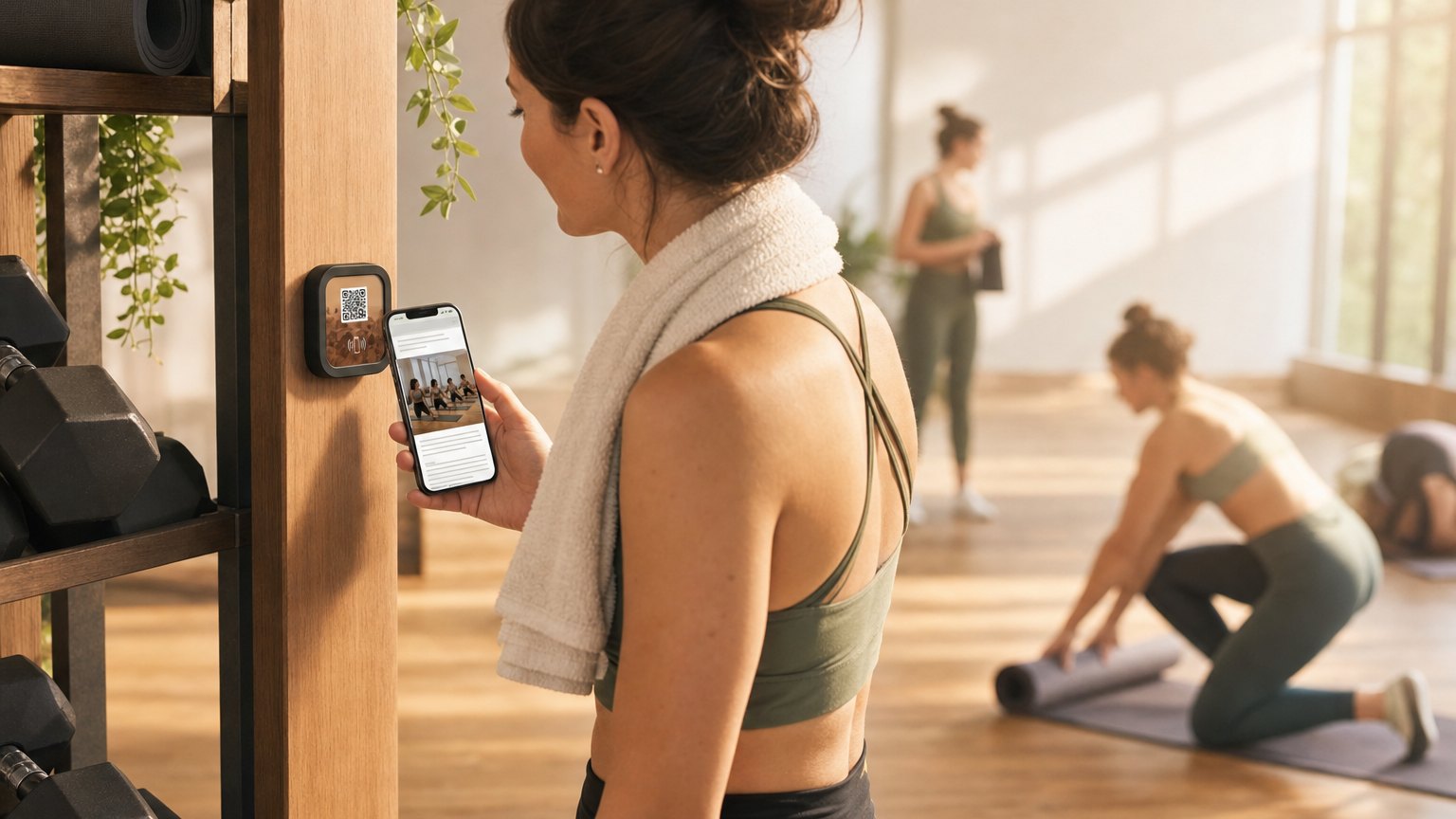
Where studios place their Marker
Front door or entrance
The first thing a walk-in sees. Tap before they even reach the desk: class is full, there's a waitlist link; class has open spots, there's the booking button. Staff interaction optional.
At the desk or check-in kiosk
Members tap to see what's on this week. Front desk staff spend less time answering 'what time is the 6pm cycle class?' and more time on new member conversations.
In the locker room or lobby
A second Marker with member-only info: loyalty program balance, upcoming workshops, and a referral code. Updates in real time, with no printed flyers to replace.
Update the schedule before each week starts
Edit the class schedule block in your dashboard every Monday morning. Takes five minutes. Every tap after that shows the current week. When a class is cancelled or a sub instructor steps in, update the Experience and it's immediately accurate: no reprinted schedules, no chalk board corrections, no one asking the front desk what happened.

Ready to build?
Start with this template
Free to build. One Marker is $29. Start with your front entrance.
Want the full guide? Read how fitness studios use NearField.