The states a Marker can be in
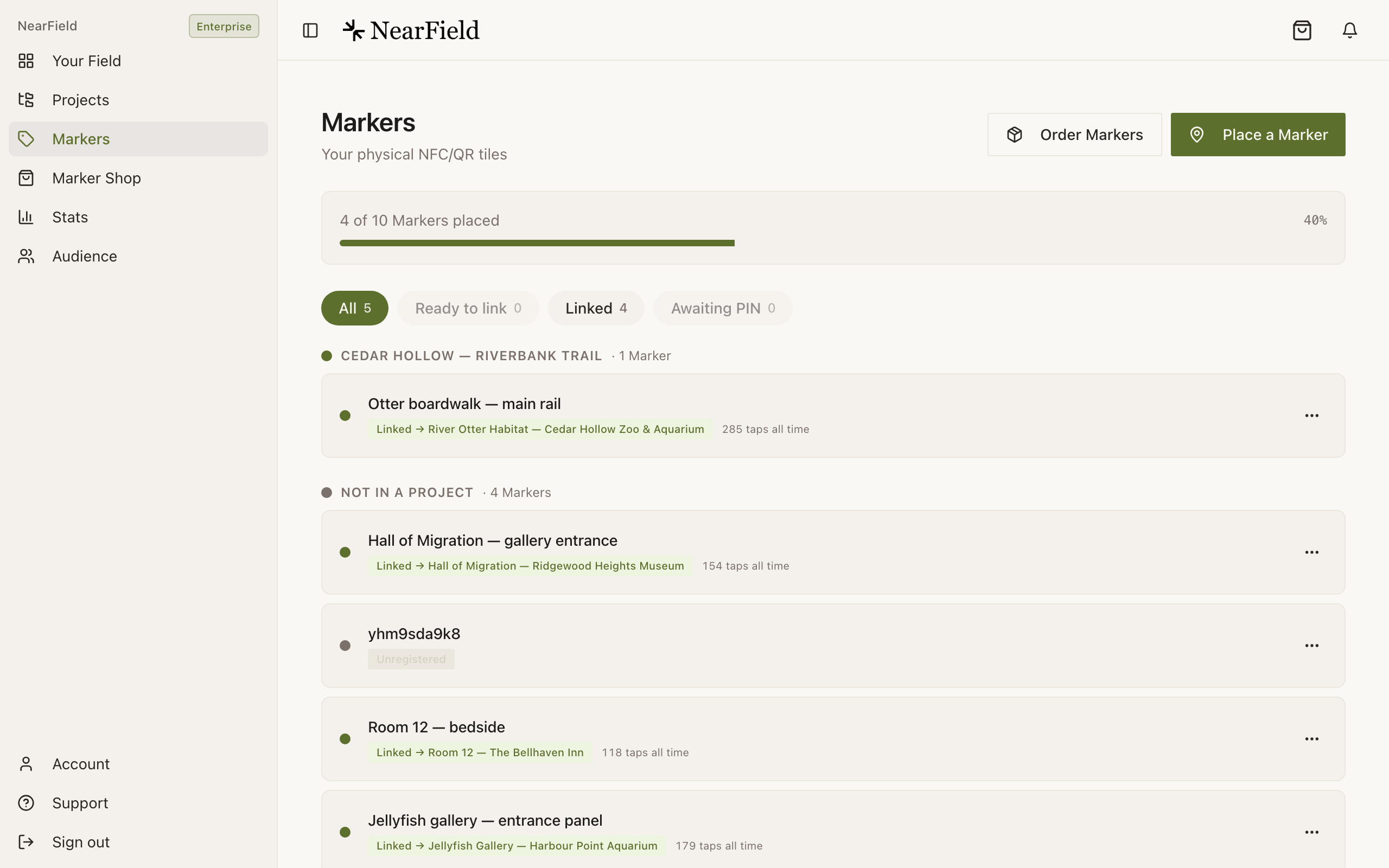
Every row on the Markers page carries a status pill. Two of the five mean the Marker is not currently opening anything, and they mean different things.
| Pill | What it means | What to do |
|---|---|---|
| Awaiting PIN entry | We have shipped it and assigned it to your account, but nobody has entered the PIN on the back yet. | Register it. |
| Unplaced: ready to link | Yours, switched on, pointing at nothing. | Relink it whenever you have somewhere for it to go. |
| Linked | Pointing at an Experience. The row names it. | Nothing. |
| Deactivated | Taken out of service by us. | Email hello@getnearfield.com. |
| Unregistered | A Marker that exists but is not on any account. | It is not yours yet. |
What a visitor sees
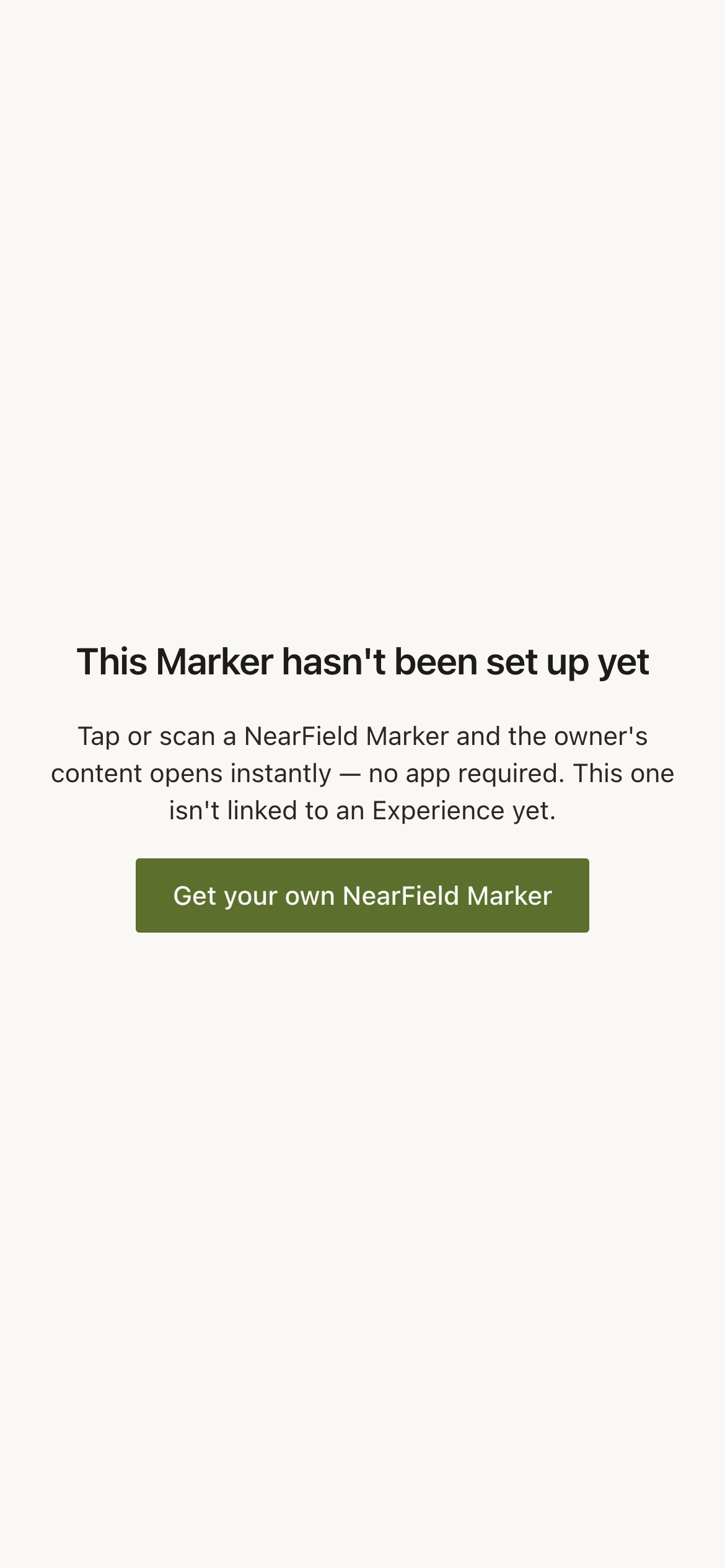
An unlinked Marker does not fail silently and does not show an error. It shows a short page explaining the situation: This Marker hasn't been set up yet, with a line about what NearField Markers do and a link for someone who wants their own. Nothing about your account is exposed.
Disconnect a Marker on purpose
- 1
Open the Marker's actions menu on the Markers page.
Disconnect only appears on Markers that are currently linked.
- 2
Read the confirmation.
It reads Visitors who scan this Marker will see a 'not placed' message, which is exactly what happens.
- 3
Confirm.
The status changes to Unplaced: ready to link. The Marker keeps its name, its Marker ID and every tap it has ever recorded.
In the iOS app the same action sits at the foot of the sheet that opens when you hold a phone against a live Marker, as Disconnect this Marker.
Bringing one back
Relinking an unlinked Marker is the ordinary relink flow: actions menu, Relink, pick an Experience. You never need the PIN again. The PIN's only job was the original claim, so a Marker that has been in a drawer for a year comes back into service without anyone turning it over.
Example
Ridgewood Museum between exhibitions
Ridgewood runs a temporary gallery that changes three times a year. In the fortnight between shows the twelve Markers in that gallery are disconnected, come off the wall, and sit in a labelled box. When the next exhibition is installed they go back up, get relinked to the new Experiences in about five minutes, and each one arrives carrying the taps it earned across all three previous shows.
Does disconnecting delete anything?
No. The name, the Marker ID and the full tap history all survive. Only the link to an Experience is cleared.
Can I still rename a disconnected Marker?
Yes. Every row action except Disconnect itself works on an unlinked Marker.
What if I disconnect the only Marker on an Experience?
The Experience stays published and stays reachable by its link. In the iOS app you get a warning first, because losing the last Marker on an Experience is usually an accident.
How do I find every unlinked Marker at once?
Use the Ready to link filter chip at the top of the Markers page. It carries a count, so you can see at a glance how much of your hardware is idle.