Guide · Murals & Public Art
How to add a NearField Marker to a mural: and what to put on it
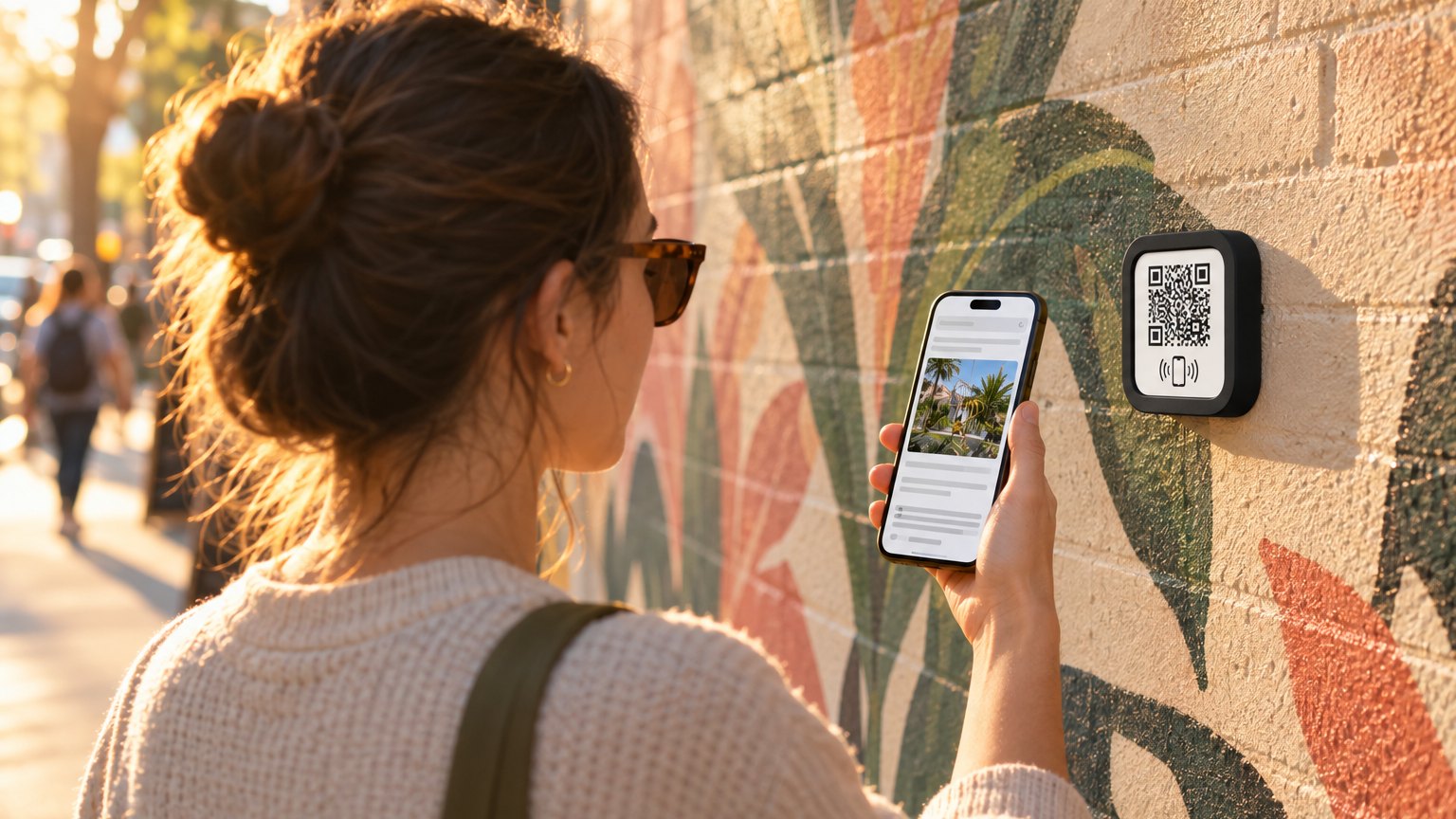
A mural tells part of a story on its own. The artist's name, the process, the neighborhood context, the place to buy a print: that's the rest of the story, and most murals never tell it. A NearField Marker next to the piece is the small square a passerby taps to hear the rest.
Why murals benefit from a Marker
Murals exist in public space, which means the audience arrives unexpectedly and leaves quickly. They don't have a program. They didn't buy a ticket. If the piece interests them, if they're standing there with their phone out already, there's a narrow window to give them something more.
A small placard with the artist's name is the usual answer. It works, technically. But it can't play a clip of the artist talking about the piece. It can't link to their shop. It can't show the before-and-after photos from the installation week. A Marker can do all of those things, and a passerby with a curious phone can access them without friction.
What the visitor experience looks like
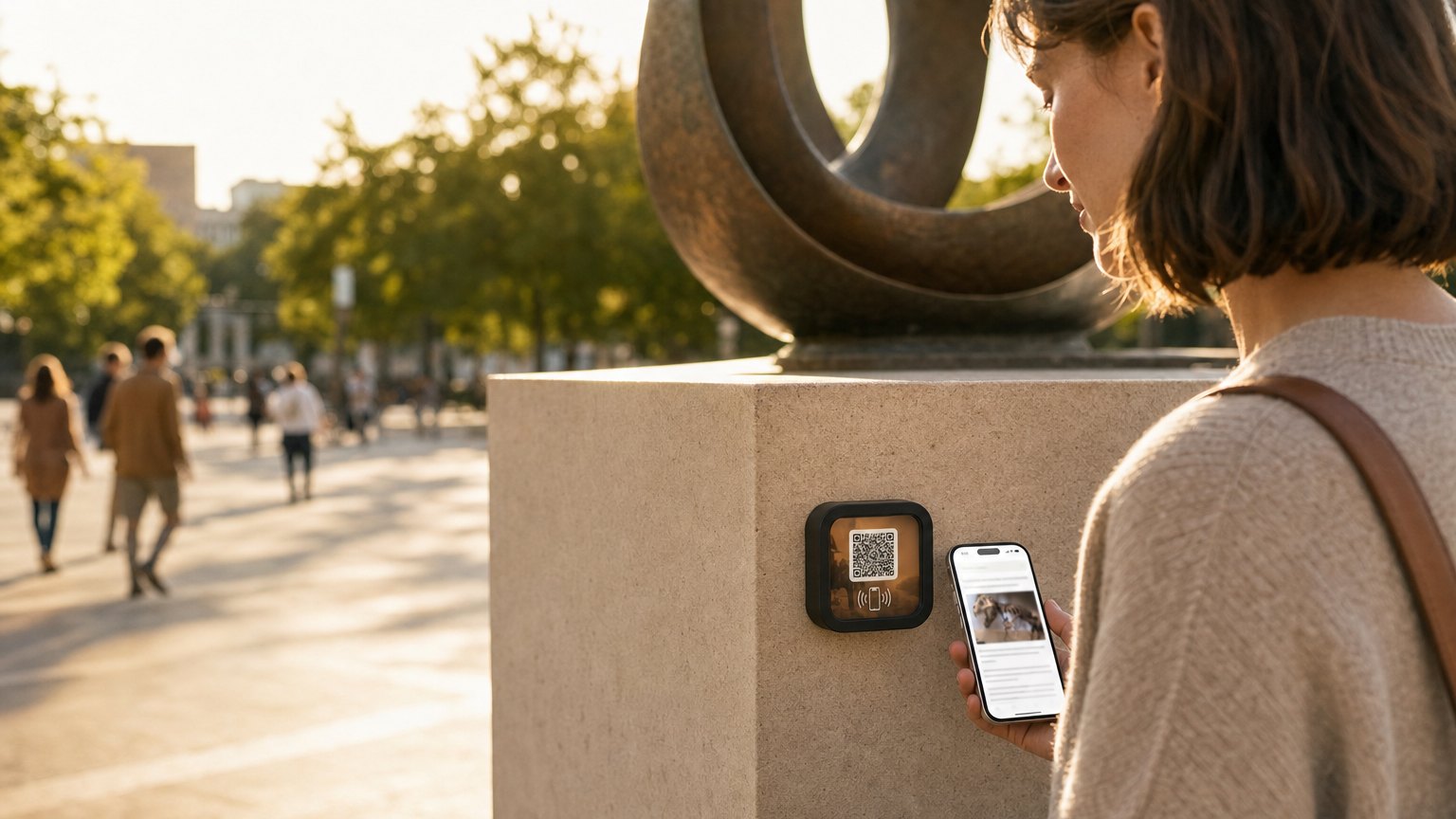
The Marker sits on or near the mural: on a post, attached to a fence, mounted to a nearby wall, or placed on a small pedestal. The visitor taps it (or scans the QR code on the front) and a mobile page loads. No app download. No account. Just the content.
The page loads in under two seconds on a typical connection. Most visitors spend 30-90 seconds on it. That's a much longer interaction than any placard gets.
What to put on it
The right content depends on whether you're the artist, an organization that commissioned the piece, or a festival or district managing a trail. Here's what works well across all three:
- •The artist, in their own voice. A short audio clip or video of the artist talking about the work: why this neighborhood, what the imagery means, how long it took. Two minutes of audio does more than two paragraphs of text.
- •Making-of documentation. Photos from the sketch phase, the grid, the first few days of painting. The contrast between blank wall and finished mural is surprisingly compelling to most visitors.
- •A print or shop link. If the artist sells prints or related work, a button linking to their shop converts. The visitor is already engaged with the piece, that's the moment to offer a way to take it home.
- •Social follow. An Instagram or website link so the visitor can keep up with the artist's next work.
- •The neighborhood context. For a festival trail or district map, this is useful: where the other pieces are, what the program is, when it runs.
One principle worth keeping: the Experience should serve the artist, not just the organization. A Marker that earns the artist some print sales is one the artist will tell people about. That creates more visibility for the piece and the program than any press release.
Ready to try it?
Build a mural Experience free. No card needed to build. Your 14-day trial starts when your page goes live.
Build a mural ExperienceHow to mount the Marker
Where and how you mount the Marker depends on the physical context. A few common approaches:
- •On a nearby post or fence. The most flexible option. The Marker attaches to a vertical surface next to the piece using the included adhesive mount, a small frame, or a zip tie in a protective sleeve.
- •On the wall adjacent to the mural. For interior murals or pieces on surfaces where mounting is permitted, the Marker can go directly on the wall with archival-safe adhesive.
- •On a small ground-level pedestal. For high-foot-traffic pieces, a small sign post or interpretive kiosk is recognizable to visitors who know to look for it.
For outdoor placements exposed to weather: the Marker itself is water-resistant, but the adhesive mount is not rated for long-term outdoor exposure. Use a weatherproof frame or protective sleeve for permanent installations. Temporary or seasonal festival installations can use the standard mount.
What happens when the mural changes
If you're managing a rotating mural program, this is the key advantage: the Marker doesn't change when the mural does. You sign in to your dashboard, update the Experience with the new artist's content, and every visitor who taps after that sees the new version.
You can also relink the Marker to a different Experience entirely, if the new mural is a collaboration and you've already built its Experience separately, you just change which Experience the Marker points to. The physical Marker stays on the post, the content behind it changes completely.
For a mural trail where multiple artists participate across a season, this means the hardware cost is a one-time purchase. The per-mural cost is just the time to build the Experience, usually an hour or two per piece if you're collecting materials from the artist in advance.
How to collect content from the artist
The hardest part of building a good mural Experience is getting the materials. A simple ask works better than a complex form. We'd suggest:
- •A 1-2 minute voice memo on their phone talking about the piece
- •3-5 making-of photos (phone photos are fine)
- •A link to their shop, website, or Instagram
- •A one-paragraph artist statement if they have one
That's enough to build a good Experience. Everything else is optional.
How to set this up with NearField
- 1Sign up free. Choose the Artist Statement or Mural template. It comes with a heading, text block, image gallery, audio player, and a links section.
- 2Fill in the artist's content: their name, the voice memo as an audio block, the making-of photos in a gallery block, the shop link as a button.
- 3Preview it on your phone and send the preview link to the artist for approval.
- 4Publish and order a single Marker. When it arrives, register it in your dashboard and link it to the Experience.
- 5Mount it near the mural. When the mural changes, come back to your dashboard and update the Experience or relink the Marker to a new one.
Ready to build?
Build your mural Experience
The mural and public art template is pre-loaded with an artist statement, making-of gallery, audio player, and a shop or follow link. Mount it once: update the story any time the artist does.