Before & After block

    Let them drag the slider themselves.

    Two photos in one frame, with a divider a visitor pulls across with a thumb. It is the oldest proof there is in restoration, treatment and repair work - and on a Marker it sits next to the actual room, chair or object, instead of in a gallery on a website nobody opened.

    Free plan · one of 50 content blocks

    Before
    After
    ⇔

    Your two photos fill this frame. The handle is the part they drag.

    How it works on a Marker

    Two uploads, and that is the whole build.

    This is a small block, and we are not going to dress it up. What makes it worth having is where it sits, not how many settings it has.

    01

    Upload two photos.

    One before, one after. Add alt text to each so the block still says something to a screen reader and to a search crawler.

    02

    Put it where the work is.

    A Marker at the treatment room, the job site sign, the conserved object, the detailing bay - wherever the finished thing is standing in front of somebody.

    03

    They drag it themselves.

    Dragging is the point. It is the difference between showing someone a result and letting them find it, and it is the part that gets recorded in your stats.

    • A before image and an after image - JPEG, PNG, WebP or GIF
    • Alt text on each, for screen readers and for search
    • A 4:3 frame that fits a phone held one-handed
    • Drag by finger or by pointer, with no app and no plugin
    • The first drag per visit recorded as 'Before/after compared'
    • Free on every plan, including the free one

    What it will not do

    Two images, not three. No video, no captions burned onto the frame, no automatic alignment between the two shots. If you need a run of results rather than one comparison, put a Photo Gallery underneath it - they are both free and they read well stacked.

    Where it earns its place

    Next to the thing it is a photo of.

    A before-and-after on your website is a claim. The same pair of photos on a tile beside the actual chair, wall or object is evidence, because the person looking at it can raise their eyes and check.

    Treatment rooms

    A medispa, dental practice or dermatology clinic, with the result of the treatment somebody is about to book, and the booking link under it.

    Restoration and conservation

    A conserved painting, a restored facade, a rebuilt engine. The public almost never sees the before, and the before is the whole story.

    Trades and job sites

    A roof, a kitchen, a driveway. A tile on the yard sign turns a finished job into a portfolio for everyone who walks past it.

    Detailing and service bays

    The car that came in on Monday and the car going out on Friday, on a Marker at the service desk.

    Landscaping and grounds

    The same view across a season, on a post where people stand and look at it.

    Museums and historic sites

    The building in 1974 and the building today, at the spot the photographer stood.

    One number worth watching: your stats record the first drag of each visit against this block, listed as “Before/after compared”. Views tell you a page was opened. A drag tells you somebody engaged with the result on purpose - which is the closest thing to interest you can measure without asking a question.

    One example, all the way through

    A medispa treatment room.

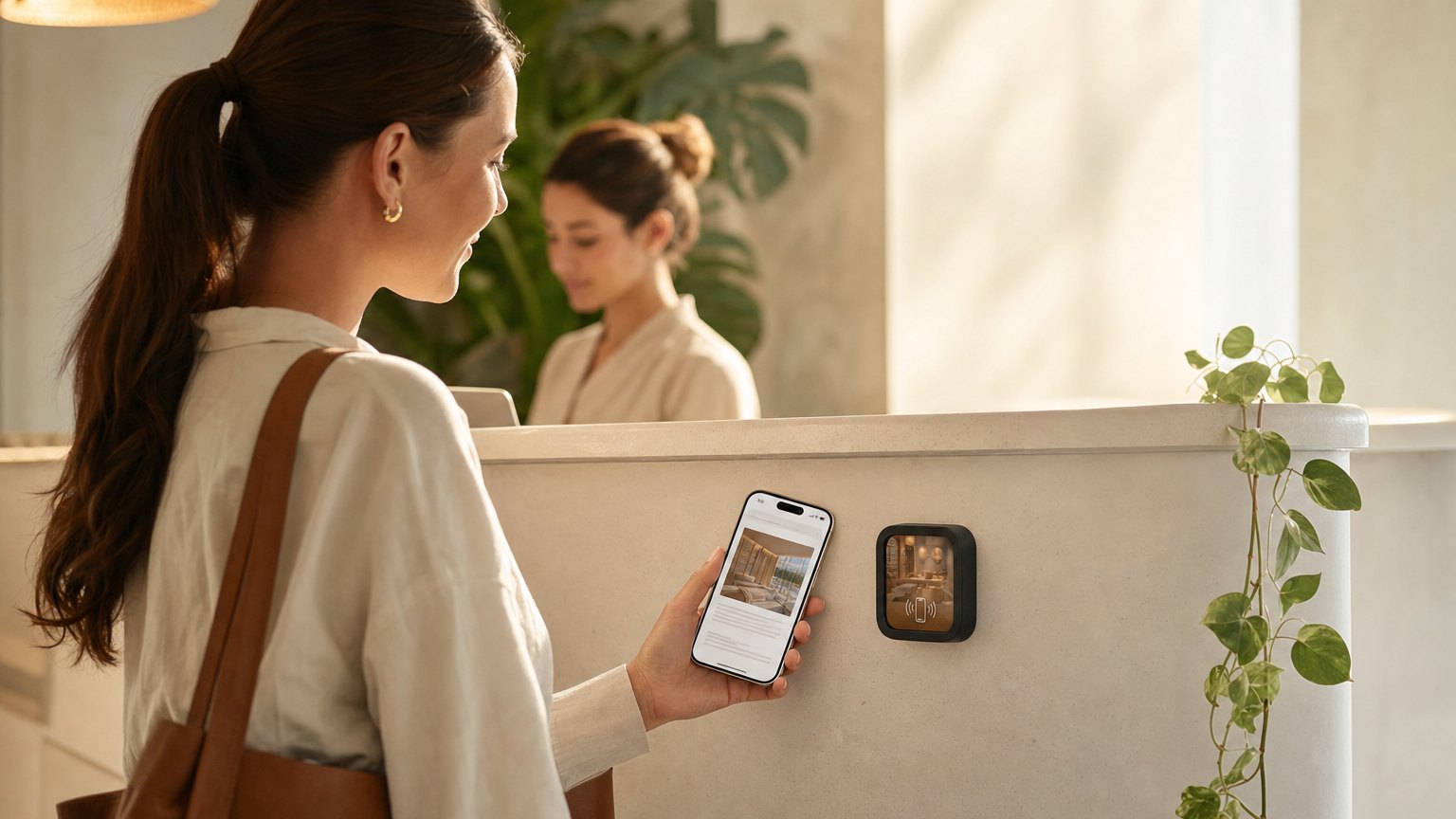
    A NearField Marker in a medispa treatment room

    MediSpa · one treatment room

    The result, at the moment somebody is deciding.

    The treatment room wall
    A Marker beside the chair. The Before & After block sits at the top of the page - a client waiting five minutes drags it rather than scrolls a phone.
    Underneath it
    Aftercare instructions, the price of a package, and a Book Action pointed at your existing booking system.
    Reception
    The same Experience on a second Marker, so somebody waiting at the desk sees the same comparison before they are asked whether they want to add a treatment.
    Next month
    A better pair of photos comes in. You replace the two uploads and both Markers show the new comparison on the next tap.

    No reprinting, no laminated portfolio on the counter, and no client having to take your word for what a course of treatments looks like.

    See the medispa and wellness clinic guide for the rest of what belongs on that tile, or the medispa template to start from a page that already has it.

    Put it on a wall

    Photos work best beside the real thing.

    One Marker in the room, one at reception, one on the yard sign. Each carries NFC and a printed QR, so a visitor taps or scans without being told which to do.

    A single Marker is $29, and the Intro 3-Pack is $49 for three. Every Marker carries NFC and a printed QR on the same tile, so nobody is stuck. Ships in 2 business days - sold and shipped from the US.

    Questions people ask about the before and after block

    How does a visitor use it?
    They drag the divider across the image with a finger. The after photo sits underneath and the before photo is revealed as they pull it back, so the two line up in the same frame rather than sitting side by side at half the size.
    What do I need to upload?
    Two images - a before and an after - as JPEG, PNG, WebP or GIF. Shoot them from the same spot in the same light if you can; the comparison is only as convincing as the framing. Each one takes its own alt text, which is what a screen reader and a search engine read.
    Does it cost anything?
    No. Before & After is on the free plan, like the rest of the photo and media blocks. You can build the whole Experience and preview it before you buy a Marker.
    Can I tell whether anyone actually used it?
    Yes. The first drag on a visit is recorded, and your stats show it as 'Before/after compared' against that block. It is a genuine signal of attention - somebody who dragged the slider did more than scroll past a photo.

    Upload two photos and see how it reads.

    Free account, free block, and a preview on a simulated phone before you order anything.

    No credit card required.