Guide · Community & Meetups
QR and NFC for community meetups and interest groups
A running club, a book group, a photography meetup, a neighbourhood association. The work is the same every month: get people through the door, find out who they are, keep the sponsor happy, and do it again in four weeks. A tile on the check-in table does most of it, and you never reprint anything.
The clipboard problem
Most meetups still collect names on paper. The clipboard sits by the door, four people sign it, two of the email addresses are illegible, and somebody types the rest into a spreadsheet three days later. By then half the enthusiasm has gone.
The reason it survives is that nothing simpler exists in the moment. Asking someone to find your website while holding a drink does not work. Handing them a card means the follow-up is their job, and it will not happen.
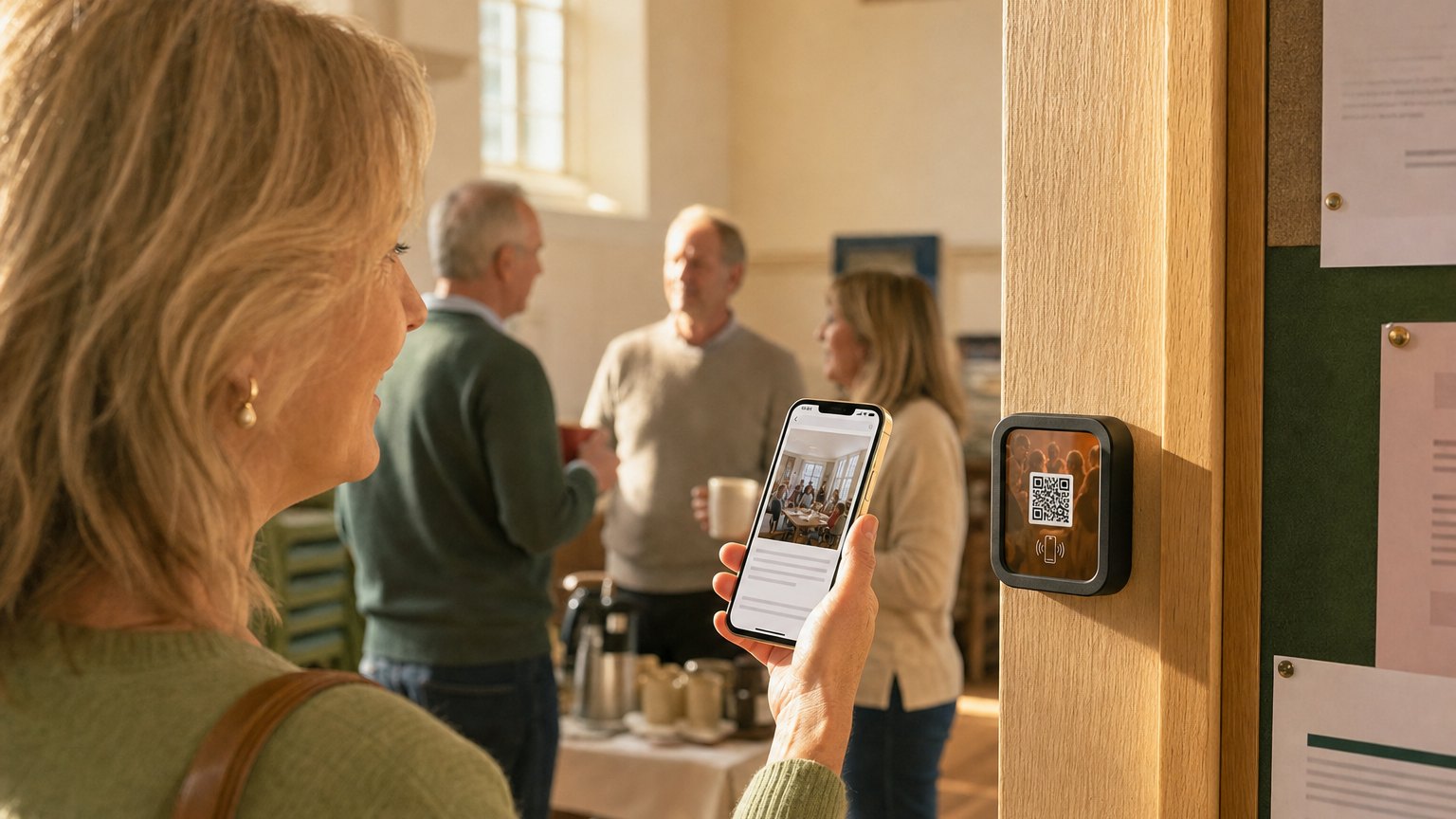
A tap does work, because the phone is already in their hand. They tap the tile on the table, the page opens, they type their own name and email into their own keyboard, and they see a confirmation. Nothing gets transcribed afterwards because nothing was written down.
The giveaway signup pattern
Asking for an email with no reason attached converts badly. Attaching it to a small giveaway converts well, and it works because everyone understands the deal instantly: your name in a hat, one email address, drawn at the end of the night.
The prize does not have to be big. A book, a bar tab, a free ticket to the next paid workshop, a shirt with the group's logo on it. What matters is that the draw happens in the room, while people are still there, so the entry has an obvious payoff within the hour.
Ask for the name as well as the email. A list of bare addresses is a list of strangers. A name lets the next email open with theirs, and it lets you recognise a regular when they walk in again.
Ask one question, not five. A quick multiple-choice - which group or track they came for - tells you what to program next month, and it takes one tap. A five-field form on a phone at a noisy meetup gets abandoned halfway.
Every entry lands in your Audience with the Marker that captured it, so an October meetup list stays distinguishable from the website signup form and from November's.
Ready to try it?
Build a meetup or sponsor booth Experience free. No credit card required.
Build a meetup ExperienceSponsor booths: let them collect their own leads
Sponsorship at a community event is usually sold as a logo on a banner and a mention from the front of the room. Both are unmeasurable, which is why the renewal conversation is awkward.
Give each sponsor a tile for their own table instead. It carries their pitch, a short lead capture form, their one-pager and pricing sheet as links rather than paper, and an offer with a code and a deadline on it. Two fields is the right size: a name and an email. Ten fields is a form nobody finishes standing up.
The part sponsors care about most is that it keeps working when their rep is mid-conversation with somebody else. A visitor who walks up to a busy table normally leaves. A visitor who walks up to a busy table with a tile on it taps it, reads the pitch, and leaves their details.
At the end of the night the sponsor has a list of names and a tap count. That is a renewal conversation with numbers in it.
The booth trail passport
If you have more than three sponsors, the ones near the door do well and the ones in the back corner do not. A passport fixes the geography.
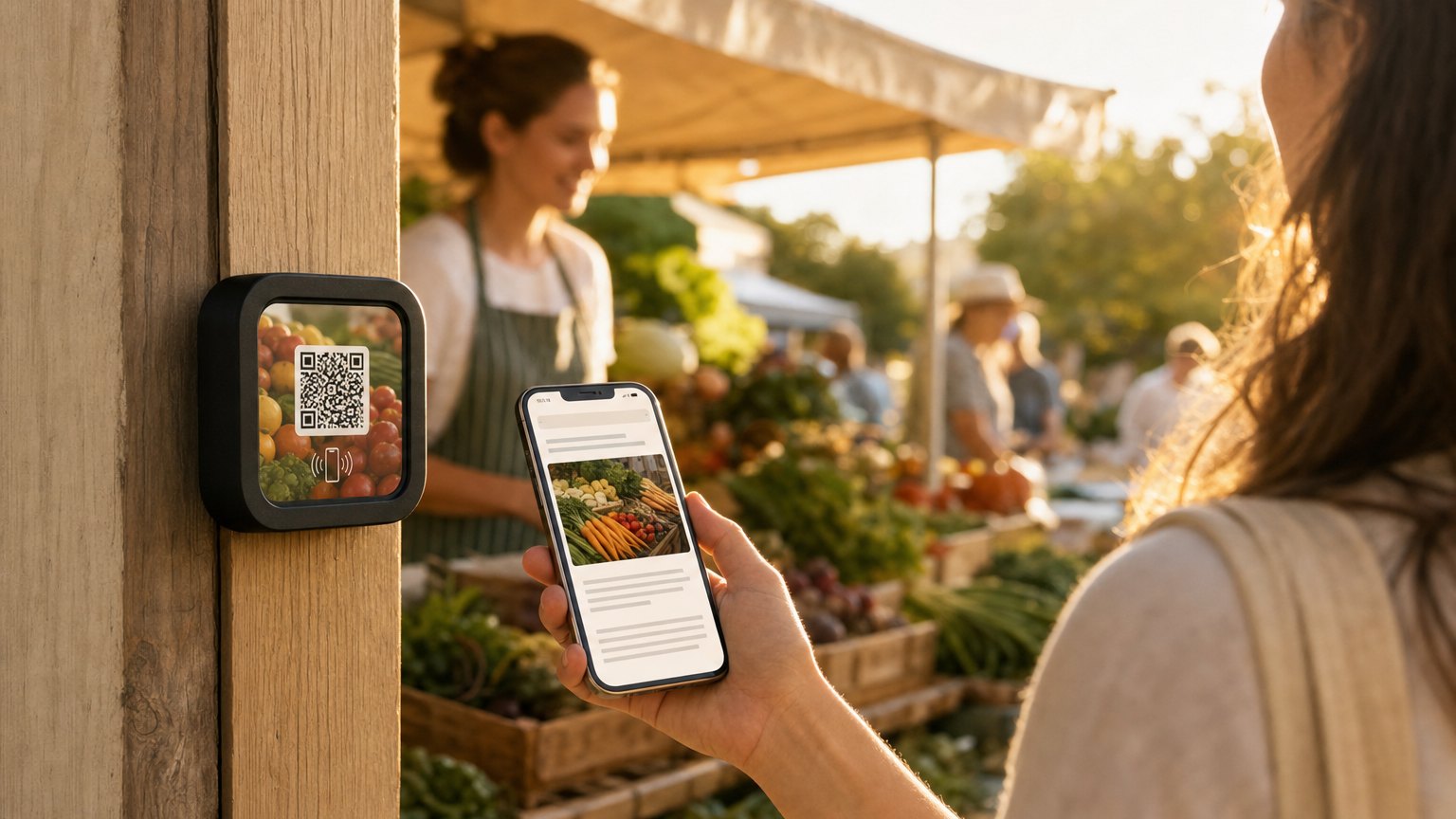
It works the way a paper stamp card works, minus the card. A visitor taps the tile at the first booth and a passport page opens with every stop on it, one filled in. Each further booth they tap fills in another. When the last one is stamped, the page reveals a reward code to show at the welcome desk.
The progress follows the visitor rather than living on the tile, so they can start anywhere and finish anywhere. Nothing is downloaded and nothing has to be carried around.
Two practical notes. Keep the trail short - five or six stops is a game, twelve is homework. And make the prize collectable at the desk rather than mailed, so the finish line is in the room and the last booth is not the one people skip.
Recurring meetups: relink, do not reprint
This is the part that pays for the hardware. A Marker points at an Experience, and the Experience is something you edit. The tile on the check-in table does not know or care what is on the page this month.
So the monthly routine becomes: open the event list, add next month's meetup, delete the one that just happened - dated items drop off on their own once the date passes - swap the giveaway prize, and change the sponsor logo if the sponsor changed. Five minutes, and the tile you bought in March is still the tile on the table in December.
A group running twelve meetups a year on printed flyers reprints twelve times. The same group with three Markers - one for the door, two for sponsor tables - buys hardware once.
How to get started
- 1Sign up free and pick the Community Meetup Hub template. Fill in the group name, the welcome note, and the next two or three meetups in the event list.
- 2Set the giveaway prize and when you will draw it, and write the confirmation line people see after they enter. Add the quick question about which group they came for.
- 3If you have a sponsor, build a second Experience from the Sponsor Booth template and hand it to them to fill in. It is their pitch, their offer, and their list.
- 4Order the Markers. One for the check-in table is $29. An Intro 3-Pack covers the table and two sponsor booths, which is the usual shape of a first event.
- 5After the meetup, check the tap count and the giveaway entries. Then edit the event list for next month and put the same tile back on the same table.
Common questions
How do you collect emails at a meetup without a clipboard?
Put a tile on the check-in table with a giveaway entry on it. People tap it, type their own name and email into their own phone, and get a confirmation on screen. Nothing is transcribed later, so nothing is lost to bad handwriting.
Can sponsors at a community event capture their own leads?
Yes. A sponsor gets their own tile on their own table with their pitch, a two-field lead form, and their leave-behind links. Entries land in that sponsor's own list, and the tap count gives them a number for the renewal conversation.
What is a booth trail passport?
A passport is a page that stamps itself each time a visitor taps a tile at a participating booth. Collect every stamp and the page reveals a reward code to claim at the welcome desk. It sends foot traffic to every sponsor rather than only the ones near the door.
Do you need new tiles for every monthly meetup?
No. A Marker points at an Experience you edit, so next month you change the event list and the giveaway prize and the same tile on the same table shows the new content. Nothing is reprinted.
Does anyone need an app to use it?
No. An NFC tap or a QR scan opens a normal web page in the phone's browser. Anyone whose phone cannot tap can scan the QR printed on the same tile.
Ready to build?
Build a community meetup Experience
The hub for the check-in table and the booth tile for your sponsors, both in one template. Pre-loaded with an event list, a giveaway signup, and lead capture. Free to build; order Markers when the next meetup is on the calendar.