Template · Vacation Rentals

    Your welcome guide, Wi-Fi, and house rules. All in one tap.

    Use this template free

    No account or card needed to build.

    One Marker on the kitchen counter. Guests tap it when they arrive and get everything they need: the Wi-Fi password in one tap, check-out instructions, house rules, your favorite local spots. No printed binders, no long messages in the app, no sticky notes.

    What's in this template

    Welcome heading with your property name
    Wi-Fi name and password block
    Check-out instructions
    House rules accordion (collapsed by default)
    Local recommendations list
    Emergency contact button
    Your branding throughout
    An arrival check-in that lets you know they've made it

    No card needed to build. Your 14-day trial starts when your page goes live.
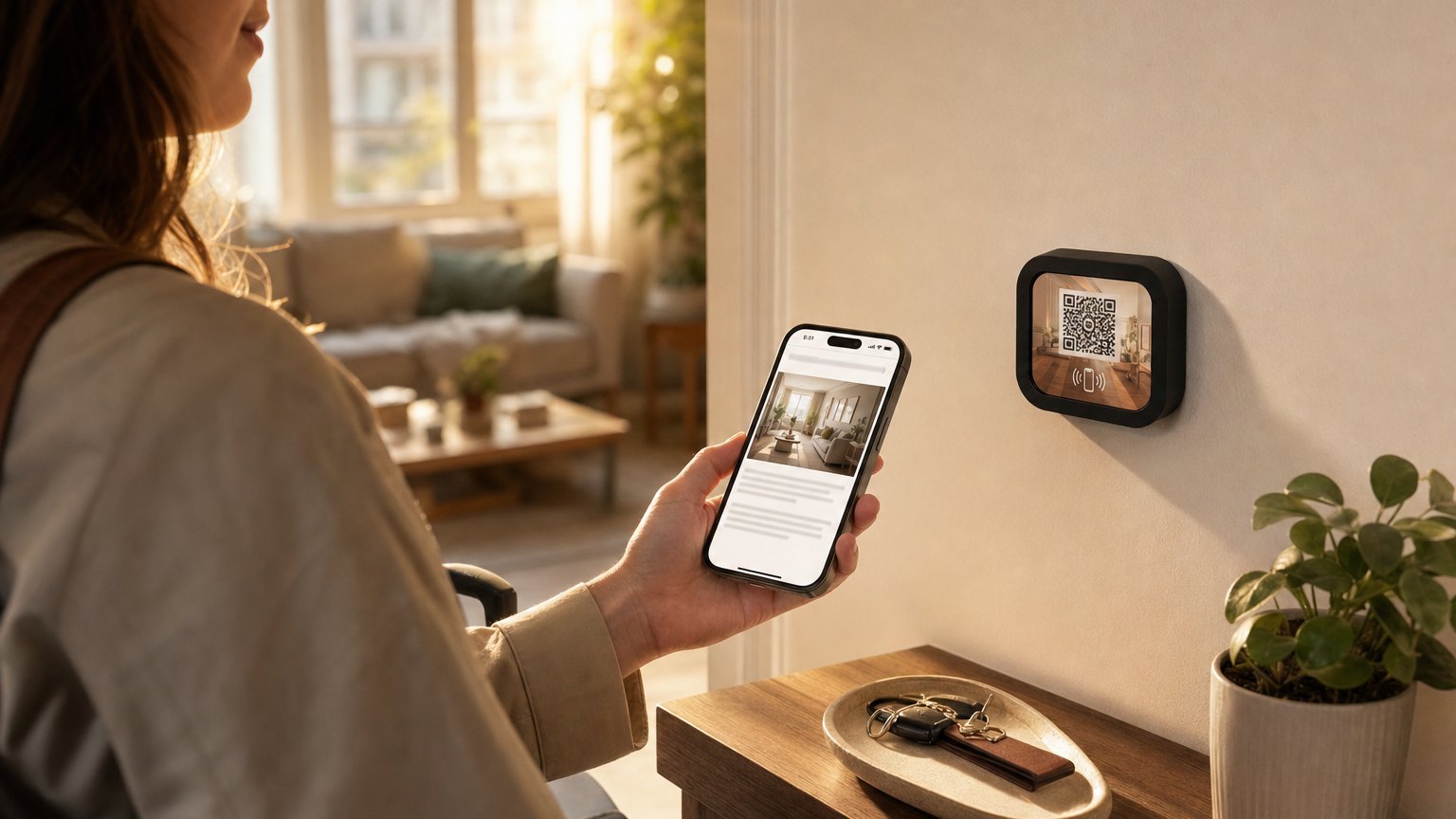
    A guest taps her phone to a NearField Marker on the wall above an apartment entry console

    How it works at your rental

    1

    Build once

    Fill in your Wi-Fi password, house rules, check-out steps, and a few local recommendations. Takes 20 minutes. Updates after that take two minutes each.

    2

    Place the Marker

    The Marker sits on the kitchen counter or side table. Guests who haven't seen NFC before figure it out in about ten seconds. The QR code on the front is a fallback.

    3

    Update between guests

    Log in and edit any text block. Change the recommendations seasonally. Update check-out instructions if they change. Every guest after that sees the new version.

    Works for Airbnb, VRBO, and direct-booking rentals

    This template works for any short-term rental. You don't need to be on any particular platform. The Marker is a piece of physical hardware in your space, not tied to any booking system. Change the content as often as you like; the Marker stays where it is.
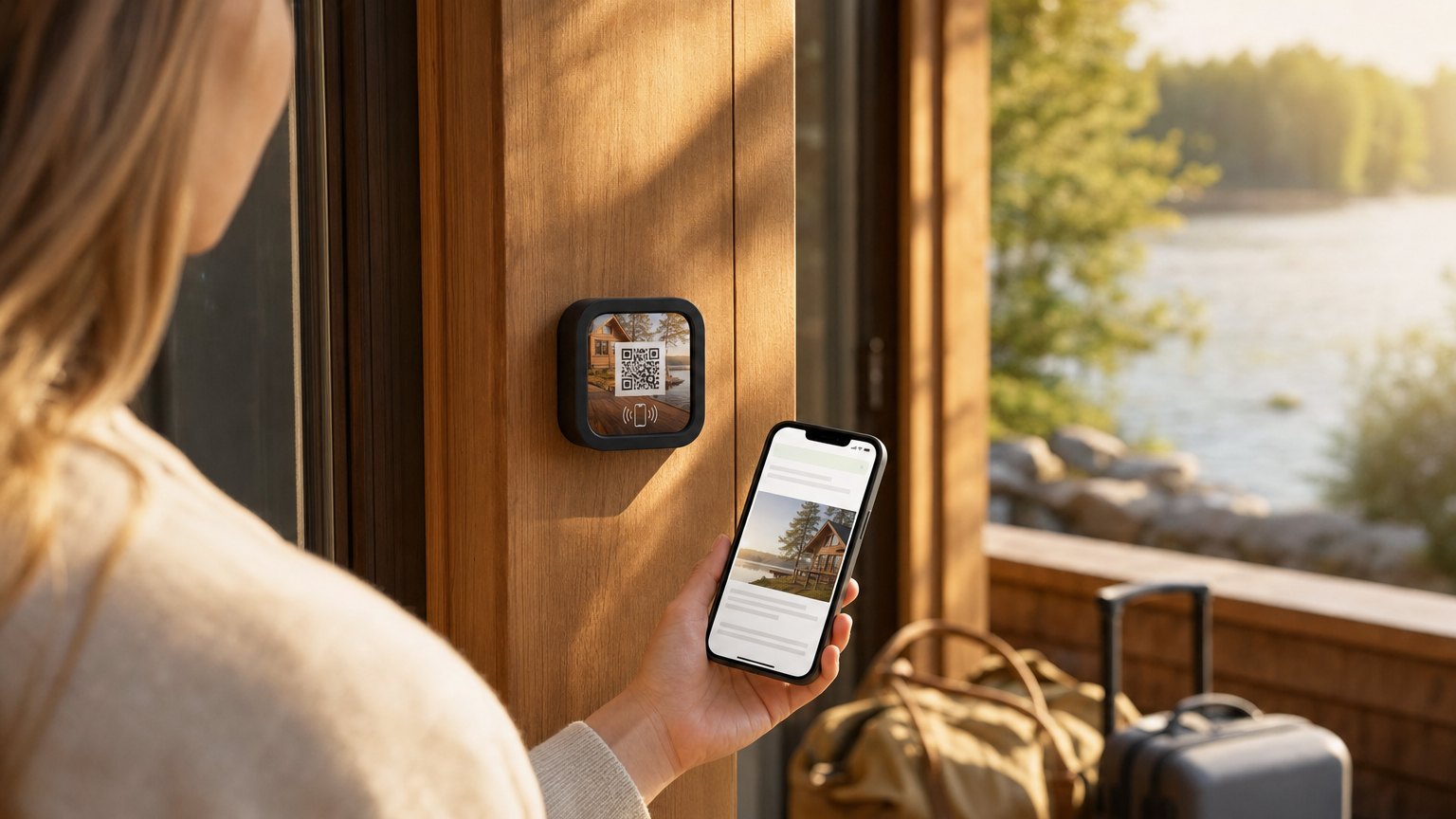
    A guest taps her phone to a NearField Marker on the door frame of a lakeside rental cabin
    The same template on a lakeside cabin: different property, different Wi-Fi, one Experience to edit.

    Ready to build?

    Start with this template

    Free to build. One Marker is $29.

    Want the full setup guide? Read how to set up a welcome Marker for your rental.

    Ready-made Markers for this

    Pick a design, tell us where it points, and check out - no account needed to start.

    Ships in 2 business days from the US - and you can re-point any Marker later.

    Wi-Fi - Aurora NFC and QR Marker

    Wi-Fi - Aurora

    Room guide - Honey NFC and QR Marker

    Room guide - Honey

    Tap to begin - Sky NFC and QR Marker

    Tap to begin - Sky

    QR Guide - Mint

    A preloaded Marker, on us

    Hold one in your hand. The first one's on us.

    Tell us about your space and we'll preload a NearField Marker with your version and put it in the mail. No card, no call to book. The first tap does the convincing.

    • •We build a version for your space, not a generic demo.
    • •One real Marker, in the mail, on us.
    • •We reply within one business day to confirm before it ships.

    No card, no commitment. We send one preloaded Marker so you can feel the tap in your own space.