Template · Education
New student orientation, campus tour stops, and faculty profiles. All tapable.
No account or card needed to build.
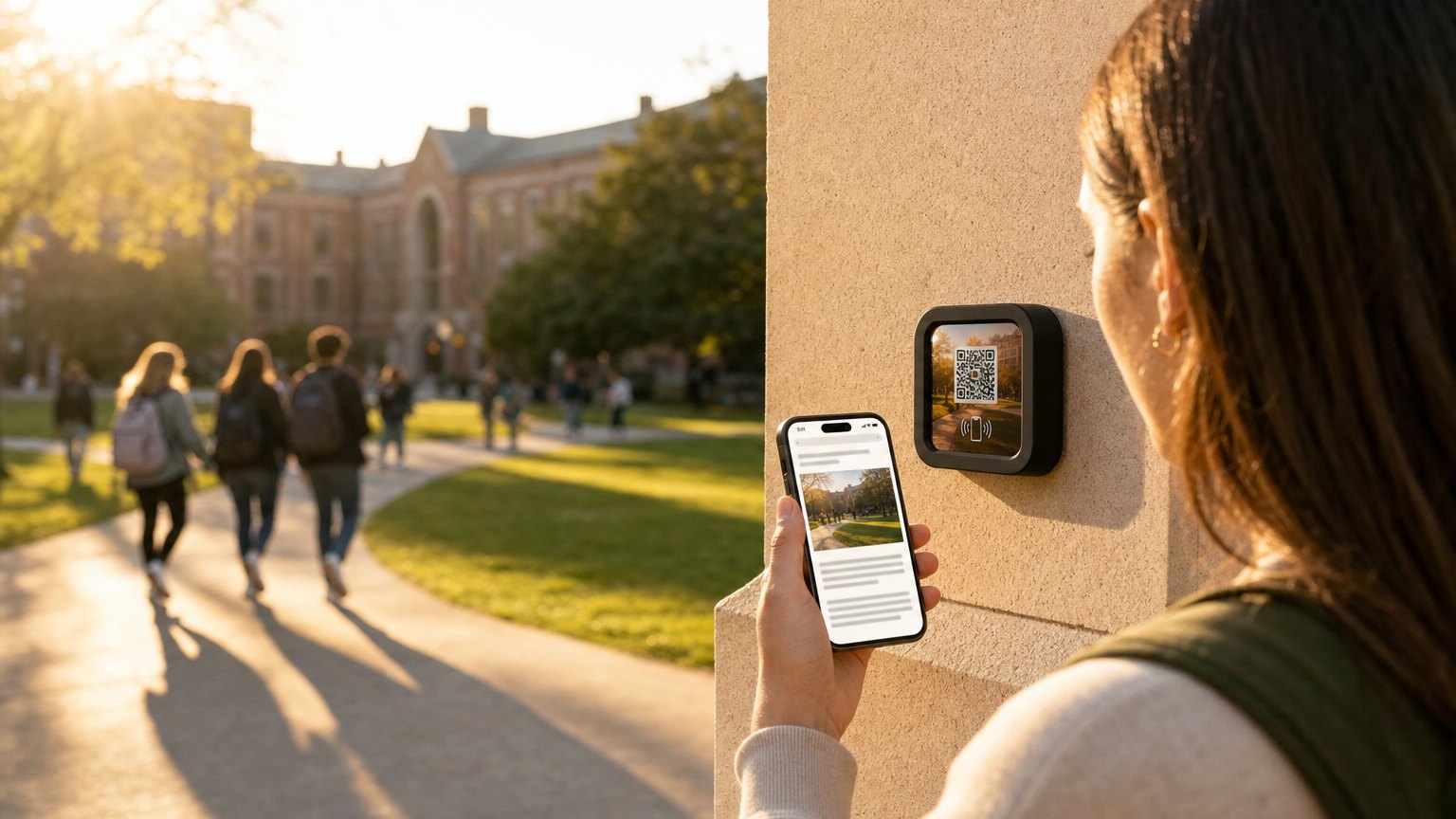
Markers at building entrances, department signs, and campus tour waypoints. Prospective students, new admits, and returning students tap for the information they actually need, without downloading an app or hunting through a PDF they'll never open again.
What's in this template
No card needed to build. Your 14-day trial starts when your page goes live. One Marker per location, and an Intro 3-Pack covers three buildings or stops.

How campuses use NearField
Turn every building into a self-guided tour
A Marker at each major building lets a prospective student or new admit explore at their own pace: department overview, key contacts, and what happens inside, all from a single tap.
Faculty offices with a tap-to-book button
Put a Marker outside an office door. Students tap to see office hours, course load, and a direct booking or email link. No more index cards taped to doorframes.
Works for prospective and enrolled students
The same Marker infrastructure handles admissions tours, orientation week, and ongoing student navigation. Update the content each term without touching the physical Marker.
"The admissions tour happens even when no one is leading it"
A Marker at every major building means a prospective student exploring on their own gets the same story as one on an official tour. Campus visit days have limited tour slots. NearField makes the building itself do the talking the rest of the time.
Ready to build?
Start with this template
Free to build. One Marker per location, and an Intro 3-Pack covers three buildings or stops.
Want the full guide? Read how schools use NearField.