Template · Botanical gardens & arboreta

    What's in bloom, the plant's story, and the way to the next bed. Behind the label.

    Use this template free

    No account or card needed to build.

    A Marker on the post at a collection bed or a signature tree. Visitors tap or scan it and get this week's bloom report, the story your docents tell on tours, a minute of audio with a transcript, and the garden map. The label keeps the name and accession number. Everything that changes goes on the page, and you edit it from your phone.

    What's in this template

    This week's bloom report in a Promo Box, dated so visitors trust it
    The plant's story: where it comes from, how it got here, what to look for
    A minute of audio from a curator or docent, with a full transcript
    A Photo Gallery of the bed through the seasons
    Growing it at home and its native range in an Accordion
    The garden map and a button to the next stop
    The weekly bloom report by email, for regulars
    Use this template free

    No card needed to build. Your 14-day trial starts when your page goes live. The first three Markers are $49, shipping included.
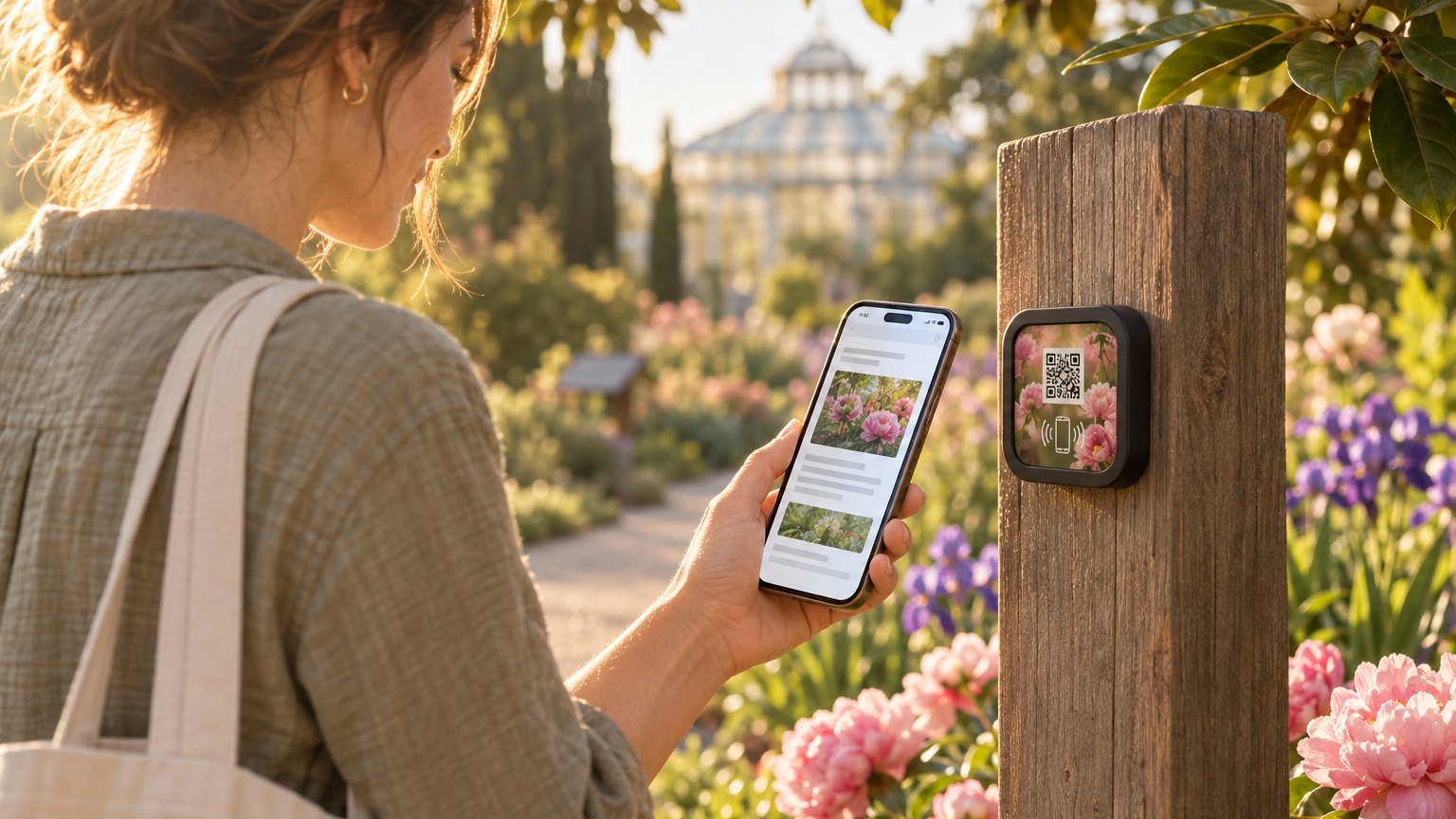
    A visitor with a canvas tote reads a page about the peony bed on her phone beside a NearField Marker on a weathered timber post, with pink peonies, purple irises and a glasshouse behind her

    Where gardens put their Markers

    Collection beds

    One Marker at the head of the rose garden or the herb beds, not one per plant. The page says what's in bloom this week and points out the one to find.

    Signature specimens

    The champion oak, the tree the first director planted. Its page carries the history your volunteers tell on tours, for visitors who come on the other six days.

    The conservatory door

    The current show and what's flowering inside. When the show changes, rewrite the page and leave the Marker where it is.

    The label stays. What changes goes behind it.

    A plant label holds a name, a family, a native range and an accession number, and none of those change. The bloom report changes weekly, the conservatory show every season, and a bed after every storm. That goes on the page. Every page also carries the Inclusion Bar: a visitor can switch it into any of 20 languages, enlarge the text or turn on high contrast, and if you choose a voice, it reads the page aloud.

    Ready to build?

    Start with this template

    Free to build. Start with the entrance and your two busiest beds.

    Want the full guide? Read the guide to interpretation behind every plant label.
    Ready-made Markers for this

    Pick a design, tell us where it points, and check out - no account needed to start.

    Ships in 2 business days from the US - and you can re-point any Marker later.

    Trail map - Mint NFC and QR Marker

    Trail map - Mint

    Audio guide - Violet NFC and QR Marker

    Audio guide - Violet

    Check in - Mint NFC and QR Marker

    Check in - Mint

    Find your way - Sky NFC and QR Marker

    Find your way - Sky

    For places with two or more spots

    Setting up more than one spot? The first Marker's on us.

    Tell us how many spots you have and where to send it, then build the page it opens: pick your Marker, choose what a tap or scan opens, and we draft the rest in about a minute. We make the Marker and put it in the mail. No card, no call to book.

    • •You build the page it opens, from a template for your kind of place.
    • •One real Marker, in the mail, on us, to try at your first spot before you set up the rest.
    • •We confirm the details by email before it ships.

    How many spots would get a Marker?

    Rooms, exhibits, tables, rentals, trail stops: anywhere a guest would tap or scan.

    No card, no commitment. Next, you build the page it opens. It takes about a minute.