Guide · QR codes
Dynamic QR codes: what they are and when to use one
If you've ever printed a QR code, then needed to change where it goes, you already understand the problem dynamic QR codes solve.
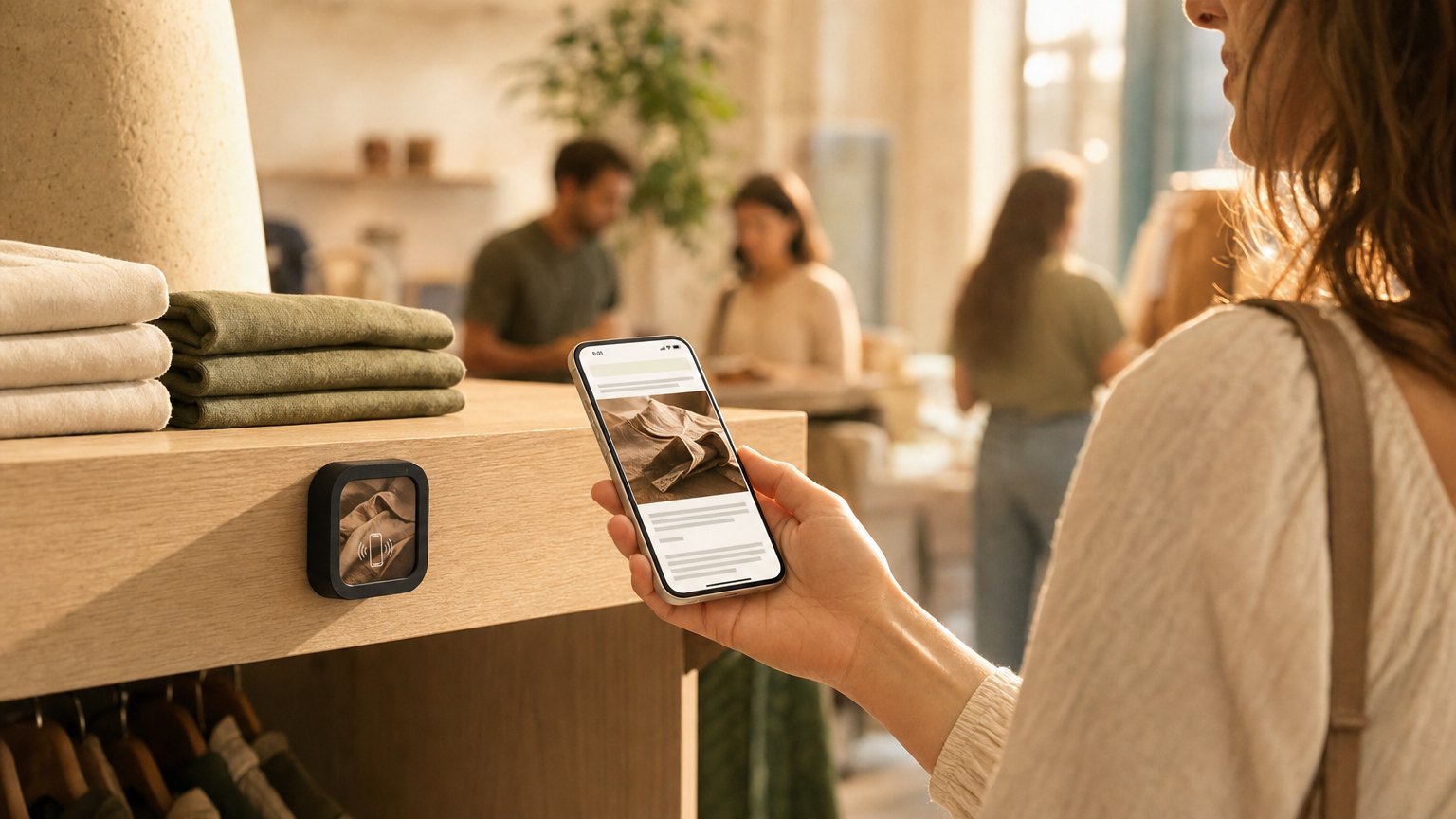
Static vs dynamic in one paragraph
A static QR code encodes the destination directly into the pattern. Change the destination, change the pattern. A dynamic QR code encodes a short redirect URL: the pattern points to a server you control, and the server decides where to forward each scan. The printed code never changes. The destination can change every day.
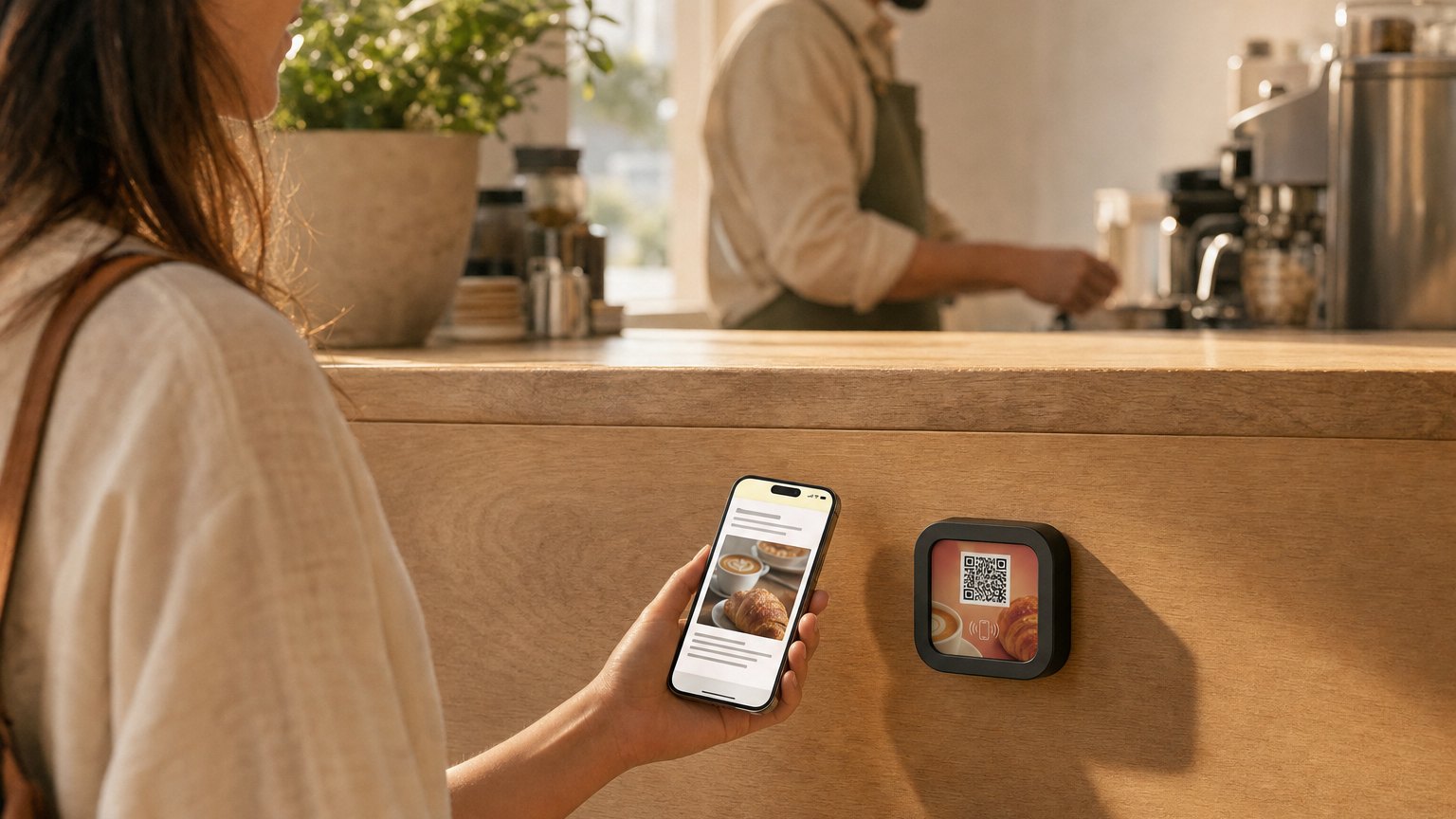
What you can do with dynamic that you can't with static
- Edit the destination after printing: change menus, swap promos, fix a typo'd URL.
- Track scans: opens, locations, repeat visitors, time of day.
- Run campaigns: A/B test landing pages, rotate seasonal content.
- Geo- or time-target: different content morning vs evening, or by city.
- Add fallback content if the destination ever goes down.
When static is still fine
Wi-Fi credentials, permanent contact cards, plaques meant to last 30 years. Anything where the destination genuinely never changes and you don't need scan data.
How NearField does this
Every NearField Experience gets a short URL like getnearfield.com/e/abc123. The QR encodes that short URL. You edit the Experience in your dashboard; the next scan shows the new content. No reprint, no new code.
When you order a physical Marker, its printed QR and its NFC chip open the same link, which forwards to whichever Experience you point the Marker at, so it works for guests who scan and guests who tap.
Try it
Generate a dynamic QR Experience now. Free, no card needed.
