Guide · QR codes
QR code best practices: how to make a QR code that actually scans
The QR codes that fail in the field usually fail for the same reasons: too small, too low-contrast, no quiet zone, glossy laminate. Here's the short list of what actually matters.
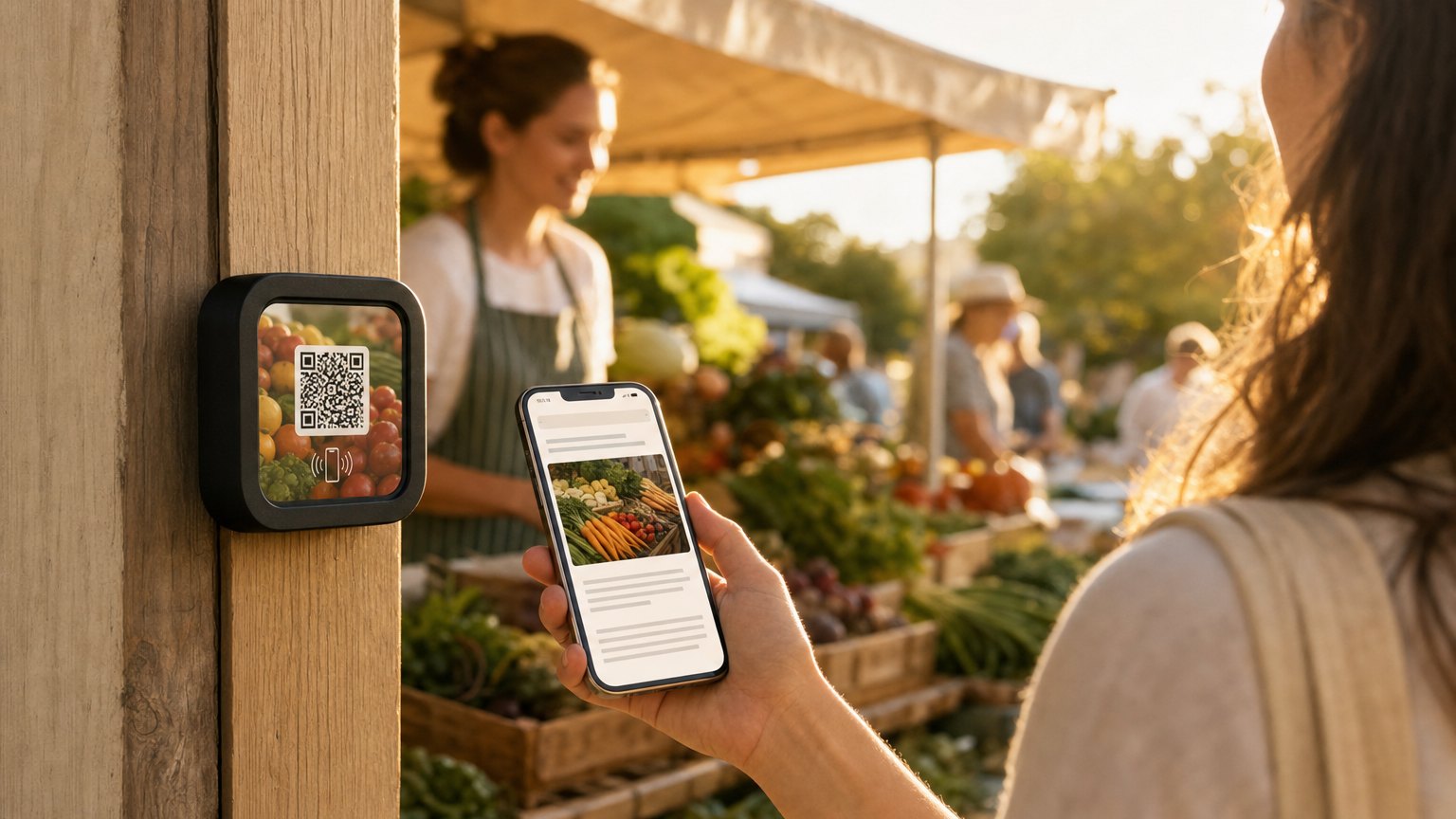
Size: scan distance × 10
A QR code needs roughly 1 cm of width for every 10 cm of scanning distance. Tableside (about 30 cm away) → 3 cm code. Across a small room (3 m) → 30 cm code. Across a parking lot → don't, use NFC or a short URL instead.
Contrast: dark on light, always
Modules must be darker than the background. Inverted codes (light on dark) work on newer phones but fail on older ones, about 10% of scans will silently fail. Use brand colors for the modules, keep the background plain white or near-white.
Quiet zone: leave 4 modules of space
QR scanners need empty space around the code to detect it. Leave a margin equal to at least 4 module widths on every side. Crowding the code with text or a tight frame breaks detection more often than people realize.
Error correction: M unless you have a logo
QR codes have four error-correction levels: L (7%), M (15%), Q (25%), H (30%). Higher levels make the code denser but allow part of it to be obscured. Use M as a default. Bump to H if you're placing a logo in the center or printing on something that gets touched a lot.
Logos: max 25% of the code area
A center logo replaces about 20-25% of the modules. Combined with H-level error correction the code still scans. Keep the logo simple (a wordmark or icon, not a photo) and leave a small clear ring around it.
Material: matte beats glossy
Glossy laminates reflect light back into the camera and create dead zones. Matte paper or matte vinyl scans more reliably under restaurant lighting, retail lighting, or sunlight.
Placement: scannable from a natural posture
Eye-level for posters, table-level for tents, counter-level for register signs. If a guest has to crouch or stretch to scan, half of them won't.
Test before you print a hundred
Scan with at least one iPhone and one Android. Test in the lighting where it'll actually live. Test at the distance guests will actually use. Print one before you print a hundred.
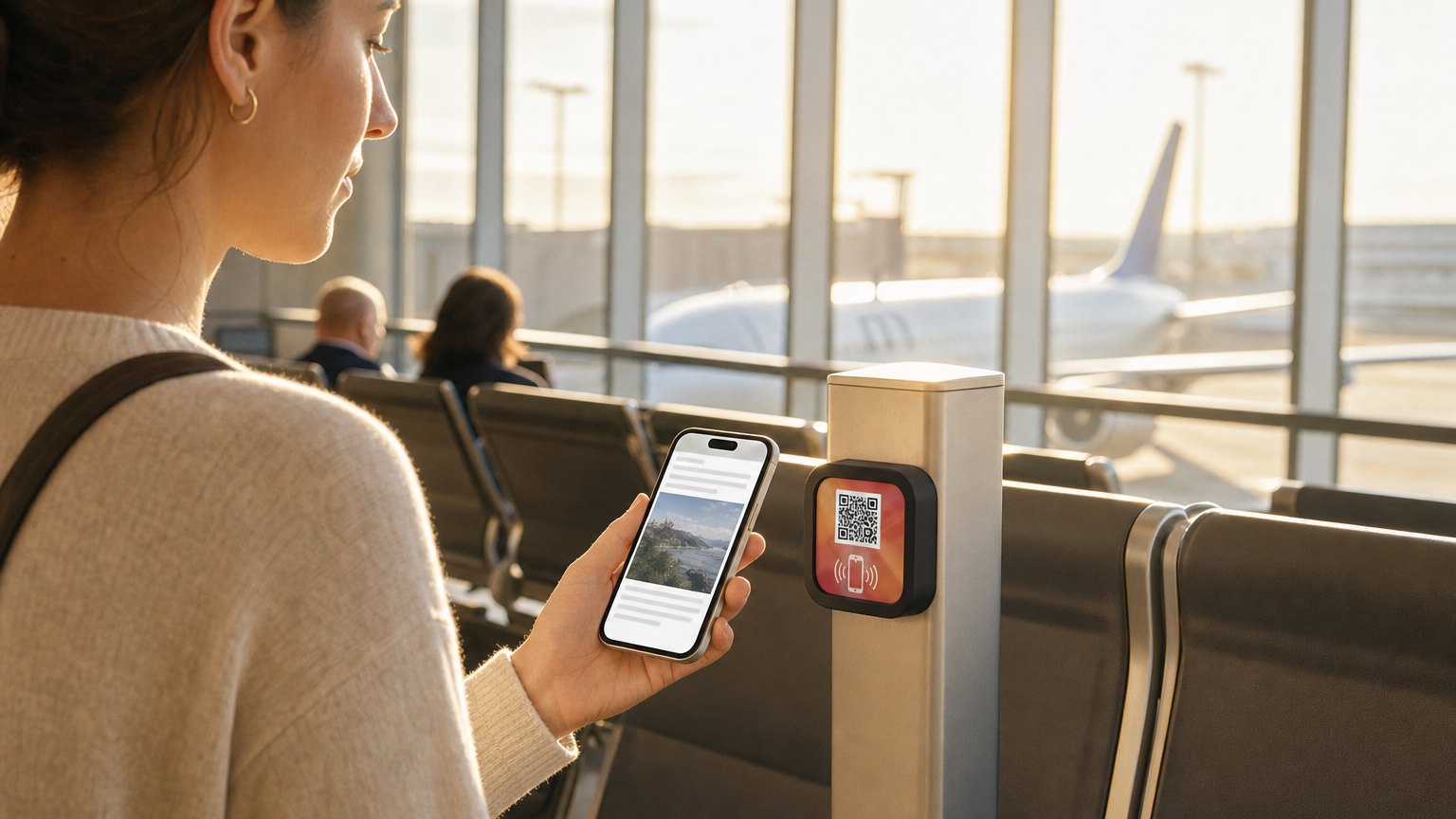
Skip the print run entirely
NearField Markers ship with the QR pre-printed to spec on matte stock, with the NFC chip included. Generate the Experience, order the Markers, place them. No design files, no print-shop trial runs.
