Guide · Retail
NFC for store-within-a-store: turn host-store shoppers into brand regulars
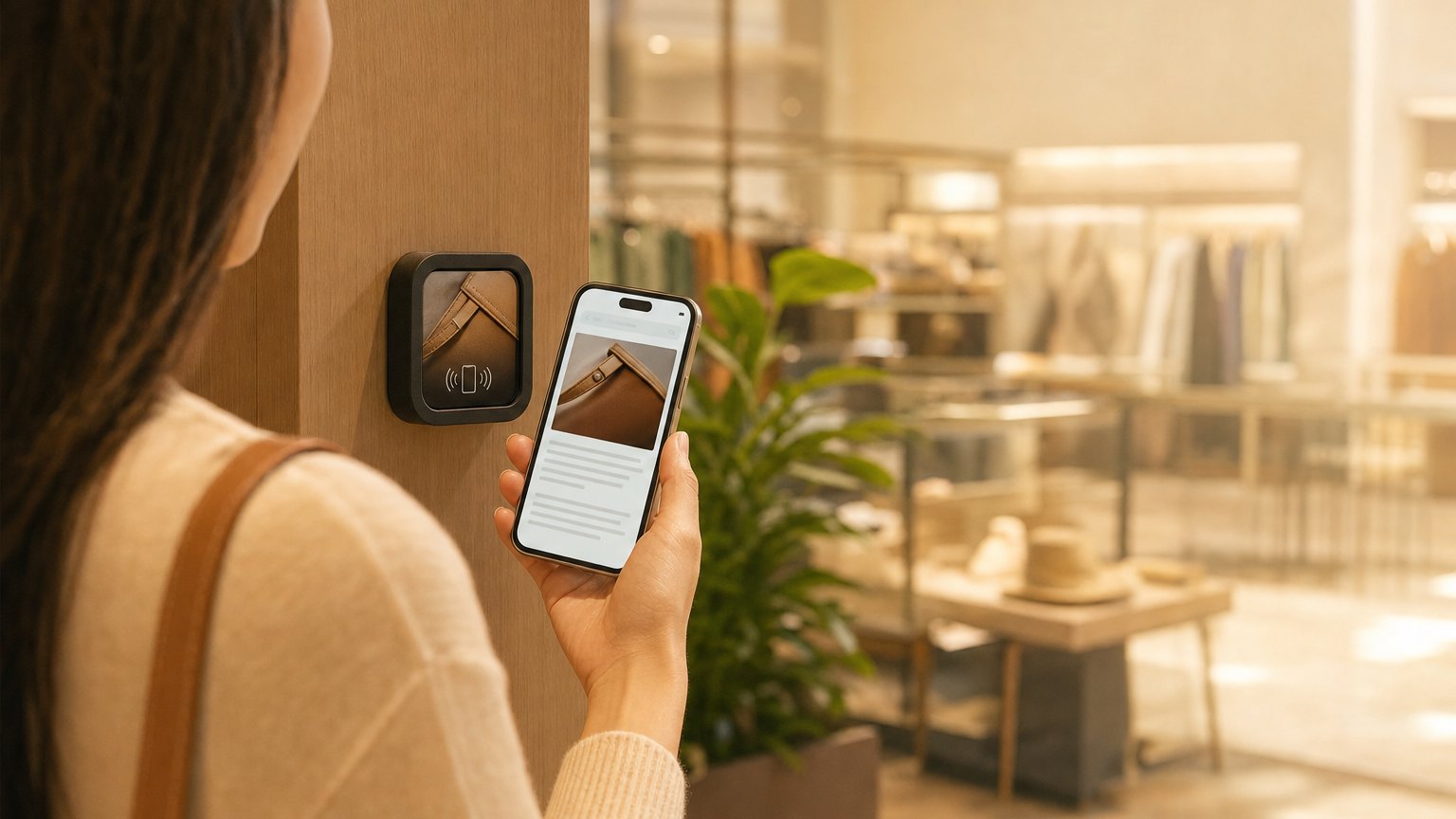
A Marker at your brand's section in someone else's store. A shopper discovers your corner, taps it, and gets your full brand story, a partner-exclusive offer, and a reason to follow you directly. The host store provided the foot traffic. You built the relationship.
The challenge of being a brand inside a bigger store
Having a section inside a larger retailer is an acquisition channel, access to foot traffic you didn't build yourself. But the brand relationship you build there is shallow by default. A shopper who picks up your product and puts it down walks away with nothing. They might remember your name, or they might not.
The shelf tag gives them a price. At best, the packaging gives them a sentence about what it is. The story that would turn a browser into a buyer, or a one-time shopper into a direct customer: that story doesn't fit on a label.
A NearField Marker at your section gives you a full brand Experience right there on the shelf. Not a URL they'll never type. A tap that works exactly where they're standing.
What to put on your section Marker
- •The brand origin story. Who started this, why, and what makes it different. The story that makes a shopper choose the $28 candle over the $12 one next to it.
- •Featured products with depth beyond the shelf tag. Ingredients, sourcing, certifications, how-to-use. Give shoppers enough detail to make a confident purchase decision, and enough story to remember you afterward.
- •A partner-exclusive offer. A discount or bundle only available to people who tap at this location. Creates urgency and a reason to act before leaving the section.
- •A direct follow or shop button. Your website, your Instagram, your own store. The shopper who taps is more interested than average, give them a path to your direct channel.
- •An email capture. "Stay in the loop on new arrivals and restocks" or "Get 10% off your next order." A shopper who leaves with their email captured is a long-term customer, not a one-time transaction.
Ready to try it?
Build a store-within-a-store Experience free. Works wherever your brand section is placed.
Build a store-within-a-store ExperienceHow this differs from a pop-up
Pop-up shops are temporary by design: the value is in the moment, the exclusivity of "here today." Store-within-a-store placements are semi-permanent. Your section in a larger retailer might be there for months or years.
The Marker works the same way in both cases. The content strategy differs. Pop-up content emphasizes urgency: "here today, get it now." Store-within-a-store content can build a more considered story: the brand values, the full product range, the long-term relationship with your direct channels.
The brand-building payoff is also different. At a pop-up, a follower might never see you in person again. At a store-within-a-store, the relationship you build can drive repeat visits to the same host-store location, the same section, for months to come.
Keeping it current
The Marker at your section doesn't change. The Experience behind it does, whenever you need it to.
When a product sells out, remove it from the featured items. When a new collection launches, update the imagery and add the launch promotion. When you negotiate a new partner-exclusive deal, update the promo block. None of this requires reprinting, restickering, or coordinating with host-store staff.
This is the structural advantage: you're the only one at your shelf section who can change what the Marker says. Use it to stay current with seasonal collections, promotions, and restocks without ever visiting the store.
Placement and display
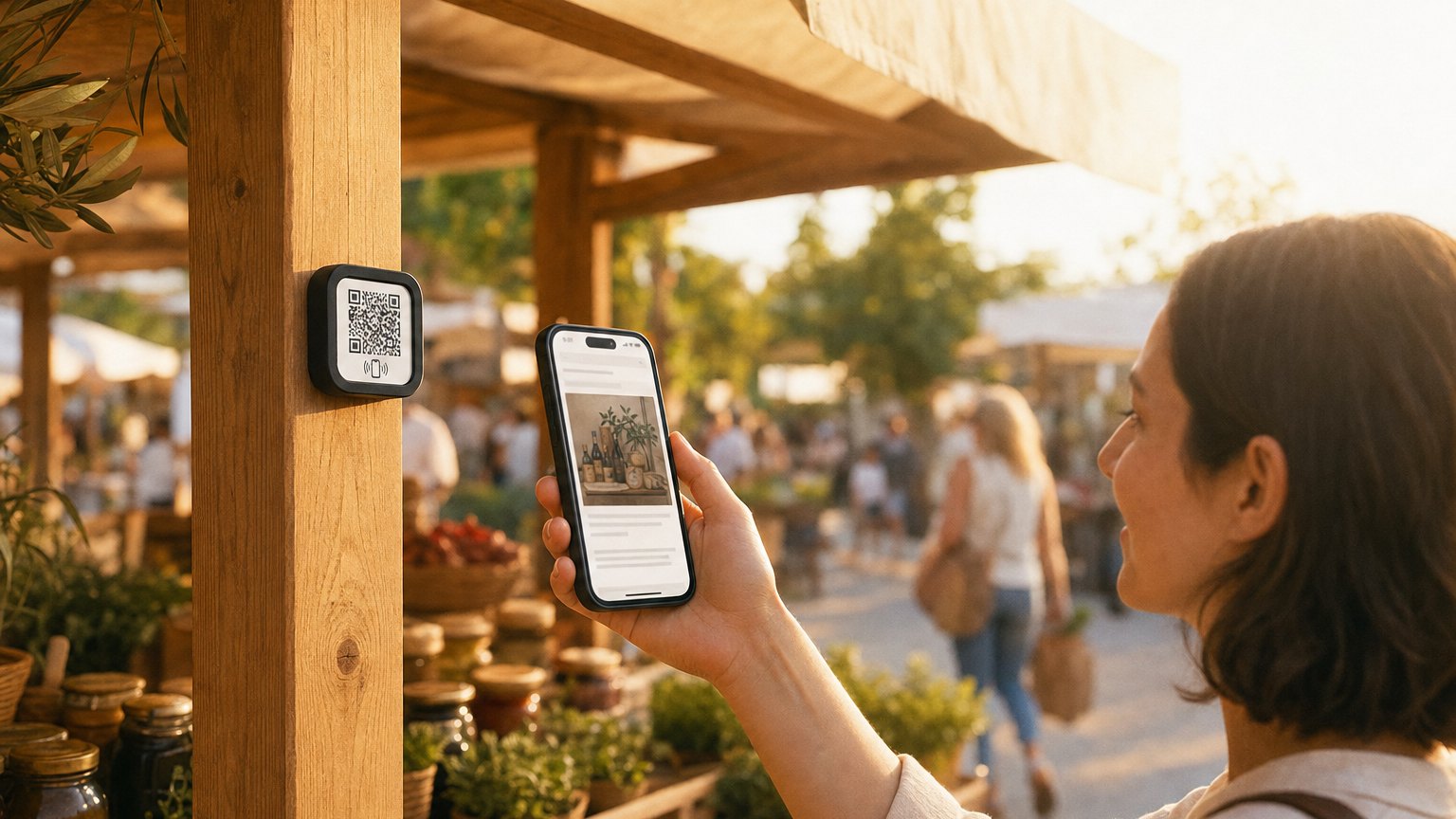
For a brand with a dedicated shelf or table, a small card stand with the Marker and a short prompt ("Tap to learn our story") works well. Keep the prompt curiosity-driven rather than transactional. "Made in Vermont. Tap to find out how." converts better than "Scan for more info."
If your section doesn't have table space, a Marker on the shelf riser or the front face of the brand bay works. Some brands use a small acrylic holder clipped to the shelf edge: subtle, easy to notice, doesn't require approval from the host store for installation.
How to get started
- 1Sign up free and start with the Store-Within-a-Store template. Fill in your brand story, featured items, partner-exclusive offer, and a follow or shop button.
- 2Preview on your phone as a shopper who's never heard of your brand. The story should make them want to buy, follow, and remember you, before they ever reach the register.
- 3Order a Marker. Place it on a small card stand at your section with a short prompt. "Tap to learn our story" is enough.
- 4Check your analytics. See how many taps your section gets, which days are busiest, and what shoppers do after they tap. Update the Experience to lean into what's converting.
Ready to build?
Build a store-within-a-store Experience
The template includes your brand story, featured products gallery, a partner-exclusive offer, social follow button, and email capture. Free to build, and your 14-day trial starts when your page goes live.

Ready to build?
Build a store-within-a-store Experience
The store-within-a-store template gives a concession its own brand, product story, and stockist details inside a host retailer, without asking the host to reprint anything.